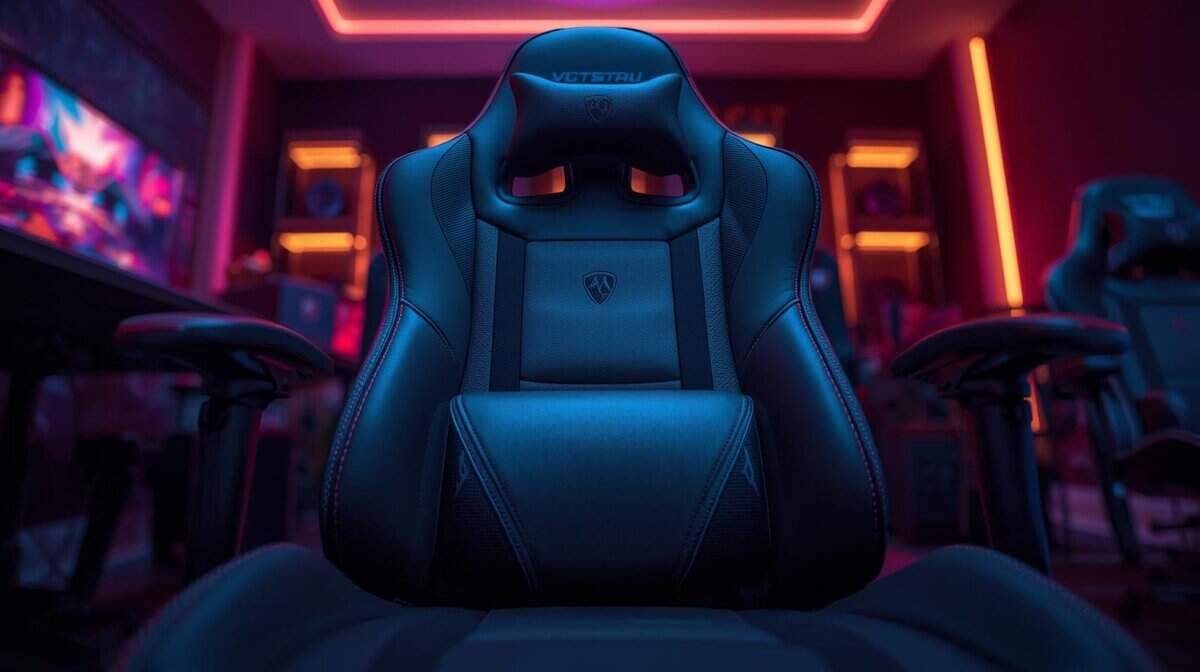
You’re probably reading this in a chair that looked good in photos, felt fine for the first week, and now leaves your lower back tight after a long match. That’s the usual path. Cheap race-seat styling sells fast because it looks like gaming gear. It doesn’t mean it supports your body for hours.
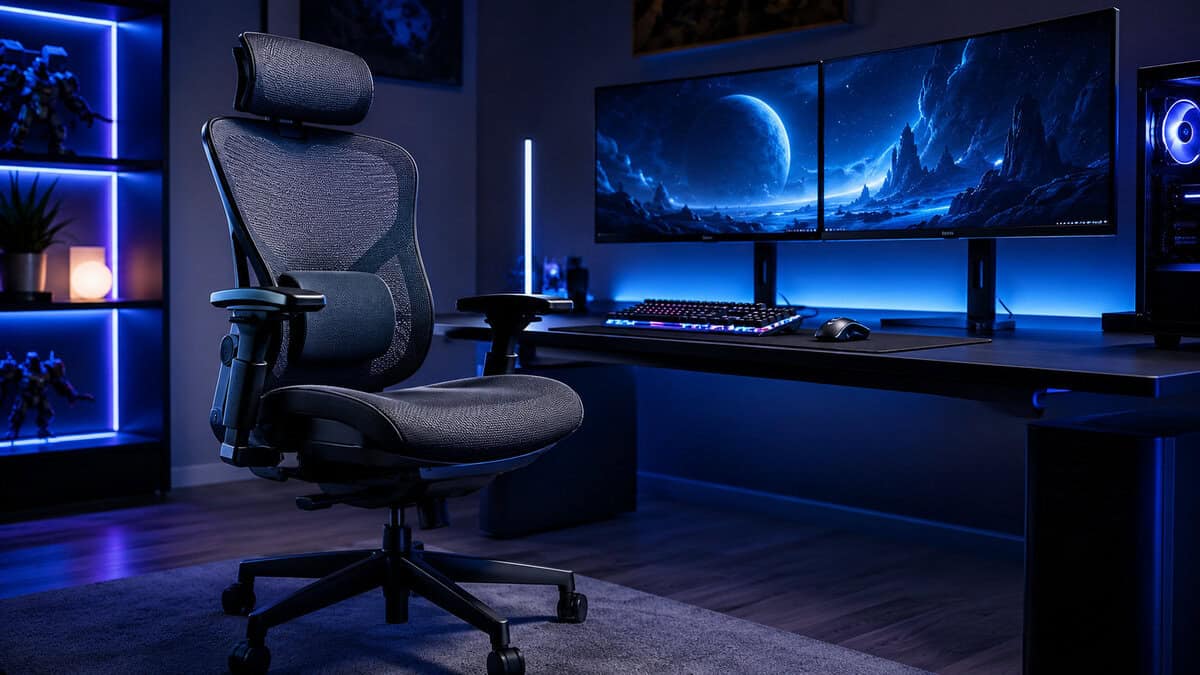
The best ergonomic chair for gaming isn’t the one with the loudest branding or the deepest recline. It’s the one that still feels supportive after a ranked grind, an MMO raid, or a full evening of streaming. Build quality matters. Durability matters. Adjustability matters more than cosmetic extras.
Many buyers also miss a crucial question. Should you even buy a gaming chair, or would a similarly priced office chair give you better value for long sessions? That’s where most reviews fall apart. They stay inside the gaming category and never fully compare the trade-offs.
This guide keeps it simple. Three value tiers: Budget, Mid-Range, and Value Flagship. If you want support, durability, and a chair that won’t feel like a mistake six months from now, start here.
- Built-in lumbar support is rare at this price
- Sturdy, planted frame that does not feel cheap
- Widened seat base suits upright play
- Lumbar shape is fixed rather than fully adjustable
- 2D armrests offer less travel than 4D rivals
- Fabric shows dust more than a mesh back
- Self-adaptive lumbar follows your lower back
- Breathable mesh stays cooler than foam or PU
- Large review base for a budget mesh chair
- Assembly takes a little patience
- Mesh seat feels firmer than padded gaming chairs
- Styling is office-first rather than gamer-flashy
- Auto-tracking lumbar adjusts as you shift
- Full mesh keeps you cool over long sessions
- Backed by a long warranty and trial window
- Priced at the top end of this list
- Understated mesh look, not gamer-styled
- Ships direct from Sunaofe rather than Amazon
- Skip the race-seat aesthetic; real ergonomic support comes from an adjustable lumbar system, not a bucket-seat shape.
- On a tight budget, the Razer Iskur V2 X delivers built-in lumbar support and a sturdy frame for upright FPS and streaming posture.
- The SIHOO Doro C300 is the value sweet spot: a true mesh chair with self-adaptive lumbar and a big review track record.
- For a flagship that fits the ergonomic case, the Sunaofe Morph Classic adds auto-tracking lumbar and full-mesh airflow for marathon sessions.
- Match the chair to how you sit: upright players want firm lumbar support, while long-session players should prioritize mesh and adjustability.
Table of Contents
Why Your Current Gaming Chair Is a Back Pain Machine
Most bad gaming chairs fail in the same ways. The seat base is too flat or too stiff. The lumbar “support” is a loose pillow that shifts around. The armrests sit in the wrong place, so your shoulders creep upward and stay tense. After a few hours, your body starts compensating.
That’s why so many people blame gaming itself when the chair is the problem. Sitting still for long sessions is hard enough. A chair that pushes your pelvis forward or lets your spine collapse makes it worse.
The race-seat look is mostly for show
A lot of gaming chairs borrow the bucket-seat look from cars. It’s great for marketing. It’s not great when the side bolsters pinch your thighs or force you into one posture all evening. Real ergonomics come from fit and adjustment, not from looking fast.
If you’ve started getting numbness, leg pressure, or hip tightness, your setup needs attention beyond the chair alone. A practical guide to leg pain relief from sitting is worth reading because discomfort often starts with posture and pressure points, not just “bad back genetics.”
Cheap chairs usually don’t fail all at once. They fail a little every week, until your body starts paying the bill.
Value matters more than “cheap”
Budget-conscious buyers shouldn’t chase the lowest price. They should chase the chair with the fewest compromises that affect comfort. That means stronger frame construction, padding that keeps its shape, lumbar support that isn’t decorative, and armrests you can position correctly.
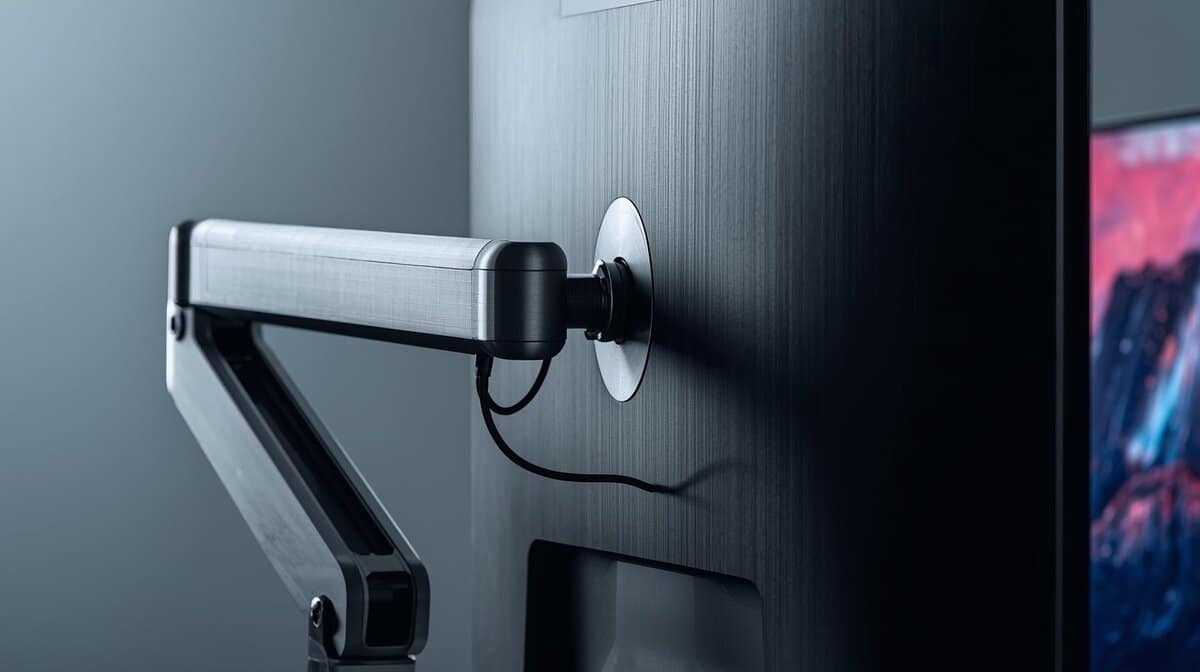
Your desk setup also affects how much strain lands on your chair. If your monitor sits too low or too far away, you’ll lean forward no matter how good the seat is. A proper monitor arm for gaming setups can fix that posture issue faster than a flashy chair upgrade.
What Really Matters in an Ergonomic Gaming Chair
Before looking at picks, it helps to know what separates a chair that lasts from one that just photographs well. Four things matter most: adjustability, materials, build quality, and dimensions.
Here’s the short version.
| Model | Price Tier | Key Feature | Best For |
|---|---|---|---|
| Razer Iskur V2 X | Budget | Sturdy build with solid basic support | FPS gaming, upright play, streaming |
| SIHOO Doro C300 | Mid-Range | Better long-session comfort and broader fit | Daily gaming, mixed play styles |
| Sunaofe Morph Classic | Value Flagship | Advanced lumbar adjustment | MMO sessions, all-day use, premium value |
Adjustability decides whether the chair fits you
This is the big one. A chair doesn’t become ergonomic because the box says so. It becomes ergonomic when you can tune it to your body.
For posture, the baseline that matters most is straightforward: 4D armrests that conform to your wrist and elbow angle help distribute weight evenly and reduce forearm strain, an adjustable seat height helps maintain a 90-degree knee and elbow angle with your eyes level to the screen, and mid-back lumbar support should match spinal curvature with adjustable depth and vertical positioning. The Sunaofe Morph Classic is a benchmark example of that kind of adjustability.
If a chair lacks proper armrest movement or real lumbar adjustment, you’ll feel it during longer sessions. Your wrists angle awkwardly. Your shoulders rise. Your lower back loses contact with the chair.
Materials change comfort over time
Different materials create different trade-offs.
- PU leather looks clean and wipes down easily, which is handy if you snack or stream regularly. It can also feel warmer over long sessions.
- Fabric usually feels less sticky and more forgiving in mixed climates. It tends to suit players who spend long hours planted in one spot.
- Mesh often wins on breathability, but not every mesh seat feels good for gaming. Some feel better for task work than for leaning back and settling in.
No material is automatically better. What matters is how it pairs with the foam, frame, and support design.
Build quality is where value shows up
You can spot the difference between a serious chair and a disposable one in the base, frame, and moving parts. A sturdier chassis feels more stable when you recline, shift your weight, or sit down hard after a match. Cheap armrests get sloppy. Cheap tilt mechanisms start creaking. Weak padding compresses and never really comes back.
Practical rule: If a chair cuts corners on the parts you can’t see, the comfort you can feel won’t last.
Dimensions matter too. Seat width, seat depth, and back shape decide whether the chair supports you or fights you. This gets ignored in a lot of reviews, but it shouldn’t. If you want a fuller breakdown of how these trade-offs compare by category, this guide on gaming chair vs office chair is useful because it frames the decision around fit and long-session support instead of aesthetics.
Best Budget Ergonomic Chair
If you want the best ergonomic chair for gaming at the budget end, the smart pick is the Razer Iskur V2 X. Not because it does everything. It doesn’t. It wins because it avoids the worst mistakes common in low-end gaming chairs.
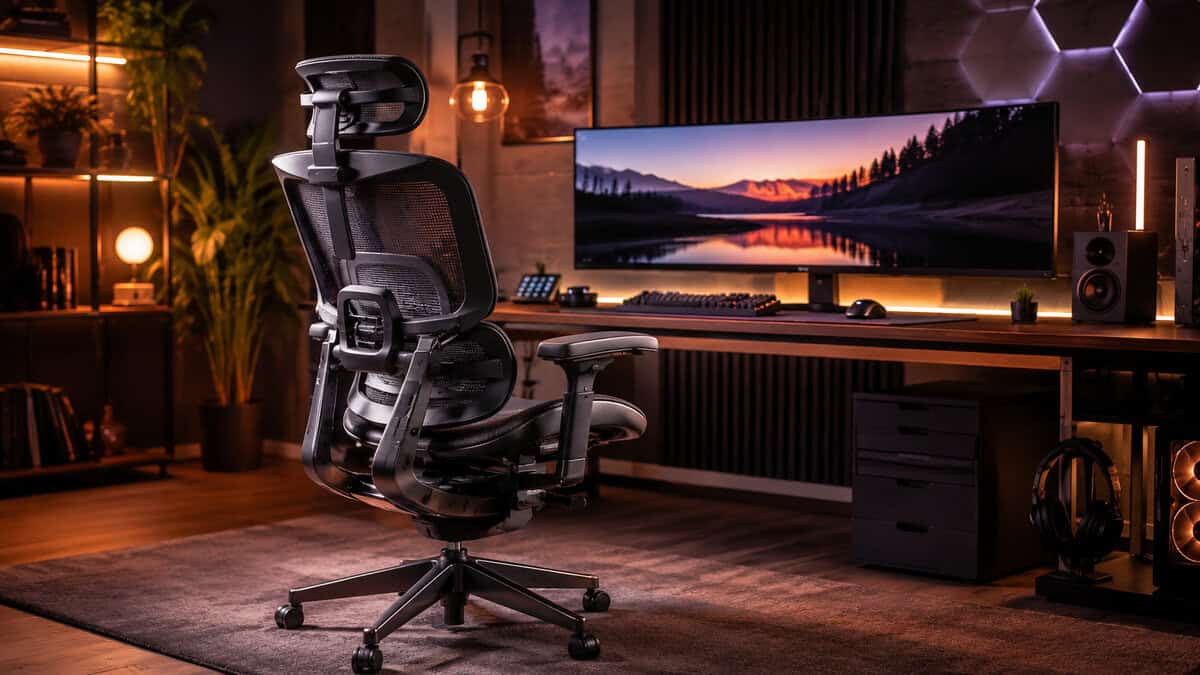
According to Tom’s Hardware’s gaming chair roundup, the Razer Iskur V2 X is an excellent budget option offering sturdy build quality and comfort suitable for FPS gaming and streaming, though it lacks advanced lumbar customization found in higher-tier models.
That summary gets to the point. You’re buying a chair with solid bones, not a miracle.
What it does well
The Iskur V2 X makes sense for players who sit fairly upright. That includes a lot of FPS gamers, people who lean into keyboard and mouse play, and streamers who stay engaged with chat instead of lounging in a deep recline.
Its value comes from a few practical strengths:
- Sturdy construction: It feels more planted than the usual no-name budget chair.
- Better long-term support than bargain-bin models: The structure and padding hold up better than chairs that feel soft on day one and dead by month six.
- Cleaner compromise set: You’re not paying for junk add-ons like weak footrests or oversized pillows that never sit where you need them.
That matters more than flashy extras. At this price tier, every dollar spent on gimmicks usually comes out of the frame, foam, or mechanism.
Where the budget shows
The biggest limitation is lumbar adjustment. You get usable support, but not the kind of fine-tuned back fit you’ll find once you move up a tier. If you already know your lower back is picky, you’ll notice the missing cost.
That doesn’t make the chair a bad buy. It just defines who it’s for.
If your budget is tight, prioritize a chair with a durable frame and honest support over one that tries to imitate premium features badly.
Best use case
The Iskur V2 X is the right call if your sessions are frequent, your budget is controlled, and you care more about build quality and durability than showpiece styling. It’s also a sensible anchor for a practical setup. Add useful gear around it, not clutter. If you’re refining the whole battlestation, these desk accessories for gaming help more than random cosmetic add-ons.
Best Mid-Range Ergonomic Chair
This is the tier where chairs start feeling like equipment instead of furniture with branding. The SIHOO Doro C300 sits in the sweet spot for buyers who want a noticeable upgrade in support, build quality, and daily usability without jumping straight to flagship pricing.
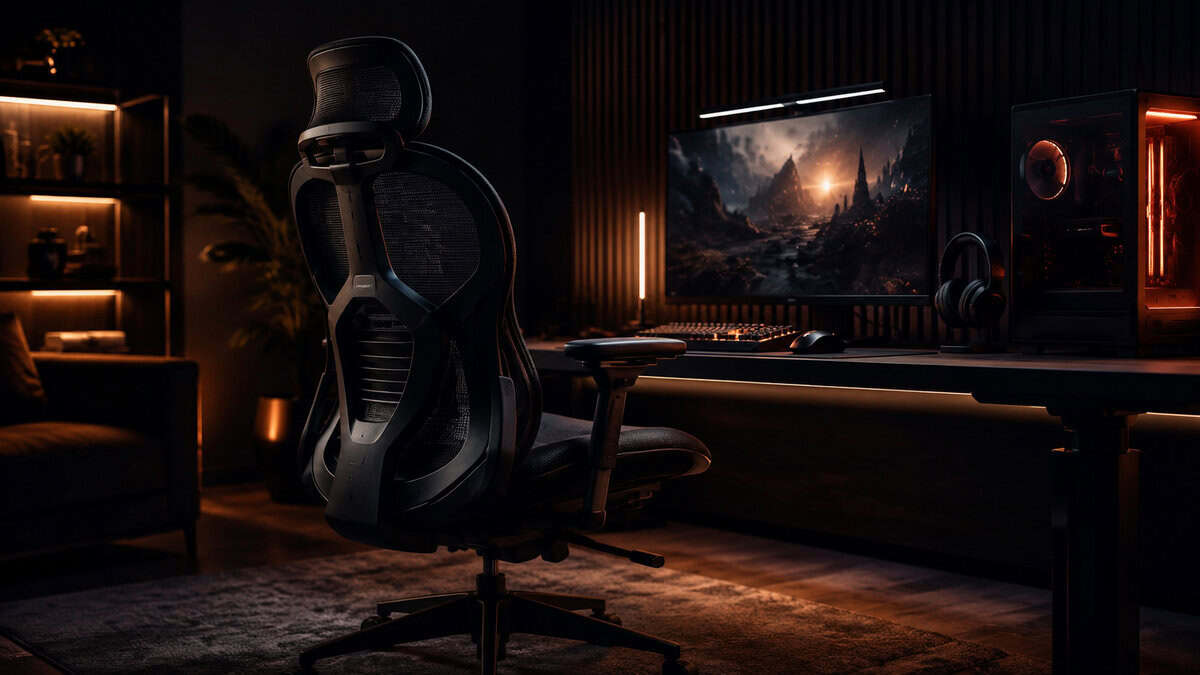
The biggest reason this chair stands out is endurance. The SIHOO Doro C300 is built around a self-adaptive lumbar system and a high-resilience mesh back that holds its shape through long sessions, so support stays consistent from the first hour to the last instead of sagging the way cheap foam padding does. With more than a thousand buyer reviews behind it, it has the track record most budget mesh chairs cannot match.
That lines up with what serious users usually notice. At this level, support doesn’t just feel better at the start. It holds together longer into the session.
What the extra money actually buys
Compared with a budget chair, the Doro C300 earns its price through a better mechanism, more substantial seat feel, and stronger day-to-day flexibility.
You’re paying for things that matter:
- A better tilt and recline experience: Movement feels more controlled and less cheap.
- Higher-grade cushioning: The seat and back stay more supportive as sessions stretch out.
- A broader overall fit: This is a big deal if narrow bucket-style chairs make you feel boxed in.
- Durability that shows up in daily use: Less wobble, less flex, less sense that the chair is aging too fast.
The magnetic pillow setup is also a more user-friendly solution than straps and loose cushions. It sounds minor until you’ve fought with slipping accessories for months.
Who should buy it
The Doro C300 fits gamers who spend a lot of time at the desk and want a chair that feels like a meaningful step up, not a lateral move. It’s especially good for mixed use. Game after work, stream on weekends, watch videos at night. That sort of load exposes weak chairs fast.
For MMO players, it gives more sustained support than entry-level chairs. For streamers, it feels more stable over long blocks. For general daily use, it’s less restrictive.
A good mid-range chair doesn’t need to be dramatic. It just needs to feel better in hour five than your old one felt in hour two.
The Doro C300 is where many buyers should stop. You get the biggest comfort jump for the money without paying premium pricing just to chase the final bit of refinement.
Best Value Flagship Ergonomic Chair
If you want the best ergonomic chair for gaming without drifting into luxury pricing, the Sunaofe Morph Classic is the value flagship. This is the point where the feature set starts to feel complete.
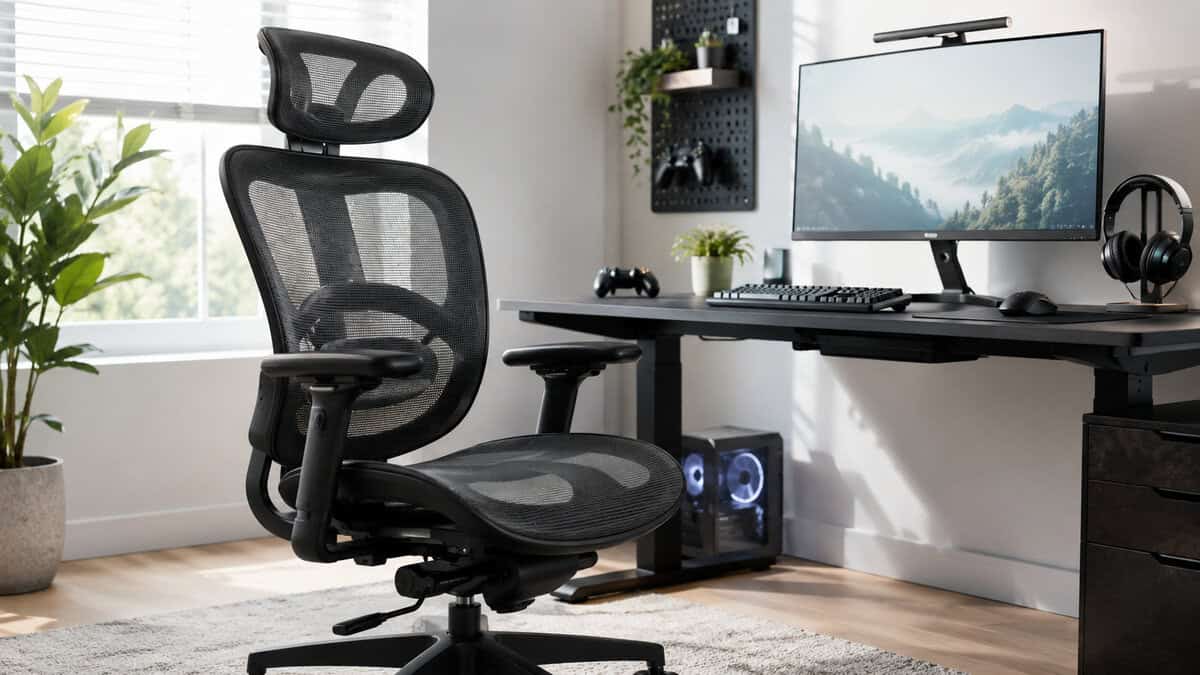
The strongest argument for it is simple. The Sunaofe Morph Classic pairs a full-mesh seat and back with an auto-tracking lumbar system that follows your spine as you shift, the kind of adjustable, posture-correcting support that genuinely changes how the chair fits over a long session. That is the real dividing line between a flagship ergonomic chair and an entry-level one, and it is why marathon MMO and strategy players feel the difference most.
That’s the primary distinction. “Real lumbar support” means built-in adjustment that changes how the chair fits your spine. It doesn’t mean tossing in a pillow and pretending the problem is solved.
Why this chair earns the step up
The Morph Classic justifies its price because the support system is more precise and more useful in actual long sessions. That matters most for players who stay seated for extended blocks, especially in slower-paced games where you’re not constantly hopping up between rounds.
Its distinction becomes clear:
- Integrated lumbar support: Better than relying on a cushion that shifts or compresses.
- Broader ergonomic tuning: The chair adapts more closely to your posture instead of forcing you to adapt to it.
- Durable materials and structure: It feels like something built for repeated daily use, not occasional gaming.
- Better value than going even higher: You get most of what serious users need before prices start making less sense.
Best fit for MMO and marathon sessions
The Morph Classic makes the most sense for MMO players, strategy players, remote workers who game after hours, and anyone whose chair has to survive heavy use week after week. Those buyers need support that stays consistent, not just padding that feels plush at first touch.
There’s also a practical value argument here. Spending more upfront can make sense when the chair serves both work and play. A poorly built chair gets expensive fast when it starts creaking, flattening, or forcing you to replace it early.
The honest trade-off
This isn’t the cheap option. It’s the option that gives serious users fewer reasons to upgrade again. If your budget stretches here and you know you’ll use the chair heavily, it’s the safer buy than cycling through lower-end seats.
How to Ensure the Perfect Fit and Setup
A good chair set up badly will still hurt. Dialing it in takes a few minutes and makes a bigger difference than is commonly assumed.
Start with seat height
Set the chair so your feet rest flat and your knees sit at a right angle. Your elbows should also land near a right angle when your hands are on your input devices. If you’re reaching upward or dropping your shoulders to meet the desk, something is off.
Desk height matters here too. If the chair fits but the desk doesn’t, you’ll still end up shrugging or leaning. A proper gaming desk setup guide can help if your chair adjustments keep feeling “almost right” but never comfortable.
Match the backrest and lumbar to your spine
Sit all the way back. Then move the lumbar support until it meets the natural curve of your lower and mid back. Don’t place it too low. Don’t let it push you aggressively forward either. The goal is contact, not pressure.
If your chair reclines, a slight recline often feels better than sitting bolt upright for hours. You want supported posture, not rigid posture.
Your back should feel held in place, not pinned in place.
Fix the armrests last
Armrests should support your elbows without lifting your shoulders. If they’re too high, your neck and traps do extra work. If they’re too low, you slump.
Eye strain also affects posture more than people think. If you squint or lean toward the screen, your back follows. If you spend long hours in front of a bright display, these blue light filter lenses for gamers are worth reviewing as part of a comfort-first setup.
Comfort is not only about the chair, and our best gaming glasses guide covers eye comfort for long sessions.
Frequently Asked Questions for Budget Gamers
A few common questions about choosing an ergonomic chair for gaming.
Are office chairs actually better than gaming chairs for long sessions?
Sometimes, yes. This is the part gaming-focused reviews often dodge.
WIRED’s office chair coverage reports that 65% of gamers who sit for 6+ hours daily say adjustable lumbar office chairs provide better comfort and posture than fixed-lumbar gaming chairs, mainly because of micro-adjustability and breathability. If your priority is posture over style, that matters.
That doesn’t mean gaming chairs are automatically bad. It means a similarly priced office chair can be the better value when adjustability is stronger and the seat design is less restrictive. If you play for long stretches and don’t care about the gamer look, office chairs deserve serious consideration.
How long should I expect a chair to last?
Don’t expect miracle longevity from a low-end chair. The common failure points show up earlier. Padding softens. Armrests loosen. Tilt mechanisms develop play. Gas lifts become less consistent.
A better question is whether the chair keeps supporting you well through regular use. Chairs with sturdier frames, better mechanisms, and denser cushioning usually justify their higher cost because they stay usable longer. That’s why value matters more than sticker price.
Fabric or PU leather for gaming?
This depends on your room, your habits, and how long you sit.
- Fabric: Better if you run warm or spend long sessions planted in one place.
- PU leather: Easier to wipe clean and often looks sharper out of the box.
- Either can work: Build quality matters more than surface material alone.
For streamers and daily players, breathability usually becomes more important over time than initial looks.
What usually breaks first on cheap chairs?
A few parts fail again and again:
- Armrests: They get wobbly, crack, or develop too much side play.
- Gas lifts: Height adjustment starts slipping or becomes inconsistent.
- Seat foam: It compresses and stops supporting your hips evenly.
- Tilt hardware: Recline tension gets noisy or unstable.
That’s why it helps to inspect the boring stuff first. Fancy stitching and bright trim don’t tell you much. Stable movement, firm structure, and solid support do.
If you’re already fixing comfort issues across your setup, pairing your chair upgrade with a better pointer can also reduce strain during long sessions. A guide to the best ergonomic gaming mouse helps on that side of the desk.
If you’re building a setup that has to feel good for hours and still make sense for your budget, Budget Loadout is a solid place to keep going. The site focuses on value-first gaming gear, honest trade-offs, and practical upgrades that improve comfort and performance instead of just looking the part.
Related Articles