Standard gaming headsets often prioritize features over sound. The best budget audiophile headphones offer a significant upgrade in audio fidelity by focusing on sound reproduction and build quality. For gamers seeking long-term value, this is a sensible trade-off.
- Audiophile-grade headphones under $100 exist — models like the Audio-Technica ATH-M40x and Sennheiser HD 560S punch well above their price
- Open-back headphones create a wider soundstage ideal for music listening, while closed-back isolate better for noisy environments
- Low-impedance models (under 32 ohms) work fine with phones and laptops, but higher-impedance cans may need a dedicated amp
- Budget audiophile headphones prioritize accurate sound reproduction over boosted bass, which reveals more detail in music
- Open-back headphones give a wider soundstage for immersive gaming audio, but leak sound — choose closed-back if you game in shared spaces
Table of Contents
- Outstanding soundstage for the price
- Lightweight and comfortable for long sessions
- Excellent positional audio for FPS games
- Open-back; no noise isolation
- Bass is lean for some genres
- Cable is not detachable
- Accurate flat sound profile
- Good noise isolation
- Durable build with swiveling cups
- Narrower soundstage than open-backs
- Earpads benefit from upgrading
- Stock cable is a bit stiff
- Exceptional detail retrieval
- Wide and precise soundstage
- Comfortable for marathon sessions
- May need an amp for quiet sources
- Open-back; no sound isolation
- Priciest in the budget range
What Defines a Budget Audiophile Headphone for Gaming
“Budget audiophile” does not mean cheap. It means getting the best possible audio performance and durability for your money, relative to the high-end market. For gamers, this involves looking past typical gaming headsets, which often compromise on core sound quality for bundled features like integrated microphones and RGB lighting.
An audiophile headphone, even an affordable one, is engineered for one primary purpose: accurate sound reproduction. This focus directly translates into a more immersive and competitive gaming experience.
Soundstage and Imaging: A Tactical Advantage
For gaming, two audio concepts are critical: soundstage and imaging. Soundstage is the perceived size and depth of the audio environment. A wide soundstage makes an open-world RPG feel expansive and a battlefield feel vast.
Imaging is the headphone’s ability to precisely place sounds within that soundstage. It allows you to pinpoint the exact location of an enemy’s footsteps, a distant gunshot, or a reloading click. For competitive FPS gaming, precise imaging provides a clear tactical advantage, letting you react to threats you hear before you see them.
The core trade-off is clear: you give up the all-in-one convenience of a gaming headset for a substantial upgrade in the audio cues that directly impact in-game performance and immersion.
Understanding the Trade-Offs
Choosing budget audiophile headphones means accepting specific compromises compared to mainstream gaming gear. You are prioritizing core performance over bundled features.
| Feature Comparison | Standard Gaming Headset | Budget Audiophile Headphone |
|---|---|---|
| Primary Focus | Convenience & Features (RGB, Mic) | Sound Fidelity & Build Quality |
| Microphone | Integrated, often of average quality | None (requires a separate mic) |
| Sound Signature | Often bass-heavy, which can obscure detail | More balanced and detailed for clarity |
| Durability | Typically all-plastic construction | Higher-quality materials like metal and durable plastics |
This guide focuses on headphones that offer lasting value through superior in-game audio and durable construction, ensuring your investment enhances your gameplay for years.
Key Audio Features for Gaming Performance
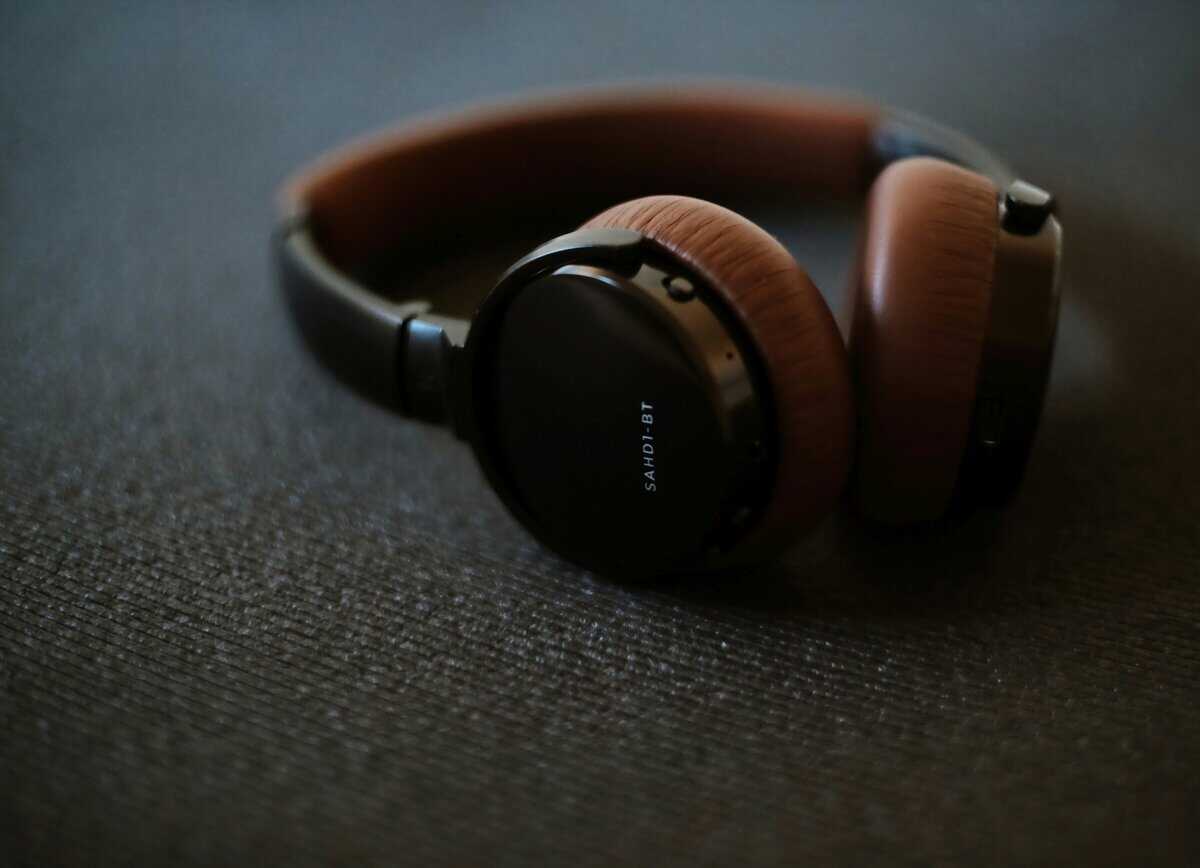
To identify a good pair of budget audiophile headphones, focus on the technical details that provide a tactical advantage in-game. Understanding a few core concepts will help you find genuine value.
The driver is the component that converts an electrical signal into sound. Most budget headphones use dynamic drivers, which are effective at producing bass. However, the quality of the driver is more important than its type. A well-tuned dynamic driver will outperform a poorly implemented planar magnetic one.
A balanced frequency response is also crucial. Many gaming headsets boost the bass to create an artificial “cinematic” feel, but this often muddies the audio. Audiophile headphones typically aim for a more neutral sound signature, ensuring no single frequency range overwhelms others. This clarity allows you to hear critical audio cues like footsteps or distant reloads.
Open-Back vs. Closed-Back Designs
The physical construction of the earcups significantly affects the listening experience. Neither design is universally superior; the correct choice depends on your gaming environment and preferred genres.
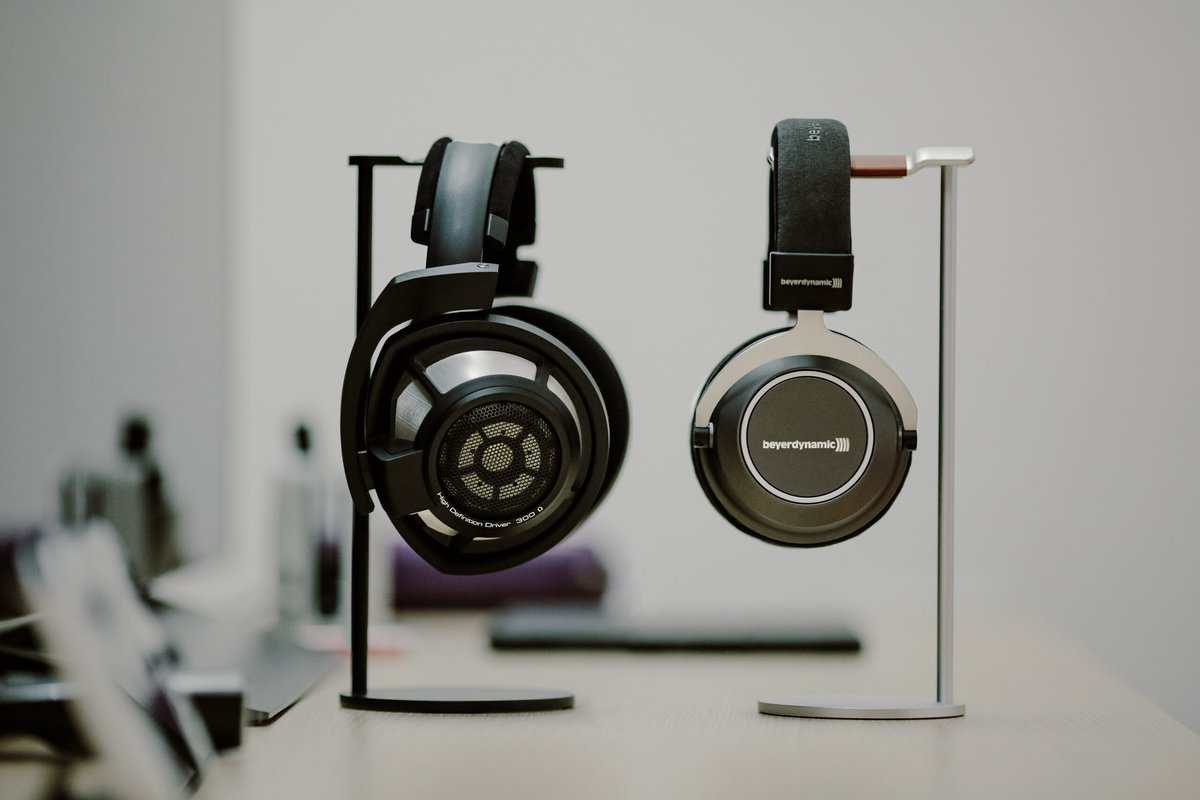
Open-back headphones have perforated earcups that allow air and sound to pass through. This creates a wide, natural soundstage that enhances immersion in open-world titles and MMOs. The primary trade-off is sound leakage: people nearby can hear your audio, and you can hear them. This makes open-back headphones unsuitable for noisy environments or shared spaces.
Closed-back headphones have sealed earcups that provide passive noise isolation, blocking external sounds and containing the game audio. This results in a more focused sound signature that is well-suited for competitive FPS gaming where isolating critical sound cues is paramount. The trade-off is a narrower soundstage that can feel more “in your head.”
Your environment dictates the best design choice. If you game in a quiet, private space, an open-back design offers a superior sense of immersion. If you need to block out distractions for competitive focus, a closed-back headphone is the practical choice.
Here’s a direct comparison of how these designs perform in different gaming scenarios.
Open-Back vs Closed-Back Headphones for Gaming Scenarios
This table outlines how each headphone type performs in common gaming situations to help you match the design to your needs.
| Feature | Open-Back Headphones | Closed-Back Headphones | Best Use Case |
|---|---|---|---|
| Soundstage | Expansive and natural; sound feels like it originates from the environment. | Intimate and focused; sound feels like it originates inside your head. | Open-back is ideal for immersive single-player games and MMOs. |
| Noise Isolation | Minimal to none. You will hear your surroundings. | Good to excellent. Blocks a significant amount of external noise. | Closed-back is necessary for loud environments or tournament play. |
| Sound Leak | High. Others nearby will hear your game audio. | Low. Audio is mostly contained within the earcups. | Closed-back is suitable for shared spaces, dorms, or late-night gaming. |
| MMO/RPG Gaming | Strong performance due to the large soundstage creating a sense of scale. | Good for clear voice chat and focused sound effects. | Open-back provides a more immersive world-building experience. |
| FPS Gaming | Good for wide spatial awareness and general directional sound. | Strong performance for isolating specific cues like footsteps and reloads. | Closed-back is often preferred for competitive focus and isolating critical sounds. |
| Ideal Environment | A quiet, private room where you will not be disturbed or disturb others. | A noisy or shared space where focus and isolation are required. | The choice depends entirely on where and how you play. |
The choice between open-back and closed-back is a personal decision based on practical needs. They serve different purposes effectively.
Durability and Build Quality
A daily-use item must be durable. Even the best budget audiophile headphones need to withstand consistent use. Look for models with metal headbands and yokes instead of all-plastic frames, which can develop stress fractures over time.
Earpads and cables are also key durability points. Quality velour or protein leather earpads offer better long-term comfort and resilience than cheap foam that degrades quickly. A detachable cable is a significant feature for longevity, as it allows for easy replacement of a common failure point without discarding the entire headphone.
Budget Audiophile Headphones: Product Comparisons
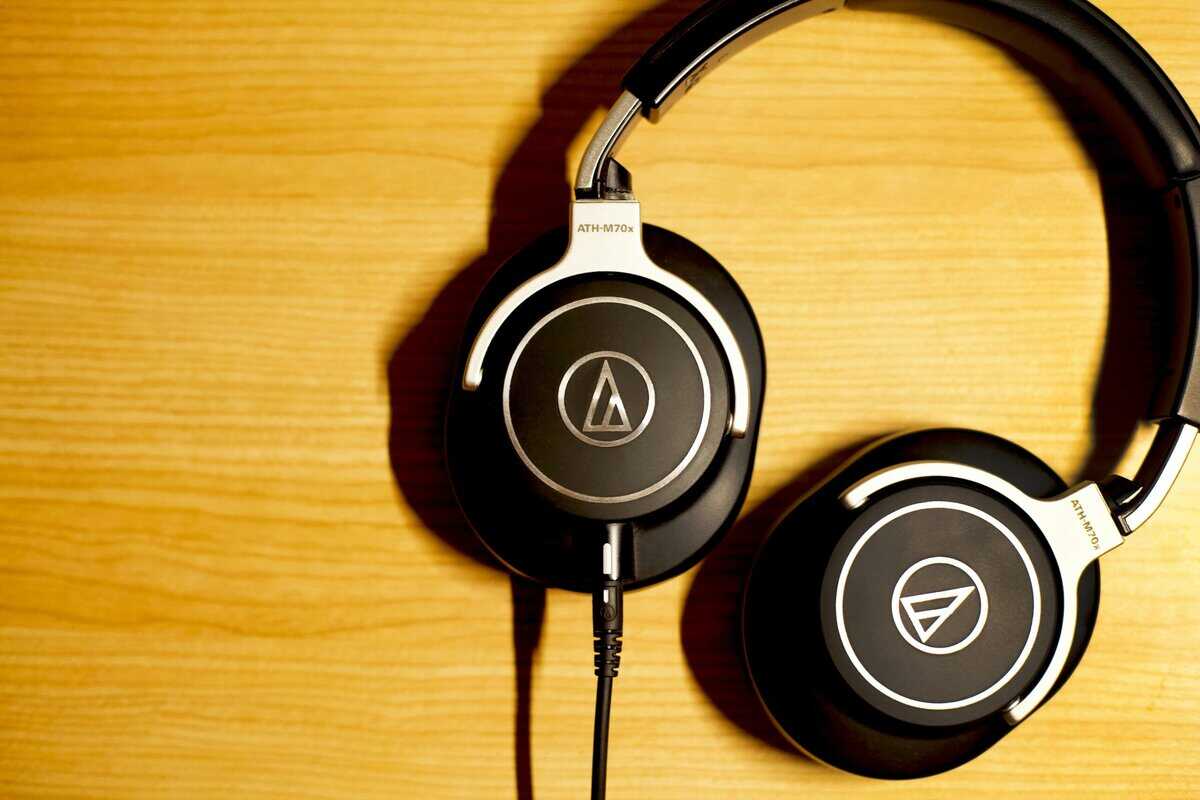
Below is a direct comparison of three distinct models that offer good value for gaming. This section provides a balanced analysis of each headphone’s strengths, weaknesses, and ideal use cases.
Philips SHP9500: The Open-Back Value Option
The Philips SHP9500 is a common entry point into audiophile-grade sound for gamers. Its open-back design produces a wide soundstage, which gives single-player adventures and MMOs a tangible sense of scale and space.
This airy presentation makes ambient environmental cues clear, though its brighter treble can make gunshots in FPS titles sound sharp. Comfort is a major strength; its low clamping force and large, breathable earpads are suitable for long sessions.
Soundstage: Expansive and open, good for environmental immersion.
Build Quality: Functional plastic construction with a metal-reinforced headband. The cable is a standard, detachable 3.5mm cord, making replacement simple.
Use Case: Primarily for immersive single-player RPGs and MMOs in a quiet room.
Trade-off: Minimal bass impact and sound leakage make it unsuitable for noisy environments or bass-heavy genres.
Audio-Technica ATH-M40x: The Closed-Back Workhorse
For gamers who need to block out background noise, the ATH-M40x is a solid choice. As a closed-back studio monitor, it has a flat, accurate frequency response. This means no artificial bass boost to obscure critical audio cues like footsteps or reload sounds.
Imaging is precise within its more contained soundstage. The build is functional and durable, using thick plastics and a design that folds flat. It includes both a coiled and a straight detachable cable. The main trade-off is comfort; the stock earpads are shallow and the clamping force is firm, which can cause discomfort during long sessions.
Use Case: Competitive FPS games like CS2 and Valorant, especially in noisy environments. Also suitable for streamers who need to prevent mic bleed.
Build Quality: A rugged, collapsible design with a proprietary locking detachable cable. It’s built to withstand daily use.
Trade-off: Long-term comfort can be an issue due to the firm clamp and stock pads, which many users choose to replace.
Sennheiser HD 560S: The Analytical Upgrade
At a higher price point, the Sennheiser HD 560S prioritizes analytical precision. This open-back headphone has a nearly flat frequency response that reveals fine details in a game’s audio mix, making it useful for competitive play where subtle cues matter.
The soundstage is wide, but its strength is in accurate layering and precise imaging rather than sheer scale. Its velour earpads and moderate clamping force provide good comfort out of the box. A key consideration is that it is unforgiving of poor-quality audio sources; it will expose flaws in a game’s sound design.
Use Case: Competitive FPS and strategy games where audio detail provides a tactical edge. Also good for streamers in a quiet, treated room.
Build Quality: Lightweight plastic construction that feels durable enough for daily use, with comfortable velour earpads.
Trade-off: Its analytical nature can make poorly mixed game audio sound harsh or thin. Sound leakage is significant.
How These Headphones Perform in Specific Scenarios
Technical specifications are only part of the story. A headphone’s practical performance depends on the game you’re playing and your environment. Matching the hardware to its intended use is how you get real value.
Performance in Competitive FPS Titles
In FPS games like Apex Legends or Valorant, audio is a critical source of information. An open-back headphone like the Sennheiser HD 560S provides an excellent sense of the overall battlefield with its wide soundstage, helping you track distant firefights.
However, for pinpointing close-range threats, a closed-back model like the Audio-Technica ATH-M40x often has an edge. Its passive noise isolation helps you focus on the precise location of enemy footsteps or a reload by eliminating distractions. You sacrifice the expansive soundscape for improved focus on critical, nearby audio cues.
Immersion in RPGs and MMOs
For story-driven RPGs like Baldur’s Gate 3 or MMOs like Final Fantasy XIV, immersion is the primary goal. Here, open-back headphones like the Philips SHP9500 excel. The wide, airy sound makes the world feel larger and more alive, integrating the musical score and ambient sounds into the core experience.
Clear communication during MMO raids is also important. The neutral-leaning sound signature of these headphones helps keep voice chat distinct from in-game audio, preventing the muddy sound common with bass-boosted gaming headsets.
For streamers, open-back headphones present a significant problem: audio bleed. Your microphone will pick up sound leaking from the earcups, creating an echo for your audience. A closed-back model is the only practical choice for a clean broadcast.
If you stream, pairing one of these headphones with a quality external microphone is necessary. With the right setup, you can eliminate audio bleed and ensure your voice remains clear. You can learn more about configuring your broadcast with our guide on the best OBS settings for streaming. The durable build and comfort of these headphones also make them suitable for long streaming sessions.
Building Out Your Budget Audiophile Setup
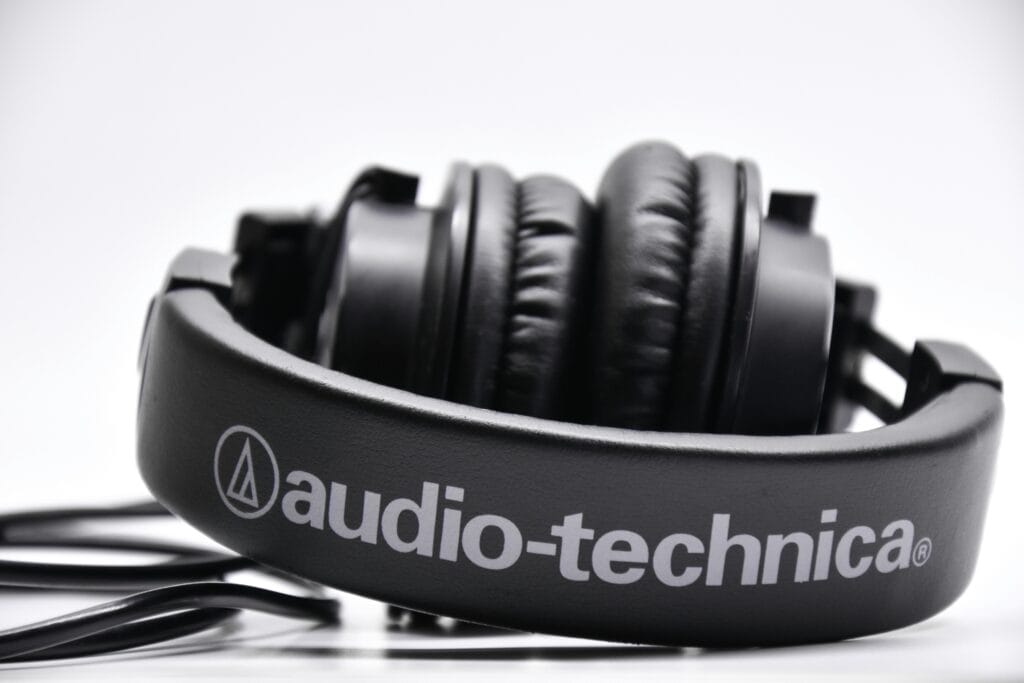
The headphones are the most important part of your audio chain, but other components can make a difference. However, you do not need to spend a lot on extra gear to get good results.
Many gamers assume an external Digital-to-Analog Converter (DAC) and amplifier (Amp) are mandatory. The reality is that most modern PC motherboards have capable onboard audio that can easily power the low-impedance headphones common in the budget audiophile category.
When a DAC and Amp Make Sense
A dedicated DAC/Amp combo is only necessary in specific situations. If you hear static, hissing, or other electronic interference through your headphones, an external DAC can provide a cleaner signal. An Amp is only required if your headphones are too quiet at maximum volume, which is uncommon for the models recommended here.
Prioritize your budget on the headphones first. A $200 pair of headphones plugged directly into your motherboard will sound significantly better than a $100 pair connected to a $100 DAC/Amp.
For those who do need an external solution, cost-effective options like the Fosi Audio K5 Pro or Fosi Audio K7 offer a tangible improvement without a high price. If you are building a more advanced streaming or recording setup, consider looking into an audio mixer for PC for more control.
Choosing Your Microphone
Audiophile headphones do not have a built-in microphone, so you will need a separate solution for voice communication. The choice involves a trade-off between convenience, cost, and vocal clarity.
Attachable ModMics: Products like the Antlion ModMic Uni 2+ are a popular and practical solution. They attach magnetically to your headphones, effectively converting them into a high-quality headset. This provides good voice clarity without adding clutter to your desk.
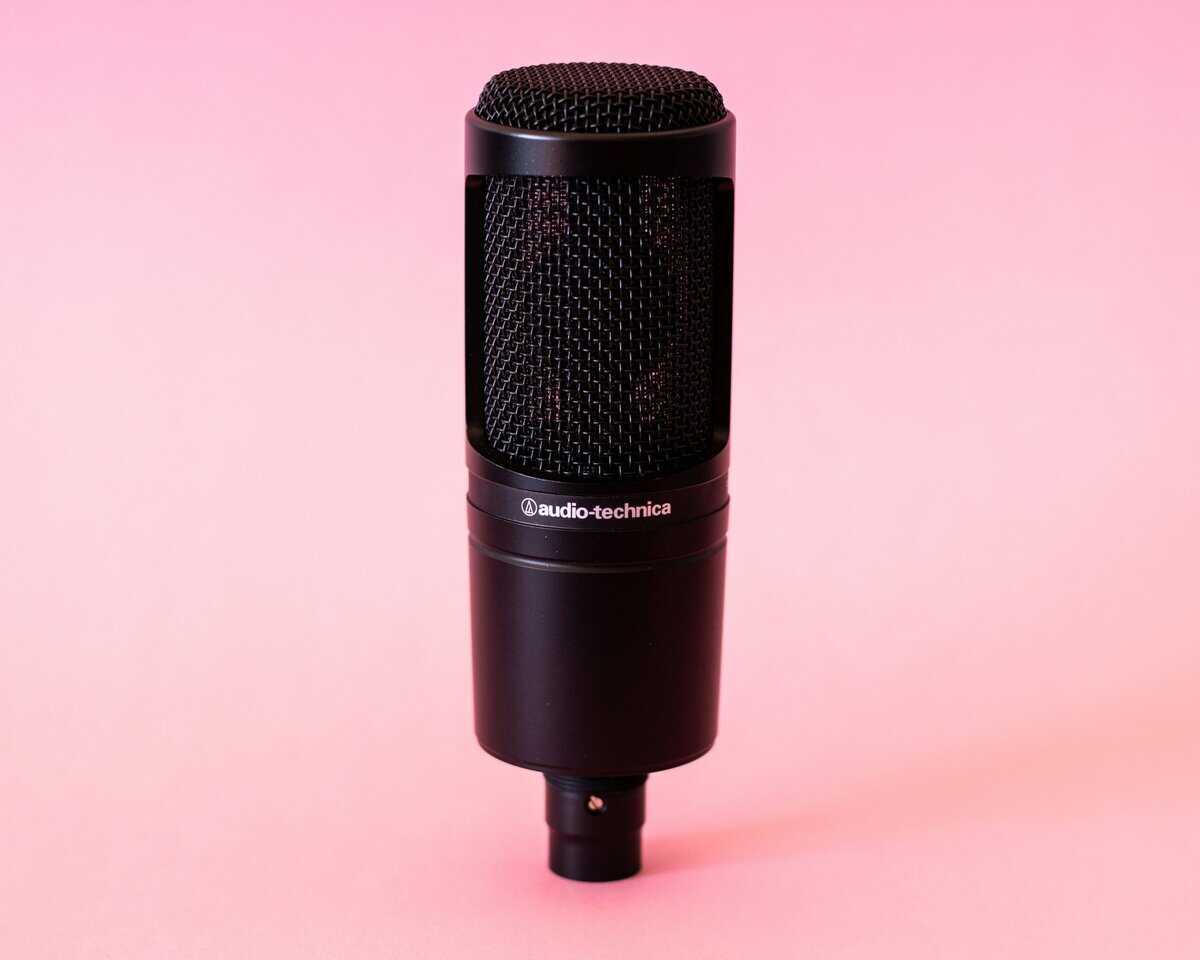
Standalone USB Microphones: A desktop USB microphone such as the Audio-Technica AT2020USB+ will deliver higher vocal quality, making it a standard choice for serious streaming. The main drawback is its sensitivity; it can pick up keyboard and mouse clicks if not positioned correctly.
Good audio is also fundamental for content creation. Many video editing tips for beginners emphasize the importance of clean audio for a professional final product. Building your setup piece by piece ensures each component adds real value.
Frequently Asked Questions on Audiophile Headphones
Moving from a gaming headset to an audiophile setup can raise some questions. Here are answers to common concerns.
Do I Need an Amplifier for Budget Audiophile Headphones?
Probably not. Most recommended budget audiophile headphones have low impedance and high sensitivity, meaning they are designed to be driven effectively by standard sources like a PC motherboard, laptop, or console controller.
An external amp becomes a consideration only for high-impedance headphones (typically over 80 ohms) or if you find the maximum volume insufficient. For a first setup, your money is better spent on better headphones. An amp can be a future upgrade, not a day-one requirement.
Are Open-Back Headphones Bad for Noisy Environments?
Yes, they are a poor choice for any room with background noise. This is a design feature, not a flaw. Open-back headphones leak sound in and out to create their characteristic wide, natural soundstage. This means they provide almost no noise isolation.
You will hear conversations, fans, and other ambient sounds in the room. Similarly, people around you will hear your game audio. If you game in a shared space or require focus, a closed-back model is the necessary choice.
How Do I Add a Microphone to Audiophile Headphones?
Since these headphones lack a built-in mic, you will need a separate one for voice chat. There are two primary solutions that are popular with gamers and streamers.
Attachable Boom Mics: The Antlion ModMic Uni 2+ is a practical and widely used option. It is a quality microphone that attaches to the side of your headphones with a magnet, combining the audio performance of your headphones with the convenience of a headset.
Desktop Microphones: A standalone USB or XLR mic will provide the best vocal quality and is the standard for serious streaming. The downside is that it can pick up keyboard and mouse noise if not positioned carefully.
For most gamers, an attachable mic like the ModMic offers the best balance of quality, convenience, and cost. If you are exploring other compact audio solutions, our guide to the best cheap gaming earbuds may also be helpful.
At Budget Loadout, our mission is to help you find high-performance gaming gear that delivers tangible value. We aim to help you build a setup that fits your needs without overspending.
Related Articles