Most wired vs wireless gaming mouse advice is stuck in the past. People still repeat that wireless is only for casual players, while wired is the only serious option. That used to be true often enough to matter. It isn’t the whole story anymore.
The better question is simpler. Which mouse gives you the best long-term value for how you play? For some setups, that still means wired. For others, wireless makes more sense. The difference now isn’t just speed. It’s battery wear, cable drag, repair cost, charging habits, desk space, and whether you care more about zero maintenance or total freedom of movement.
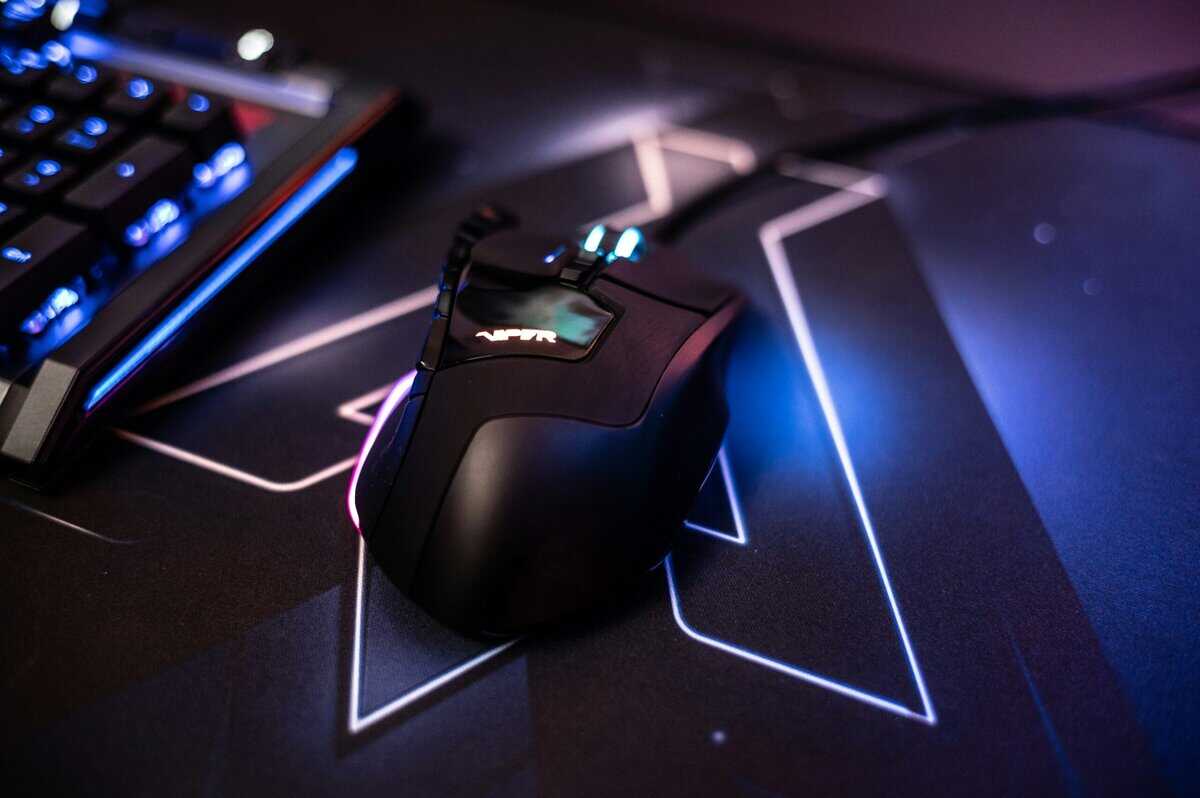
If you’re shopping with a budget mindset, that matters a lot more than marketing claims. A good mouse should feel reliable in game, hold up to daily use, and not turn into a disposable purchase a year later.
- Ultralight 58g shell for fast flicks
- Quality Razer Gen-3 optical switches
- Soft Speedflex cable barely registers as drag
- Smaller shape may feel cramped for palm grippers
- RGB underglow eats some cable bandwidth (cosmetic only)
- Solid shell can feel warm during marathon sessions
- No perceptible wireless lag in real gaming
- 250-hour AA battery vs nightly USB-C charging on rivals
- HERO sensor punches above its price tier
- Right-handed shape only — not ambidextrous
- Heavier than modern lightweight competitors at 99g
- No RGB if that matters to your setup
- 63g lightweight wireless around $50 is genuinely rare
- PixArt PAW3370 sensor matches premium-tier performance
- Ambidextrous shape suits both claw and fingertip grips
- Software ecosystem isn’t as polished as Logitech or Razer
- 80-hour battery is solid but trails the G305’s 250-hour AA
- Less brand cachet than Razer or Logitech if that matters
- The “wireless lag” debate is over — modern 2.4GHz wireless mice match wired latency in real gaming use.
- Wired still wins on raw consistency and zero ownership headaches (no batteries, no charging, no pairing).
- Cable drag only matters if your desk setup makes the cable fight you — a simple bungee fixes most of it.
- Total cost favors wired: a quality wired mouse often costs 30–50% less than its wireless equivalent.
- Buy wireless only if you genuinely hate cables AND will manage charging — otherwise wired is the smarter budget pick.
Table of Contents
The End of the Wireless Lag Myth
Wireless lag stopped being the main reason to avoid a gaming mouse a while ago. For a decent 2.4GHz model, the bigger risk is buying a mouse with a weak battery, cheap switches, or no realistic path to repair once something wears out.
That distinction matters. A good wireless mouse can feel fast enough for serious play, but a bad one can still be frustrating for reasons that have nothing to do with raw input delay. Dropouts, worn charging ports, and battery capacity loss hurt the ownership experience a lot more than the old “wireless is too slow” argument.
Bluetooth is a separate category. It is fine for office use, travel, and lighter gaming, but it is still not what most players mean when they talk about a wireless gaming mouse. If you want a cleaner desk for mixed use, this guide to a Bluetooth mouse for work and casual gaming helps put that option in context.
Signal quality also depends on the rest of the setup. A crowded USB environment, poor receiver placement, or an aging PC can cause problems people blame on the mouse itself. If your wireless connection acts inconsistent, Klimka’s guide to wireless adapters covers the basic setup issues worth checking first.
Practical rule: Judge wireless mice by implementation and lifespan, not by old forum advice.
For budget buyers, that changes the usual wired vs wireless argument. Wired still wins on simplicity. There is no battery to degrade, no charging routine, and fewer failure points over three or four years of use. Wireless buys freedom of movement and a cleaner setup, but that freedom has a maintenance cost. Batteries wear down. Charging ports loosen. Some budget models are almost disposable once power problems start.
So yes, the wireless lag myth is mostly dead. The smarter question is whether the mouse will still be worth using after a year of daily charging, travel, cable swaps, and thousands of clicks. That is where a lot of cheap wireless mice still lose to a solid wired one.
Analyzing Core Performance Latency Polling and Sensors
Raw performance matters, but this is also where mouse marketing gets sloppy. Plenty of budget mice advertise extreme DPI and ultra-high polling rates, then cut corners on sensor tuning, click quality, firmware stability, or the wireless power system that has to keep all of it working a year later.
Here’s what affects in-game feel. Latency is the delay between your movement or click and the moment your PC receives it. Polling rate is how often the mouse reports position. Sensor quality decides whether fast swipes track cleanly or fall apart under pressure.
For current gaming mice, the wired versus wireless gap is small enough that many players will never feel it in normal play. The bigger differences usually come from implementation quality, signal conditions, and whether the mouse keeps performing the same way after months of battery wear, charging cycles, and daily abuse.
Typical Gaming Mouse Performance Specs 2026
| Feature | Budget Wired | Budget Wireless | Premium Wireless |
|---|---|---|---|
| Connection behavior | Direct USB connection with stable input | 2.4GHz wireless with decent stability | 2.4GHz wireless tuned for competitive use |
| Typical latency behavior | Usually very consistent in real use | Often good, but quality varies more by model | Often close enough to wired that many players will not notice a practical gap |
| Polling rate support | Commonly 1000Hz, with some models advertising much higher rates | Usually 1000Hz on value-focused models | High polling is more common, but it raises power draw |
| Consistency under interference | Strong, because there’s no RF link | Can vary if your setup is crowded | Very good, but still depends on receiver placement and local RF noise |
| Battery dependence | None | Yes | Yes |
| Best fit | Competitive value and long service life | Cable-free convenience on a budget | Top-tier freedom with fewer compromises |
Why wired still wins in pure consistency
Wired stays simpler. That matters.
A wired mouse does not have to maintain a radio link, manage battery levels, or balance performance against power use. If you are chasing repeatable input more than headline specs, that simplicity still gives wired an advantage. The margin is small on good modern wireless gear, but small margins are exactly what picky FPS players notice.
Wireless can also look perfect in reviews and still act inconsistent on a cluttered desk. Receivers placed behind a PC, crowded USB hubs, nearby wireless devices, and weak firmware all add variables that wired mice avoid. If you are troubleshooting odd wireless behavior, Klimka’s guide to wireless adapters is useful background on why one setup can behave differently from another.
High polling rates need context too. An 8000Hz badge sounds impressive, but on a budget mouse it can be more marketing than benefit. Higher polling increases CPU load and, on wireless models, usually increases battery drain. If the battery gets smaller to keep weight down, you pay for that speed with more charging cycles and faster long-term wear. For a buyer trying to keep one mouse for three or four years, 1000Hz with stable firmware is often the better deal.
Prioritize stable tracking, a dependable main switch feel, and a shell that will hold up. Connection type matters less than people assume unless you are already sensitive to tiny consistency differences.
Sensor quality beats spec-sheet fluff
Sensor quality still decides more matches than flashy spec sheets. A well-implemented optical sensor with clean tracking, low lift-off issues, and sensible firmware tuning is worth more than huge DPI numbers that no one uses in real play.
That is especially true on budget wireless mice, where money has to cover the sensor, battery, charging circuit, receiver, and wireless tuning. Something usually gives. Sometimes it is build quality. Sometimes it is click feel. Sometimes it is long-term reliability after a year of charging. Wired models often put more of the budget into the sensor and shell because they do not need all that extra hardware.
If you want a quick refresher on tracking tech, this guide on optical vs laser mouse differences explains the sensor side without the usual hype.
Ergonomics and Practicality Cable Drag vs Total Freedom
A mouse can benchmark well and still feel annoying in daily use. That’s where wired and wireless split in a way spec sheets don’t explain well.
Wired gives you certainty. Wireless gives you freedom. Which one feels better depends a lot on your desk, your grip, and how wide your mouse movements are.
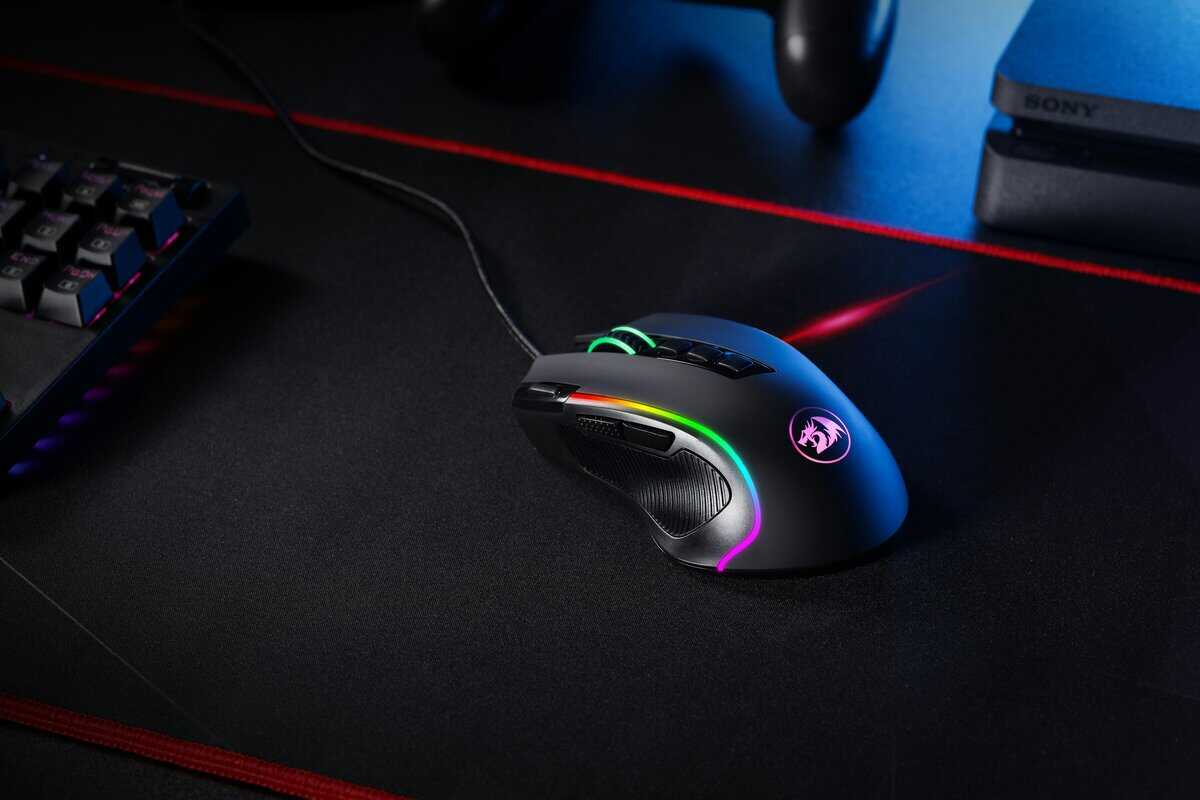
When cable drag matters
If you play low-sensitivity FPS and make big arm swipes, cable drag is real. Even a decent cable can rub against the desk, catch on the edge of a pad, or tug slightly during a fast flick. It doesn’t ruin every game, but it can make a mouse feel less smooth than its sensor performance suggests.
That’s why wireless feels better instantly for some players. There’s no cable resistance, no snag, and no need to manage where the wire sits. For games that involve repeated wide movement, the difference is mostly physical, not electronic.
When wired still feels better
A wired mouse still has practical strengths:
No charging routine: You plug it in and forget about it.
No receiver management: Nothing to lose, pair, or reposition.
Often lower weight without battery hardware: That can help if you like a simple, balanced feel.
For MMO and strategy players, the cable may matter less than hand support, side button placement, and shell shape. Long sessions expose comfort problems fast. A bad shape gets annoying sooner than a good wired cable.
A mouse that fits your hand poorly will bother you more than a cable ever will.
Desk setup changes the answer
Wireless also cleans up a setup in a way wired can’t. If you stream, share a desk for work, or just hate clutter on camera, the practical appeal is obvious. That’s part of why people like cable-free charging and cable-free peripherals in general.
For comfort-first buyers, I’d sort priorities like this:
Shape first
Weight second
Connection type third
Extra features last
If your hand cramps, none of the latency talk matters. If you’re trying to narrow shapes, this roundup of the best ergonomic gaming mouse options is a better starting point than staring at marketing specs.
Long-Term Value and Hidden Costs
Cost is often overstated in these comparisons. A more accurate budget consideration is the total expense of the mouse following a year or two of intensive gaming.
A gaming mouse has a total cost of ownership. That means battery wear, switch life, cable failure, skates, charging downtime, and one simple question people skip: can you fix it, or do you replace the whole thing?
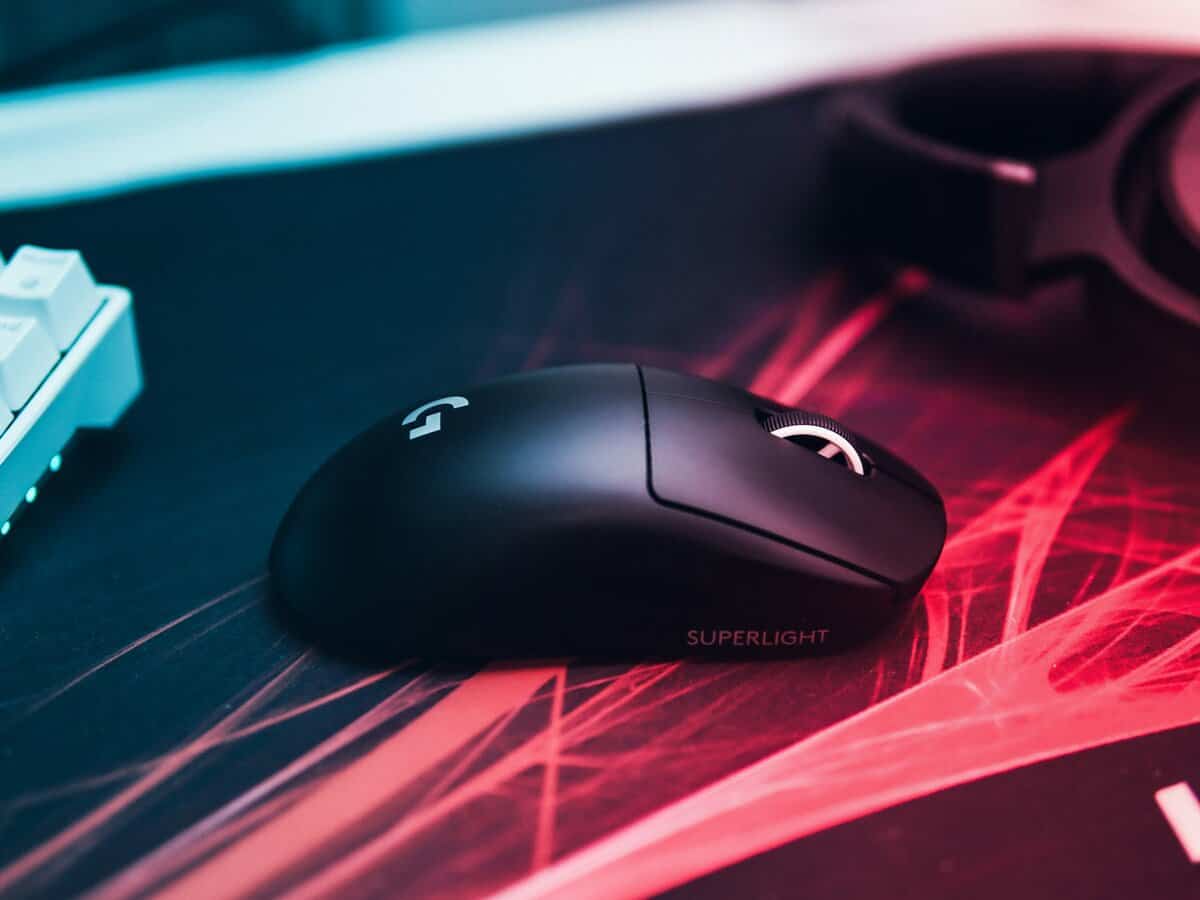
Why wired often costs less over time
Wired mice usually age better because they have fewer parts that wear out internally. No battery. No charging port. No wireless receiver chain inside the shell.
That matters on cheaper mice, where every extra part is another failure point.
A worn cable is annoying, but it is also one of the more fixable mouse problems. Replacement cables, skates, and even switches are easier to source on wired models, and repair guides from hobbyist teardown sites regularly show how much simpler these mice are to open and service than sealed wireless designs. If you care about stretching a purchase, repairability matters almost as much as shape.
Wireless convenience has a maintenance cost
Wireless can still be worth buying. Just count the full bill.
Rechargeable batteries lose runtime as they age. Charging ports loosen. Some budget wireless mice become frustrating long before the sensor or switches are finished. The shell still works, the clicks still work, but the battery life gets bad enough that the mouse stops feeling reliable.
That is where a lot of “good deal” wireless purchases go wrong. The mouse is cheaper than a premium model up front, then turns into a disposable product once the battery becomes the weak link.
I have seen this happen in budget setups more than once. A wired mouse with a rough cable can often keep going with a cheap part swap. A wireless mouse with battery or charging trouble often gets replaced outright because the repair is harder, the parts are less standard, or the labor is not worth it.
What to check before you buy
Use this quick filter:
Battery type: Built-in batteries are convenient, but they are also wear items.
Charging port strength: Loose ports become a daily irritation fast.
Replacement parts: Skates, cables, and switches should be easy to find.
Shell access: Screws under skates are common. Fully glued shells are a bad sign for long-term ownership.
Warranty and support: A short warranty on a wireless mouse shifts more risk onto you.
If you play often and want the best chance of getting multiple years out of one mouse, wired still has the better value case in the budget tier.
The same logic applies if you are shopping by game. A cheap mouse that needs replacement in a year is not really cheaper, especially for players looking at a solid budget mouse for Valorant that can hold up to constant ranked play.
Which Mouse Type for Your Main Game
Game genre changes the answer, but not in the way marketing usually suggests. The split is not “wired for pros, wireless for everyone else.” It is whether your main game rewards raw consistency, long-session comfort, or a cleaner desk enough to justify the extra long-term cost and battery wear.
For FPS players
For shooters, I still give the edge to wired in the budget tier.
The reason is simple. FPS players notice small interruptions more than almost anyone else. A mouse that is always ready, never needs charging, and can often be kept alive with a cheap cable or switch repair is easier to trust over months of ranked play. Wireless can perform just as well in actual aim and tracking, but budget wireless leaves less margin for battery aging, charging-port wear, and general ownership hassle.
That makes wired the safer buy for players who care most about repeatable performance per dollar.
For MMO and MOBA players
MMO and MOBA players usually get more value from shape, side-button placement, and all-night comfort than from shaving off tiny performance differences.
Wireless makes a stronger case here, especially on smaller desks where the cable can catch on a keyboard, mic arm, or monitor stand. But this is also the category where cheap mice age badly if the side buttons get mushy or the scroll wheel starts skipping. A heavier wireless mouse can still be the right pick if the shell feels solid and the button layout fits your hand.
Durability matters more than spec-sheet bragging. Two extra programmable buttons you can trust for two years beat a long list of features on a mouse that develops double-clicks or charging issues early.
For streamers and mixed-use setups
Mixed-use setups are where wireless earns its keep fastest. A clean desk feels better to use, looks better on camera, and gives you more freedom if the same space handles work, gaming, and streaming.
Still, convenience has a price. If the mouse is used all day, every day, the battery is one more part that will wear down before the shell probably does. Wired remains the low-maintenance option. Wireless makes more sense if desk freedom genuinely improves how you use the setup, not just how it looks in product photos.
My advice stays practical:
Pick wired if you want the lowest long-term cost, simpler upkeep, and the best odds of keeping the mouse running with basic repairs.
Pick wireless if cable freedom noticeably improves your comfort or your desk setup, and you accept that the battery may shorten the mouse’s useful life.
Skip aesthetic upgrades first. Put the money into shape, switches, and build quality.
Budget Loadout Recommended Mice for 2026
The best value pick isn’t always the cheapest mouse on the shelf. It’s the one that gives you reliable tracking, solid build quality, and the fewest ownership headaches for the money.

Ultimate value pick wired
A small, lightweight wired shape with a proven gaming sensor is still the easiest recommendation for value hunters. This type of mouse makes sense for FPS players, students, and anyone who wants strong performance without battery upkeep.
Why this category wins:
Lower long-term cost
Simple reliability
Better repair odds if the cable fails
Strong performance per dollar
Budget freedom? Pick wireless
A sensible 2.4GHz wireless mouse is the right buy if you know you hate cable drag and you’re willing to manage charging. This works well for mixed gaming, long desk sessions, and cleaner setups.
What to look for:
Reliable 2.4GHz mode
Good shell quality
Comfortable shape before fancy extras
Battery behavior that won’t annoy you
Best of both worlds
If your budget can stretch, the sweet spot is a lightweight wireless model with a strong sensor and a shell that doesn’t feel disposable. This is the category where wireless finally makes the strongest case. You get the movement freedom without as many obvious compromises.
Still, I wouldn’t buy from the top down. I’d start with shape, durability, and actual use case. Then decide whether wireless convenience is worth paying for. If you want more picks across different styles and budgets, this guide to the best budget gaming mice is the next place to look.
Frequently Asked Questions
Is there really no difference in latency between wired and wireless gaming mice in 2026?
Modern 2.4GHz wireless gaming mice from Logitech, Razer, and similar brands hit latency numbers within 1-2ms of wired equivalents — well under what’s perceptible in normal play. The myth of “wireless lag” comes from 2010s-era Bluetooth mice and early wireless tech that genuinely had measurable input delay.
Today, the gap exists in lab measurements but vanishes in actual gameplay. If a pro-tier shooter player can’t reliably tell the difference in a controlled test, neither can your reflexes.
Do I need to spend more on a wireless mouse to get the same performance as a wired one?
Yes — usually 30-50% more for equivalent specs. A $30 wired mouse and a $45-50 wireless mouse will often have the same sensor and similar build quality. If pure performance per dollar is your goal, wired wins.
The premium covers the wireless module, battery, and the engineering to make 2.4GHz feel as responsive as a cable. Whether that premium is “worth it” depends entirely on how much you value being cable-free.
What’s the lifespan difference between wired and wireless gaming mice?
Wired mice often outlast wireless ones simply because they have fewer failure points — no battery to degrade, no wireless module to malfunction, no charging port to wear out. The most common wired failure is cable damage at the strain relief, and that’s usually repairable.
Wireless mice typically last 3-5 years before battery health drops noticeably. Some models support battery replacement, many don’t. Plan accordingly if longevity matters more to you than convenience.
Should I buy a wireless mouse if I mostly play FPS games competitively?
For competitive FPS, wired is still the safer pick at any budget tier — purely because it eliminates two variables (battery state and 2.4GHz interference) that don’t matter most of the time but matter a lot when they fail mid-match.
Top-tier wireless mice like the Razer Viper V3 Pro or Logitech G Pro X Superlight perform identically to wired in normal conditions, but they cost 4-5x what a quality wired mouse does. For the budget bracket, save the difference for a better monitor or mousepad.
Budget Loadout helps gamers and streamers buy smarter, not just cheaper. If you want practical gear picks that focus on value, durability, and real-world performance, visit Budget Loadout for straightforward guides that cut through the marketing.
Related Articles