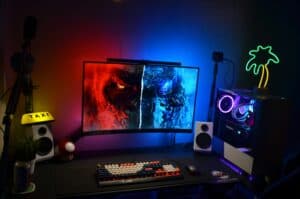
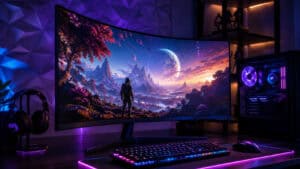
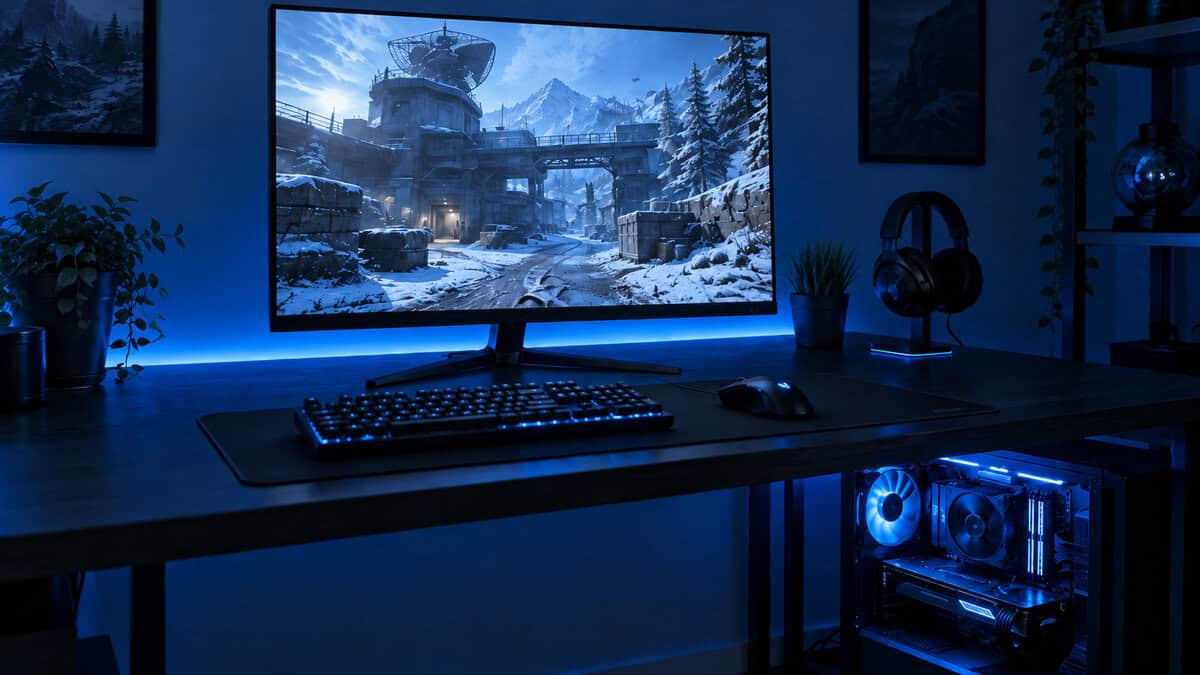
The core difference in the 21:9 vs 16:9 debate is a choice between immersive, panoramic viewing and universal, straightforward compatibility. A 21:9 ultrawide monitor expands your peripheral vision, which is beneficial for certain cinematic titles and multitasking. A traditional 16:9 monitor, however, is the standard for a reason, it works reliably with nearly all content, particularly for competitive gaming where performance is the priority.
Your decision hinges on whether you value that extra screen real estate more than guaranteed, out-of-the-box performance and compatibility.
- Ultrawide 21:9 monitors provide a wider field of view that creates a more immersive gaming experience, especially in RPGs and simulators
- Competitive FPS players generally perform better on 16:9 displays due to faster refresh rates, lower input lag, and tournament standards
- 21:9 ultrawides cost significantly more than equivalent 16:9 monitors, and many games still don’t fully support ultrawide without workarounds
- If you play a mix of game types, a 16:9 monitor remains the safer and more versatile budget-friendly choice
- For budget gamers, a high-refresh 1440p 16:9 monitor typically offers better value than an entry-level ultrawide
Table of Contents
Understanding the Core Differences
Choosing between these two aspect ratios has significant implications for your entire setup, affecting game immersion, desk space utilization, and the performance required from your PC. For gamers seeking good value, understanding the tradeoffs in build quality, features, and GPU demand is essential to making a sound investment.
To understand how these formats function, it helps to be aware of the broader context of how different platforms handle their video aspect ratio and why standards exist.
21:9 vs 16:9 At a Glance
This table provides a direct comparison of the practical differences you’ll encounter. Use it as a quick reference to determine which monitor format aligns with your gaming and productivity needs.
| Feature | 21:9 Ultrawide | 16:9 Standard Widescreen |
|---|---|---|
| Primary Use Case | Immersive gaming (MMOs, RPGs), multitasking, streaming | Competitive gaming (FPS), general use, content consumption |
| Field of View (FOV) | Wider, more peripheral vision | Standard, focused view |
| Compatibility | Good, but some games/media show black bars | Universal support across all games and media |
| Desk Footprint | Larger, requires more horizontal space | Standard, fits on most desks easily |
| Build Quality | Budget models often have less sturdy, non-adjustable stands | Wide variety of durable stands available across price points |
The choice is not just about screen size. It’s about how that screen shape interacts with your games, your desk, and the type of content you use. One offers a wider, more enveloping view, while the other provides reliable, plug-and-play simplicity.
How Field of View Redefines Gaming Immersion
The most immediate difference in the 21:9 vs 16:9 comparison is the sense of scale. A 21:9 monitor physically expands your horizontal field of view (FOV), pulling more of the game world into your peripheral vision for a more cinematic effect. This isn’t just a larger image; it’s a fundamentally wider one.
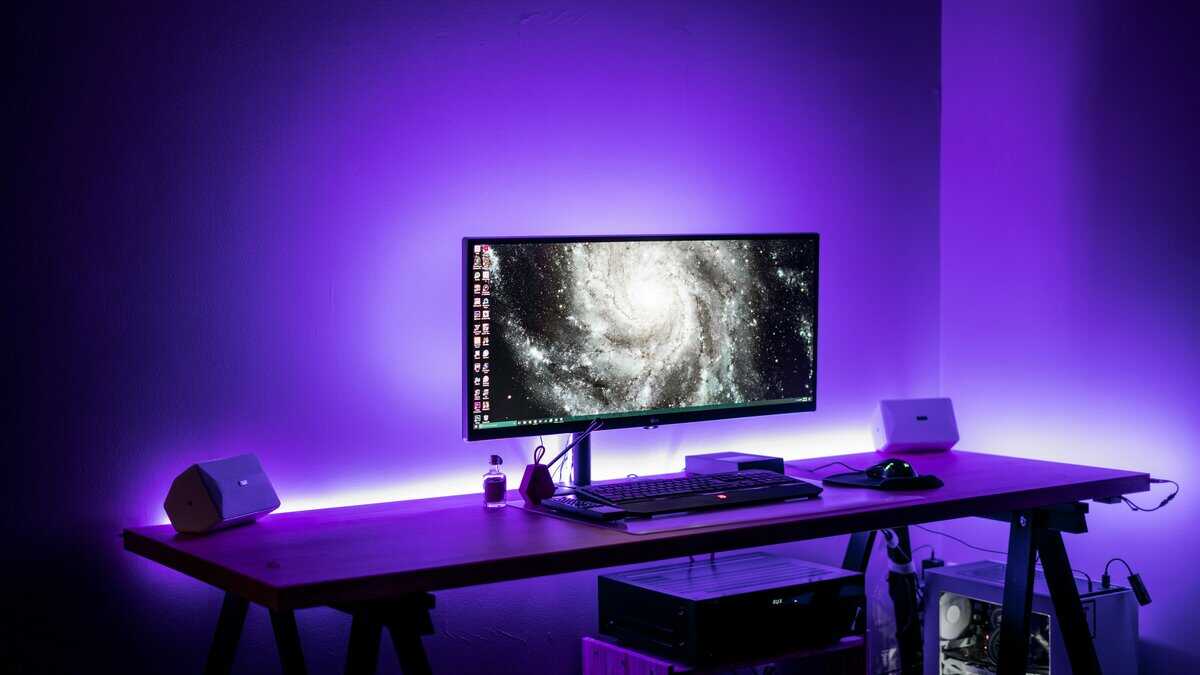
In games with large environments, like Final Fantasy, or fast-paced racing sims, the benefit is clear. The additional horizontal space creates a level of immersion that a standard 16:9 screen cannot replicate. It’s the difference between looking at a scene and feeling like you are part of it.
However, this wider perspective comes with significant caveats, especially regarding game compatibility.
Navigating Game Support and Compatibility
While most modern games support 21:9 natively, many older titles and some console ports do not. This can lead to visual issues that detract from the immersive experience you paid for.
Common compatibility issues include:
Pillarboxing: This is the most frequent problem, where black bars appear on the sides of the screen. This effectively turns your 21:9 monitor into a standard 16:9 display, particularly during cutscenes.
Stretched UI: Some games adapt by stretching user interface elements, like health bars, maps, and menus, horizontally. The result is a distorted, unprofessional look.
Zoomed-in View: In the worst cases, a game may handle the wider aspect ratio by cropping the top and bottom of a 16:9 image, meaning you see less of the vertical game world.
The core trade-off is clear: you gain horizontal immersion in supported games at the risk of encountering visual bugs or black bars in unsupported ones.
Even in compatible games, the monitor’s physical build quality is critical. Budget ultrawide monitors are more prone to backlight bleed, where light leaks from the edges of the panel. This issue is more noticeable on a wider display, especially in dark scenes, and can undermine the immersion. Always check reviews for panel consistency and the durability of the stand and housing.
A Practical Gaming Performance Breakdown by Genre
The 21:9 vs. 16:9 debate isn’t about which is better overall, but which is better for the specific games you play. An aspect ratio that provides a tactical advantage in one genre can be a hindrance in another.
Competitive FPS: The 16:9 Advantage
For most competitive FPS players, a 16:9 monitor remains the standard. In games like Valorant or CS2, the action is fast-paced and centered. A wider screen can be a disadvantage, pushing critical UI elements like the minimap far into your peripheral vision. The extra eye travel required to check this information can slow down reaction time.
Professional players prioritize function over immersion; they stick with 16:9 because it provides a tight, focused view where all critical information is immediately accessible. It is optimized for pure, undistracted target acquisition.
MMOs and RPGs: Where Ultrawide Delivers an Edge
The situation changes for other genres. For MMOs, RPGs, and large-scale battle royales, the extra horizontal space from a 21:9 monitor offers a functional advantage.
MMOs & RPGs: In games like World of Warcraft or Final Fantasy XIV, an ultrawide allows for better UI organization. You can place maps, chat windows, damage meters, and ability bars to the sides, leaving the center of the screen clear for the game world. This makes complex raid encounters easier to manage.
Battle Royales & Open-World Games: In titles like Apex Legends or Cyberpunk 2077, the wider field of view provides a clear tactical benefit. You can spot enemies in your periphery who would be off-screen on a 16:9 display, giving you more time to react.
The summary is this: 16:9 is built for focused, twitch-reaction competitive play. 21:9 offers superior situational awareness and UI management for more expansive, immersive games.
The Unspoken Tradeoffs: Compatibility and Durability
It’s also crucial to consider practical realities. While most modern games support ultrawide resolutions, many older titles and some console ports do not. You risk ending up with black bars (pillarboxing) on the sides, which negates the primary benefit.
Build quality is another major factor for a value-conscious gamer. A well-built 16:9 monitor from a reputable brand will almost always have a sturdier stand with better height and tilt adjustments than an ultrawide at the same price. A wobbly, non-adjustable stand is a persistent annoyance and a sign of a poor long-term investment. If you are looking for a monitor that can keep up with fast-paced action, check out our guide on the best value 144Hz monitors for a detailed comparison.
How an Ultrawide Changes Productivity, Streaming, and Multitasking
Your monitor is also a tool for work, streaming, and general multitasking. This is where the practical differences between 21:9 and 16:9 are most pronounced.
Streaming and Workflow
For streamers, a 21:9 ultrawide can serve as a single command center. It allows you to have your game running, your streaming software (like OBS) docked to one side, and your viewer chat on the other, all on one screen without the interruption of a bezel from a dual-monitor setup. This creates a cleaner, more fluid workflow.
Single Ultrawide vs. Dual Monitors
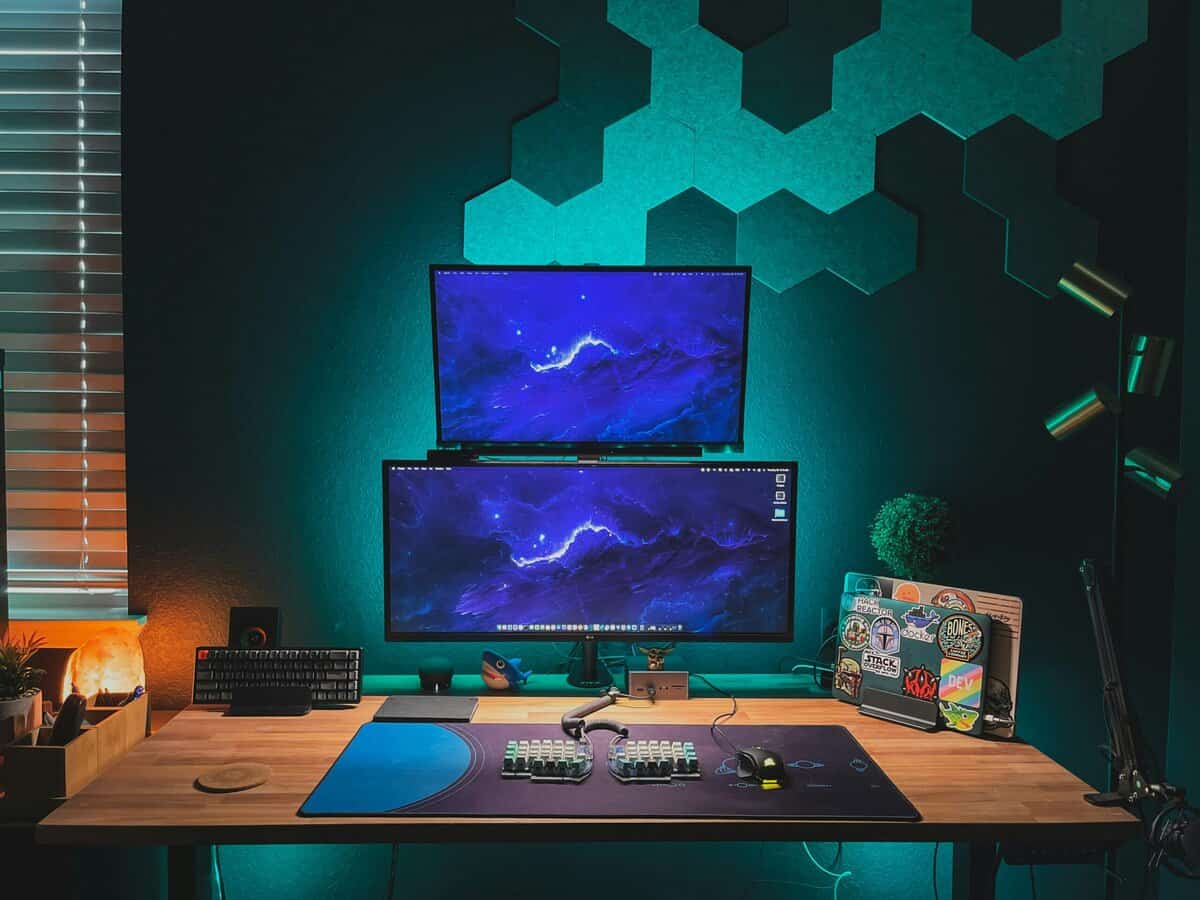
The productivity benefit from the extra horizontal space is significant. An ultrawide is functionally similar to having two monitors side-by-side without the physical gap. This is useful for tasks like video editing, where you need to see a long timeline, or working with large spreadsheets without constant horizontal scrolling.
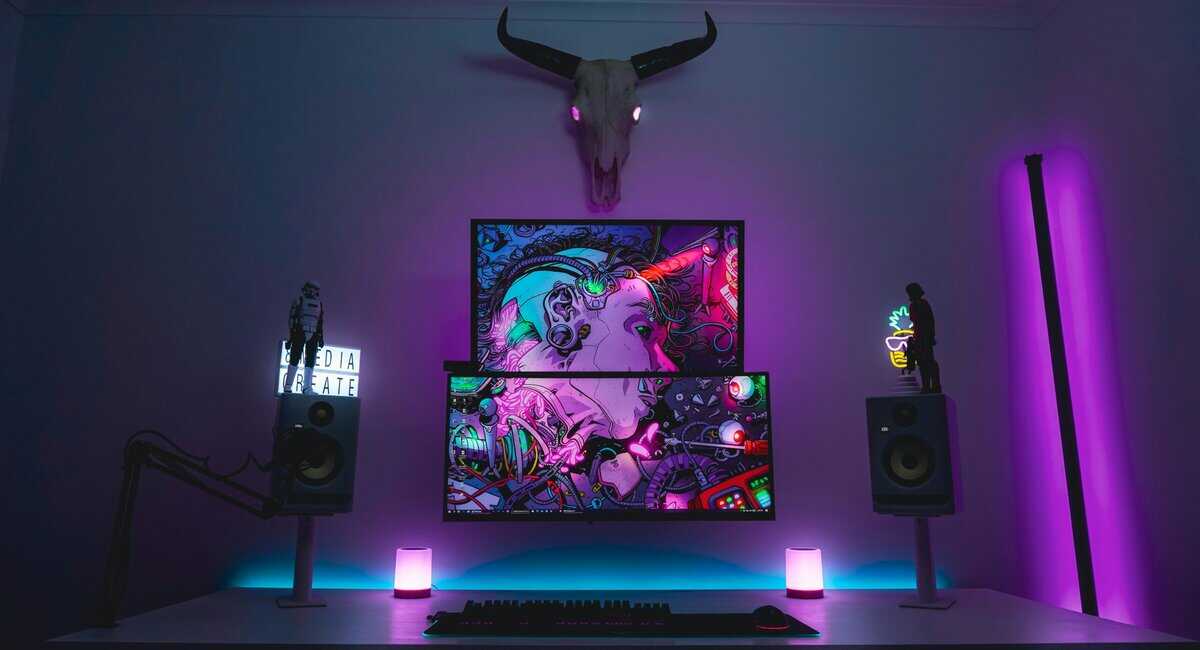
A single ultrawide also simplifies your desk setup, with fewer cables and only one stand. This can result in a smaller overall footprint than two separate displays, which often require a dual-monitor arm for proper alignment.
The core trade-off for a budget-conscious user is choosing between the seamless multitasking of one entry-level ultrawide or the flexibility of two standard 16:9 monitors, which may offer better individual specs for the same price.
Build Quality and Practical Considerations
In the budget segment, build quality is a critical factor. Many entry-level ultrawide monitors come with flimsy, non-adjustable stands. This is a major ergonomic drawback, as a fixed height and limited tilt can cause neck strain during long gaming or work sessions. A solid, adjustable stand is essential for user comfort.
When creating content, it’s also worth noting how different platforms operate. A look into the TikTok aspect ratio shows the dominance of the vertical 9:16 format for mobile, which can be previewed on any monitor setup.
If you simply need more screen space for portable use, our guide on the best portable monitors offers some practical options.
The GPU Power Your Monitor Demands
An ultrawide monitor has a non-negotiable performance cost that your graphics card must cover. This is a critical factor for any budget-conscious builder deciding between 21:9 vs. 16:9. More screen area means more pixels for your GPU to render, which directly impacts your frame rates.
A standard 1080p 16:9 monitor (1920×1080) has just over 2 million pixels. The common ultrawide equivalent, a 21:9 monitor at 2560×1080, increases that to nearly 2.8 million pixels. That’s a 33% increase in the workload for your GPU on every frame.
This pixel difference results in a performance drop. If your system achieves 90 FPS on a 16:9 screen, you can expect that to fall to around 60 FPS on a 21:9 monitor using the same in-game settings.
Matching Your GPU to Your Monitor
This reality forces a difficult decision for a gamer on a budget. Choosing an ultrawide often requires making sacrifices elsewhere to maintain playable frame rates. Your choice of GPU becomes even more important.
For 1080p Ultrawide (2560×1080): A modern entry-level card like an NVIDIA RTX 4060 or AMD RX 7600 is a reasonable baseline. They have enough power to drive the extra pixels at medium-to-high settings in most current games.
For 1440p Ultrawide (3440×1440): The demand increases significantly. You’ll need to step up to a mid-range GPU like an RTX 5070 or RX 9070 to avoid either reducing settings substantially or experiencing choppy frame rates.
The honest trade-off is this: with the same GPU, a 21:9 monitor will force you to choose between lowering graphical settings or accepting lower frame rates compared to its 16:9 equivalent.
Before you commit, it’s important to know your options. You can learn more about finding the best budget graphics card that aligns with your monitor choice and performance goals. This ensures your investment in a wider screen is backed by the power needed to make it a good experience.
Making the Final Decision for Your Setup
There is no single “best” monitor in the 21:9 vs 16:9 comparison. The right choice is the one that fits your primary games, your budget, and the physical space on your desk. It comes down to a trade-off: do you prioritize focused, high-refresh-rate performance, or expansive, cinematic immersion?
The Case for 16:9
For the competitive FPS player who measures success in reaction time, the choice is straightforward. A 24-inch, high-refresh-rate 1080p 16:9 monitor remains the standard for value and performance. It provides a tight, concentrated field of view where all UI elements are easily visible, offering a tangible advantage in games like Valorant or Apex Legends.
The Case for 21:9
If you primarily play open-world RPGs, or if you are a streamer who juggles a game, chat, and OBS, then a 21:9 ultrawide is a strong option. An entry-level 29-inch 1080p ultrawide can replace a dual-monitor setup, giving you a seamless canvas for multitasking without a bezel dividing your workspace.
Final Checks Before You Buy
Before purchasing, consider the practical details. Desk space is the most obvious, an ultrawide monitor requires significant horizontal room. Also, inspect the stand quality. Many budget ultrawides come with flimsy, non-adjustable bases that wobble and offer poor ergonomics.
The right monitor improves your entire user experience, but the wrong one can be a constant source of frustration. Look beyond the panel itself and consider how it will physically fit into your workspace, from the stand’s durability and adjustability to whether it has VESA mounting holes for a future upgrade.
Finally, be realistic about whether your GPU can handle the extra pixels a 21:9 display demands. Pushing that wider resolution can reduce your frame rates if your graphics card is already at its limit. A well-balanced system should always be the goal. Thinking this through ensures you’re investing in a monitor that enhances your experience without creating a new performance bottleneck.
Answering Your Monitor Questions
Still weighing your options? It’s common to have a few final questions. Let’s address some of the most frequent points of confusion.
Is 21:9 better than 16:9 for gaming?
It depends on what you play. For immersive single-player games, RPGs, and racing sims, a 21:9 ultrawide provides a wider field of view that pulls you deeper into the game world. For competitive FPS titles like Valorant or CS2, most players prefer 16:9 because it keeps all UI elements within easy view and avoids the extra eye travel that a wider screen requires.
Do all games support 21:9 aspect ratio?
No. Most modern games support 21:9 natively, but many older titles and console ports do not. Unsupported games may display black bars on the sides (pillarboxing), stretch the UI unnaturally, or crop the top and bottom of the image. Before buying an ultrawide, check whether your most-played games offer proper support.
Is an ultrawide monitor worth it on a budget?
It can be, but there are tradeoffs. Budget ultrawides often have flimsier stands and lower build quality than similarly priced 16:9 monitors. You also need a more powerful GPU to maintain the same frame rates. If your graphics card is already struggling at 1080p, an ultrawide will make performance worse, not better.
For more practical guides on building a high-value gaming and streaming setup, visit Budget Loadout. We provide clear, hype-free recommendations to help you get the best performance for your money. Find your next upgrade at Budget Loadout.
Related Articles