For the best Xbox headset, value isn’t about the lowest price—it’s about finding the right balance of audio precision, microphone clarity, and solid construction without a premium price tag. You don’t need to overspend; dependable options from brands like SteelSeries, Razer, and official Xbox hardware often deliver the best performance-per-dollar for most gamers.
- Universal 3.5mm connection works on every platform
- Removable mic for easy use as regular headphones
- Lightweight and comfortable for long sessions
- All-plastic build feels basic compared to pricier options
- No inline volume control on all versions
- Sound profile is adequate but not exceptional for music
- 40mm drivers deliver clear, detailed audio for gaming
- Swivel-to-mute mic is intuitive and convenient
- Lightweight 275g design reduces fatigue during long sessions
- Ear cushions may feel warm during extended summer sessions
- Plastic headband could feel less premium than metal alternatives
- Memory foam ear cushions for premium comfort
- 53mm drivers provide rich, full sound
- Officially licensed for Xbox with detachable mic
- Heavier than the Stinger 2 due to sturdier build
- Detachable mic can feel loose in the connector
- May be overkill if you only need a basic backup headset
- A detachable or flip-to-mute mic is essential for quick communication control without fumbling through menus mid-game
- Comfort matters more than specs for long sessions — look for memory foam or padded ear cushions and lightweight builds under 250g
- Cross-platform compatibility (3.5mm jack) means your budget Xbox headset works with PC, Switch, and mobile too
- The Turtle Beach Recon 50 takes the top spot, with the HyperX Cloud Stinger 2 Core right behind
- The HyperX CloudX is the budget pick that keeps official Xbox certification
Table of Contents
Finding Your Ideal Xbox Headset Without Overspending
Shopping for an Xbox headset often presents a false choice: cheap plastic that will break in six months, or overpriced models with features you’ll never use.
This guide focuses on what actually improves your gameplay: precise audio that lets you hear enemy footsteps in Call of Duty, a clear microphone so your teammates understand your callouts in an MMO raid, and a durable build that can withstand being dropped. We’ll analyze the critical differences in connection types, audio profiles, and build materials to find the best performance for your money.
Our recommendations are for gamers seeking smart, long-lasting gear. While we focus on value, if you’re on a strict budget, you can also check out our guide on the best gaming headsets under $50 for entry-level options.
We provide direct evaluations, highlighting both the strengths and the necessary tradeoffs at each price point. This allows you to make a decision that fits your budget and specific use case, ensuring you get a headset that is built to last.
Wired vs Wireless: What You Actually Gain and Lose
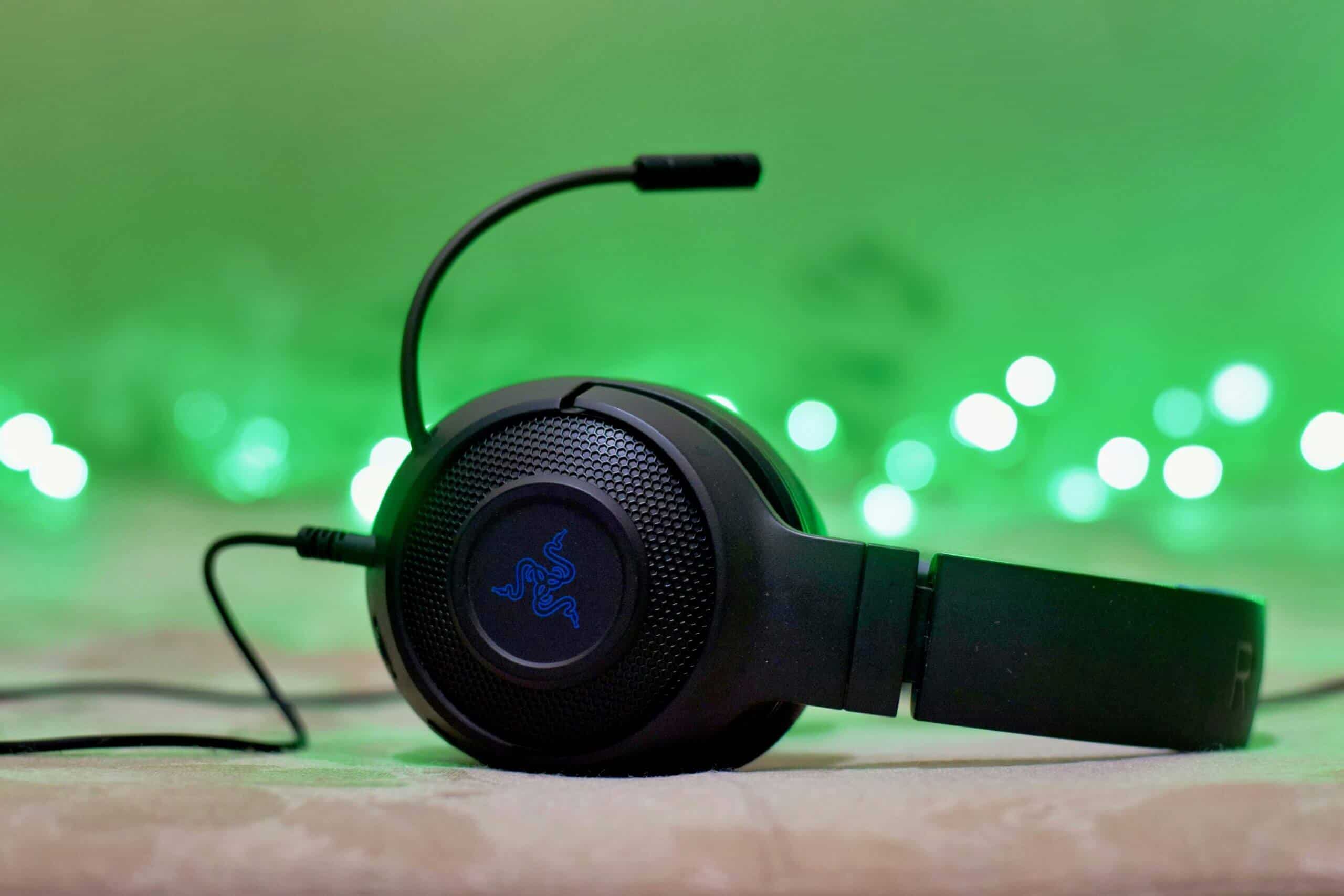
Your first decision is how the headset connects to your Xbox, and it directly impacts price and performance. It’s a classic tradeoff between reliability and convenience.
The most direct option is a wired 3.5mm connection. For the value-conscious gamer, this is often the most sensible choice. You plug it into your controller, and it just works. This guarantees zero audio latency and universal compatibility.
This reliability is non-negotiable for competitive FPS gamers. Any delay between what you see and what you hear is a disadvantage. The only tradeoff is the cable itself, which can feel restrictive and is a potential point of failure over time.
Then there’s wireless. Going wireless offers freedom of movement, ideal if your console is in a living room. These headsets use a proprietary Xbox Wireless signal—not Bluetooth—to create a direct link to your console.
The tradeoff for convenience is cost and maintenance: wireless headsets are more expensive, require regular charging, and introduce a slight risk of signal interference. Their build quality must also justify the higher price tag.
How to Judge Headset Audio and Mic Quality
Good audio is a tactical advantage. For competitive FPS gaming, a wide soundstage and precise directional audio are essential to pinpoint enemy locations. For immersive RPGs or MMOs, you’ll want a rich soundscape that enhances the world.
Don’t overlook the physical build. A headset with a steel-reinforced headband and quality earcup materials will be more durable and comfortable over long sessions than a flimsy all-plastic design. Weak clamping force or cheap foam will become an irritant.
Your microphone quality is critical for multiplayer. Your teammates need to hear your callouts, not a muffled voice competing with background noise. Look for headsets with effective noise cancellation. To understand modern capabilities, it’s worth learning how AI noise reduction is improving communication clarity.
A comfortable headset with a durable headband and solid construction is a better long-term investment than one with flashy features that breaks in six months. If your main goal is streaming, you should bypass headset mics entirely and look into the best budget USB microphones for a dedicated audio setup.
Comparing the Top Value Xbox Headsets
Let’s evaluate the real contenders. We will assess the best value headsets based on audio performance, microphone clarity in a party chat, and long-term durability. This is not just a feature list from a marketing brochure.
We will also be direct about the compromises. A budget headset might have excellent audio for competitive shooters but a plastic headband that creaks. A mid-range wireless model could offer freedom from cables but have average battery life. It’s about weighing tradeoffs to fit your actual play style.
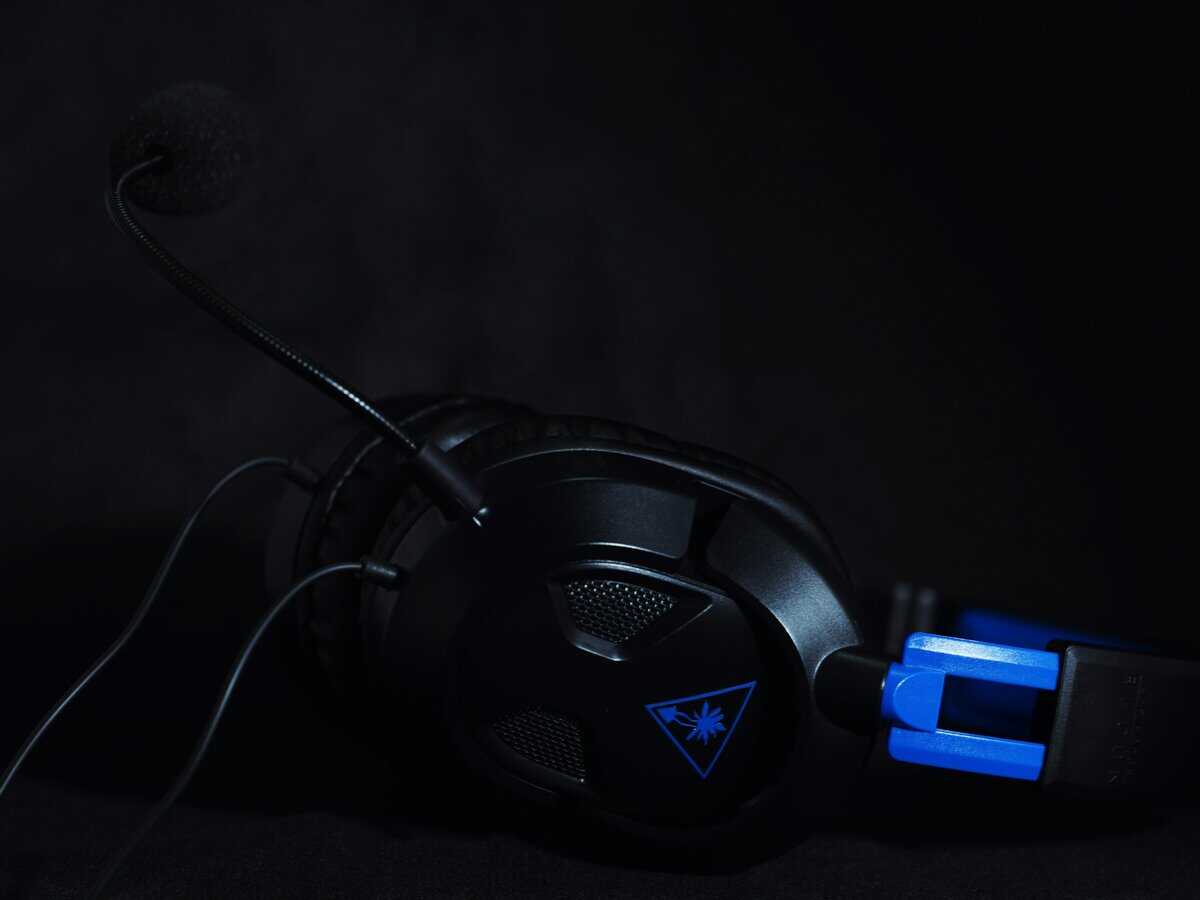
Headset Value Breakdown
To make this clearer, here’s a direct comparison of our top recommendations. This table cuts through marketing claims and focuses on practical realities: what you get, what you give up, and the intended user.
| Model | Connection | Best Suited For | Key Compromise |
|---|---|---|---|
| Turtle Beach Recon 50 | Wired (3.5mm) | First headset for kids, backup headset, or “I just need something that works” | Basic 40mm drivers, all-plastic build |
| HyperX Cloud Stinger 2 Core | Wired (3.5mm) | Best sound quality in the budget tier, competitive players watching spend | Still wired, no detachable mic |
| HyperX CloudX | Wired (3.5mm) | Best wired option overall, players who prioritize comfort and durability | Premium price for wired |
| Xbox Wireless Headset | Xbox Wireless | Want wireless without paying the premium-tier tax, dual-device users (phone + Xbox) | Bass-heavy tuning, 15-20hr battery |
Each of these headsets offers a solid package for its price, but they excel in different areas. The right choice depends on whether you prioritize wireless freedom, raw audio quality, or a simple, functional option that works every time.
How to Set Up and Troubleshoot Your New Headset
Setting up your new headset is straightforward. If you chose a wired model, plug the 3.5mm jack into the port on the bottom of your Xbox controller. That’s it.
For a wireless model using Xbox Wireless, it’s nearly as simple. Press the sync button on your headset and the sync button on the front of your console, and they will pair within seconds.
Once connected, navigate to the Audio & music settings on your Xbox dashboard. This is where you can adjust master volume, mic monitoring (which lets you hear yourself speak), and the chat mixer to balance game and voice audio.
If your friends can’t hear you, check for a physical mute switch or button on the headset first—this is the most common issue. Then, check your party chat settings to ensure you haven’t been muted there.
If you still encounter audio problems, a full hard reset of your Xbox console usually resolves connection bugs. A properly configured audio setup is a critical part of any streaming setup for beginners.
Answering Your Xbox Headset Questions
Still considering your options? It’s common to have a few final questions. Let’s address some of the most frequent points of confusion.
Find the perfect balance of price and performance for your gaming needs at Budget Loadout. Explore our curated guides now: Budget Loadout
Related Articles