The wrong mouse for Minecraft is rarely the cheap one; it is the one with a burst-fire button that can get a Bedwars account banned. The best mouse for Minecraft is the one that fits how you play: light and clicky for PvP, full of side buttons for survival and big builds, and small and simple for a younger player’s first gaming setup.
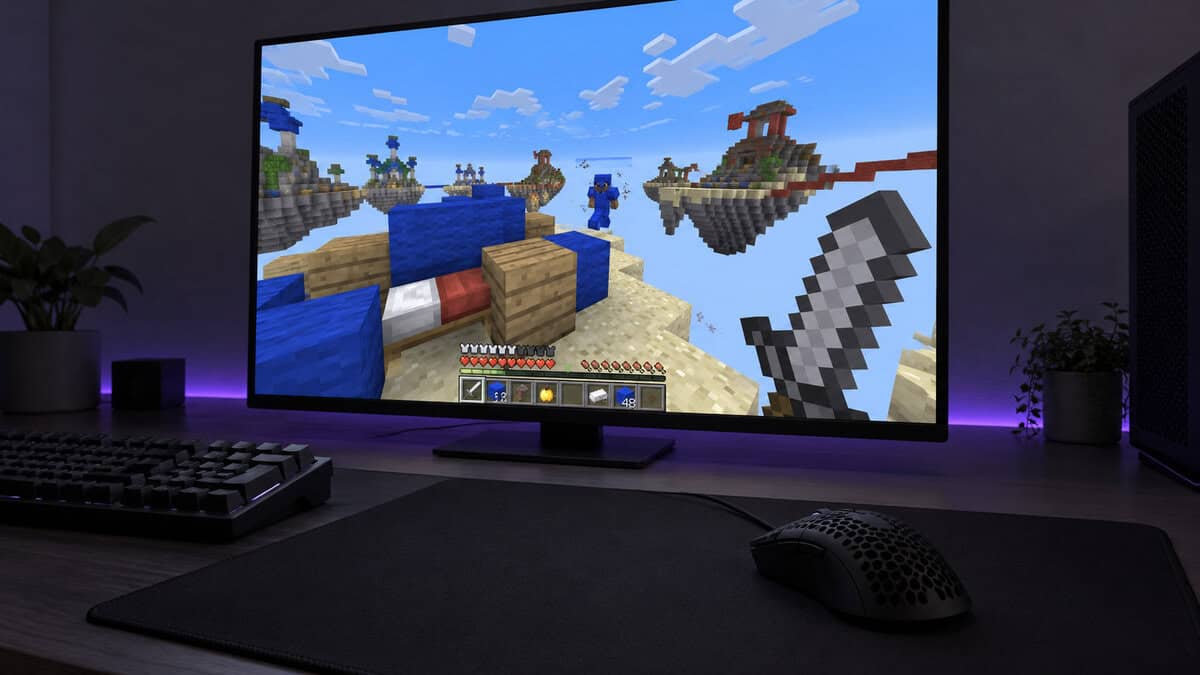
Ask on a Minecraft forum and you will get a long list of favorite mice and very few reasons. The four picks below are sorted by game mode instead, with the clicking styles and server rules that decide what is safe to buy.
A small, light wired mouse with two side buttons and Logitech’s metal-spring buttons. It is the budget pick for survival players and a safe first gaming mouse for a younger player.
- Compact shell suits smaller hands
- Two side buttons for hotbar binds
- Nothing to charge or pair
- Only two side buttons
- Plain shape with no thumb rest
- RGB adds little in a block game
At 53 g with grip tape in the box, it is the lightest pick here for jitter and butterfly clicking. The symmetrical shell suits claw and fingertip grips in PvP.
- Lightest pick at 53 g
- Grip tape included for clicking
- Switches rated for 100M clicks
- Wired only in this version
- Only two side buttons
- 8000Hz is more than Minecraft needs
Cable-free survival with nine programmable controls for hotbar slots, inventory and pick block. One AA battery is rated for up to 285 hours on HyperSpeed, and Bluetooth suits a laptop.
- Nine programmable controls
- Long AA battery life
- HyperSpeed and Bluetooth modes
- Right-handed shape only
- Heavier than the G203 and Haste 2
- AA battery adds a spare to buy
Eleven programmable buttons and a dual-mode scroll wheel make it the builder’s mouse. Creative players can bind blocks, tools and pick block without reaching for the keyboard.
- Eleven programmable buttons
- Free-spinning scroll wheel mode
- DPI shift button for fine placing
- Heaviest pick at 121 g
- Large shell for small hands
- Many buttons take time to learn
Picks and availability last verified: October 19, 2026
- Pick a Minecraft mouse by game mode: light and clicky for PvP, side buttons for survival, many buttons for big builds.
- Big servers such as Hypixel ban hardware or software that automates clicking, so skip burst-fire buttons and macros.
- Jitter, butterfly and drag clicking all lean on the main switches, which is why switch quality matters more than DPI.
- A 1000Hz polling rate and a modest DPI setting are plenty for a block game; in-game sensitivity does the rest.
- For a younger player, a small wired mouse with two side buttons is simpler than a wireless one that needs charging.
Table of Contents
Mouse Picks From Bedwars to Big Builds
The four Minecraft mice here cover one play style each: a budget all-rounder, a light PvP mouse, a wireless survival mouse and a many-button builder. The spec table lines up the figures that change how each one feels in the game.
| Mouse | Connection | Cable or Power | Weight | Programmable Buttons | Main Switches | Sensor Range | Polling | Best For |
|---|---|---|---|---|---|---|---|---|
| Logitech G203 LIGHTSYNC | Wired USB-A | 2.1 m cable | 85 g | 6 | Mechanical, metal-spring tensioned | 200-8,000 DPI | 1000Hz | Budget and younger players |
| HyperX Pulsefire Haste 2 | Wired USB | 1.8 m (5.9 ft) HyperFlex 2 cable | 53 g | 6 | HyperX switches, 100M clicks | Up to 26,000 DPI | Up to 8000Hz | Bedwars and PvP |
| Razer Basilisk V3 X HyperSpeed | 2.4 GHz HyperSpeed + Bluetooth | 1 AA, up to 285 h (HyperSpeed) / 535 h (Bluetooth) | 110 g | 9 controls | Razer Mechanical Gen-2, 60M clicks | 18K sensor | Not listed | Wireless survival |
| Logitech G502 HERO | Wired USB | 2.1 m cable | 121 g (+ up to 18 g) | 11 | Mechanical, metal-spring tensioned | 100-25,600 DPI | 1000Hz | Big builds and redstone |
Logitech G203 LIGHTSYNC
The Logitech G203 LIGHTSYNC is the budget all-rounder and the easiest recommendation for a survival player or a younger one. It is a compact wired mouse at 85 g and about 117 mm long, with six programmable buttons: the two main buttons, the wheel click, a DPI button and two side buttons under the thumb.
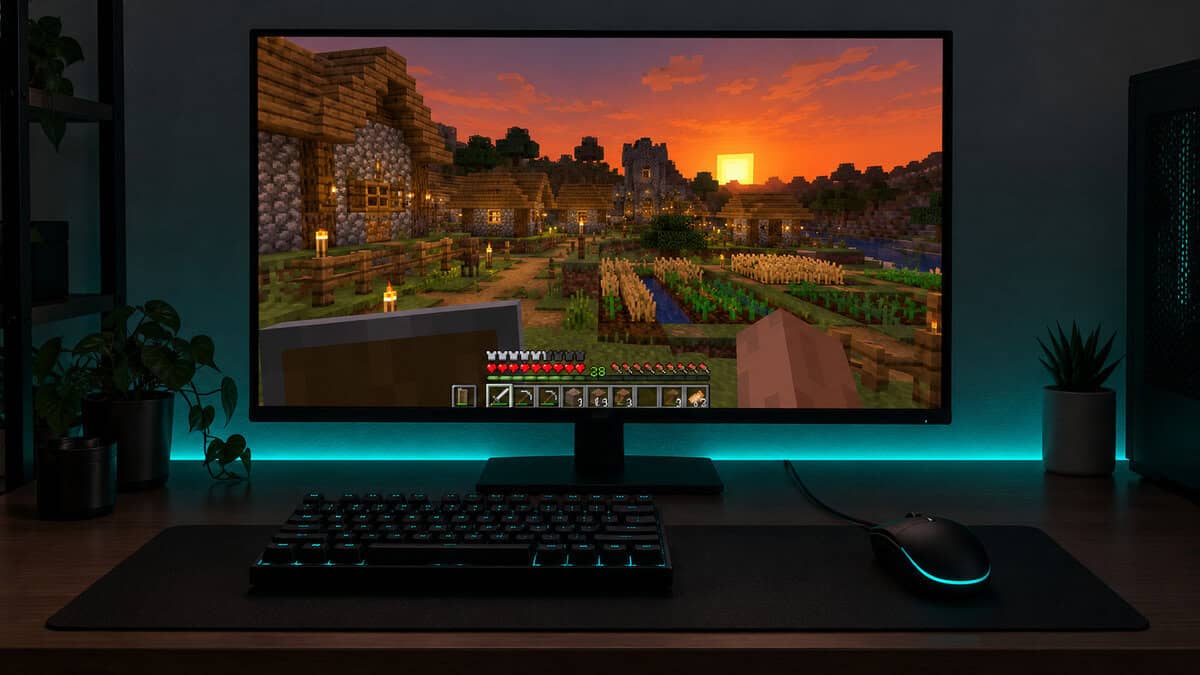
Those two side buttons are what make it better than an office mouse for Minecraft. Bind them to inventory and pick block, or to drop item and offhand swap, and the left hand stays on movement. The main buttons use Logitech’s metal-spring tensioning for a consistent click, and the 1000Hz report rate is all a block game needs.
Two side buttons are the real upgrade over an office mouse in Minecraft.
The tradeoff is how little else it has. There is no thumb rest, and it ties the Haste 2 for the fewest programmable buttons of the four. If the budget is tighter still, the Razer DeathAdder Essential is a cheaper wired option with five buttons, and our budget gaming mouse roundup covers more low-cost mice.
HyperX Pulsefire Haste 2
The HyperX Pulsefire Haste 2 is the Bedwars and PvP pick. At 53 g it is the lightest mouse here, and the symmetrical shell suits the claw and fingertip grips often used for jitter and butterfly clicking. HyperX includes grip tape in the box, which helps fingers stay planted during fast clicking.
The main switches are HyperX switches rated for 100 million clicks, a higher rating than the Basilisk V3 X’s 60 million, which matters in a game where fights are won on fast clicking. The 5.9 ft HyperFlex 2 cable is HyperX’s flexible cable design, a better partner for wide swings than a stiff office-mouse cord.
The Haste 2 is built for the click-heavy half of Minecraft.
The Haste 2 supports polling up to 8000Hz, which is more than Minecraft needs; 1000Hz is the default. This version is wired, and it has only two side buttons. If you want a Haste 2 with no cable, the HyperX Pulsefire Haste 2 Core Wireless is the wireless option.
Razer Basilisk V3 X HyperSpeed
The Razer Basilisk V3 X HyperSpeed is the wireless pick for survival players. It connects over Razer’s HyperSpeed 2.4 GHz dongle or Bluetooth, and a single AA battery is rated for up to 285 hours on HyperSpeed or 535 hours on Bluetooth.
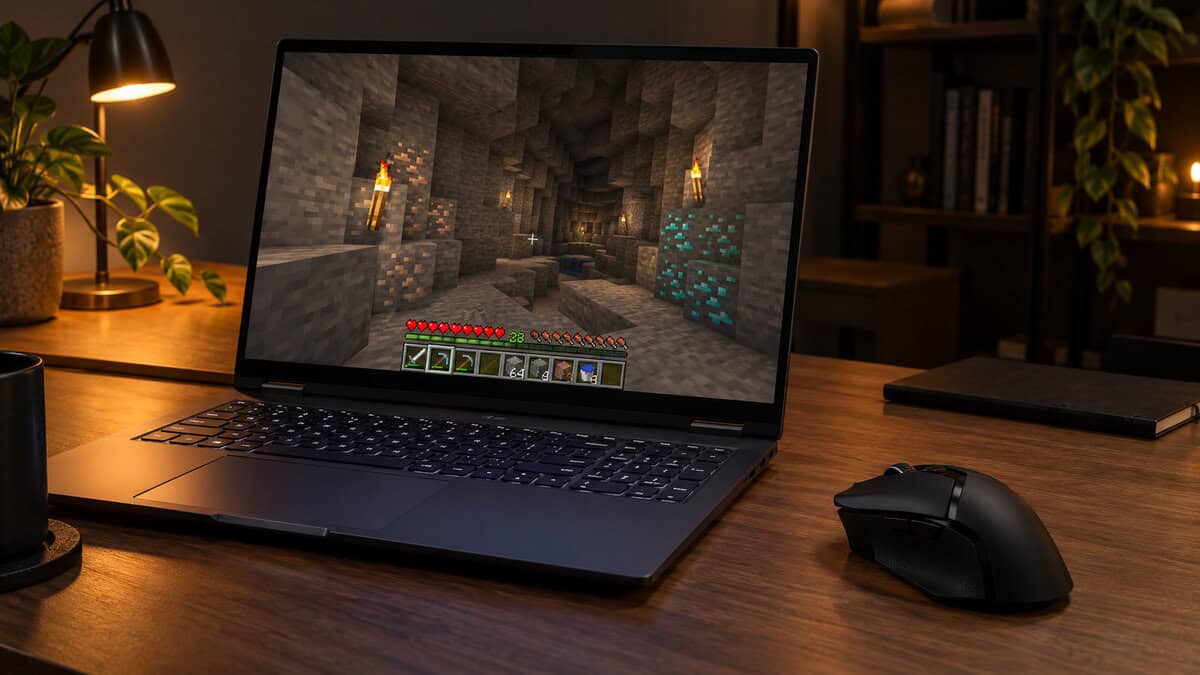
Its nine programmable controls give survival players room for more than two binds: hotbar slots, inventory, pick block and drop item can all move to the mouse. Nine controls on the mouse suit a laptop on a couch desk, where reaching across a keyboard is awkward. Razer’s Hypershift feature can add a second layer of binds on the same buttons.
The cost is weight and shape. At 110 g, it is heavier than the wired G203 and Haste 2, and its shell is right-handed only. The AA battery also means keeping a spare in the drawer.
Logitech G502 HERO
The Logitech G502 HERO is the mouse for creative builds and redstone. It has 11 programmable buttons, the most of the four, plus a dual-mode scroll wheel that switches between notched steps and free spinning.
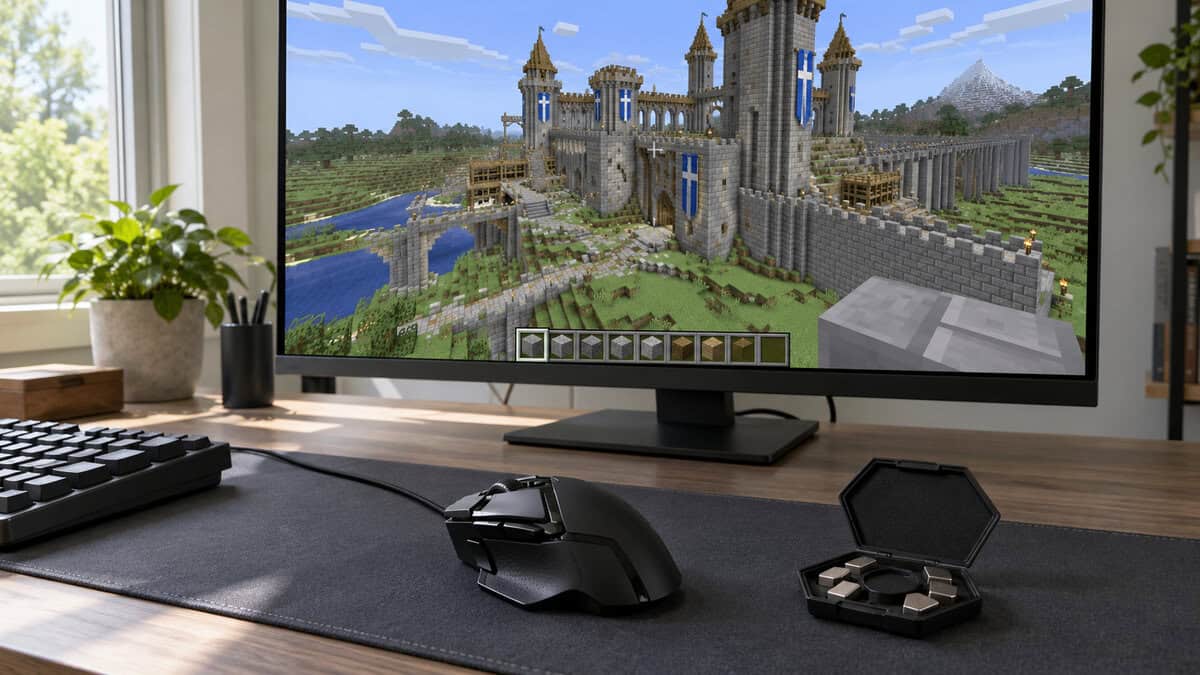
For a builder, those buttons replace keyboard trips: one for pick block, one for the inventory, others for blocks you keep reaching for. The DPI shift button drops sensitivity while held, which helps when lining up a single block on a big build. Onboard memory keeps the setup on the mouse when you move it to another PC.
The G502 HERO is the heaviest pick at 121 g, with room for up to 18 g more in removable weights, and its large shell is a stretch for small hands. That weight matters little in creative mode but is a drag in a PvP fight.
What Each Minecraft Mode Asks of a Mouse
Each Minecraft mode leans on a different part of a mouse. Survival rewards side buttons, PvP rewards a light shell and good switches, and creative building rewards buttons and a scroll wheel.
Survival: Side Buttons for the Hotbar
Survival Minecraft is a constant juggle of the hotbar, the inventory and placing blocks. Minecraft’s Controls menu accepts mouse buttons as keybinds, so you can bind the side buttons there to inventory, pick block, drop item or offhand swap.
Two side buttons, as on the G203 and the Haste 2, cover the two binds you use most. The Basilisk V3 X has room for several more, which suits players who want hotbar slots on the mouse.
Bedwars and PvP: The Best Mouse for Minecraft Combat
The best mouse for Minecraft combat is light, comfortable for fast clicking and built on durable switches. Bedwars, SkyWars and duels reward clicks per second and quick aim corrections, so a 53 g mouse like the Haste 2 takes less effort to flick than the 121 g G502.
PvP players who run a low sensitivity need wide arm swings across a big mouse pad. Our best budget gaming mouse pad guide covers large cloth pads that give a light mouse room to move.
In Bedwars, a light mouse and a large pad do more than a high DPI number.
Creative Builds and Redstone
Creative building and redstone reward buttons and a scroll wheel over light weight. A builder swaps blocks constantly, and the G502 HERO puts eleven programmable buttons and a free-spinning wheel under one hand for that.
If eleven buttons still feel short for a big build, a side-panel MMO-style mouse adds a grid of thumb buttons. Our 12-button mouse guide covers that style.
Long Sessions for Younger Players
A younger Minecraft player’s mouse should fit a smaller hand and need no upkeep. The G203 is the compact pick here, and as a wired mouse it has nothing to charge, pair or lose. Large or heavy mice such as the G502 can tire a small hand over a long session.
A shared family PC adds one more reason to keep it simple. The G203 stores its DPI and button settings in onboard memory, so they follow the mouse to another PC; Minecraft keybinds themselves are saved in the game.
Clicking Styles and What They Do to a Switch
Minecraft PvP players use clicking techniques built around the game’s combat, and each one puts a different load on a mouse’s main switches.
Jitter vs Butterfly vs Drag Clicking
Jitter clicking tenses the arm so the clicking finger vibrates against the button. Butterfly clicking alternates two fingers on one button. Drag clicking slides a finger along the button so friction makes it bounce, letting one drag register as a burst of clicks.
Jitter clicking favors a light shell, and both jitter and butterfly clicking need a button that resets quickly. Drag clicking depends on how the button surface feels and how the mouse reads a bouncing switch, which is why no mouse can promise a set clicks-per-second figure.
Why a Worn Switch Starts Double Clicking
A worn mouse switch can start double clicking because of bounce. Jack Ganssle’s guide to debouncing explains that the contacts of any mechanical switch rebound a little before settling, and firmware filters those rebounds so one press counts as one click.
In a mouse, as a switch wears, the bounce can outlast that filter, and a single click starts to land as two. Heavy jitter and butterfly clicking add wear faster than normal play, so a switch with a higher click rating, such as the Haste 2’s, buys PvP players more time.
Grip Tape and Shell Texture for Drag Clicking
Grip tape and shell texture decide how well a drag click catches. The Haste 2 includes grip tape in the box, and the tape also keeps fingers planted during butterfly clicking. Some players add their own tape to the main buttons; if you do, keep it thin so the button still presses cleanly.
Server Rules Come Before Extra Buttons
Server rules decide which mouse features you can use in Minecraft multiplayer, and they matter more than any spec. A burst-fire button that is legal in a single-player world can get an account banned on a big server.
Burst Buttons and Macros Can Cost an Account
Hypixel’s Allowed Modifications page states that anything which automates a player’s gameplay action is strictly disallowed, whether it is a mod, external software or hardware. The examples it gives include “auto/burst clicking buttons or macros.”
Some gaming mice and their software include a rapid-fire or macro feature. On Hypixel and servers with similar rules, leave those features off and unbound, even if the mouse has them.
A burst-fire button is a feature on the box and a ban risk on the server.
Remapping That Stays One Press per Action
Remapping that keeps one press per action is the safe line. Binding a side button to inventory, pick block or a hotbar slot is the same as pressing a key, so it does not automate anything. Rules vary between servers, so read each server’s own page before you bind anything more elaborate.
Sensitivity and Polling for a Block Game
Sensitivity and polling settings for Minecraft are simpler than mouse boxes suggest. DPI sets how far the cursor moves per inch of mouse travel, and Minecraft’s own sensitivity slider scales that again, so a modest DPI setting with the slider adjusted to taste is enough.
A 1000Hz polling rate, which the G203, Haste 2 and G502 all list, reports the mouse’s position a thousand times per second, plenty for Minecraft. The Haste 2’s 8000Hz option adds CPU load with little to gain in a block game. Our mouse polling rate test shows what your current mouse actually reports.
Minecraft Java Edition also has a Raw Input option in its mouse settings, which reads the mouse directly instead of through the operating system’s pointer settings. Leave it on, and set your in-game sensitivity once with it enabled.
Wired or Wireless at a Minecraft Desk
Wired or wireless comes down to where you play Minecraft. A wired mouse like the G203, Haste 2 or G502 never needs charging and suits a shared family PC, where nobody has to keep a battery charged or a dongle in place.
A wireless mouse like the Basilisk V3 X suits a laptop or a couch desk where a cable gets in the way, and its long AA battery life means few interruptions. Our wired vs wireless gaming mouse guide covers the tradeoffs in more depth.
Which Minecraft Player Each Mouse Suits
Each mouse suits one kind of Minecraft player best. Find how you play in the left column.
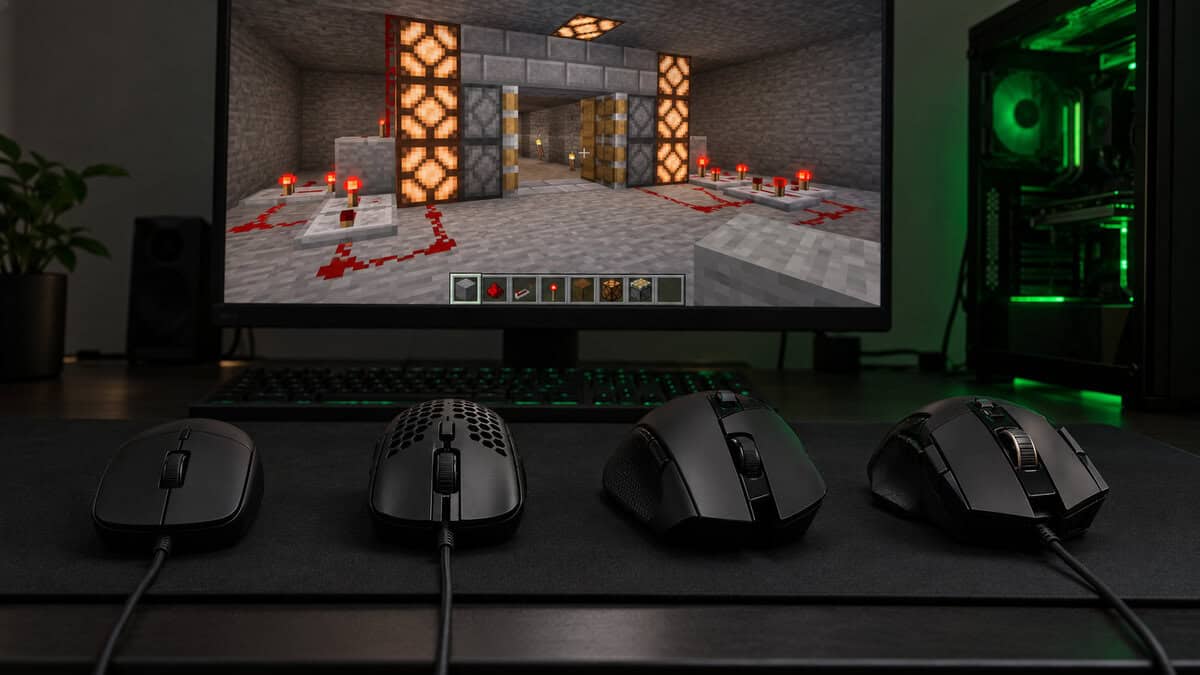
| How You Play Minecraft | Mouse | What It Brings | Trade-Off |
|---|---|---|---|
| Survival on a budget, or a first gaming mouse for a younger player | Logitech G203 LIGHTSYNC | Small wired shell, two side buttons | Only two side buttons, no thumb rest |
| Bedwars, SkyWars and other PvP | HyperX Pulsefire Haste 2 | 53 g, grip tape, switches rated for 100M clicks | Wired only, two side buttons |
| Survival on a laptop or couch desk | Razer Basilisk V3 X HyperSpeed | Wireless, 9 controls, long AA battery life | 110 g, right-handed only |
| Creative builds and redstone | Logitech G502 HERO | 11 buttons, dual-mode scroll wheel, tunable weight | Heaviest of the four |
If you are not sure, start with the G203. Move to the Haste 2 once PvP becomes the main reason you play.
Frequently Asked Questions
Quick answers about picking a mouse for Minecraft.
Does a gaming mouse help in Minecraft?
Yes, mostly through side buttons and better switches. Side buttons take binds like inventory and pick block off the keyboard, and a light mouse with durable switches suits PvP clicking. A higher DPI number on its own changes little.
What is the best mouse for Bedwars?
A light mouse with grip and durable switches suits Bedwars, which is why the HyperX Pulsefire Haste 2 is our PvP pick at 53 g with grip tape in the box. Pair it with a large pad if you play at low sensitivity.
Is drag clicking allowed on Hypixel?
Hypixel’s Allowed Modifications page does not mention drag clicking by name. What it bans is anything that automates a gameplay action, including auto or burst clicking buttons and macros. If you are unsure about a technique or a mouse setting, check with the server’s own staff first.
How many buttons does a Minecraft mouse need?
Two side buttons cover the binds most players reach for, usually inventory and pick block. Builders who swap blocks constantly get more from a mouse like the Logitech G502 HERO, with 11 programmable buttons.
Is a wireless mouse good enough for Minecraft PvP?
Yes, if you can live with the tradeoffs. Wireless adds a battery to manage and usually some weight, so for the lightest shell the wired HyperX Pulsefire Haste 2 is our PvP pick, and the Haste 2 Core Wireless is the cable-free option.
Looking for more budget gaming gear? Check out Budget Loadout for the latest reviews and recommendations.
Related Articles