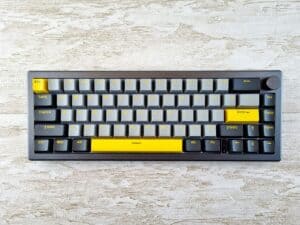
If you’re a gamer, you’ve probably heard the term “optical keyboard.” It’s often marketed as the next big thing, promising faster, more durable performance. But is it just hype, or a genuinely worthwhile upgrade for your setup?
For most gamers focused on value, the answer is yes. Optical switch keyboards deliver a tangible speed advantage and are built to last far longer than many traditional mechanical boards, often without a significant price jump. This guide will break down how that speed helps in specific games, what trade-offs you might face with a budget-friendly model, and recommend keyboards that offer real performance for the money.
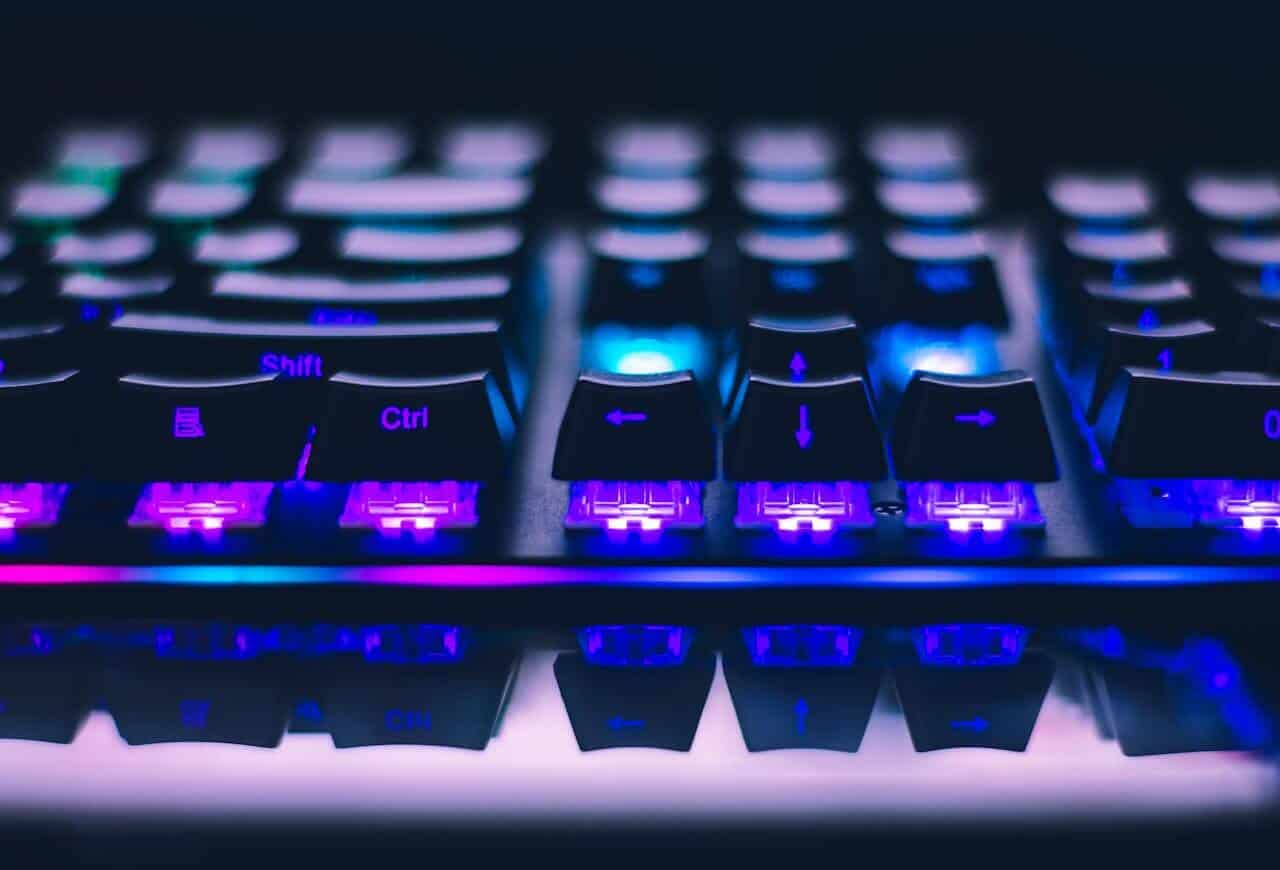
- Optical switches actuate via light beam with zero debounce delay, delivering measurably faster response than traditional mechanical switches
- The Razer Huntsman V2 TKL at ~$130 is the best overall optical keyboard with its 8000Hz polling rate and Optical Gen2 switches
- The Razer Huntsman Mini at ~$100 is the most affordable way to get genuine Razer optical switches in a compact 60% layout
- Budget optical keyboards are now rated for 100 million+ keystrokes versus 50-80 million for mechanical, making them a smarter long-term investment
- You cannot swap mechanical switches into an optical keyboard — the PCB hardware is completely different and not cross-compatible
Table of Contents
- 8000Hz polling rate provides 8x lower input latency than the standard 1000Hz
- Razer Optical Gen2 switches deliver 0.2ms response with 100 million keystroke lifespan
- Includes ergonomic wrist rest and detachable USB-C cable for portability
- Wired-only design may not suit gamers who prefer wireless flexibility
- TKL layout lacks a number pad which some MMO or productivity users may miss
- At ~$130 it is the most premium-priced option on this list
- Adjustable 2-point actuation toggles between 1mm gaming mode and 1.5mm typing mode
- Hot-swappable OptiPoint switches let you change switches without soldering
- Ultralight ~635g build is one of the lightest TKL keyboards available
- At ~$140 it is the most expensive option on this list
- Hot-swap compatibility is limited to OptiPoint optical switches only
- Wired-only with no wireless option for cable-free desk setups
- Same zero-debounce Razer optical switch technology found in the premium Huntsman V2 TKL
- Compact 60% layout frees up desk space for wider mouse movements
- Snap Tap support enables faster counter-strafing in competitive FPS games
- 60% layout requires a function layer for F-keys, arrows, and media controls
- No dedicated media keys or volume wheel compared to TKL alternatives
- Wired-only design in a compact form factor where wireless would be ideal
How Optical Switches Work (and Why It Matters)
The core difference is how the keyboard registers a keypress. A traditional mechanical switch works when you press down and two metal contacts physically touch, completing a circuit. It’s a proven method, but it has inherent physical limitations.
An optical switch eliminates the metal contacts. Instead, each switch has a beam of infrared light. When you press a key, the stem moves down and breaks that light beam. That interruption is the signal. This seemingly small change has a direct impact on performance and how long the keyboard will last.
The Real-World Advantages: Speed and Durability
The benefits of this light-based technology are not just numbers on a spec sheet; they directly affect how your keyboard performs and how well it holds up over time. For a budget-conscious gamer, this combination is a strong value proposition.
- Faster Response: Because there’s no physical contact, optical switches eliminate a small but real delay called “debounce.” This is a pause programmed into mechanical switches to prevent a single press from accidentally registering twice due to metal contacts bouncing. Removing it makes inputs feel more immediate and reliable.
- Superior Durability: This is a major factor. Mechanical switches wear out as the metal contacts degrade from friction and oxidation. Optical switches have no such parts grinding together. This is why they are often rated for 100 million keystrokes—double the lifespan of many standard mechanical switches. A keyboard with a solid build quality and optical switches is designed for longevity.
- Increased Resilience: The lack of metal contacts means there’s nothing to corrode or fail if dust or a minor spill gets inside the switch mechanism. This makes them a more resilient choice for a typical gaming desk.
For a competitive player, the speed is the primary draw. For a value-focused gamer, the superior durability means you won’t be buying a new keyboard in a year or two. You’re getting better long-term value from your purchase.
Use Cases for Gamers and Streamers
This isn’t just theory. You can feel the difference in specific gaming scenarios.
- FPS Gaming: In fast-paced shooters like Valorant or CS2, instant actuation provides a slight but noticeable edge. It makes micro-adjustments for peeking and counter-strafing feel more responsive.
- MMO Gaming: For players managing complex ability rotations, the rapid and consistent keypresses ensure combos fire off without a hitch, especially when spamming keys under pressure.
- Streaming: When a keyboard is a primary tool for your job, the robust build and durability of an optical switch keyboard provide peace of mind. It’s one less component to worry about failing during thousands of hours of intense use.
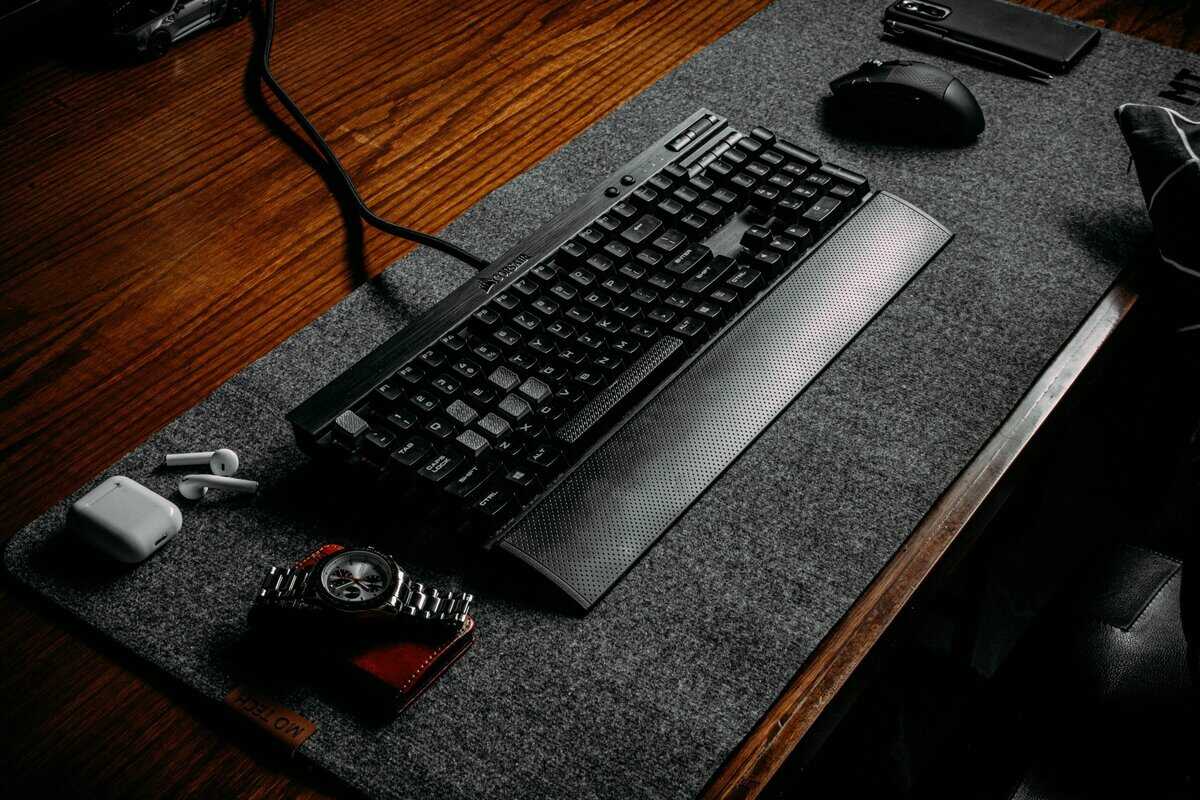
Optical vs. Mechanical: A Technical Breakdown
Let’s dig deeper into the performance claims. The key advantage for an optical switch keyboard comes from eliminating a source of latency that all traditional mechanical switches have: debounce delay.
Debounce is a safety measure. Because the metal contacts in a mechanical switch can “chatter” or bounce on impact, the keyboard’s firmware must wait a few milliseconds to ensure it doesn’t accidentally register one press as multiple inputs. It’s a necessary function, but it adds lag.
Optical switches don’t have this problem. Since an infrared light beam is either blocked or unblocked—a clean, digital signal—there is no need for a debounce delay.
The core difference is simple: a mechanical switch registers input with physical contact, while an optical switch registers it with the absence of light. This fundamental change is what gives an optical switch keyboard its speed advantage.
Traditional switches are burdened with debounce delays around 5-10ms. Optical technology eliminates this, allowing for actuation that is fundamentally faster. For competitive gamers, those milliseconds can be the difference between winning a gunfight and looking at a respawn screen. For everyone else, it contributes to a feeling of crisp responsiveness.
Practical Differences in Speed and Feel
The table below breaks down the key performance differences. While a good experience is possible with both, the underlying technology creates distinct advantages for optical switches.
Optical vs. Traditional Mechanical Switches
| Feature | Optical Switch | Traditional Mechanical Switch |
|---|---|---|
| Actuation Method | Infrared light beam interruption | Physical metal contact |
| Debounce Delay | None; actuation is instant | Present (approx. 5-10ms) |
| Input Lag | Minimal; inherently lower | Slightly higher due to debounce |
| Common Lifespan | 100 million+ keystrokes | 50-80 million keystrokes |
| Build Quality Impact | Fewer moving parts to fail | Metal contacts can wear/corrode |
As the table shows, the lack of physical contact doesn’t just make optical switches faster—it also makes them significantly more durable. With no metal parts to bend, corrode, or wear out, a well-built optical switch keyboard is a smarter long-term investment. If you want a deeper dive into all switch types, check out our guide on mechanical keyboard switches explained.

Understanding Feel, Sound, and Customization
One of the historical trade-offs with optical switches was the feel. Early versions were often described as “mushy” or hollow, lacking the crisp feedback that mechanical keyboard enthusiasts prefer. For many, that was a deal-breaker.
Fortunately, this is no longer the case. Modern optical switch manufacturers like Gateron and Razer have invested heavily in refining their designs. They now offer a full range of switches that feel practically identical to their mechanical counterparts. You no longer have to choose between speed and a satisfying typing experience.
Finding Your Preferred Switch Feel
The feel of a switch is determined by its internal spring and stem design, not the actuation method. You can find an optical keyboard that matches your preferred feel.
- Linear Optical Switches: These offer a smooth, consistent keystroke from top to bottom with no bump or click. They are ideal for gamers who need to spam keys rapidly and prefer a quieter keyboard.
- Tactile Optical Switches: These provide a noticeable but quiet “bump” at the actuation point. This physical feedback confirms your keypress without a loud click, making them a great all-around choice for both gaming and typing.
- Clicky Optical Switches: These deliver a sharp, audible “click” along with a tactile bump, providing the most distinct feedback possible.
The sound profile of an optical keyboard depends on the switch type and the board’s overall build quality (case material, mounting style, keycaps). Linear switches will be quietest, while clicky switches are designed to be loud. If you are aiming for a quiet setup, it’s useful to learn about the quietest mechanical keyboard switches to understand how different designs affect noise.
Customization: The Main Trade-Off
Deep customization is a major part of the keyboard hobby, and this is where optical keyboards have a key limitation. For a budget-conscious buyer, understanding how hot-swapping works is critical.
A hot-swappable optical keyboard only accepts other optical switches. You cannot put traditional mechanical switches into an optical PCB. They use entirely different mechanisms—light sensors versus metal contact pins.
This is a common point of confusion. It means your upgrade path is limited to compatible optical brands, like Gateron Optical or Razer Optical. While this is less flexible than a standard mechanical board that accepts hundreds of switch types, the optical ecosystem is growing.
On the other hand, keycap compatibility is rarely an issue. The vast majority of optical switches use a standard Cherry MX-style stem. This means you can use almost any aftermarket keycap set to change your keyboard’s look.
Best Value Optical Keyboards for Gamers
Sorting through the marketing claims to find the best optical keyboards can be difficult. To cut through the noise, we’ve identified three models that provide the best balance of performance, build quality, and price for a budget-conscious gamer. These aren’t the absolute cheapest options, but they represent strong long-term value.
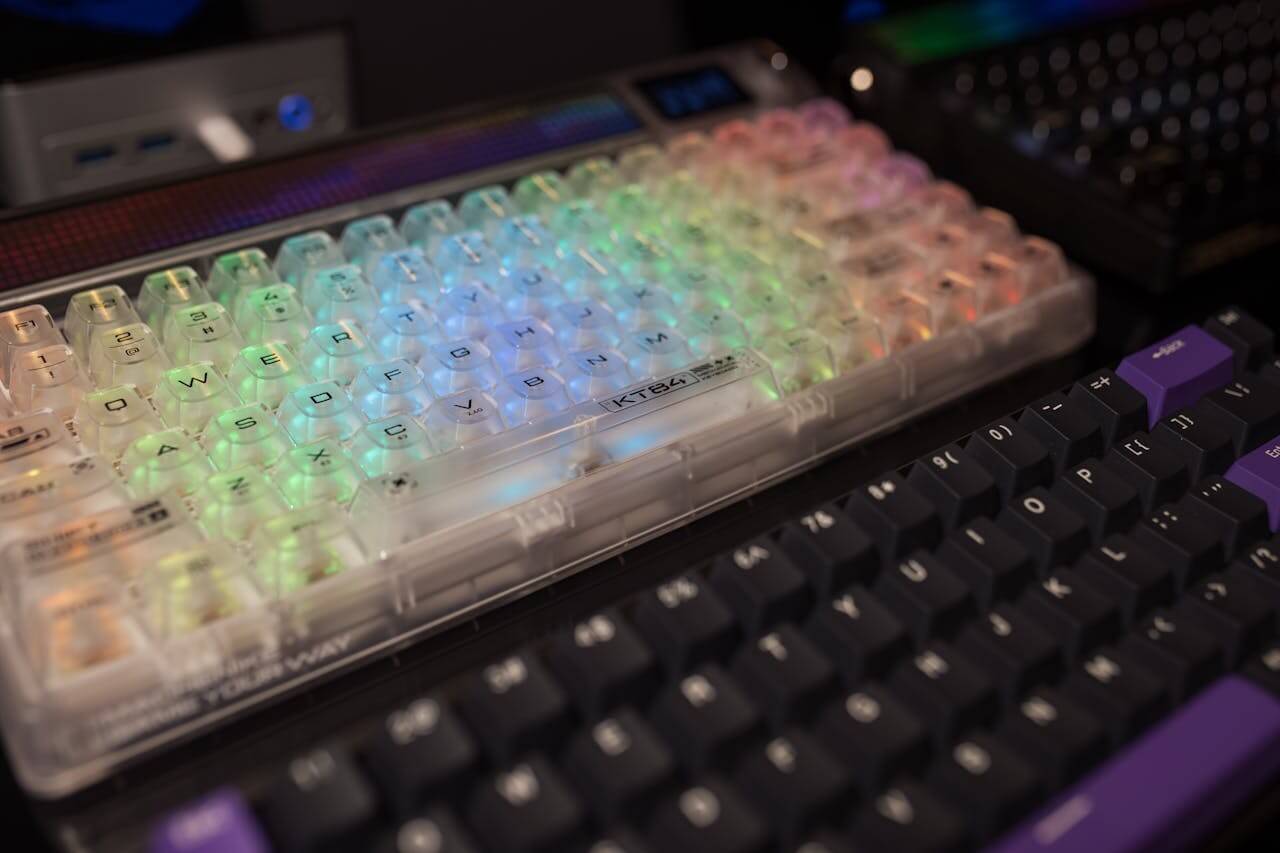
Tier 1: Best Overall Value — Razer Huntsman V2 TKL
The Razer Huntsman V2 TKL is the complete package for gamers who want genuine optical performance without overspending. At ~$130, it delivers features that were exclusive to premium boards just a year ago.
It uses Razer Optical Gen2 Linear switches with a 1.2mm actuation point and 45g of force, actuating via infrared light beam for true zero-debounce response. Razer claims a 0.2ms response time, and the switches are rated for 100 million keystrokes. The standout feature is its 8000Hz polling rate, an 8x improvement over the standard 1000Hz, reducing input lag to near-imperceptible levels.
Build quality is strong for the price. The top plate is aluminum, the keycaps are doubleshot PBT, and the cable is a detachable USB-C. It even includes an ergonomic wrist rest. At ~900g, it is light enough for LAN events while feeling substantial on your desk. For most gamers wanting a proven optical switch keyboard, this is the one to beat.
Tier 2: Best for Competitive FPS — SteelSeries Apex 9 TKL
If you play titles where every millisecond counts, the SteelSeries Apex 9 TKL is built specifically for you. At ~$140, it is laser-focused on competitive speed.
Its custom OptiPoint optical switches feature a unique 2-point actuation system: toggle between a 1mm “gaming mode” for the fastest possible registration, or a 1.5mm “typing mode” for daily use. The actuation force is a feather-light 35g, and the switches deliver a 0.2ms response time with zero debounce. They are also hot-swappable with other OptiPoint switches, giving you flexibility.
The board weighs just ~635g, making it one of the lightest TKL options available. It features an aluminum top plate, PBT keycaps, a detachable USB-C cable, and a volume wheel with media controls. The primary trade-off is the price — it is the most expensive option on this list — but for dedicated FPS players, the adjustable actuation and ultralight build justify the investment.
Tier 3: Best Budget Option — Razer Huntsman Mini
The Razer Huntsman Mini proves you don’t need to spend over $130 to experience optical switch performance. At ~$100, this compact 60% keyboard punches well above its price class.
It uses Razer Optical switches available in Linear (Red) or Clicky (Purple) variants, delivering the same zero-debounce actuation technology found in the more expensive Huntsman V2 TKL above. The switches are rated for 100 million keystrokes, and the keyboard features doubleshot PBT keycaps and a detachable USB-C cable. It also supports Snap Tap for more responsive counter-strafing in FPS games.
The 60% layout strips away the number pad, function row, and navigation cluster, leaving you with a clean, portable board that frees up desk space for wider mouse movements. All secondary functions are accessible via a function layer printed on the side of each keycap. The trade-off is the learning curve for those secondary functions and the lack of dedicated media keys. But for gamers who prioritize speed, portability, and value, the Huntsman Mini is the best entry point into Razer’s optical switch ecosystem.
Frequently Asked Questions
Even with the technical details covered, some practical questions remain.
Can I Put Mechanical Switches in an Optical Keyboard?
No. This is a critical point to understand. The internal hardware is completely different, and they are not cross-compatible.
An optical keyboard’s circuit board (PCB) uses infrared sensors to detect keypresses. A mechanical keyboard’s PCB has metal sockets designed for the pins of a mechanical switch. In a hot-swappable optical board, you can only use other compatible optical switches from brands like Gateron or Razer.
Are Optical Keyboards Actually Better for Gaming?
For competitive, fast-paced gaming, the technical answer is yes. The instant actuation from the lack of debounce delay provides a measurable speed advantage. For an FPS player, this can translate to a slight edge in reaction time.
However, a more casual gamer may not perceive this speed difference. The most significant benefit for all gamers is the durability. An optical switch rating of 100 million keystrokes makes it a better long-term investment, regardless of what you play.
The speed advantage is a plus for competitive players, but the superior durability is a clear win for every gamer. An optical keyboard is a smart buy for its longevity alone.
Do All Optical Switches Feel the Same?
No. This is a myth from the early days of the technology. Modern optical switches are just as diverse as their mechanical counterparts. You can find a switch that matches your preference for feel and sound:
- Linear Optical: Smooth and quiet, ideal for rapid keypresses.
- Tactile Optical: A noticeable but quiet bump for feedback.
- Clicky Optical: A loud, sharp “click” for definitive feedback.
Is an Optical Keyboard Worth It on a Tight Budget?
Yes. The price difference between quality optical and mechanical keyboards has shrunk considerably. Many excellent optical models are now available at competitive prices.
When you factor in that they offer faster performance and often double the lifespan, an optical switch keyboard provides strong long-term value. For a budget-conscious gamer who wants a board that performs well and is built to last, it’s one of the most practical upgrades you can make.
At Budget Loadout, we review and recommend gear that delivers real value. For more budget-friendly reviews and recommendations, visit BudgetLoadout.com.
Related Articles