How much RAM for gaming is one of the most common questions for PC builders, and the answer is simpler than most make it. For years, 16GB was the standard, a reliable capacity that offered good value. For many, it still is. However, for a new PC build or a meaningful upgrade, 32GB is the more practical investment for future performance.
- 32GB is now the recommended RAM standard for gaming PCs in 2026
- 16GB still works but struggles with modern AAA games plus background apps like Discord and OBS
- DDR5 is the best choice for new builds; DDR4 only makes sense for upgrading existing systems
- Insufficient RAM causes stuttering, frame drops, and long loading screens
- Prioritize capacity over speed — enough GBs matters more than MHz
Table of Contents
- Reliable DDR5 workhorse with solid heat spreaders
- Dependable set-and-forget performance
- Wide motherboard compatibility
- Lifetime warranty from Corsair
- Not the fastest DDR5 on the market
- No RGB on base model
- Excellent performance-to-price ratio
- Popular and proven among PC builders
- Low-profile design fits any build
- Strong for high-FPS gaming and multitasking
- Plain aesthetics with no RGB
- Limited color options
- Rock-solid reliability from Kingston
- Budget-friendly DDR4 upgrade path
- Handles most current games well
- Plug-and-play XMP support
- DDR4 platform is aging with no future upgrade path
- 16GB increasingly limiting for modern titles
How Much RAM Do You Actually Need for Gaming?
The right amount of RAM isn’t about hitting a specific number; it’s about providing your PC with enough memory to operate without bottlenecks. While 16GB has been sufficient, modern AAA games, combined with common background applications like Discord, web browsers, or streaming software, are beginning to exceed its limits.
For a budget-conscious gamer, money should be allocated where it makes the most impact. You don’t need the most expensive option, but insufficient RAM can cripple the entire system, leading to stutters and slowdowns. A proper investment ensures that other components, like your CPU and GPU, can perform their tasks without being held back.
The issue isn’t just about running one game. It’s about maintaining smooth performance while multitasking, which reflects typical PC usage. A game, a few browser tabs, and voice chat can quickly overwhelm a system that lacks sufficient RAM.
This guide provides direct recommendations to help you select the right RAM capacity for your build.
Quick Guide to Gaming RAM Capacity
Use this table to determine the appropriate amount of RAM for your specific gaming needs and budget.
| RAM Capacity | Best For | Real-World Performance |
|---|---|---|
| 8GB | Not Recommended | Struggles with modern games, causing frequent stutters and long load times. Viable only for very old titles or simple indie games. |
| 16GB | Budget Gaming / FPS | Handles most current games well. Can show limitations with heavy multitasking, streaming, or the most demanding new AAA and MMO titles. |
| 32GB | Future-Proof Gaming & Streaming | The ideal choice for new builds. Runs all modern games and background apps without issue, allowing for high-quality streaming without performance loss. |
Ultimately, choosing the right amount of RAM involves balancing your current needs, budget, and desire to avoid near-term upgrades.
What RAM Does in Your Gaming PC
To determine how much RAM you need, it’s important to understand its function. Random Access Memory (RAM) acts as your PC’s high-speed, temporary workspace. When you launch a game, critical assets like level maps, character models, and textures are loaded from your slower storage drive (SSD or HDD) into RAM.
This allows your processor (CPU) to access necessary data almost instantly. More RAM means more of the game’s data can be held for immediate access, which is key to smoother gameplay. This close relationship between RAM and CPU is fundamental to your PC’s performance. For more on how a processor impacts gaming, see our guide to the best CPUs for gaming.
The Cost of Not Enough RAM
Problems arise when your system’s RAM capacity is insufficient. If a game requires more data than your RAM can hold, your PC must continuously retrieve data from your much slower main storage drive. This process, known as swapping, creates a noticeable performance bottleneck.
The classic symptoms of insufficient RAM are stuttering, hitching, and jarring frame drops. You might also notice textures “popping in” late or experience long loading screens as the system struggles to manage memory.
This bottleneck means even a powerful graphics card and CPU cannot operate at their full potential, as they are left waiting for data. The result is a choppy and frustrating gaming experience. For example, in a demanding open-world game, sufficient RAM allows a large area to be loaded and ready. With too little RAM, your PC is forced to retrieve assets piece by piece from your SSD, causing stutters as you move through the world. Ensuring you have enough RAM is one of the most cost-effective ways to improve your PC’s overall performance.
Why Yesterday’s RAM Advice Is Outdated
The long-standing recommendations for gaming RAM capacity have become obsolete. What was once considered a generous amount is now often the bare minimum, forcing gamers to re-evaluate what “enough” really means.
For years, 8GB was acceptable. Then, 16GB became the undisputed standard for an extended period. That advice is now aging. Modern games are designed with higher memory requirements.
The Unstoppable March of Memory Demand
The rate of change has been significant. In the late 1990s, a game like Half-Life required only a few megabytes of RAM. By the mid-2000s, titles such as Oblivion highlighted memory as a critical bottleneck, pushing usage well past 512MB. This trend has accelerated.
Today, the requirement is not just to run the game, but to do so while also running Discord, multiple browser tabs, and perhaps streaming software without system-wide performance degradation.
Modern AAA titles are memory-intensive. Games like Black Myth: Wukong, S.T.A.L.K.E.R. 2, and Cyberpunk 2077 regularly use enough memory to push a 16GB system to its limit, and sometimes beyond. This is the new standard, not an exception. The 16GB capacity is no longer a guarantee of a smooth experience in the latest major releases.
Even Well-Optimized Games Are Getting Hungrier
This trend is not limited to graphically intensive single-player games. Popular, well-optimized titles are also demanding more memory. For instance, recent updates to Fortnite have been observed to cause memory usage to spike beyond 16GB of system RAM in certain situations.
You can watch a detailed breakdown of this memory usage evolution to see the data. This consistent upward trend confirms that past advice is no longer reliable. For a value-focused gamer, understanding this shift is key to making a sound investment in a new PC build or upgrade.
Choosing Your Capacity: 8GB vs. 16GB vs. 32GB
This section breaks down the common RAM capacities to help you decide where to invest your money. Your choice directly impacts your PC’s performance now and in the future.
The 8GB Bottleneck
To be direct: 8GB of RAM is not enough for modern PC gaming. It may suffice for older or simple indie titles, but it creates a significant bottleneck for almost everything else. You will experience stuttering, long load times, and poor performance in most new games, making it a poor investment even on the tightest budget.
The 16GB Standard
For a long time, 16GB was the recommended capacity, and it remains a viable option for many gamers. It provides enough headroom for most popular titles like Warzone or Apex Legends and allows for light multitasking, such as running Discord during gameplay. Its primary appeal is value, offering solid performance without the higher cost of 32GB.
However, its trade-offs are becoming more apparent. For MMO players with numerous add-ons, streamers managing OBS alongside their game, or those playing the most demanding AAA titles, 16GB will feel restrictive. You’ll likely experience performance dips and need to close background applications. While functional today, it is not a future-proof choice.
Why 32GB Is the New Sweet Spot
For anyone building a new gaming PC today, 32GB is the new recommended standard. This is not just for high-end users; it’s a practical choice for budget-conscious gamers focused on value and longevity. Games like Black Myth: Wukong can use over 20GB of RAM, demonstrating that 16GB is no longer sufficient for an optimal experience in certain titles.
With 32GB, you eliminate RAM as a potential bottleneck. You can run demanding games, stream high-quality video, and keep multiple applications open without a performance penalty.
Recent industry analysis supports this, with testing showing that 32GB is becoming the baseline for modern gaming. This makes a 32GB kit a smart, long-term investment, even if it requires a slightly higher initial budget. To see how this fits into an affordable build, refer to our guide to a gaming PC under $500.
Should You Choose DDR4 or DDR5
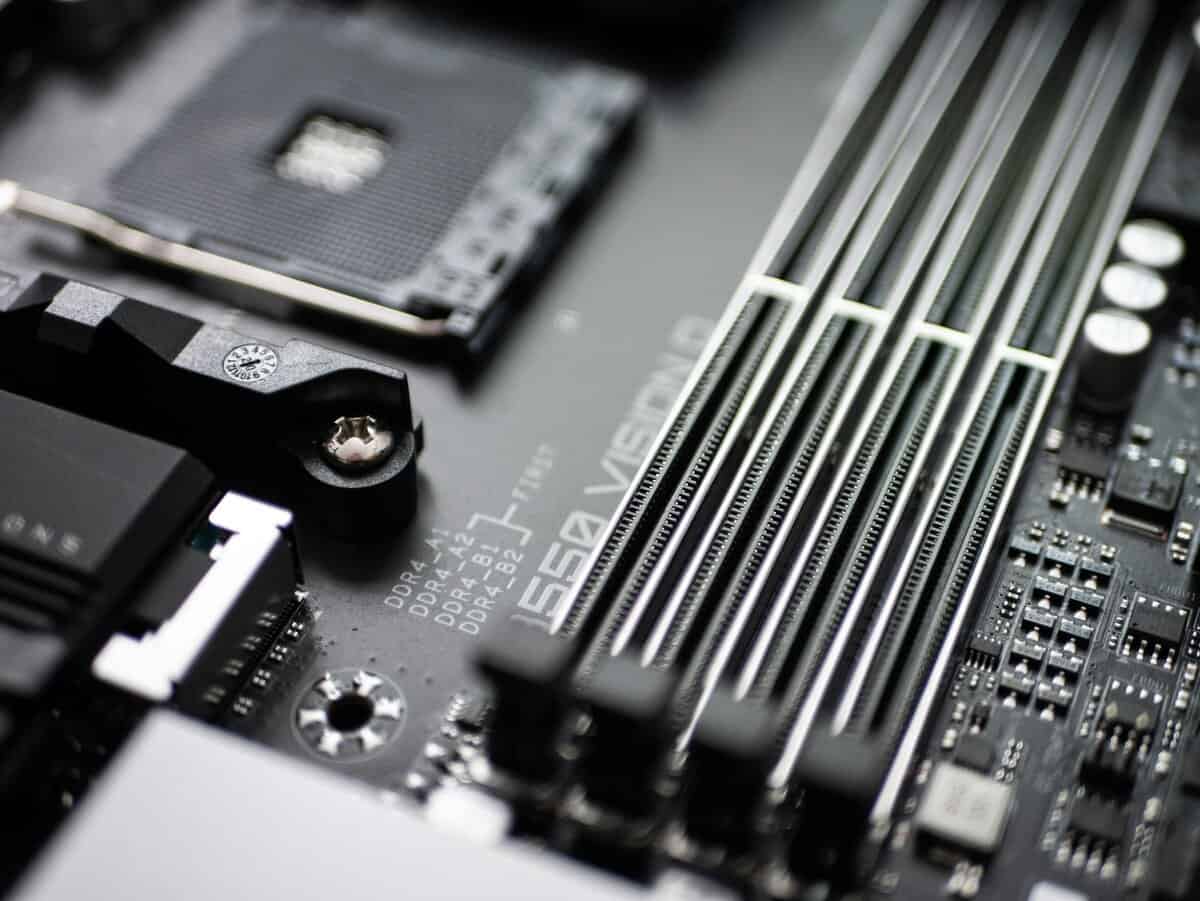
The choice between DDR4 and DDR5 RAM is a foundational one that dictates your motherboard and CPU options. This decision impacts both your initial cost and future upgrade possibilities.
For those building a PC on a strict budget, this decision is about trade-offs. DDR5 is the newer standard, offering higher speeds and more bandwidth. However, a quality DDR4 kit can still deliver strong gaming performance and may be a more cost-effective choice, freeing up funds for a better GPU.
The Cost and Value Tradeoff
Previously, the mature DDR4 platform was the clear choice for budget builds due to its low cost and sufficient performance. However, the market has become more complex. As manufacturers transition to the more profitable DDR5, the supply of DDR4 has decreased, and prices have become volatile.
This has been especially noticeable over the past couple of years, as certain popular DDR4 kits have seen significant price spikes once manufacturers started winding down production. In some cases, older DDR4 kits ended up costing the same or more than comparable DDR5 alternatives, which defeats the purpose of going budget. You can examine these price fluctuations in this deep dive from GamersNexus.
For any new build in 2024 and beyond, DDR5 is the recommended choice. While the initial platform cost is slightly higher, its performance advantage is growing, and it offers a clear upgrade path. A DDR4 build is only practical if you already own a compatible motherboard.
If you are on a very tight budget and already have an AM4 or older Intel motherboard, a DDR4 upgrade can still provide a performance boost. For anyone starting from scratch, the decision is clear. Investing in a DDR5-compatible motherboard and CPU is the more logical long-term move, even if it means starting with a more basic DDR5 kit.
Our Recommended RAM Kits for Gaming
Selecting a specific RAM kit can be challenging. Here are direct recommendations for gamers who prioritize real-world value and proven reliability. These products offer solid performance without unnecessary features.
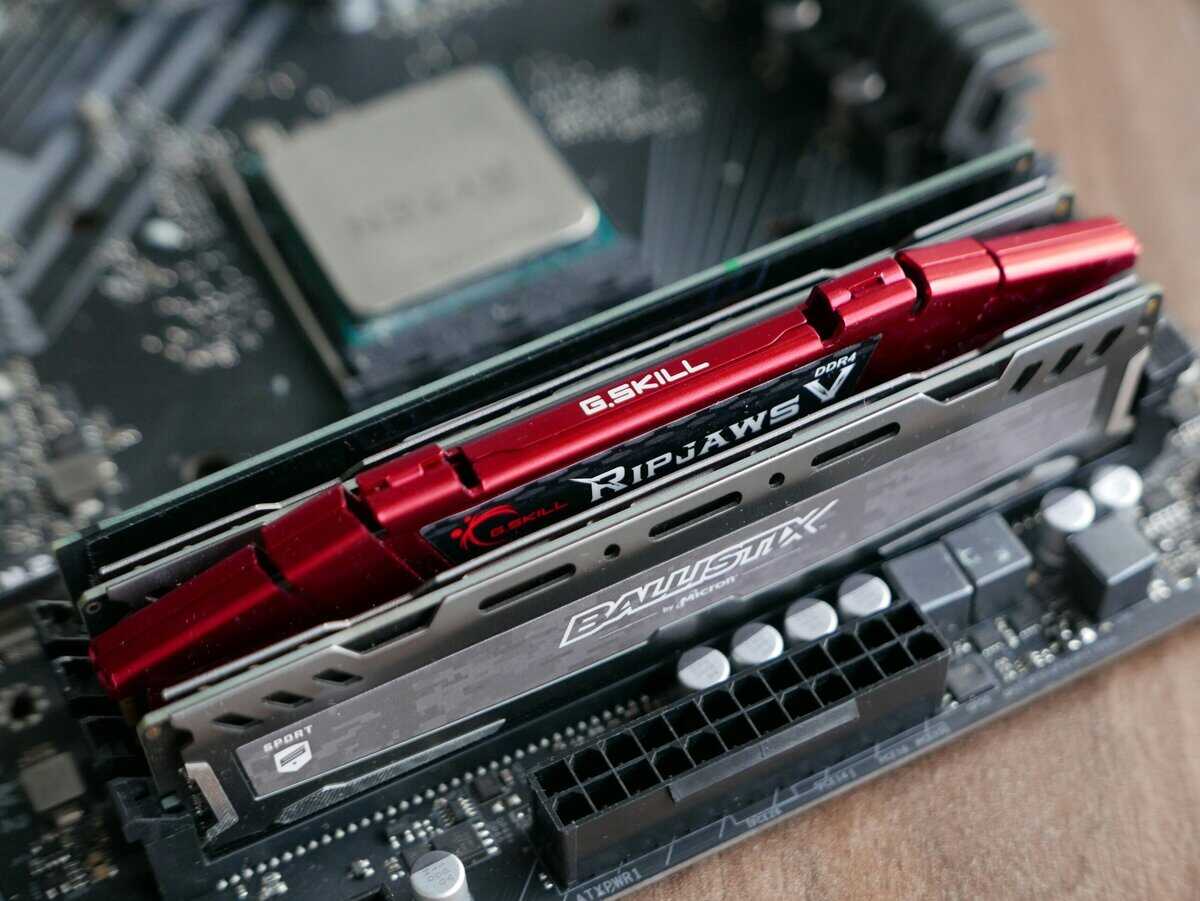
Best Value: 32GB DDR5
For most new PC builds, a 32GB DDR5 kit is the most practical choice. While 16GB is still functional, opting for 32GB now ensures you won’t face memory-related bottlenecks for the foreseeable future.
Corsair Vengeance DDR5 (32GB): This is a workhorse kit. Corsair has a reputation for durable hardware, and the Vengeance line is a no-nonsense product. It features solid heat spreaders, reliable memory chips, and is a dependable “set it and forget it” option.
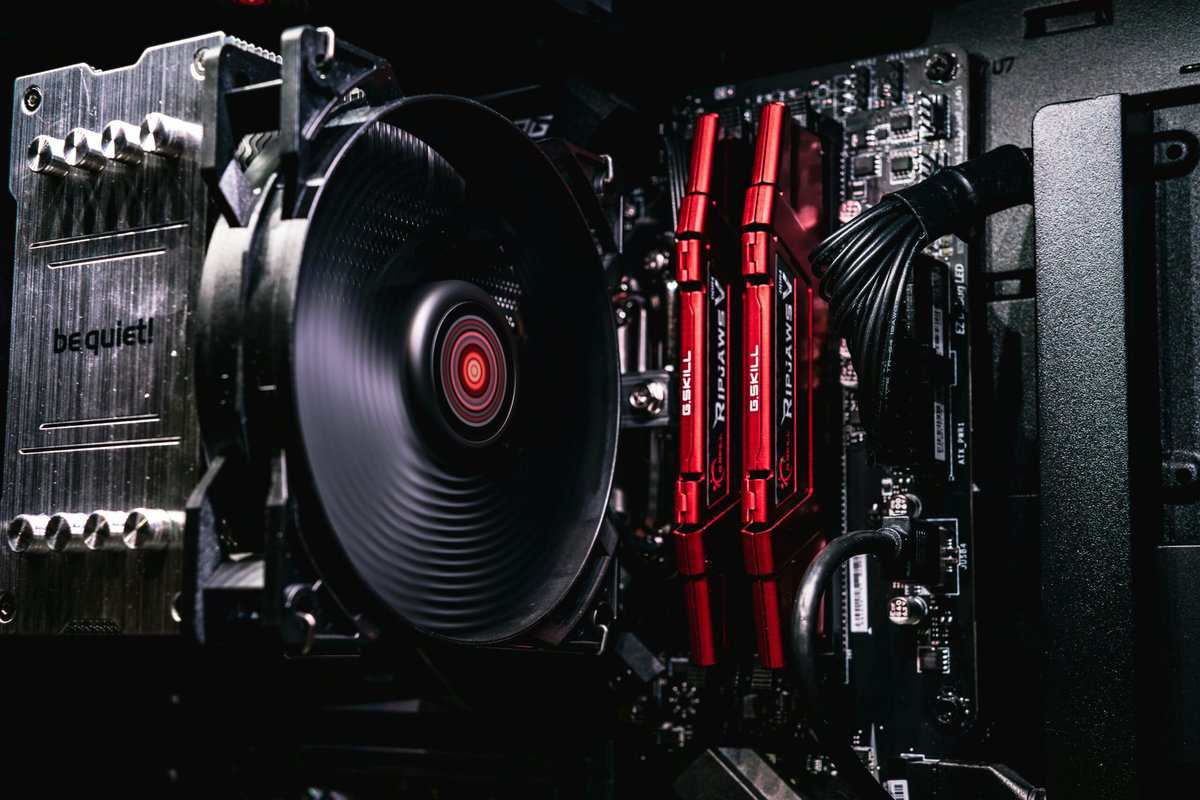
G.Skill Ripjaws S5 DDR5 (32GB): G.Skill consistently balances performance and price. The Ripjaws series is popular among builders for its solid build quality and good performance without the premium price often associated with “gamer” aesthetics. It’s a strong choice for high-FPS gaming and multitasking.
Budget & DDR4 Upgrade: 16GB DDR4
If you’re upgrading an older DDR4 system or building on a very tight budget, a 16GB kit still offers good performance for today’s games, though you sacrifice some future-proofing.
While 16GB is a functional budget choice now, 32GB is the smarter long-term investment for any new build. It eliminates RAM as a bottleneck, ensuring top performance in demanding games and multitasking for years to come.
- Kingston Fury Beast DDR4 (16GB): Kingston is known for reliability. The Fury Beast line is built for durability and provides stable performance, making it a safe choice for a budget-friendly gaming PC that can handle most current titles.
Making the right hardware choices is the first step in building a great gaming PC. To see how all the components come together, check out our guide on how to build a gaming PC.
Got Questions About Gaming RAM? We’ve Got Answers.
Even after deciding on a capacity, you may still have questions. Here are answers to common queries about gaming RAM.
Is RAM Speed More Important Than Capacity?
No. Capacity is more important for gaming. Having enough RAM (e.g., 16GB as a baseline or 32GB for comfortable headroom) is critical to prevent system-wide slowdowns. The stability gained from sufficient capacity provides a much larger performance benefit than faster RAM in a system with an insufficient amount. Once you have enough capacity, faster speeds can provide a secondary, smaller performance boost. Prioritize capacity first.
Can I Mix Different RAM Sticks?
It is not recommended. While it is technically possible to mix RAM sticks with different speeds, timings, or brands, it is a common cause of system instability and crashes. In the best-case scenario, your system will operate at the speed of the slowest stick. In the worst case, you will face a frustrating cycle of troubleshooting. Always purchase RAM as a single, matched kit to ensure compatibility and performance.
Takeaway: Mismatched RAM is a classic PC-building mistake. A single, matched kit is your ticket to ensuring your memory runs at its advertised speed without causing mysterious errors.
Does More RAM Increase FPS?
Not directly. Adding more RAM will not increase your maximum frames per second (FPS) if another component, like your graphics card, is the bottleneck. However, insufficient RAM is a primary cause of stuttering and significant FPS drops, which degrade the gaming experience. Having enough RAM ensures a more stable and consistent frame rate by eliminating these performance dips. The benefit is in smoothness and consistency, not a higher peak FPS number.
At Budget Loadout, we provide hype-free guides and reviews to help you find the best value in gaming gear. Discover our curated lists and make your next upgrade a smart one. Learn more at https://budgetloadout.com.
Related Articles