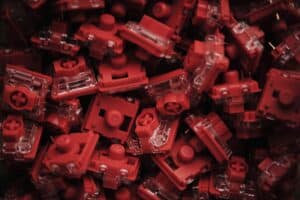
For gamers and typists seeking a satisfying middle ground, the search for the best tactile switches often ends with Gateron G Pro Browns and Gateron G Pro 3.0 Browns. Both provide confirmed keystrokes and a balanced feel, making them practical all-rounders for mixed-use keyboards that don’t require a large investment.
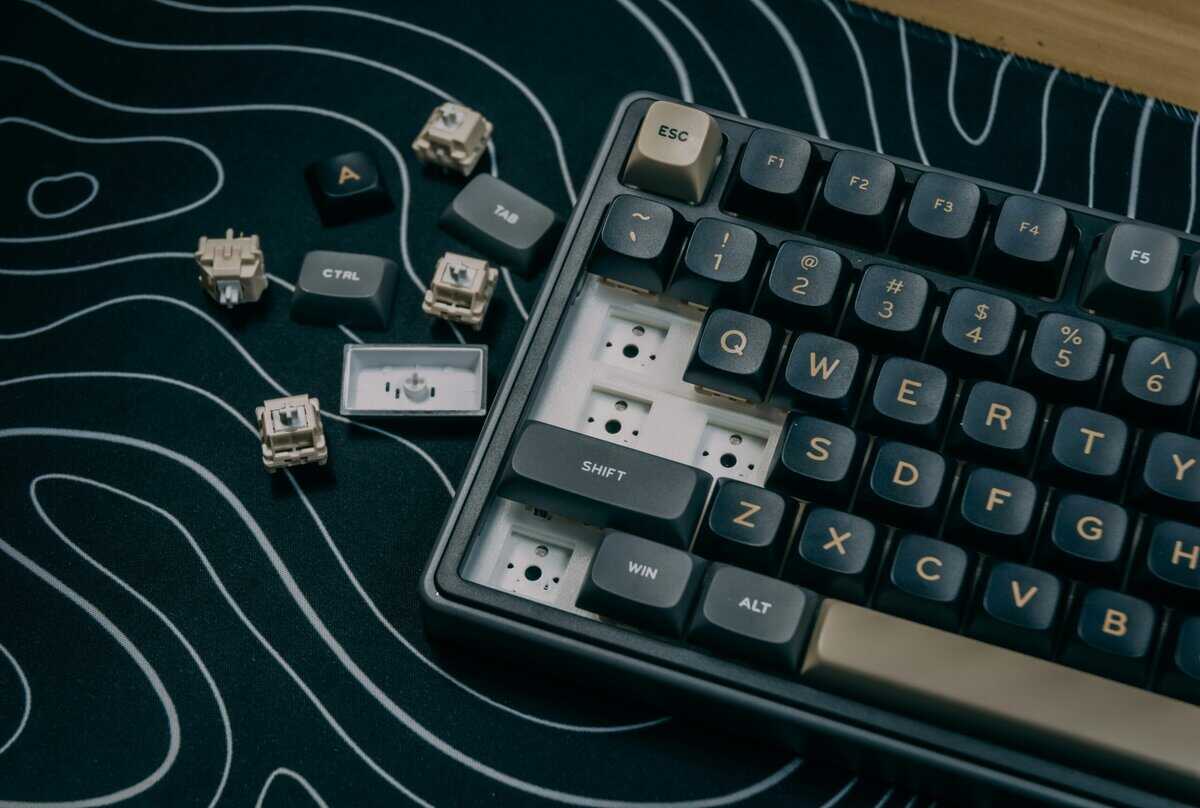
- Gateron G Pro Browns and Kailh Box Browns are top budget tactile switches, offering satisfying feedback without breaking the bank
- Actuation force (measured in grams) and travel distance matter most — lighter switches suit fast gaming, heavier ones reduce typos
- Hot-swappable keyboards let you try different switches without soldering, making them ideal for finding your preference
- Good tactile switches are more affordable than ever thanks to increased competition among manufacturers like Gateron, Kailh, and Akko
- O-rings and foam dampeners can reduce the noise of tactile switches further — a cheap mod that pairs well with budget Browns
Table of Contents
- Factory pre-lubed for smoothness
- Gentle tactile bump
- Affordable in bulk
- Subtle tactile bump; light for some
- Less pronounced than Kailh Box Browns
- Spring may feel light for heavy typists
- Dustproof Box stem design for long-term reliability
- Noticeably less stem wobble than the original Box Brown
- 5-pin PCB-mount for wider keyboard compatibility
- At ~$0.50 per switch, costs more than basic tactile options
- Tactile bump is moderate — enthusiasts wanting more feedback may prefer heavier options
- Limited color/stem options compared to Gateron's tactile lineup
What Defines a Good Tactile Switch
The core of a tactile switch is the small “bump” felt partway through the keystroke. This bump is the physical confirmation that a keypress has registered, and it’s what separates tactile switches from their linear and clicky counterparts.
Linear switches provide a smooth, uninterrupted press, while clicky switches add an audible snap. Tactile switches focus entirely on the feel.
This design makes them versatile. The physical feedback can help improve typing accuracy and provides confidence when activating abilities in-game. For a deeper dive into the mechanics, you can learn more about how mechanical keyboard switches work in our detailed guide.
Tactile vs. Linear vs. Clicky
Understanding the trade-offs between switch types is critical. Each is built for a different preference, and none is universally superior. A good tactile switch finds a balance that suits both gaming and productivity.
| Switch Type | Signature Feel | Primary Benefit | Common Tradeoff |
|---|---|---|---|
| Tactile | A noticeable bump | Confirmed keystrokes, versatile | Not as fast as linears for pure FPS speed |
| Linear | Smooth, consistent | Raw speed and rapid actuation | Lacks feedback, can lead to accidental presses |
| Clicky | Bump with audible click | Maximum feedback and satisfying sound | Can be disruptive for streaming or office use |
The main advantage of a tactile switch is its versatility. It offers the deliberate control needed for strategy games and accurate typing without the disruptive noise of a clicky switch, making it a practical choice for a shared space or streaming setup.
This balance makes the best tactile switches a common choice for gamers who also use their PC for work, school, or other tasks.
Understanding Switch Specs That Matter
Diving into tactile switches involves navigating technical jargon. Manufacturers often list numerous specifications, but only a few directly impact how a switch feels and performs during use. Knowing what to look for allows you to bypass marketing and identify genuine value.
The Specs That Define Feel
Three primary specifications define the majority of a switch’s character. Getting these right is the key to finding a tactile switch that fits your needs.
Actuation Force: This is the pressure, measured in grams (g), required to register a keypress. Most budget tactile switches fall within the 45g to 60g range. A lighter force around 45g is suitable for rapid presses in an FPS game, while a heavier 55-60g force can help prevent accidental activation of a crucial cooldown in an MMO.
Tactile Bump Profile: This describes the shape and sharpness of the bump. A sharp, distinct bump provides unmistakable feedback, which is useful for typing accuracy. In contrast, a rounded, subtle bump feels smoother and can be less fatiguing during long gaming sessions.
Travel Distance: This is the total distance the key moves from top to bottom, typically around 4.0mm. A shorter travel distance can feel faster but also reduces the margin for error. Most budget-friendly switches adhere to the standard travel distance for a familiar feel.
Build quality is the foundation for all these specifications. A well-built switch with a solid, stable stem will deliver a consistent bump and sound with every press. A cheaply made, wobbly one will feel mushy and inconsistent, regardless of its specifications. Durability—often rated in millions of keystrokes (50-80 million is a solid target)—ensures the switches will last. If noise is a primary concern for your setup, see our guide on the quietest mechanical keyboard switches.
Comparing Top Budget Tactile Switches
Now, let’s compare specific products. Choosing between the most popular budget tactile switches comes down to small differences in feel, sound, and build quality. While options from Gateron, Kailh, and Outemu all offer good value, they are not interchangeable.
Identifying their distinct characteristics is key to matching a switch to your preferences and intended use—whether that’s gaming, typing, or streaming.
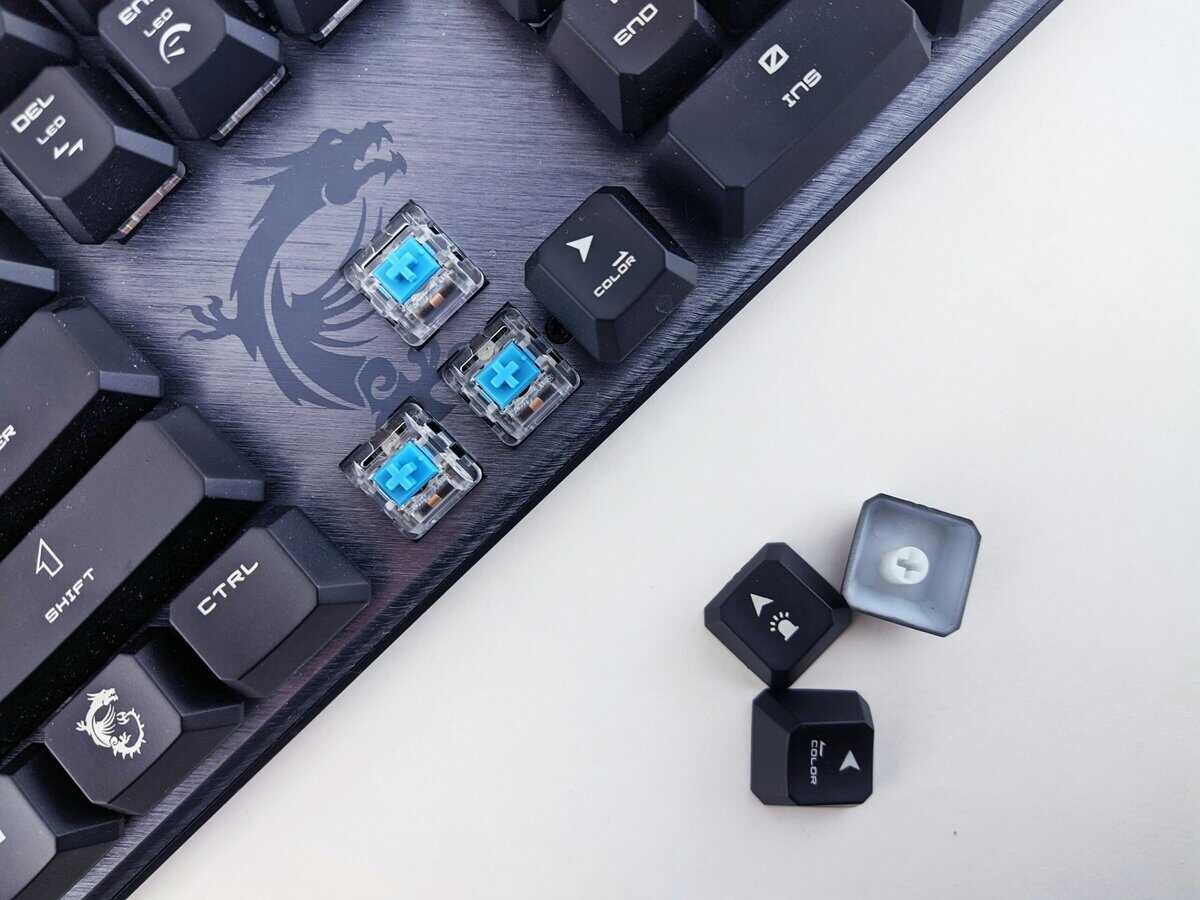
Gateron G Pro Brown: The Smooth All-Rounder
For users prioritizing smoothness on a budget, Gateron G Pro Browns are a benchmark. They come factory-lubed, which reduces the scratchy feeling common in unlubed switches right out of the box.
Tactile Bump: The bump is rounded and subtle. It is noticeable but does not impede rapid key presses, making it a good option for FPS gamers who want speed but still require actuation confirmation.
Sound Profile: They have a deeper, more muted sound, often described as a “thock.” This makes them a practical choice for streamers or users in shared environments.
Build Quality & Durability: Durability is rated at 50 million keystrokes. A potential drawback is that the standard stem design can exhibit more keycap wobble compared to competitors with boxed stems.
Gateron G Pro 3.0 Brown: The Stable Performer
Gateron G Pro 3.0 Browns directly address a common complaint about budget switches: stem wobble. Their signature boxed stem design provides a more stable platform for keycaps. This design choice results in a distinct feel. The box around the stem minimizes side-to-side play, leading to a firm, direct keypress. This stability is particularly noticeable on larger keys like the spacebar or shift key.
Key Differentiator: The trade-off is feel. The extra stability from the boxed stem can make the switch feel slightly heavier and the bump more defined. Many typists prefer this for its perceived accuracy.
This makes Gateron G Pro 3.0 Browns a strong option for users who prioritize a solid, unwavering feel over the absolute smoothest travel. They are well-suited for MMOs, where precision can be more important than raw speed.
Outemu Brown: The Value Option
Outemu Browns are often the most affordable switches available from a reputable brand, which is why they are common in many entry-level mechanical keyboards. They offer high value for their price, but with some trade-offs.
The bump on Outemu Browns is sharper and more pronounced than on Gaterons, closer to the classic Cherry MX Brown feel they were designed to emulate. They also tend to have a higher-pitched “clack” sound. Their main drawback is potential inconsistency in factory lubrication and a higher chance of audible spring ping. However, their solid construction makes them a worthwhile choice for those new to mechanical keyboards.
Budget Tactile Switch Comparison
This table provides a side-by-side breakdown of how these popular budget tactile switches compare in terms of feel and sound.
| Switch | Typical Actuation Force | Tactile Bump Profile | Sound Signature | Best Use Case |
|---|---|---|---|---|
| Gateron G Pro Brown | 55g | Subtle, smooth, and rounded | Deeper “thock” | FPS gaming and streaming where smooth travel and quieter sound are valued. |
| Gateron G Pro 3.0 Brown | 60g | Crisp, defined, and stable | Medium-pitched “clack” | MMO gaming and typing where keycap stability and a solid feel are priorities. |
| Outemu Brown | 55g | Sharp and pronounced | Higher-pitched “clack” | First-time mechanical keyboard users looking for maximum value. |
Ultimately, the choice depends on what you value most. Gaterons offer smoothness, Kailhs provide stability, and Outemus deliver unbeatable value. Understanding these subtle differences will help you find the switch that feels right for your setup.
Matching Tactile Switches to Your Gaming Style
The “best tactile switch” is entirely situational. A switch that works well for a fast-paced shooter might feel imprecise in a strategy game. Matching a switch’s characteristics to your gaming habits is the most important step in making a choice that adds genuine value to your setup.
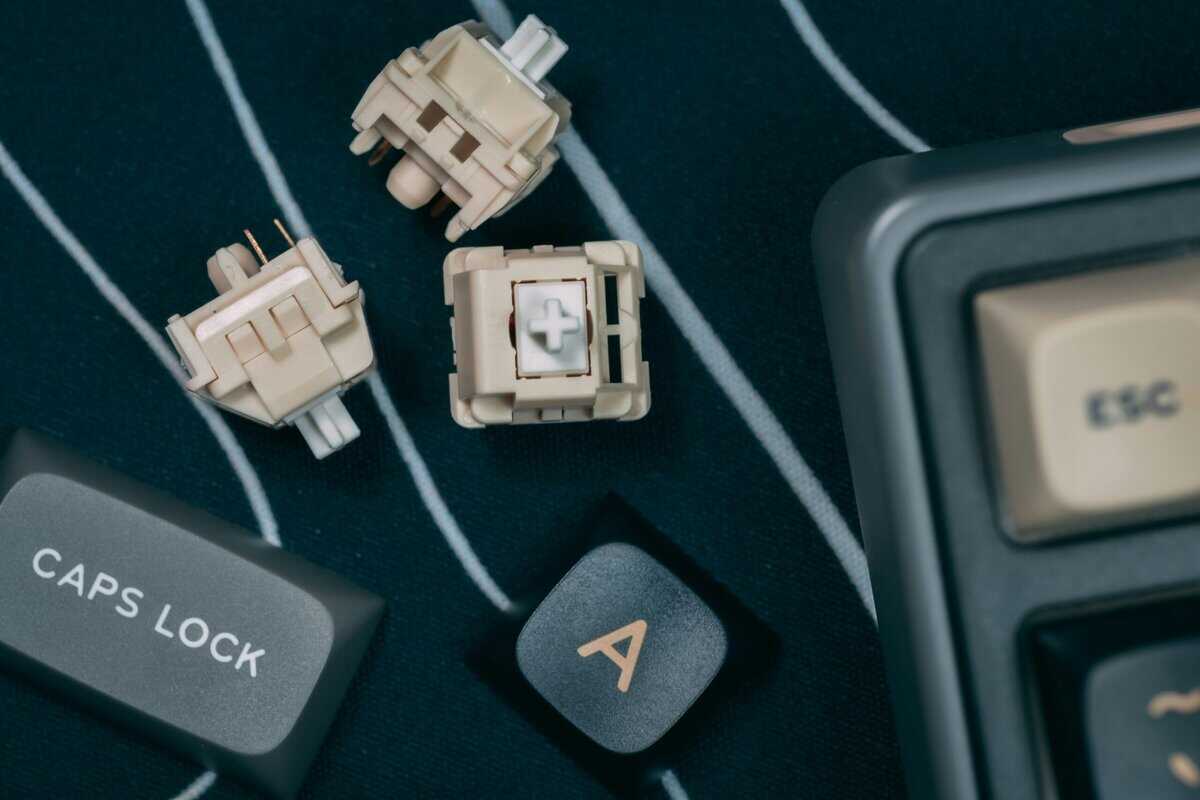
This decision goes beyond a simple tactile vs. linear debate. While many competitive players prefer the raw speed of linear switches, a well-chosen tactile switch can provide better control without a significant speed penalty. If you’re interested in linear options, you can see our recommendations for the best linear switches.
FPS Games (VALORANT, Apex Legends)
For fast-paced FPS titles, reaction time and the ability to spam keys—such as for A/D strafing—are paramount. A switch with a lighter actuation force, in the 45-55g range, paired with a subtle, rounded bump is often the ideal configuration. This setup allows for rapid, repeated presses without causing finger fatigue during long gaming sessions. The less aggressive bump ensures movement is not accidentally hindered, while still providing enough feedback to prevent accidental keypresses when holding a critical angle.
MMO and RPG Games (World of Warcraft, FFXIV)
In MMOs and RPGs, precision is more important than raw speed. Accidentally activating a long cooldown ability by brushing a key can be detrimental. For these games, a switch with a more pronounced, sharper tactile bump is a significant advantage. The clear feedback confirms every keypress, providing confidence when executing complex ability rotations. These switches often have a slightly heavier feel, typically with an actuation force of 55-60g, which offers a more deliberate and controlled experience, reducing costly misclicks.
Streaming and Content Creation
For streamers, a keyboard’s sound profile is a major consideration. The ideal switch feels good for all-day use but is not so loud that it gets picked up by a microphone and distracts viewers.
Quieter tactile switches, like Gateron G Pro Browns, are an excellent choice for streamers. They deliver satisfying feedback with a deeper, less sharp sound signature that is easier to isolate with microphone filters, ensuring clean and professional audio. Build quality is also essential here, as a well-built switch minimizes spring ping and other unwanted noises.
Why Good Tactile Switches Are More Affordable Than Ever
Not long ago, finding a quality tactile switch meant spending a significant amount of money. Budget-friendly options were often inconsistent and unreliable. That is no longer the case.
The market for mechanical keyboard switches has grown substantially. Intense competition among manufacturers means that even value-focused brands cannot afford to compromise on build quality or durability. This shift is a major benefit for anyone building a keyboard on a budget.
Choosing an affordable tactile switch today is not a compromise; it’s a practical investment in a mature market. To remain competitive, brands are incorporating better performance, tighter tolerances, and a more consistent feel into their switches. Consumers are getting a more reliable product for their money.
Market Growth Benefits Gamers
It is now common to find keyboards under $50 that come standard with reliable clones of the Cherry MX Brown—a classic tactile switch with a 55g actuation force and a 50 million keystroke rating.
The key takeaway is that features once reserved for expensive, enthusiast-grade switches are now common in budget options, such as pre-lubed components and stable stem designs. Competition is driving innovation, resulting in better, more durable products at lower prices.
This market maturity ensures that even entry-level tactile switches can deliver a dependable and satisfying experience for gaming, streaming, and typing without a large financial outlay.
Answering Your Questions About Tactile Switches
Even after reviewing the specifications, some questions often remain when selecting the right tactile switch. Let’s address the most common ones.
Are Tactile Switches Good for Competitive FPS Gaming?
Yes, but it involves a deliberate trade-off. Linear switches are often preferred for their unimpeded speed, but a light tactile switch provides an advantage in control and helps prevent accidental key presses that can lose a round.
For fast-paced games like Valorant or Apex, a tactile switch with a subtle, rounded bump and a lighter actuation force (45-55g) is a good balance. It provides enough feedback to confirm movement or ability use without interfering with rapid A/D strafing. It’s about finding a balance between raw speed and tactical precision.
How Can I Improve the Sound of My Switches?
You don’t need expensive tools to improve your keyboard’s sound. Two simple, budget-friendly modifications can significantly reduce unwanted noises like spring ping or scratchiness.
Lubrication: Applying a thin layer of a specialized lubricant (like Krytox 205g0) to the switch stem and housing can smooth out travel and deepen the sound.
Tape Mod: Placing a layer or two of painter’s tape on the back of your PCB (under the switches) is surprisingly effective. It absorbs high-frequency vibrations, resulting in a more muted, “thocky” sound profile.
Are Expensive Tactile Switches Worth It?
For most gamers on a budget, the answer is no. The law of diminishing returns applies strongly to keyboard switches. While a $1 per switch boutique option might offer a unique feel or use exotic materials, the actual performance gain over a quality $0.30 per switch alternative is minimal for gaming.
Today’s budget tactile switches from proven brands like Gateron and Kailh deliver excellent durability, a consistent feel, and solid build quality right out of the box. The extra cost for premium switches primarily pays for enthusiast-level refinement, not a competitive edge.
Many people also inquire about integrating specific features, such as dedicated keyboard mute button functionality, which can typically be managed with appropriate software or hardware.
At Budget Loadout, we believe building a high-performance setup shouldn’t break the bank. Explore our guides to find gear that delivers maximum value for every dollar you spend.
Related Articles