Finding the best budget mousepad for CS2 isn’t about grabbing the cheapest option available — it’s about maximizing performance for every dollar spent. Value-focused options like the SteelSeries QcK, the Razer Gigantus V2, and hybrid pads like the Razer Strider deliver high performance for under $40.
These pads provide the precise control and stopping power required for tactical shooters, demonstrating that a competitive edge doesn’t require a high price tag.
- The SteelSeries QcK offers reliable control and stopping power for ~$15, making it one of the best entry-level mousepads for CS2
- The Razer Gigantus V2 provides a slightly faster glide than the QcK while staying in the control category, also at ~$15
- The Razer Strider is a hybrid pad at ~$30 that bridges the gap between control and speed, ideal for players who switch playstyles
- Cloth control pads excel at holding angles and micro-adjustments in CS2, while speed pads favor aggressive flicking and entry fragging
- You don’t need to spend over $30 to get a competitive-grade mousepad — all three picks deliver serious performance on a budget
Table of Contents
- Excellent stopping power for holding tight angles and micro-adjustments
- Consistent micro-weave texture helps build reliable muscle memory over time
- One of the most affordable performance mousepads at ~$15
- Unstitched edges on the base model may fray with extended heavy use
- The non-slip base provides good grip but may shift slightly on glossy desks
- Limited to a single color option with no design variety
- Slightly faster glide than the QcK while maintaining strong control characteristics
- Dense rubber base provides excellent grip and prevents pad movement
- Durable textured surface resists wear and maintains consistency over months
- Slightly smaller surface area than the QcK Large at 450 x 400 mm
- The faster glide may take adjustment for players used to pure control pads
- No stitched edges on the standard version, though fraying is less common
- Hybrid surface combines speed pad glide with cloth pad comfort and control
- Stitched edges and water-resistant coating add long-term durability
- Rollable and portable design makes it easy to take to LAN events
- At ~$30 it costs twice as much as the QcK or Gigantus V2
- The firm surface feel may not suit players who prefer a soft cloth pad
- Hybrid texture can feel unfamiliar to players switching from pure cloth pads
Finding Your Edge with the Right CS2 Mousepad
A quality surface is necessary for the pixel-perfect aim and spray control CS2 demands. This guide provides clear, actionable recommendations for different playstyles. We’ll break down the critical differences between control, speed, and hybrid pads and explain how each surface impacts your ability to hold angles, execute flick shots, and win duels.
This guide focuses on specific pads that deliver good value and build quality.
| Feature | Control Pad Focus | Speed Pad Focus | Hybrid Pad Focus |
|---|---|---|---|
| Primary Use Case | Holding tight angles (FPS), precise micro-adjustments | Aggressive entry fragging (FPS), rapid targeting | Versatile play, streaming, MMOs, general use |
| Feel | Textured, high friction | Smooth, low friction | Slightly textured, moderate friction |
| Best For | Building muscle memory | High-sensitivity players | All-around performance |
The right pad is a foundational piece of your loadout. A poor choice means you’re fighting your gear instead of the enemy.
What Separates a Good CS2 Mousepad from a Mediocre One
It’s easy to assume all mousepads are similar, but in a game like CS2, small details matter. These details are the difference between your crosshair stopping on a head and overshooting by a few pixels.
A functional pad is a predictable, reliable foundation for your muscle memory.
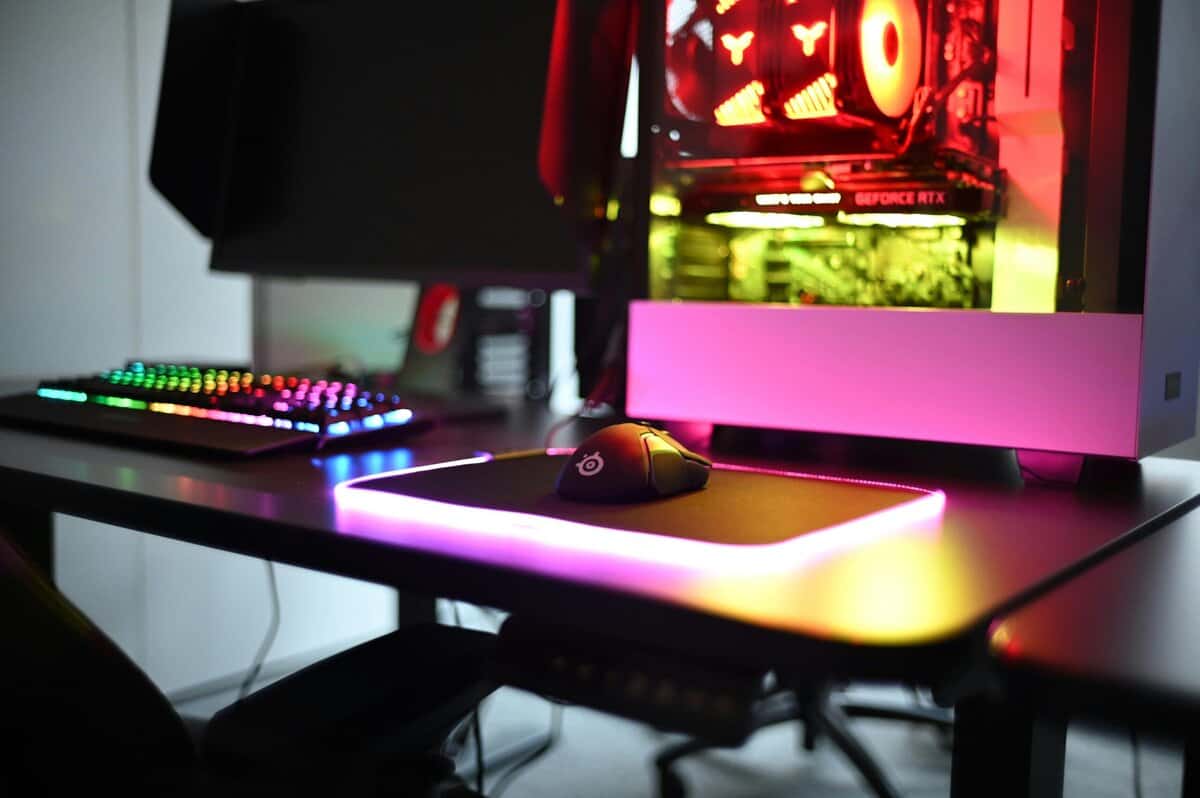
The primary differentiator is the surface texture. A dense, controlled cloth weave creates higher static friction. This means it requires slightly more force to start moving your mouse, which is beneficial for the micro-adjustments needed when holding a tight angle on a map like Inferno.
In contrast, a slick, fast surface might feel good for aggressive entry-fragging but can make small, precise corrections feel slippery and difficult to control. The objective is to find a surface that matches your aiming style.
Durability and Stability Features
Beyond the glide, the pad’s build quality is critical. The best surface is useless if the pad slides across your desk or deteriorates during gameplay. Two features are important for any serious CS2 player:
Stitched Edges: This feature prevents the cloth from fraying and peeling away from the rubber base after months of use. Unstitched pads will eventually peel, creating a snag that can interfere with your aim.
Non-Slip Rubber Base: During critical moments, like a 180-degree flick, your mousepad must remain stationary. A quality rubber base grips the desk, providing a stable platform for consistent aim.
A mousepad’s stability is as important as its surface. If the pad moves, your crosshair moves unexpectedly, and you can lose the duel. This is why a solid rubber base is a requirement for competitive play.
A good budget mousepad for CS2 is an investment in consistency. It offers a predictable surface and durable build that won’t fail during a match. While these principles apply to other FPS titles, you can learn about the specific needs of faster-paced games in our guide to the best budget mousepad for Apex Legends.
Pad thickness also matters, with 3-4mm being a common and effective range. This thickness offers enough cushion for comfort and can absorb minor desk imperfections without feeling mushy or unstable.
Control vs. Speed: Picking the Right Surface for CS2
The most important decision for a CS2 mousepad is the surface type. This choice is about selecting a tool that complements your aim, balancing Control and Speed.
The right choice can make your aim feel intuitive; the wrong one will feel like a constant struggle against your equipment.
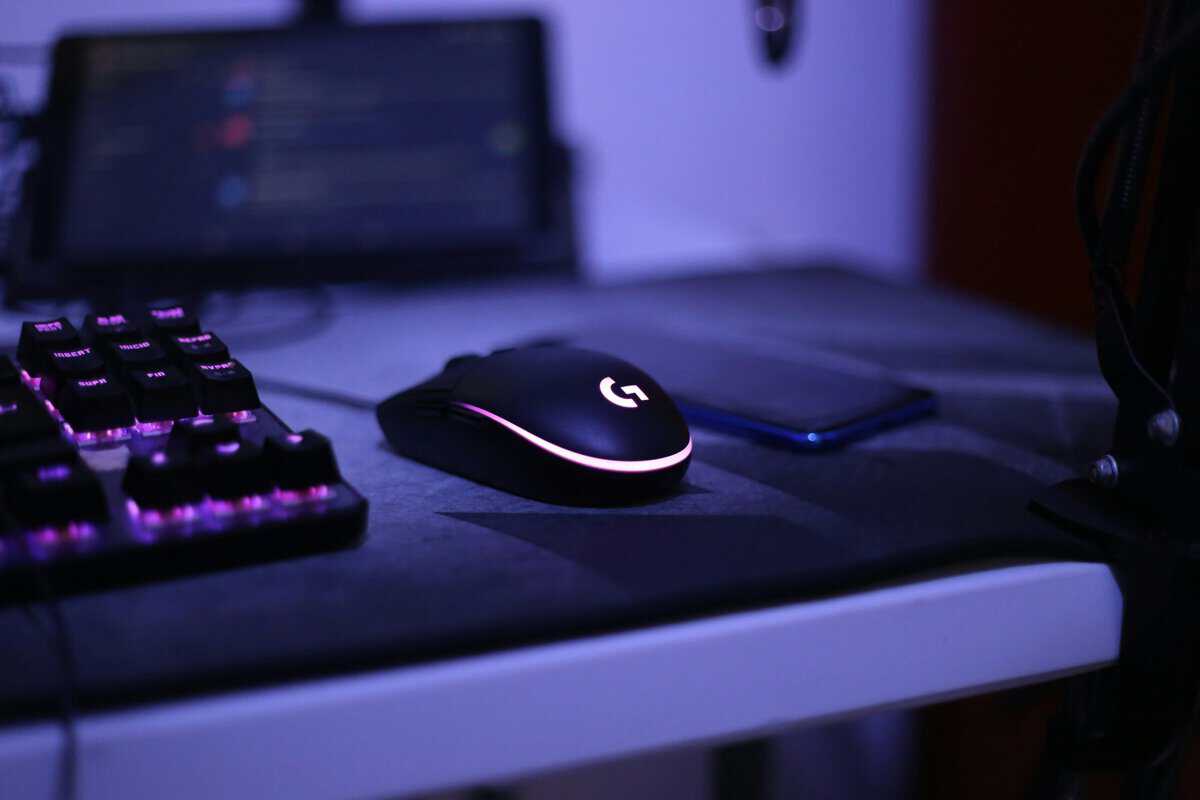
What is a Control Pad?
A control pad has a rougher, more textured weave. This creates friction, which is useful for the precision CS2 demands. That friction provides two main advantages: initial friction to start a movement and stopping power to end it.
The initial friction means it takes slightly more force to move your mouse from a standstill. This helps prevent unintentional jitters when holding a tight angle. The stopping power is more critical—the added friction makes it easier to halt your mouse precisely on a target without overshooting.
What is a Speed Pad?
A speed pad has a smooth surface that allows your mouse to glide with minimal resistance. These pads are designed for raw velocity.
The main benefit is the ability to execute large, fast flicks and 180-degree turns without feeling like you’re dragging your mouse through mud. It’s a surface that favors aggressive, high-sensitivity players who need to snap between distant targets.
The table below breaks down how each surface type performs in common CS2 scenarios.
Control vs Speed Pad Performance in CS2
| Scenario | Control Pad Advantage | Speed Pad Advantage |
|---|---|---|
| Holding a Tight Angle | High initial friction prevents small, shaky movements, keeping the crosshair stable. | Lower initial friction can lead to accidental jitters, making aiming less stable. |
| Micro-Adjustments | The textured surface provides tactile feedback for tiny, precise aim corrections. | The slick surface can make it easy to overshoot small adjustments. |
| Snapping to a Target (Flicking) | Good stopping power helps halt the mouse on target without over-aiming. | Low friction allows for very fast flicks with minimal physical effort. |
| Tracking a Moving Player | Consistent friction makes it easier to smoothly follow a running opponent. | Can be difficult to track smoothly; may feel like you’re “chasing” the target. |
| Spray Control | The pad’s resistance helps in pulling down smoothly and consistently to manage recoil. | The slickness can make it harder to feel the micro-corrections needed for a tight spray. |
The trade-offs are clear. One surface helps you start and stop with precision, while the other enables maximum movement speed.
The central trade-off is this: Control provides consistency at the cost of raw speed, while Speed offers fast flicks with a higher risk of overshooting the target.
For most CS2 players, especially those still developing muscle memory, a control-oriented pad is a practical starting point. The stopping power and steadiness it offers are fundamental to the tactical, precision-based aiming that defines Counter-Strike.
To learn more about the different materials and surface types available, see our comprehensive guide to the different kinds of gaming mouse pads.
Top Budget Mousepad Recommendations for 2026
Here are direct recommendations for pads that deliver on performance, value, and durability for CS2. These are solid choices for budget-conscious players who require quality.
Under $25 Workhorse Control Pads
This is the starting point for reliable consistency and precision. These pads offer a controlled glide, suitable for holding tight angles and making small micro-adjustments.
The SteelSeries QcK is a long-standing popular choice. It offers a reliable, controlled surface that is effective for building muscle memory. The friction level provides significant stopping power without feeling sluggish. Its main trade-off is the unstitched edges on the base model, which can fray over time. For its price, the performance is solid.
The Razer Gigantus V2 is another widely used option in this budget range. It glides slightly faster than the QcK but remains in the control category. The build quality is functional with a dense rubber base that stays in place. However, like the standard QcK, the unstitched edges are a point of weakness for long-term durability.
Under $40 Hybrid Contender
For players seeking a balance between speed and control, hybrid pads are a strong option. These are suitable for versatile riflers or AWPers who need to snap to targets quickly while maintaining steady tracking. These pads are also a good fit for general use, such as in MMOs or for streamers who need a surface that works well for a variety of tasks.
A notable product in this category is the Razer Strider. This pad has gained a positive reputation for its unique cloth surface, which provides a smooth glide with low initial friction but maintains strong stopping power. It balances responsiveness for flicks with controllability for tense moments.
The Razer Strider’s surface offers a balance: the easy glide initiation of a faster pad combined with the stopping power of a dedicated control surface. This makes it a top-tier choice for players who find traditional control pads too slow.
While many professional players use pads from brands like ZOWIE, you don’t need to spend as much to get similar performance. The ZOWIE G-SR is known for its heavily controlling glide, but this feature is now replicated by budget pads available for under $25. These affordable alternatives have demonstrated durability in long-term use tests.
The best budget mousepad for CS2 depends on your personal playstyle. These recommendations offer a clear path to high-level performance without a high price. After choosing a surface, pairing it with the right mouse is the next step. Our guide on the best budget mouse for CS2 can help.
How to Keep Your Mousepad Performing Like New
A dirty mousepad is inconsistent. Over time, it collects dust, sweat, skin oils, and debris, creating slow spots and uneven friction that can disrupt muscle memory. Cleaning your gear is the easiest way to maintain consistent aim in CS2 and extend the life of your pad.
If you neglect cleaning, you are contending with an unpredictable surface. This is a significant handicap when you need to hold a precise angle. Restoring your pad to its original condition is straightforward.
Cleaning a Cloth or Hybrid Mousepad
For a deep clean, you will need a bathtub or large sink, mild dish soap, and a soft microfiber cloth. Avoid harsh chemicals, stiff brushes, or washing machines, as these can damage the surface weave and rubber base.
Follow these steps:
Prep the Area: Fill your tub or sink with cool to lukewarm water. Hot water can warp the rubber base or cause it to separate from the cloth.
Soak and Soap: Submerge the pad. Apply a small amount of mild dish soap to the surface and gently work it in with your hands to create a light lather.
Gentle Scrub: Using your microfiber cloth, scrub the surface gently in circular motions. Focus on areas where your wrist rests or where you see visible grime, as this is where oils build up and create “slow spots.”
Rinse Thoroughly: Drain the soapy water and rinse the pad with cool water until it runs clear. Any remaining soap will make the surface feel sticky.
Air Dry Only: Lightly pat the mousepad with a dry towel to remove excess water, then lay it flat to air dry. Do not use a hairdryer or place it in direct sunlight. High heat will damage the rubber base.
A clean mousepad ensures the friction you feel is what the manufacturer intended. Removing gunk like dust and oil guarantees your muscle memory is built on a consistent, predictable surface.
This routine, performed every few months, will help your budget mousepad maintain its performance.
Frequently Asked Questions About CS2 Mousepads
Here are answers to common questions to help you finalize your choice of a mousepad for CS2.
How Often Should I Replace My Budget Mousepad?
For a standard cloth pad, plan on replacement every 12 to 24 months. The actual lifespan depends on usage hours and cleaning frequency.
It’s time for a replacement when the glide feels inconsistent. If you notice permanent slow spots or an uneven surface even after cleaning, the pad’s performance has degraded. Hybrid pads are generally more durable, but the same principle applies: once the glide is compromised, it’s time for a new one.
Are Hybrid Pads A Good Choice for A Beginner?
They can work, but most beginners will develop better habits on a traditional control pad. Control surfaces are more forgiving, helping to build the muscle memory for stopping power and micro-adjustments.
A hybrid pad’s faster glide can feel slippery and difficult to control if you haven’t mastered basic crosshair placement. Starting with a control pad provides a more stable platform for learning the aiming mechanics required in CS2.
Does Mousepad Thickness Really Matter?
Yes, but it primarily affects comfort rather than aim performance.
Thicker pads (3-5mm): These provide more cushioning for your wrist and can mask minor imperfections on your desk. They feel plusher.
Thinner pads (1-2mm): These offer a firmer, more direct feel. Some players prefer this closer connection to the desk surface.
Neither is technically superior for aiming. Choose the thickness that feels most comfortable for you during long gaming sessions.
What Is The Best Mousepad Size for a Low-Sensitivity Player?
If you play on a low sensitivity (eDPI under 1000), a Large (at least 450x400mm) or Deskpad (around 900x400mm) size is a requirement.
Low-sensitivity aiming relies on large arm movements for turns. Running out of pad space during a 180-degree flick will cause you to lose duels. Ensure you have enough surface area for your aiming style.
For more budget gaming gear guides, tips, and recommendations, check out BudgetLoadout.com — your go-to resource for gaming on a budget.
Related Articles