Finding the best budget mousepad for Apex Legends isn’t about finding the cheapest option. It’s about identifying real value. The sweet spot is often the $20-$30 range, where you find reliable pads that deliver consistent performance without the premium price.
Pads like the Razer Gigantus V2 and the SteelSeries QcK are popular in this bracket for a reason. They offer a solid foundation for competitive play.
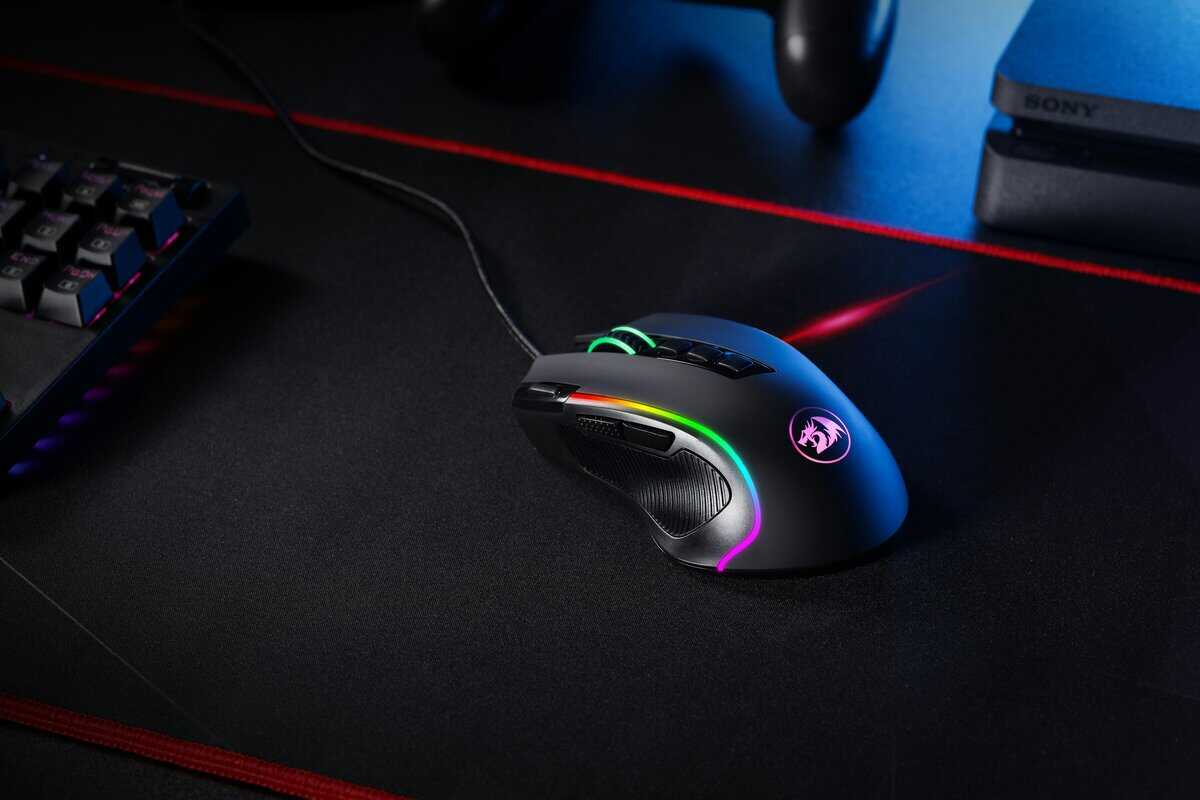
- The Razer Gigantus V2 Large is the best all-around budget mousepad for Apex Legends, offering balanced speed and control at ~$15
- The SteelSeries QcK Large provides maximum control with a high-friction surface ideal for precise tracking at ~$15
- The X-Raypad Aqua Control+ is a hybrid pad that blends speed and control, great for players who switch between arm and wrist aiming at ~$30
- A larger mousepad (at least 450mm wide) is essential for Apex Legends, where low-sensitivity arm aiming requires wide sweeping motions
- You don’t need to spend more than $30 for a competitive-grade mousepad — all three picks deliver reliable tracking and durability on a budget
Table of Contents
- Balanced speed-control surface suits a wide range of Apex playstyles and sensitivities
- Thick 3mm cushioning with dense foam provides comfort during long gaming sessions
- Non-slip rubber base keeps the pad firmly anchored even during intense firefights
- The textured surface may feel slightly rougher than ultra-smooth alternatives at first
- Only available in black, which may not appeal to players who prefer colorful setups
- May take a few days of use to fully break in and reach optimal glide consistency
- High-friction surface delivers excellent stopping power for precise Apex tracking shots
- Extra-large 490 x 420mm size provides generous space for wide, low-sensitivity sweeps
- One of the most time-tested competitive mousepads with a proven track record in FPS
- The thinner 2mm profile offers less wrist cushioning compared to thicker alternatives
- Higher friction may feel slower for players accustomed to speed-oriented surfaces
- The cloth surface can absorb moisture over time, requiring occasional cleaning to maintain consistency
- Hybrid texture blends speed and control, adapting well to both flick and tracking aim styles
- 4mm thickness with stitched edges provides durability and comfort for extended play sessions
- Maintains consistent glide even in humid conditions thanks to its moisture-resistant surface
- At ~$30, it costs roughly twice as much as the other two picks on this list
- The unique surface texture has a learning curve if you're switching from a traditional cloth pad
- Available mainly through Amazon with limited color and size options compared to mainstream brands
Understanding Value in a Budget Mousepad
A good mousepad provides a predictable surface for everything from rapid shield swaps to steady tracking with a Volt. “Budget” does not mean settling for an inconsistent surface; it means finding a pad that offers performance that competes with more expensive options.
The primary trade-off with most budget pads is long-term durability. While they may feel excellent initially, the glide can wear down or become inconsistent more quickly than on a premium model.
Top Budget Mousepad Picks for Apex Legends
This table provides a quick overview of our top recommendations. These pads strike a functional balance between performance, build quality, and price for different user needs.
| Mousepad Model | Best For | Surface Type | Approximate Price |
|---|---|---|---|
| Razer Gigantus V2 | Balanced Gameplay | Medium-Speed Cloth | $15-$30 |
| SteelSeries QcK | Control & Precision | Control-Oriented Cloth | $10-$25 |
| X-raypad Aqua Control+ | Hybrid Speed & Control | Textured Hybrid Cloth | $25-$40 |
Each of these pads caters to a specific playstyle. The following sections will detail which is the most suitable tool for your aiming style in Apex Legends.
Why Your Mousepad Matters for Apex Legends
It’s easy to dismiss a mousepad as a minor accessory. But in a fast-paced game like Apex Legends, that surface is critical for aim consistency. The difference between winning a close-range 1v1 and missing key shots often comes down to precise movements that a poor surface can disrupt.
A generic office mousepad is a liability. Its small size and inconsistent surface can ruin muscle memory.
Apex Legends demands a mix of aiming styles. One moment requires a large, fast flick; the next demands smooth tracking on a strafing opponent. This is where the physics of your mousepad—specifically, its friction—becomes a factor.
The Friction Factor
Every pad has two types of friction that define its feel. Understanding them is key to choosing the right surface.
Static Friction: The force required to move your mouse from a standstill. Low static friction makes small adjustments and quick flicks feel responsive.
Dynamic Friction: The resistance felt while the mouse is in motion. Higher dynamic friction provides more control for tracking moving targets and stopping your cursor precisely.
For Apex Legends, an ideal surface has low enough static friction for quick reactions but enough dynamic friction to control weapon spray and track erratically moving enemies. Finding this balance is crucial.
The best budget mousepad for Apex Legends provides a surface that supports the game’s aiming demands without unnecessary cost.
Control vs. Speed Pads
Mousepads are generally categorized by their friction profile, each with clear trade-offs.
A control pad typically has a coarser weave. This creates higher friction, offering more stopping power. This is an advantage for players who need to steady their aim for precise shots (e.g., with a Wingman) or control recoil (e.g., with an R-301). The tradeoff is that large, fast flicks can feel sluggish. This type of pad is well-suited for FPS gaming where precision is paramount.
A speed pad has a slick, low-friction surface designed for large, sweeping arm movements and rapid target switching. It’s useful for players who need to perform quick 180-degree turns. The drawback is that the lack of resistance can make it difficult to stop on a target, often causing over-aiming. This can be a benefit for MMO gamers or streamers who frequently move their cursor across large screen areas but is less ideal for tactical shooters.
Comparing the Best Budget Mousepads for Apex
Let’s compare the top budget mousepads. This breakdown focuses on the practical trade-offs of each option and how its feel translates to gameplay in Apex Legends.
Razer Gigantus V2: The Balanced All-Rounder
The Razer Gigantus V2 is a benchmark for medium-speed cloth surfaces. It offers a smooth glide for quick flicks but retains enough friction to help track targets consistently. This balance makes it a reliable choice for most playstyles.
Its micro-weave texture is consistent, which is important for building muscle memory. The rubber base provides good grip, preventing slips during intense gameplay. The primary trade-off is build quality: the standard version lacks stitched edges, which leads to fraying over time with heavy use. Durability is a common compromise at this price point.
This pad is a solid choice if you switch between aggressive close-quarters combat and holding mid-range angles. It does not excel at speed or control but performs adequately in both areas. A good pad is only one part of the equation; consider pairing it with one of the best gaming mouse under $50 to complete your setup.
SteelSeries QcK: The Control Specialist
The SteelSeries QcK is a long-standing favorite in FPS communities, designed specifically for control. Its dense cloth weave creates significant friction that helps steady your crosshair, making recoil on weapons like the Flatline or Havoc more manageable.
This focus on control results in higher static friction compared to the Gigantus V2. More force is required to initiate small mouse movements, which some players prefer as it helps prevent over-aiming. For others, it can feel restrictive during rapid target switching.
The QcK’s most significant weakness is its poor durability against humidity and wear. Over months of use, the surface can develop “slow spots” where the glide becomes inconsistent. This issue is exacerbated in humid environments. Regular cleaning is required to maintain its initial feel.
X-raypad Aqua Control+: The Hybrid Performer
The Aqua Control+ (AC+) is a community-endorsed option that performs above its price point. It uses a unique, uncoated “Amundsen” fabric with a rough texture, creating a hybrid surface that balances speed and control.
The AC+ has low static friction, making initial mouse movements feel responsive—useful for quick-flick situations. Once moving, the textured surface provides tangible feedback and stopping power, allowing you to halt your aim precisely. This combination is well-suited to the varied aiming requirements of Apex Legends.
In terms of build quality, it is a step up from other budget options, featuring durable stitched edges and a robust base that remains stationary. The main compromise is availability and price, as it can be harder to find and sits at the top end of the “budget” category. However, the performance it offers is worth the cost. While data from prosettings.net shows the Razer Gigantus V2 with 7.80% usage among 2,217 pro gamers as of March 2026, the AC+ provides a hybrid feel that rivals more expensive artisan pads.
Choosing the Right Size and Surface for Your Playstyle
A mousepad’s dimensions and texture should match your aiming style and available desk space. Before purchasing, measure your desk to determine what will fit.
Your mouse sensitivity (eDPI) is the most critical factor. Low-sensitivity players who use their whole arm to aim require a large surface. A full 180-degree turn in-game needs significant physical space, making Large (L) or Extra Large (XL) desk mats necessary.
Conversely, high-sensitivity wrist-aimers can use a smaller pad. Since their movements are contained, a Medium (M) pad is often sufficient and saves desk space.
Smooth vs. Textured Surfaces
The surface texture determines how the mouse feels in motion. Most budget pads use cloth, but the weave style significantly impacts aim.
Smooth Cloth: These pads prioritize speed. They offer a fast, consistent glide with low friction, suitable for players who need to snap to targets quickly.
Textured Cloth: A rougher weave creates more stopping power. This provides more control for micro-adjustments and tracking moving enemies.
A practical approach is to choose a surface that compensates for your aiming weaknesses. If you frequently overshoot targets, a textured control pad will help. If your aim feels sluggish, a smoother speed pad can make it feel more responsive.
Ultimately, choosing a pad is a personal decision. For a more detailed analysis of materials, refer to our comprehensive guide on choosing a gaming mouse pad.
Maintaining Your Mousepad for Consistent Performance
Even the best budget mousepad for Apex Legends will degrade if not maintained. Over time, all pads accumulate dust, skin oils, and other debris. This buildup increases friction and ruins the consistent glide required for muscle memory.
Proper maintenance is not optional if you want to preserve performance.
For most cloth pads, a simple cleaning with mild soap and lukewarm water is sufficient to restore the surface.
Simple Cleaning Guide for Cloth Pads
Prep: Fill a sink or tub with lukewarm water. Add a small amount of mild hand soap or dish soap.
Wash: Submerge the pad and gently work the soap into the fabric with your hands. Do not use an abrasive brush, as it will damage the weave.
Rinse: Rinse the pad thoroughly with cool, clean water until all soap is removed.
Dry: Pat the pad with a towel to remove excess water, then let it air dry completely. Do not place it in direct sunlight or use a machine dryer, as the heat will damage the rubbe
A clean pad is a consistent pad. If you feel your aim becoming sluggish or notice inconsistent “slow spots,” the pad needs to be washed.
Beyond cleaning, rotate your pad 180 degrees every few months to ensure even wear. You must also recognize when a pad is at the end of its life. If a deep clean does not resolve inconsistent tracking, the surface is worn out and needs to be replaced.
Keeping your gear in good condition is a key part of an effective gaming setup. Find more tips on organizing your space in our guide to desk accessories for gaming.
Got Questions About Your Budget Apex Pad? We Have Answers.
Here are answers to common questions that arise when searching for an affordable mousepad.
Do I Really Need a Gaming Mousepad for Apex Legends?
Yes. A standard office pad hinders your aim. A proper gaming mousepad provides two critical elements for Apex: a large surface area for wide mouse movements and a consistent texture for predictable aim.
Your brain builds muscle memory based on a consistent feel. A generic pad with worn spots or an inconsistent surface disrupts this process. A quality gaming pad is one of the most cost-effective upgrades for improving your aim.
Is a Hard or Soft Mousepad Better for Apex?
For the majority of Apex Legends players, a soft cloth mousepad is the better choice. Cloth pads offer the stopping power and control needed to manage recoil (e.g., R-99) or make fine adjustments while aiming down sights.
Hard pads are designed for maximum speed. They feel slick, but this lack of friction makes them less forgiving for precision aiming. Mouse skates also wear down much faster on hard surfaces. Unless you play at a very high sensitivity and prioritize raw speed above all else, a cloth pad is a more practical surface for a game with such varied combat scenarios.
In Apex, you switch between close-quarters combat and mid-range engagements. The control from a soft pad is valuable for maintaining accuracy with both a hip-fired Peacekeeper and a scoped G7 Scout.
How Often Should I Replace My Budget Mousepad?
With regular cleaning and moderate use, a quality budget mousepad should last 1-2 years. If you play for several hours daily, you may notice a performance decline after 8-12 months.
The definitive sign that a pad needs replacement is inconsistency. When “slow spots” develop that cannot be fixed by cleaning, the surface is worn out. Proper cleaning is the best way to maximize the lifespan and value of your mousepad.
At Budget Loadout, we believe building a high-performance gaming setup should be accessible. Explore all our guides for more direct recommendations on the best value gear at https://budgetloadout.com.
Related Articles