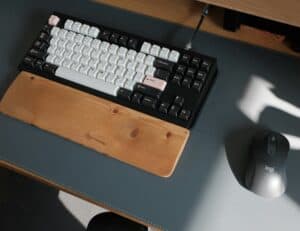
Finding the best budget keyboard for Valorant doesn’t have to drain your wallet. Playing Valorant at a high level demands precision, but finding the best budget keyboard for Valorant doesn’t mean you have to settle for a flimsy product. The goal is a keyboard with reliable mechanical switches, a sturdy build, and low latency, often available for under $80. This is about getting a competitive edge without paying a premium price.
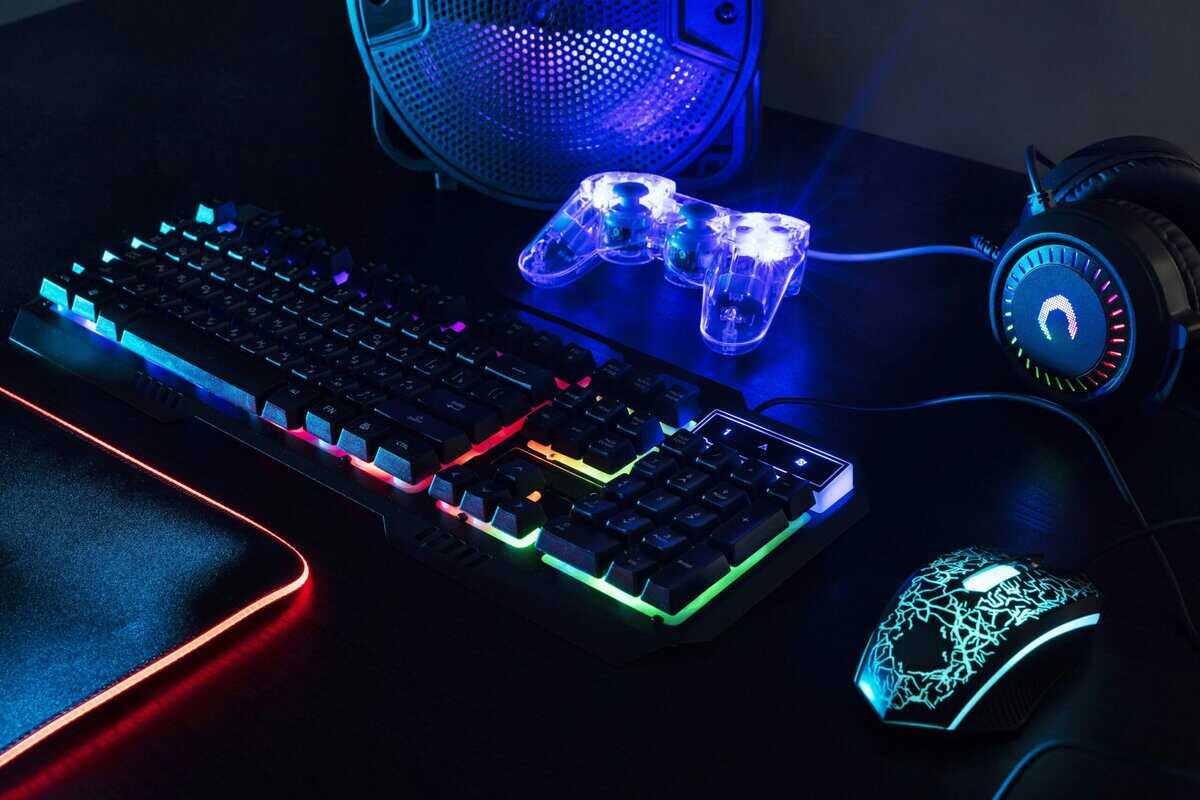
- The AULA F75 is the best budget keyboard for Valorant under $80, offering wireless tri-mode connectivity, hot-swappable linear switches, and a gasket-mounted design for ~$66
- The Logitech G413 TKL SE is the reliable workhorse at ~$70, with a brushed aluminum top plate, tactile mechanical switches, and proven Logitech durability
- Linear switches are ideal for Valorant — their smooth, bump-free keystrokes allow faster strafing and more consistent movement inputs
- A TKL or 75% form factor frees up desk space for wider mouse movements, which directly improves your aim in tactical shooters
- You don’t need to spend over $70 to get a competitive-grade mechanical keyboard — both picks deliver serious performance for ranked Valorant
Table of Contents
- Gasket mount + pre-lubed switches deliver a smooth, premium typing feel
- Tri-mode wireless with 2.4GHz dongle for lag-free gaming
- Hot-swappable sockets let you experiment with different switches
- Build quality is plastic — no metal reinforcement
- Software for RGB and key mapping is basic
- Stock keycaps are ABS, not the more durable PBT
- Brushed aluminum top plate adds rigidity and a premium feel
- Logitech's proven build quality means this keyboard will last
- TKL form factor maximizes mouse room for low-sensitivity play
- Tactile switches have a bump — linear would be better for pure FPS
- Wired only — no wireless option
- White-only LED backlighting, no full RGB customization
Why a Good Budget Keyboard Is a Smart Investment
This guide is for budget-conscious players who want performance value, not just the cheapest option. We will cut through marketing claims to focus on what actually matters in a tactical shooter like Valorant, where one missed input can lose a round.
Key Specifications for FPS Gaming
Our analysis focuses on features that translate directly to better in-game execution. These are the practical requirements for competitive play on a budget:
Switch Type: We’ll explain why smooth, linear switches are preferred for consistent agent movement and strafing.
Input Latency: A wired connection with a 1000Hz polling rate is the baseline. Anything less introduces unacceptable input lag.
Form Factor: Smaller keyboards (like TKL or 75%) give low-DPI aimers more desk space for mouse movement, a critical factor for FPS gaming.
Build Quality: We’ll look for materials like PBT keycaps and metal top plates that ensure the keyboard is durable and can withstand heavy use.
We will provide direct recommendations across different budget tiers, explain the real-world tradeoffs, and offer tips to optimize your equipment. By the end, you’ll know which keyboard fits your playstyle and helps you climb the ranks.
While a budget keyboard is a smart move, a true competitive advantage in Valorant comes from optimizing your entire setup. A solid internet connection is just as critical. Find out how to unleash your gaming potential and eliminate lag for good.
Keyboard Specifications That Impact Valorant Performance
When searching for a budget keyboard, it’s easy to get lost in technical specifications. Let’s focus on what will actually help you win more gunfights in Valorant. Some features are essential for competitive play; others are not.
This isn’t about finding a board with the most features. It’s about securing the ones that provide a tangible edge in-game.
Switches: The Case for Linear
The most important component of a gaming keyboard is the switches. For a fast-paced tactical shooter like Valorant, linear switches are the standard choice. Unlike tactile or clicky switches, linears provide a smooth, consistent press from top to bottom, with no bump or click to interfere with muscle memory.
This direct action offers two main benefits:
Fluid Movement: Counter-strafing feels instantaneous and effortless when there’s no tactile bump resisting your input.
Rapid Inputs: Double-tapping for abilities like a Jett dash or Raze satchel becomes fast and reliable.
While it’s possible to play on tactile switches, the unobstructed motion of a good linear switch is better suited for the micro-adjustments required in high-level Valorant. If you want a deeper dive, check out our guide where we have the different mechanical keyboard switches explained.
Form Factor: More Mouse Room Equals Better Aim
Desk space is a critical resource, especially if you’re a low-sensitivity player who needs room for large mouse movements. A smaller keyboard is a functional upgrade.
Tenkeyless (TKL): This is a balanced option for most players. It removes the numpad, providing several extra inches for your mouse hand without sacrificing essential keys. It is useful for FPS gaming and general use.
75% or 65%: These compact layouts condense the arrow keys and function row to maximize desk space. They are a good choice for users with small desks or those who attend LAN events.
A full-size board can force your arms into a cramped posture, which is not ideal for aiming. For a setup focused on FPS gaming, a smaller form factor is almost always a better choice.
A keyboard’s responsiveness is useless if every key press doesn’t register. N-Key Rollover (NKRO) is a mandatory feature that ensures all simultaneous inputs are detected, which is crucial during chaotic site retakes when you’re moving, strafing, and casting abilities at once.
Build Quality and Durability
A cheap keyboard is not good value if it breaks in six months. This is where you distinguish true budget performers from disposable products. Look for a board with a solid frame that doesn’t flex under pressure, preferably one with a metal top plate for added rigidity and durability.
Keycaps are another indicator of quality. PBT (polybutylene terephthalate) keycaps are far superior to the standard ABS plastic found on most entry-level boards. They resist shine from finger oils and maintain their textured feel over thousands of hours of gameplay. This focus on durability is a key reason why mechanical keyboards dominate the esports market, with lifespans often rated for 50 million clicks.
Top Budget Valorant Keyboard Recommendations for 2026
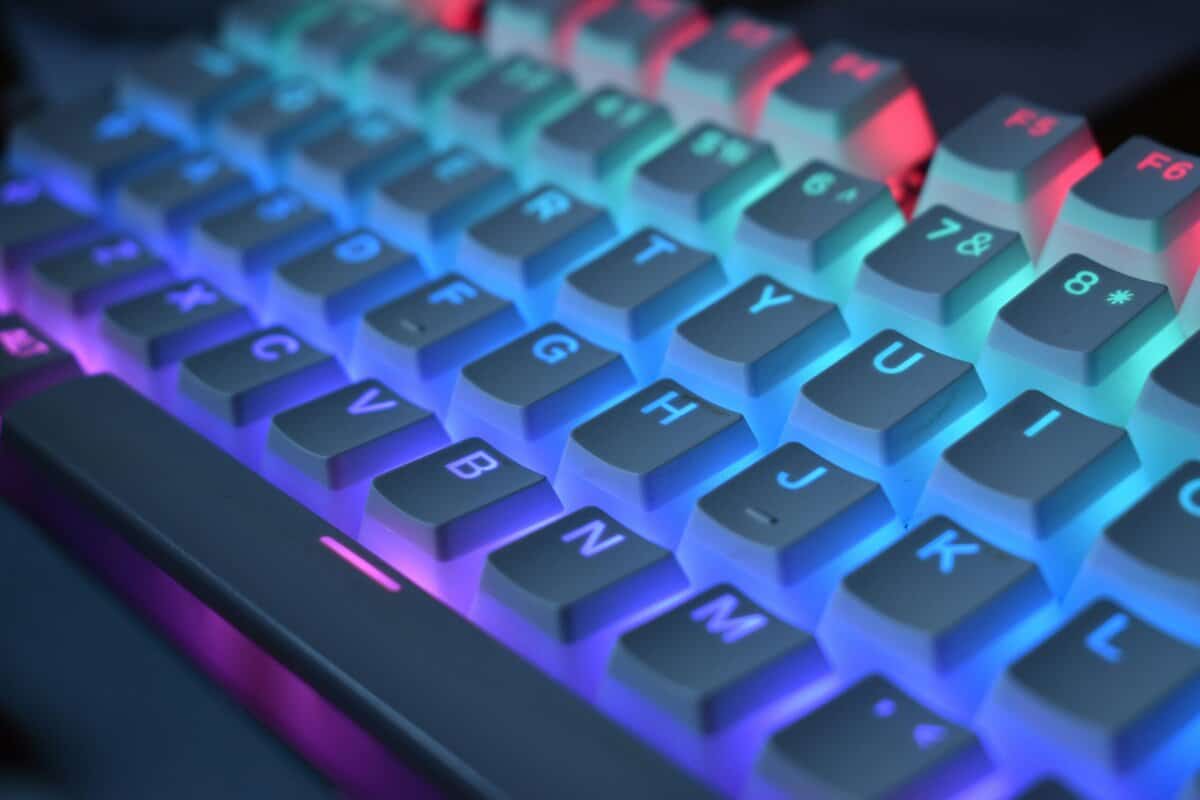
Here are our field-tested picks for budget keyboards for Valorant, broken down by practical price tiers. We focus on what you get, what you give up, and why it matters for in-game performance.
This isn’t just a list of specs. We will discuss the actual feel of the switches, real-world latency, and the details that make a keyboard a genuine asset.
Under $80: Best Value for Performance
The Aula F75 is our top pick in this category. It packs features typically found on keyboards that cost twice as much, redefining what a budget mechanical keyboard can be.
It has a 75% layout, retaining arrow keys while providing significant extra mouse space for low-DPI aiming. Its key feature is the gasket-mounted design, which gives the keyboard a softer, cushioned feel and a much deeper sound profile compared to the hollow, rattly trays common at this price. This design also makes it quieter, which is useful for streaming or shared spaces.
The F75 comes with factory-lubed LeoBog Reaper linear switches, which are smooth and consistent—well-suited for Valorant’s rapid strafing. With a wired latency around 4ms and a 1000Hz polling rate, it is more than fast enough for competitive play.
The main tradeoff is the ABS keycaps, which will develop shine over time compared to more durable PBT. However, given the sound, feel, and hot-swappable sockets for future upgrades, it’s a small compromise for a board that performs this well under $80.
Under $100: The Reliable Workhorse
For those who want a no-frills, tournament-ready keyboard from a major brand, the Logitech G413 TKL SE is a solid choice. Logitech removed extras like RGB and media knobs to focus on core gaming performance and durability.
Its Tenkeyless (TKL) form factor is ideal for FPS players needing extra mouse room. The G413 has strong build quality, featuring a brushed aluminum-magnesium alloy top case that provides a rigid feel not found on cheaper plastic boards. The keycaps are made of PBT plastic, meaning they won’t shine or wear down easily. You can dig deeper into why this layout is so popular in our guide to the best TKL keyboards.
It uses tactile mechanical switches that provide a noticeable bump on actuation. While we generally recommend linears for Valorant, these switches are crisp and responsive, and some players prefer that clear feedback. It also features 6-key rollover with anti-ghosting, ensuring crucial ability and movement combos register correctly.
2026 Valorant Budget Keyboard Comparison
Here’s a direct comparison of our top recommended budget keyboards, focusing on specs critical for Valorant performance.
| Model | Price Tier | Form Factor | Switch Type | Key Feature | Best For |
|---|---|---|---|---|---|
| Aula F75 | Under $80 | 75% | Linear (Hot-Swap) | Gasket-mount build for premium sound & feel | FPS gaming, players wanting a high-end experience on a tight budget. |
| Logitech G413 TKL SE | Under $100 | TKL | Tactile | PBT keycaps & aluminum top plate | FPS gaming, gamers prioritizing rock-solid durability from a major brand. |
Both the Aula and the Logitech are strong choices that perform above their price point. The Aula F75 delivers a custom-keyboard feel for a fraction of the cost, while the Logitech G413 TKL SE offers bomb-proof reliability.
Understanding Tradeoffs At Each Price Point
Defining “budget” is about maximizing performance per dollar, not just finding the cheapest option. It’s about identifying the point where spending a little more yields a significant jump in quality.
Under $50: The Entry Point
At this price, you make serious compromises. Boards in this bracket are almost always all-plastic, with noticeable flex and creak during intense use. While you might find keyboards with “mechanical-feel” membrane keys or basic mechanical switches, their consistency and lifespan are a gamble.
You will almost certainly get thin, pad-printed ABS plastic keycaps that will get shiny and wear down quickly. Critical features like N-key rollover might be limited, which can lead to missed inputs. These keyboards work, but they lack the responsive feel and durability needed for serious competitive play. This tier is not recommended for anyone serious about FPS gaming.
$50 to $80: The Performance Sweet Spot
This is the ideal range for a budget Valorant keyboard. Stepping into this price tier unlocks reliable mechanical switches from proven manufacturers like Gateron or Kailh, and even excellent in-house switches from brands like LeoBog.
Build quality improves significantly, often including a metal top plate for rigidity. You’ll start seeing double-shot PBT keycaps, which feel better and are far more durable. Most importantly, core gaming features like a 1000Hz polling rate and full N-Key Rollover become standard. This price tier offers the best performance-per-dollar.
This price tier delivers the best performance-per-dollar. You get 90% of the competitive advantage of a premium board for less than half the cost, making it the ideal target for most players.
$80 to $100+: High-Value Upgrades
Once you cross the $80 mark, you’re paying for features that improve the overall user experience, not just raw in-game performance. This is where enthusiast-level tech trickles down to more affordable keyboards.
Expect to see features like:
Hot-Swappable PCBs: The ability to change switches without soldering, allowing for customization of the keyboard’s feel.
Gasket-Mounted Designs: A construction method that uses gaskets to cushion the plate, providing a softer typing feel and a more pleasant sound.
Superior Sound Dampening: These keyboards often include multiple layers of foam and silicone to eliminate the hollow pinging and rattle common in cheaper boards.
While these features won’t directly improve your aim, the better sound, feel, and customization make for a more refined product. They are good options for users who also use their keyboard for streaming or productivity.
How to Tune Your Keyboard for Peak Valorant Performance
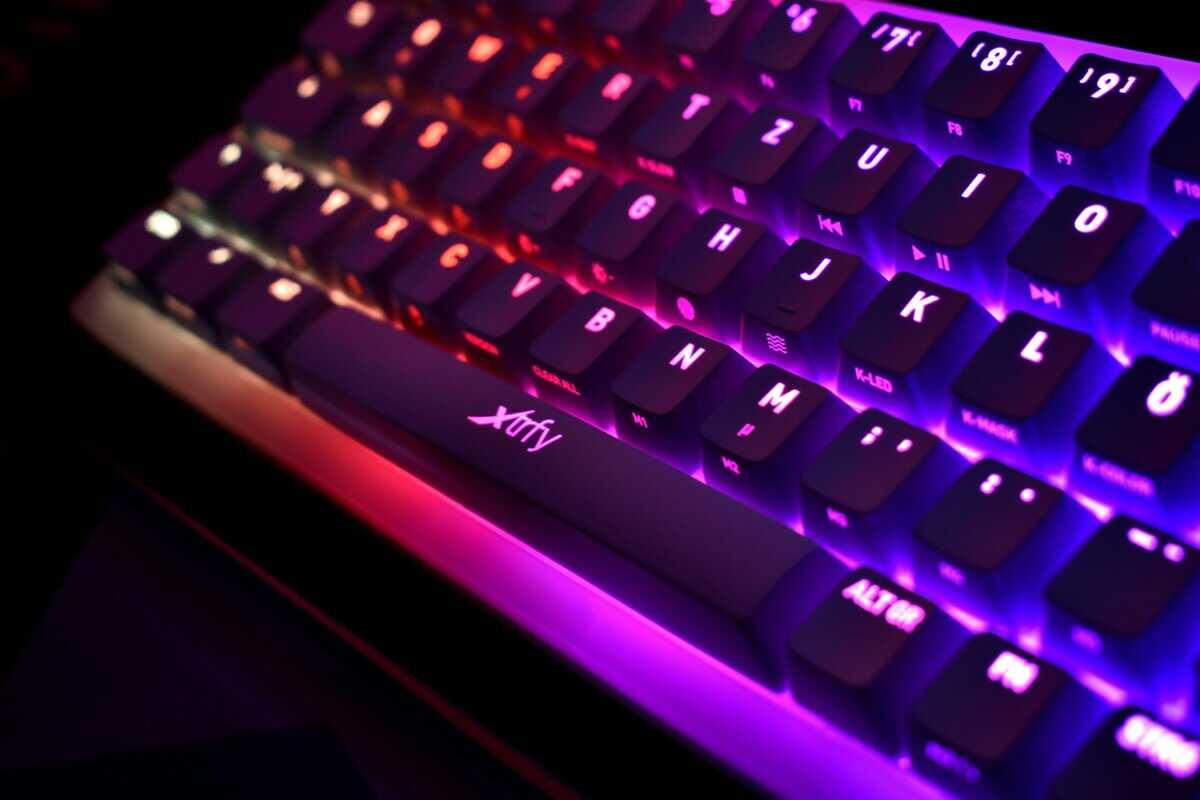
Getting the right keyboard is only the first step. To gain an edge in Valorant, you must tune your hardware to feel like a natural extension of your hands.
Most budget keyboards come with optional software. The real performance gains are in the technical settings, not just the RGB lighting. A few small tweaks can make a large difference in how responsive your keyboard feels.
Essential Performance Tweaks
Before playing, make a couple of critical adjustments to remove interruptions and increase input speed.
Disable the Windows Key: This is non-negotiable for any FPS game. Accidentally hitting the Windows key minimizes your game and can get you killed. Almost every gaming keyboard has a “Game Mode” toggle (usually an FN key combo) that disables it. Use it.
Adjust Debounce Time: Some keyboard software lets you lower the debounce time, the delay after a key press before it can register another input. Lowering it can make keys feel faster, but setting it too low can cause accidental double presses (“chatter”).
Finding the right debounce time requires trial and error. Start by lowering it in small increments (e.g., from 8ms to 4ms) and test in the practice range. Ensure your movement and ability casts are clean before playing a real match.
Setting Up Simple Buy Binds
While Valorant does not allow complex scripts, you can use your keyboard’s software to create simple “buy binds.” This can save precious seconds at the start of a round.
For example, you can program a single key to input the sequence for buying a Vandal and full shields (B, 4, 1, F2, F4). This is a time-saver, especially for streamers or anyone trying to buy their loadout before the barrier drops.
Be direct and practical. Binding complex ability combos is a fast way to get your account banned. Stick to simple, repetitive tasks like buy binds, which are generally acceptable. These small optimizations add up.
Got Questions About Your Valorant Keyboard? We Have Answers.
Navigating the world of keyboards can be confusing. Let’s address common questions Valorant players have when choosing a board.
Is a Mechanical Keyboard Necessary for Valorant?
While you can technically play on any keyboard, a mechanical keyboard is a significant upgrade for consistency and speed. The physical switch provides crisp, reliable feedback that a mushy membrane board cannot match.
In a game like Valorant, where a precise counter-strafe can win a gunfight, that reliability is critical. With many solid budget mechanical options available, there’s little reason to stick with an office keyboard if you are serious about competitive play.
What’s the Best Keyboard Size for Valorant?
For most Valorant players, smaller is better, as it relates to desk space and aiming style.
Tenkeyless (TKL): This is the most popular choice. Removing the number pad creates several inches of crucial space for your mouse, which is a tactical advantage for low-sensitivity players.
75% or 60%: These compact boards are for players who want to maximize mouse real estate. They’re a good choice for setups with limited desk space.
If you also use your PC for work and need the numpad for tasks like data entry in spreadsheets, a full-size board is fine. But for a setup focused purely on FPS gaming performance, a smaller form factor is more ergonomic and practical.
A keyboard choice is about more than just the keys; it’s about the connection. For competitive play on a budget, a wired keyboard is the only choice. It guarantees a stable, zero-latency signal that is non-negotiable when a split-second input decides a round.
While high-end wireless tech from top brands is reliable, budget wireless models are a gamble. They can introduce input lag or signal drops at the worst possible moment. Stick with a wire to ensure your gear is never the reason you lose a duel.
How Much Should I Spend on a Good Budget Keyboard for Valorant?
The performance sweet spot for a good budget Valorant keyboard is between $50 and $80. In this range, you get reliable mechanical switches, solid build quality, and all core gaming features like N-key rollover.
Dipping below $50 often means making serious compromises on switch feel and long-term durability. Going over $100 might get you premium extras like PBT keycaps or hot-swap sockets, but the in-game performance difference will not be significant compared to a well-chosen board in the $50-$80 range. The goal is maximum value, and that is where you will find it.
At Budget Loadout, we specialize in finding gear that gives you the best performance for your money. If you’re ready to build a setup that helps you climb the ranks without breaking the bank, explore our other guides and reviews at https://budgetloadout.com.
For more budget gaming gear guides, tips, and recommendations, check out BudgetLoadout.com — your go-to resource for gaming on a budget.
Related Articles