The best budget keyboard for CS2 isn’t the cheapest option available. It’s about securing a performance advantage without overspending. For most players, a mechanical keyboard in the $50 to $85 range provides the best value. This tier offers a significant upgrade over a standard office keyboard, delivering the precision required for competitive play.

- The Corsair K70 Core TKL offers reliable Cherry MX switches and a solid aluminum frame for ~$60, making it a dependable all-rounder for CS2
- The Epomaker HE80 features Hall Effect magnetic switches with adjustable actuation, giving you a competitive edge for ~$85
- The Keychron C3 Pro is the best entry point at ~$45, with hot-swappable mechanical switches and full QMK/VIA programmability
- Linear switches like Cherry MX Red or Gateron Red are ideal for CS2, providing smooth keystrokes without a tactile bump that could slow rapid inputs
- You don’t need to spend over $100 to get a competitive-grade mechanical keyboard — all three picks deliver serious performance on a budget
Table of Contents
- Cherry MX Red switches provide smooth, proven linear feel with a long lifespan
- Aluminum top plate adds rigidity and premium build quality at a budget price
- Corsair iCUE software offers deep customization for macros, lighting, and profiles
- Wired-only design may feel limiting compared to wireless alternatives
- Standard Cherry MX switches lack the adjustable actuation of Hall Effect options
- The stock ABS keycaps could benefit from an upgrade for a more premium typing feel
- Hall Effect switches with adjustable actuation down to 0.1mm for faster inputs
- Triple connectivity (2.4GHz, Bluetooth, USB-C) offers flexibility for any setup
- Hot-swappable design lets you experiment with different switches without soldering
- The software may have a learning curve for fine-tuning actuation settings
- At ~$85 it sits at the top of the budget range, which may stretch some budgets
- Bluetooth mode adds slight latency — the 2.4GHz dongle is recommended for competitive play
- Full QMK/VIA programmability for deep key remapping and macro customization
- Gasket-mounted design provides a softer, more comfortable typing feel
- Hot-swappable sockets let you try different switches as your preferences evolve
- Wired-only with no wireless option, so it's best suited for a desk setup
- The stock keycaps are functional but could feel basic compared to premium sets
- RGB lighting is south-facing, which may limit compatibility with some keycap profiles
How to Choose a Budget Keyboard for CS2
Your keyboard is a critical tool for executing precise movement, using utility correctly, and delivering reliable inputs when a round is on the line. Finding a high-value board means focusing on features that translate to better gameplay, not marketing gimmicks.
Core Factors for a CS2 Keyboard
Before comparing models, understand what actually matters for gameplay. It comes down to a few key elements.
Switch Type: Linear switches are the standard for a reason. Their smooth, uninterrupted travel is ideal for the fluid movement and rapid counter-strafing that define high-level CS2. A tactile switch can work for mixed-use cases, but it’s a tradeoff for pure FPS performance.
Build Quality: A flimsy keyboard that flexes under pressure is a liability. A sturdy frame, often reinforced with a metal backplate, can handle the stress of intense gaming sessions and provides a more consistent feel. Durability is a key part of value.
Form Factor: Desk space is critical for mouse movement. Tenkeyless (TKL) and 65% layouts are popular because removing the numpad provides more room for your mouse, which is essential for low-DPI players. If you’re considering a smaller board, see our guide on what makes a great TKL keyboard for gaming.
Key Takeaway: Ignore excessive RGB lighting and clunky software. The best budget keyboards for CS2 deliver on the fundamentals: responsive switches, solid build quality, and a layout that supports your aim.
To provide a starting point, the table below outlines our top keyboard recommendations. They are categorized by price and primary use case to help you identify the right fit.
Top Budget Keyboard Picks for CS2 in 2026
| Model | Price Tier | Best For | Key Feature |
|---|---|---|---|
| Corsair K70 Core TKL | Performance Value | All-around competitive play | Reliable linear switches and build |
| Epomaker HE80 | Performance Value | FPS players seeking customization | Adjustable Hall Effect switches |
| Keychron C3 Pro | Entry-Competitive | First mechanical keyboard upgrade | Solid build and reliable switches |
Each of these keyboards offers a significant upgrade over a standard office model and provides a solid foundation for competitive CS2. They demonstrate that you don’t need to spend excessively to get equipment that performs reliably.
Core Features That Impact CS2 Performance
When searching for a budget keyboard for CS2, it is easy to get distracted by RGB lighting and aggressive marketing. To find a board that provides a competitive advantage, focus on the technical details that directly impact gameplay.
Making the right tradeoffs—such as forgoing cosmetic features for better switches—is how you acquire a high-performance keyboard on a budget. The right features provide a tangible advantage in speed and reliability.
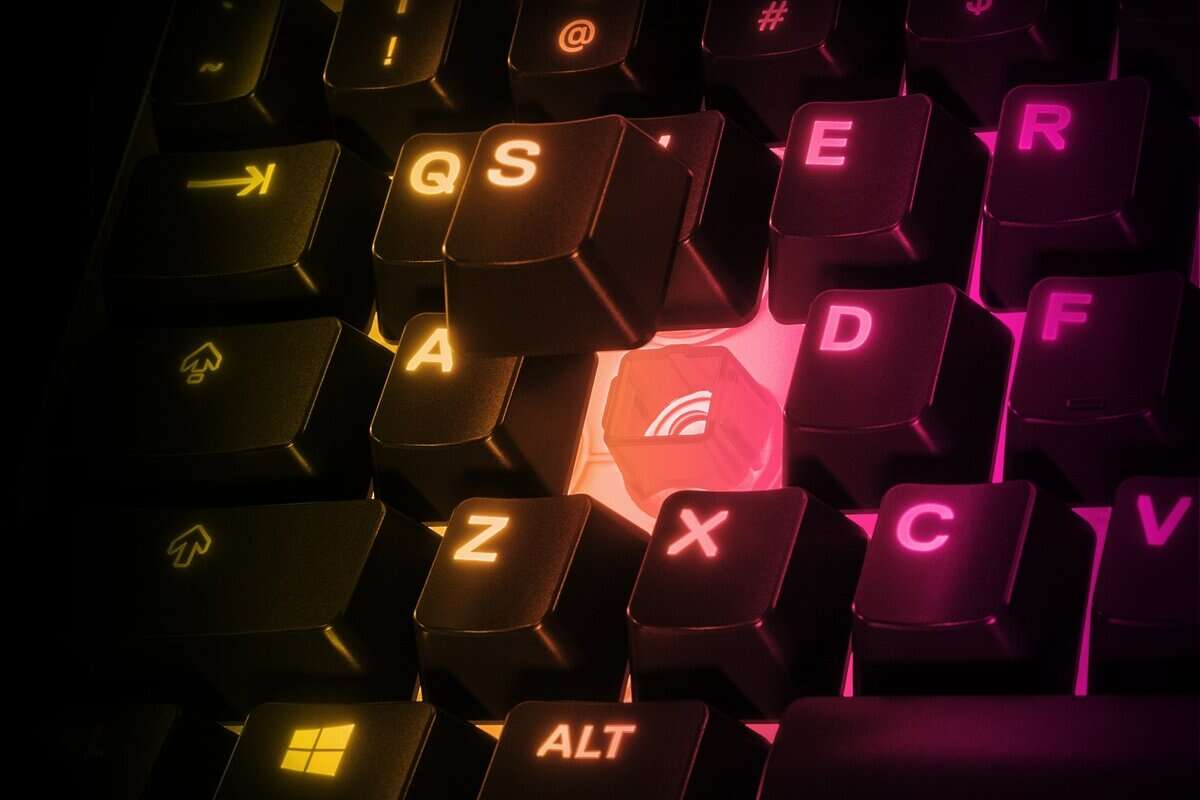
In a game like CS2, where a single misstep can determine the outcome of a duel, the near-instant response and proven reliability of a good mechanical switch are non-negotiable.
Switch Type Is Paramount
The single most important decision is the switch type. For an FPS like CS2, there is a clear optimal choice for most competitive players.
Linear Switches: These are the standard for FPS gaming. They actuate smoothly and consistently, with no tactile bump or audible click. This fluid motion is critical for techniques like counter-strafing, which requires rapid, precise inputs.
Tactile Switches: These provide a small, noticeable bump at the point of actuation. While that feedback can be useful for timing abilities in MMO or MOBA games, it can feel marginally slower for the rapid, repetitive inputs CS2 movement demands.
Situational Recommendation: If CS2 is your primary game, linear switches are the superior choice for movement. If you play a wide mix of genres or prefer physical feedback, a light tactile switch is a viable alternative, but it is a compromise for FPS performance. You can learn more in our guide on how mechanical keyboard switches work.
Essential Performance Features
Beyond the switch feel, a few other technical specifications directly affect how your actions register in-game, especially during complex sequences.
N-Key Rollover (NKRO) is crucial. It ensures every keypress is registered, regardless of how many keys are pressed simultaneously. Without it, your keyboard might ignore a command when you are crouching, strafing, and reloading at the same time—a dropped input that can lose you a round. Most modern gaming keyboards include this feature, but always verify it.
The Actuation Point is the distance a key must travel before it sends a signal. A shorter actuation point, such as 1.2mm, results in a faster response. Some newer budget keyboards feature Hall Effect switches that allow you to customize this distance, letting you find a balance between speed and avoiding accidental presses.
Build Quality and Durability
A keyboard’s construction determines its lifespan. A solid frame prevents flex during intense gameplay, and durable keycaps ensure the board feels consistent over time.
Frame and Backplate: Look for a keyboard with a rigid plastic body or, preferably, a metal backplate (usually aluminum). This adds weight and stability, keeping the board stationary on your desk and making keystrokes feel solid.
Keycaps: PBT (polybutylene terephthalate) keycaps are a significant indicator of quality. They are more durable and resistant to the “shine” that develops on standard ABS (acrylonitrile butadiene styrene) plastic. Finding a budget board with PBT keycaps is a sign of good value.
Finding the Right Keyboard for Your Budget
First, we must define “budget.” In competitive gaming, “budget” means getting the most performance for your money, not finding the cheapest product. Understanding price tiers helps you invest where it counts for CS2, without paying for features you don’t need.
The keyboard market has grown significantly, partly due to games like CS2 attracting new players to PC. This has increased the availability of high-value, affordable keyboards.
The Entry-Competitive Tier: Under $50
This is where you make your first meaningful upgrade. Keyboards in this range move away from the imprecise feel of standard office boards to more responsive options, such as gaming-grade membrane or entry-level mechanical switches. You won’t find premium materials here; the focus is on reliable performance.
A keyboard at this price provides a consistent platform for learning the core mechanics of CS2. It is a good choice for new players or anyone on a tight budget who needs a tool that functions reliably. The build will be entirely plastic and basic, but it is a substantial improvement over any non-gaming keyboard.
The Tradeoff: At this price, you sacrifice customization and premium materials for responsiveness and anti-ghosting. This is a practical tradeoff that provides a solid foundation for competitive play.
The Performance Value Tier: $50 to $85
This range is the optimal price-to-performance point for most CS2 players. The upgrades here are tangible and directly impact gameplay. You will find higher-quality mechanical switches from reputable manufacturers, better build materials like aluminum top plates, and durable PBT keycaps that resist wear.
This tier is ideal for players who are serious about improving but do not require professional-grade gear. You may even find features like hot-swappable sockets, which allow you to change switch types later. To maximize value, look for brand-specific deals like an Asus student discount that can make a higher-end board more affordable. Spending slightly more to enter this tier often results in a keyboard that lasts longer and performs better under pressure.
Breaking Down Our Top Budget Keyboard Picks

Now, let’s examine the keyboards. A spec sheet provides data, but it doesn’t describe how a board feels during gameplay. This is where practical testing becomes important.
We will break down how each of these keyboards performs under pressure, focusing on the tradeoffs made to reach their price point. This analysis matches a board to specific needs, whether you are a low-DPI player who requires ample mouse space or someone looking for a first mechanical keyboard.
Side-by-Side Comparison of Recommended Keyboards
This table offers a direct comparison of the key specifications for our top picks, allowing for an evaluation of what matters most for competitive CS2 performance.
| Model | Switch Type | Layout | Build Material | Key Rollover | Price |
|---|---|---|---|---|---|
| Corsair K70 Core TKL | Corsair MLX Red Linear | TKL (80%) | Aluminum/Plastic | N-Key | ~$80 |
| Epomaker HE80 | Hall Effect Magnetic | TKL (80%) | All-Plastic | N-Key | ~$90 |
| Keychron C3 Pro | Keychron K Pro Red | TKL (80%) | All-Plastic | N-Key | ~$50 |
While specs provide a baseline, the real value is in how these keyboards feel and respond in a match.
Corsair K70 Core TKL – The Reliable All-Rounder
The Corsair K70 Core TKL is for the player who wants a reliable, plug-and-play device. It is a workhorse from an established brand, and its strength is its solid, dependable construction.
The build uses a combination of an aluminum top plate and a rigid plastic base. This results in zero flex or creaking, even during intense use. The Corsair MLX Red linear switches are smooth and consistent, ideal for the fluid movement CS2 requires. They feel reliable, which is what you need when holding an angle.
The Tradeoff: You are buying into a mainstream ecosystem, not an enthusiast platform. The K70 is functional but lacks features like hot-swappable sockets or the cutting-edge switch technology found in some niche brands. Customization is not its primary purpose.
This keyboard is a good fit for someone who values out-of-the-box performance and durability over future modification. For a keyboard you can trust for thousands of hours of competitive play, the K70 Core TKL is a solid choice. While it’s a great TKL, you can explore more options in our full guide to the best budget mechanical keyboards.
Epomaker HE80 – The Performance-First Contender
The Epomaker HE80 is built for one thing: performance. It brings high-end Hall Effect magnetic switch technology to a more accessible price point. This is significant for CS2 players.
This technology allows you to adjust the actuation point of every key. For example, you can set your WASD keys to a highly sensitive 1.1mm for instant strafing while making your spacebar less sensitive to avoid accidental jumps. Combined with its 8000Hz polling rate, your inputs feel instantaneous.
The Tradeoff: The build is practical but not premium. The all-plastic case is rigid, but the investment was clearly made in the internal technology, not the exterior shell. The software is functional but basic.
Best Use Case: This keyboard is for the technical FPS player who enjoys optimizing their setup for a competitive edge. The adjustable actuation is a powerful feature for fine-tuning. A streamer might also appreciate the quieter sound profile from the gasket-mounted switches.
Situational Weakness: This is a wired-only keyboard focused entirely on input speed. A player who also needs the keyboard for general office work or prefers a wireless setup should look elsewhere.
Keychron C3 Pro – The Ideal Entry Point
If you are upgrading from a generic membrane keyboard, the Keychron C3 Pro is an excellent first step into the world of mechanical keyboards. It delivers on the fundamentals without unnecessary frills.
It features a surprisingly solid plastic frame and decent-quality mechanical switches that provide the crisp, reliable feedback essential for CS2. The Tenkeyless (TKL) layout is a major upgrade in itself, freeing up significant desk space for your mouse—a critical factor for any serious FPS player.
The Tradeoff: You are giving up advanced features for a lower price. It lacks hot-swappable sockets, PBT keycaps, and the advanced switch technology of the other recommendations.
The C3 Pro proves you don’t need to spend a lot to get a keyboard that is reliable in a critical moment. It’s a smart, no-regrets entry point for any aspiring CS2 competitor.
Optimizing Your New Keyboard for CS2
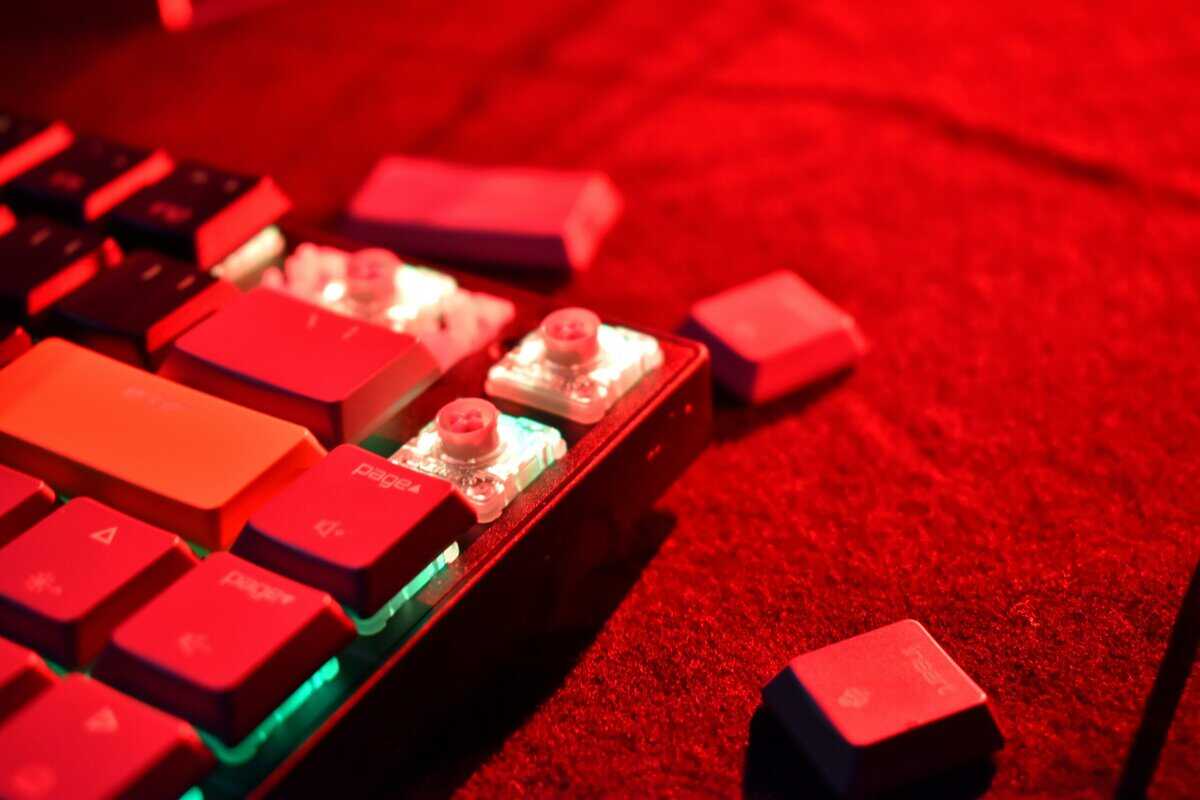
Once you have your new keyboard, don’t just plug it in. To gain an edge in CS2, you need to configure the settings that matter.
This involves making simple, deliberate changes to your in-game settings, keybinds, and physical setup. These adjustments translate your keyboard’s potential into faster, more reliable in-game performance.
Fine-Tuning Your Input
You want the cleanest possible signal between your fingers and the game. For keyboards, the primary adjustments are made in your operating system, not the CS2 console.
Check m_rawinput 1: While this command is primarily for your mouse, the principle of direct hardware input is relevant. Ensure it’s enabled in the CS2 console (
~key).Disable Sticky Keys: This is non-negotiable. In your Windows accessibility settings, disable Sticky Keys, Filter Keys, and Toggle Keys. These features can interrupt inputs and cause you to lose control of your character at a critical moment.
The goal is to create a clean slate, removing any software layer that could delay or alter your keystrokes. What you press must be exactly what the game registers, instantly.
Setting Up Efficient Keybinds
Default keybinds are not optimized for competitive play. A logical keybind setup builds muscle memory, allowing you to access utility and weapons without conscious thought.
Essential Keybind Changes:
Utility on Accessible Keys: Move your grenade binds from the number keys to keys you can hit instantly with your movement hand, such as C, F, V, X, and Z. This allows you to select a flashbang without taking your fingers off WASD.
Dedicated Weapon Swaps: Cycling through weapons with the scroll wheel is inefficient. Bind your primary, secondary, and knife to separate, easy-to-reach keys. Many players use Mouse 4 for their primary and Mouse 5 for their knife.
Jump-Throw Bind: This is a must-have for consistent grenade throws. A jump-throw bind automates the process of throwing utility at the apex of a jump for maximum distance and consistency. Search for a current script to implement this.
Ergonomics and Simple Maintenance
Your physical setup is as important as your software settings. Keyboard positioning affects comfort, stamina, and reaction time.
Regular cleaning is also essential. A board clogged with debris can cause switches to feel inconsistent or fail to register.
Positioning: Try placing your keyboard at a slight angle. This can straighten your wrist and make keys around WASD more accessible. Experiment to find what is comfortable.
Cleaning: Every few months, remove your keycaps and use compressed air to clean the keyboard deck. Wiping the keycaps with a damp cloth removes oils and maintains a consistent texture. This habit preserves switch reliability.
Making the Call: Which Board Is Right for You?
You have seen the contenders and their specifications. Now, it’s time to determine which keyboard fits your setup and playstyle.
The objective is to acquire the necessary competitive features without paying for extras that do not improve performance. An honest self-assessment will guide you to the correct choice.
Key Questions to Lock in Your Choice
How much mouse space do you need? If you are a low-DPI arm aimer, mouse real estate is paramount. A Tenkeyless (TKL) or compact 65% layout is a necessity, not a luxury. If you have a large desk or use a higher sensitivity, a full-size board may suffice, but for most competitive players, smaller is better.
Are you willing to deal with a cable? A wired connection offers maximum reliability. There is no risk of battery failure or input lag. It is the set-it-and-forget-it choice for pure competitive focus. A wireless keyboard provides a cleaner desk aesthetic but adds another device to manage and charge.
Do you prefer to tinker or just play? A hot-swappable board is an investment in future customization. It allows you to experiment with different switches without buying a new keyboard. If you want a device that works perfectly out of the box with no plans to modify it, hot-swap sockets are an unnecessary feature.
Got questions?
When searching for a new keyboard on a budget, several common concerns arise. Let’s address them so you can make an informed purchase.
Is a Mechanical Keyboard Really Necessary for CS2?
Directly, yes, if you are serious about your performance. While it is possible to play with a standard membrane keyboard, you are at a significant disadvantage.
The primary benefits of mechanical switches are consistency, durability, and speed. The crisp, reliable feedback makes critical movements like counter-strafing feel more precise. You will know exactly when a key has actuated, a clear difference from the uncertain feel of a standard office keyboard.
For anyone looking to improve, a mechanical keyboard is a required upgrade. The consistency provides a tangible edge in a game where a single, precise movement can determine the outcome of a gunfight.
What’s the Difference Between Linear, Tactile, and Clicky Switches?
Choosing the right switch type is the most important decision, as it dictates the keyboard’s feel and sound.
Linear Switches: These are smooth from top to bottom, with no bump or click. They are the standard for FPS games like CS2 because they allow for rapid, repeated key presses without any distracting feedback.
Tactile Switches: You will feel a small, quiet bump halfway through the keypress, confirming actuation. They offer a good balance for users who do a lot of typing (general use) in addition to gaming.
Clicky Switches: These have the same tactile bump but also produce a loud, audible “click.” While some users enjoy this for typing, the noise can be a significant distraction for streaming or in a shared environment.
Are Wireless Budget Keyboards Good Enough for Competitive CS2?
Yes, with a critical condition. Modern wireless technology is reliable enough for competitive play. The one non-negotiable feature is a dedicated 2.4GHz USB dongle. This connection provides latency that is virtually indistinguishable from a wired connection.
Avoid keyboards that only connect via Bluetooth for gaming. Bluetooth often introduces higher, less stable latency, which is a significant handicap in a fast-paced shooter like CS2.
How Much Should I Realistically Spend on a Budget CS2 Keyboard?
You can acquire a competitive-grade keyboard for between $50 and $85. This is the value sweet spot.
In this price range, you get past the unreliable, low-end models and into keyboards with quality mechanical switches, solid construction, and essential gaming features like N-key rollover. You are paying for performance, not for cosmetic extras that do not help you win more games.
For more budget gaming gear guides, tips, and recommendations, check out BudgetLoadout.com — your go-to resource for gaming on a budget.
Related Articles