Finding the best budget keyboard for Apex Legends is about getting maximum performance for your dollar, not just the lowest price. For most players, the ideal choice is a durable mechanical keyboard with fast linear switches, typically in the ~$40 to ~$80 range.
These keyboards provide the essential responsiveness for competitive play without the premium cost associated with high-end models.
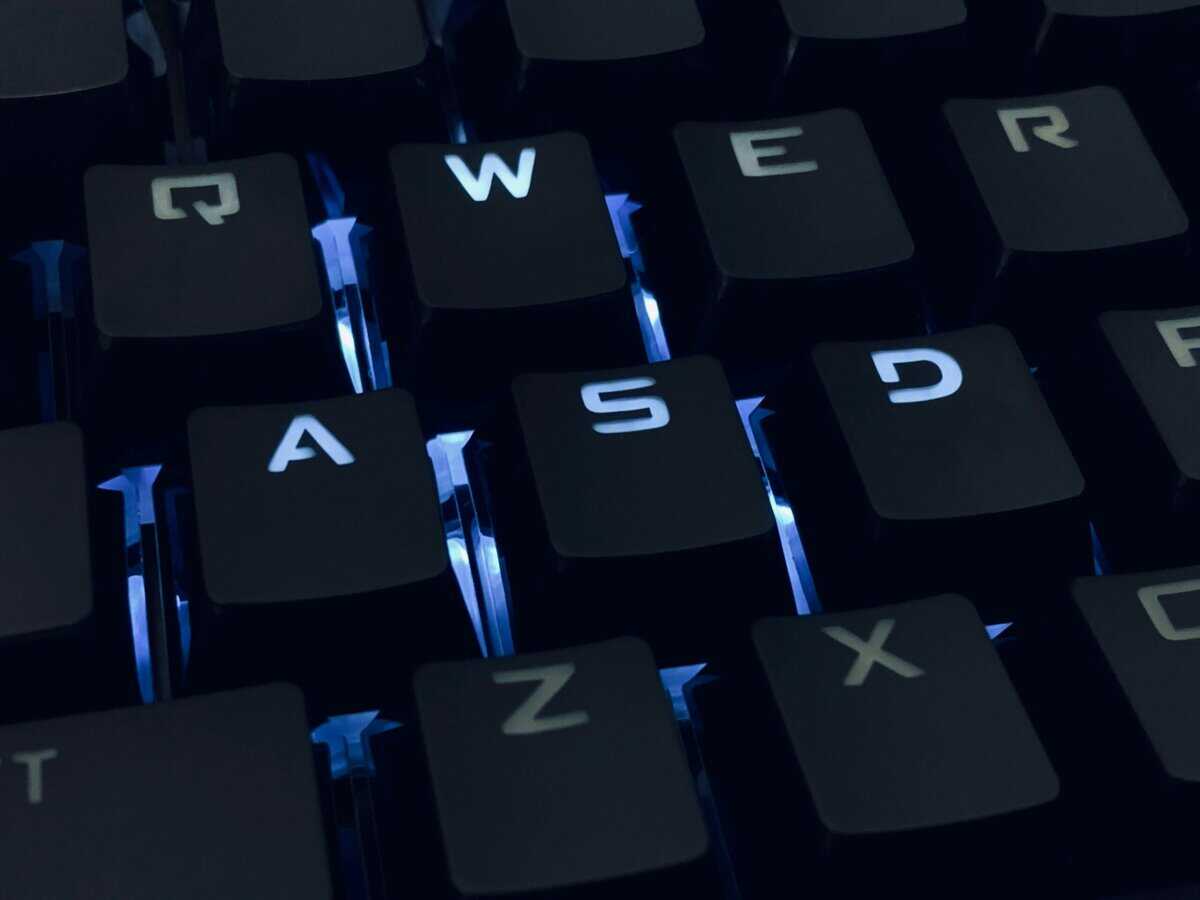
- Linear mechanical switches give you the fastest response for Apex Legends movement and combat inputs
- A TKL or 75% layout frees up desk space for wider mouse movements, directly improving your aim
- The Keychron C3 Pro offers the best overall value with gasket mount, hot-swap, and RGB for around ~$55
- N-key rollover and anti-ghosting are non-negotiable features for registering every input in chaotic fights
- You can get a competitive-grade budget keyboard for ~$30 to ~$55 without sacrificing core performance
Table of Contents
- Gasket-mounted design absorbs vibration and reduces finger fatigue during long sessions
- Hot-swappable sockets let you try different switches without soldering
- Full QMK/VIA programmability for custom macros and key remapping
- Wired-only connection may not suit wireless desk setups
- Standard ABS keycaps may develop shine over time with heavy use
- At around ~$55, it sits at the higher end of the budget range
- Hot-swappable sockets with a dedicated volume knob at under ~$50
- 75% layout keeps function keys while saving desk space for mouse movement
- Responsive stock linear switches handle rapid armor swaps and movement tech well
- Lighter plastic chassis may feel less substantial compared to metal-frame boards
- Standard ABS keycaps are functional but may benefit from a future upgrade
- Stock keycaps and stabilizers may feel a bit rattly compared to pricier boards
- IP32 water resistance protects against accidental spills during intense sessions
- Whisper-quiet membrane switches are ideal for streamers avoiding background noise
- SteelSeries brand reliability backed by a solid warranty and SteelSeries GG software
- Membrane switches feel softer and less crisp than mechanical alternatives
- 10-zone RGB lighting is less customizable than per-key options on pricier boards
- No hot-swap capability, so switch customization is not an option
Finding Your Edge with the Right Budget Keyboard
Let’s be direct: the budget gaming keyboard market is filled with flashy designs and confusing jargon that often mask subpar performance. This guide cuts through that noise to focus on what matters for a fast-paced FPS like Apex Legends. We’re targeting budget-conscious gamers who want value and a competitive edge, not just the cheapest option.
Here, “budget” is relative. It means getting high-performance features—like responsive switches and a solid build—without paying extra for cosmetic add-ons. A ~$70 keyboard that lasts for years and helps you win fights is a better value than a ~$30 one that feels mushy and fails after a few months.
What to Expect from This Guide
This article is a direct breakdown of keyboards that provide a tangible advantage without the premium cost. We’ll focus on the specifications that matter for winning in the Outlands, helping you distinguish between genuine performance and expensive extras. If you’re looking for more general options, you might also want to check out our broader look at the best budget keyboard for gaming.
Here’s a quick look at what you get at different price points:
| Price Tier | Core Features | Common Trade-Offs |
|---|---|---|
| Under ~$50 | Basic mechanical switches, plastic frame, standard ABS keycaps. | Simpler build quality, basic backlighting, often lacks software. |
| ~$50 – ~$80 | Better mechanical switches (Gateron/Kailh), improved build quality, PBT keycaps. | Fewer extras like dedicated media keys or premium materials. |
By focusing on performance fundamentals, you can land a keyboard that feels and performs like a much more expensive model. We’re prioritizing switch type, build quality, and latency above everything else.
By the end of this guide, you’ll have specific, tested recommendations to help you make a confident purchase and improve your in-game performance. We’ll cover everything from the best switch types for strafing to the ideal layouts for maximizing mouse space, ensuring you find the right keyboard for your playstyle and budget.
How a Keyboard Influences Your Apex Legends Gameplay
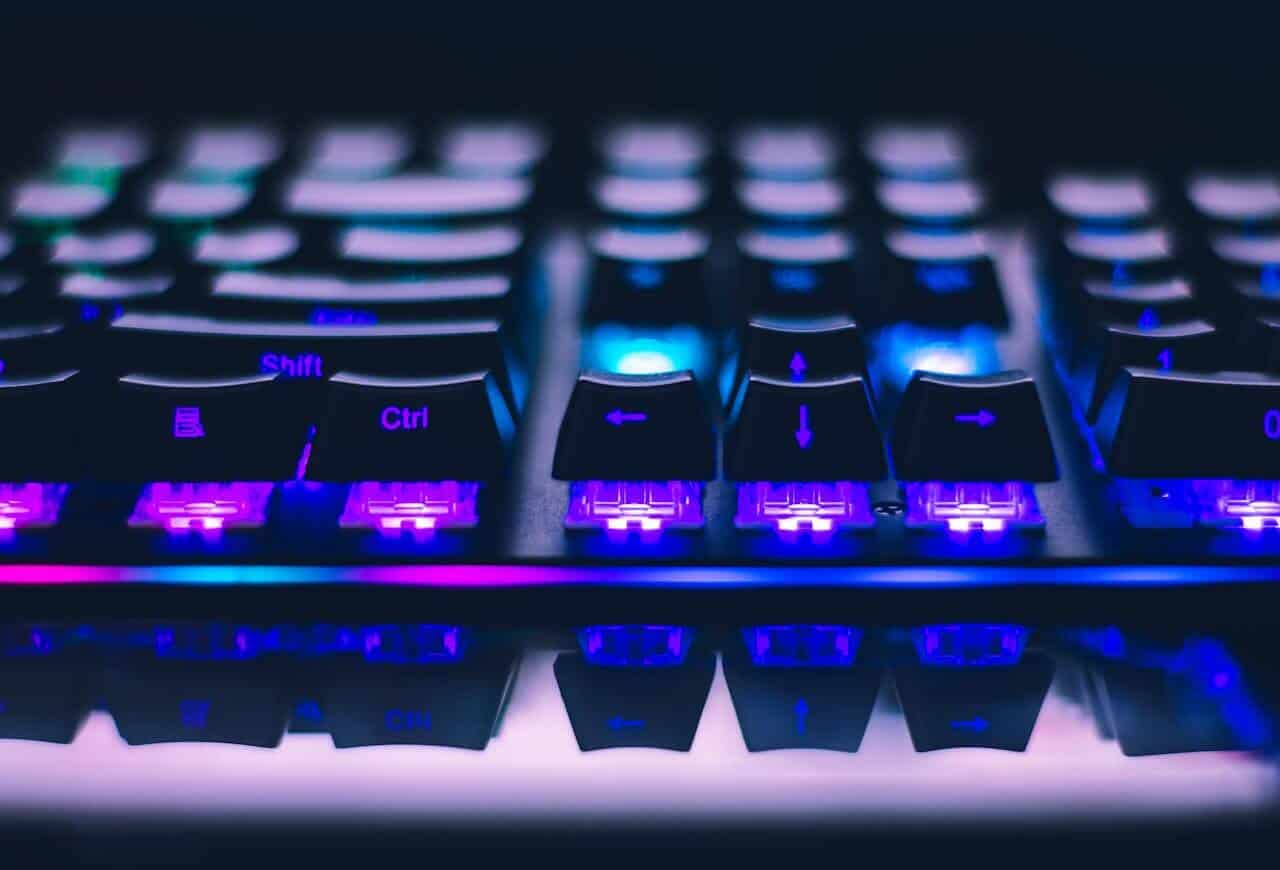
A keyboard is a critical piece of your loadout in Apex Legends. The right board gives you a tangible edge, directly impacting your speed, accuracy, and ability to execute complex moves under pressure. This goes beyond typing—it’s about how fast and reliably your actions register in-game.
For a game as movement-heavy as Apex, moving from a generic membrane keyboard to a quality mechanical one is a significant upgrade. The difference becomes clear in fights where you’re spamming keys to stay alive.
Movement and Responsiveness
In Apex Legends, effective movement is as important as good aim. Techniques like rapid strafing, quick armor swaps, or a life-saving wall-bounce require your keyboard to respond instantly and consistently. This is where mechanical switches, particularly linear types, excel.
Linear switches have a smooth, straight-down press with no tactile bump or click. This results in two key advantages for FPS gaming:
Faster Repeated Inputs: You can tap keys for actions like A-D strafing more rapidly, making you a harder target to track.
Effortless Actuation: The light touch needed to register a keypress reduces finger fatigue during long gaming sessions.
Movement Tech Execution: Hitting key combos for advanced movement becomes more reliable when your inputs are clean and consistent.
A responsive keyboard can be the difference between successfully slide-jumping out of an airstrike and getting caught flat-footed. The direct feedback ensures your Legend does exactly what you command, the moment you command it.
If you want to go deeper on how different switch types feel in-game, check out our guide where we explain mechanical keyboard switches.
Input Integrity During Chaotic Fights
Final-ring fights often involve hitting multiple keys at once—sprinting, sliding, popping a shield battery, and pinging an enemy. A low-end keyboard may fail to register all your inputs due to a lack of N-key rollover (NKRO) and anti-ghosting.
NKRO ensures every key you press is registered, no matter how many are held down simultaneously. Anti-ghosting prevents the board from sending phantom keypresses. A good budget keyboard for Apex Legends must have at least 6-key rollover to avoid critical input drops in match-deciding moments.
While wireless technology has improved, a wired connection remains the competitive standard for a reason: zero input lag. In a game where duels are decided by milliseconds, the near-instant response of a wired keyboard provides a level of reliability that budget wireless options cannot match.
Key Keyboard Features for Peak Performance
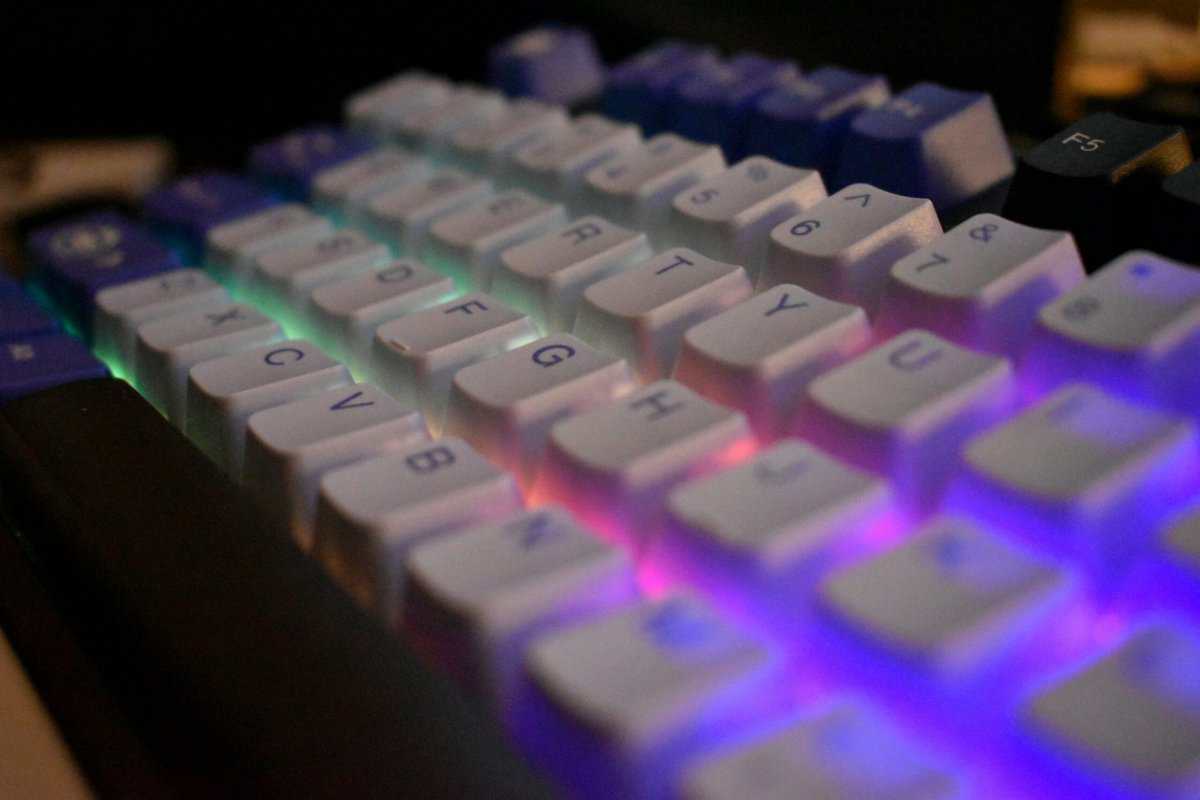
When searching for a budget keyboard for Apex Legends, focus on the specifications that directly translate to in-game performance, not marketing hype.
This section breaks down the three elements that matter most: switches, build quality, and keyboard size. Getting these right will help you find a keyboard that performs above its price point.
The Heart of the Keyboard: Switches
The switch is the single most important component of a gaming keyboard. It determines how a keypress feels, how fast it registers, and how responsive it is in a firefight. For a fast-paced FPS like Apex, linear switches—often marketed as Reds—are the optimal choice.
Linear switches provide a smooth, uninterrupted press. There is no tactile bump or audible click. This design is built for speed, making it suitable for rapid inputs like strafing, armor swapping, and executing movement tech. The light force required also reduces finger fatigue.
Linear (Reds): The standard for FPS gaming. Smooth, fast, and relatively quiet. This is the recommended type for competitive play.
Tactile (Browns): A middle-ground for typing and gaming. The slight bump provides feedback but can slow down rapid presses. A good choice for hybrid use (gaming and work).
Clicky (Blues): Effective for typing, but not ideal for Apex. The loud click and heavy bump are too slow and noisy for intense gaming.
For a game where every millisecond counts, the unobstructed path of a linear switch provides a measurable advantage. The goal is to remove any physical resistance that could slow your reaction time.
Build Quality and Keycaps: The Durability Trade-Off
A keyboard’s frame is its foundation. Most budget keyboards use a plastic chassis, which is acceptable, but a metal top plate provides a significant durability upgrade. This feature adds rigidity, prevents flex under pressure, and gives the board a more substantial feel. The durability of the build quality is a key factor in long-term value.
Keycaps are the other part of the durability equation. Most budget boards come with ABS (Acrylonitrile Butadiene Styrene) keycaps. They are functional but tend to develop a greasy shine over time, and the legends can wear off.
If your budget allows, a keyboard with PBT (Polybutylene Terephthalate) keycaps is a worthwhile long-term investment. PBT plastic is more durable, resists shine, and has a textured finish. It’s a quality-of-life upgrade that improves the feel and longevity of your keyboard.
Keyboard Size: More Than Just Desk Space
A keyboard’s form factor directly impacts your aim. A standard full-size keyboard includes a number pad that most FPS players do not use. This extra section forces your mouse hand further out, reducing your mousing area and limiting your range of motion.
For Apex Legends, a Tenkeyless (TKL) or a more compact 65% layout is ideal. By removing the numpad, these smaller keyboards free up significant desk space. This is particularly beneficial for players who use low sensitivity settings for precise aiming. If you want a deeper dive, check out our guide on the advantages of a TKL keyboard.
Top Budget Keyboard Recommendations for Apex Legends in 2026
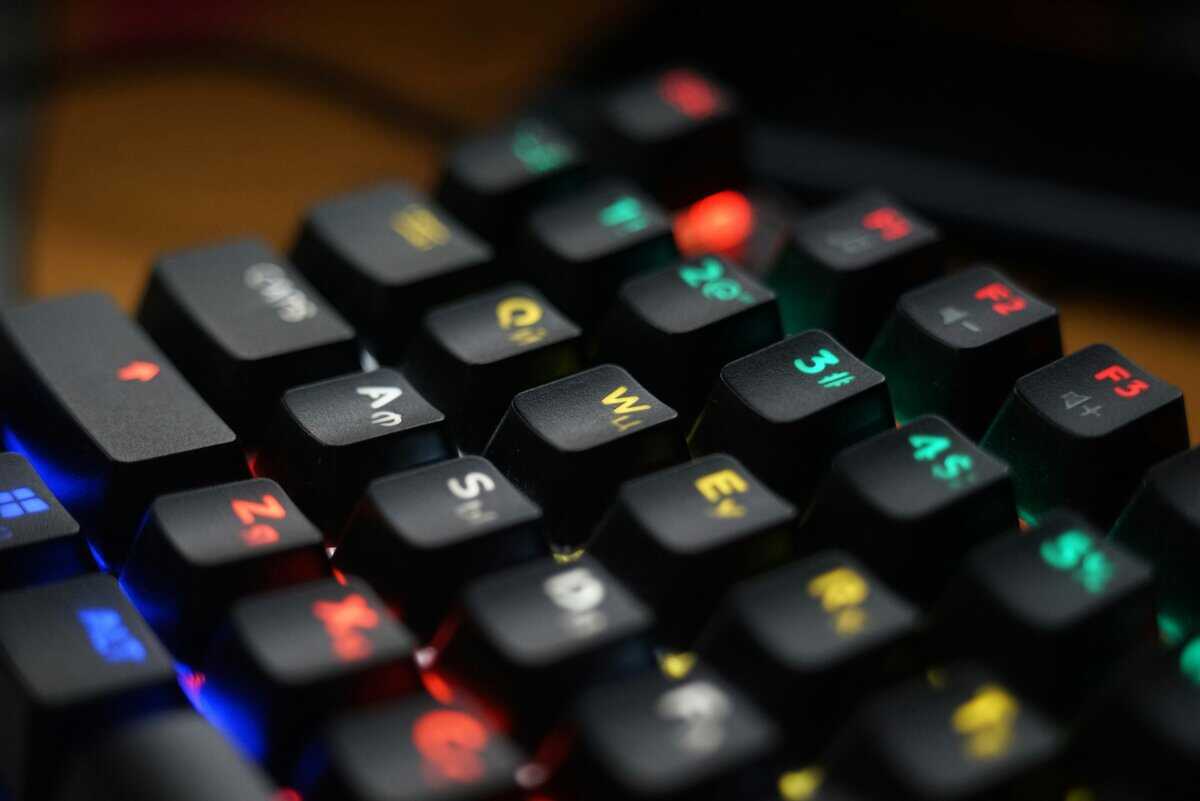
Here are direct recommendations for keyboards that deliver on fundamentals—responsive switches and solid build quality—without unnecessary, costly features. Each pick represents a clear trade-off, so you know what you are getting.
Best Overall Value: Keychron C3 Pro
The Keychron C3 Pro is an excellent example of a product that prioritizes core performance at a budget price. Its RGB hot-swap version (around ~$55) brings premium features—smooth, pre-lubed linear switches, hot-swappable sockets, a gasket-mounted design, and RGB backlighting—all fully programmable via QMK/VIA. This combination of feel and customization is its main strength.
The gasket mount provides a softer, less rigid typing experience that can reduce finger fatigue during long gaming sessions. The TKL layout provides ample room for mouse movement, which is critical for FPS gaming. The plastic frame is surprisingly sturdy with minimal flex, contributing to its solid build quality and durability.
The trade-off at this price is a wired-only connection and a standard 1000 Hz polling rate—neither of which holds most players back. With hot-swappable switches, RGB lighting, and QMK/VIA support, the C3 Pro punches well above its weight class. Its use case is primarily for FPS gamers who want excellent feel and real customization on a budget.
Top Performer Under ~$50: RK ROYAL KLUDGE R75
The RK ROYAL KLUDGE R75 packs an impressive number of features into a sub-~$50 price tag. This 75% layout keyboard includes hot-swappable sockets, allowing you to change switches without soldering—a level of customization usually found in more expensive models.
Its stock linear switches are responsive enough for the rapid inputs required in Apex, such as armor swapping and bunny hopping. It also includes a volume knob, a practical feature for adjusting audio without leaving the game.
The main concession is in materials. The build quality is functional, with a lighter plastic chassis and standard ABS keycaps. While durable enough for daily gaming, it lacks a premium feel. For a player who wants maximum features and customization on a tight budget, the R75 is a clear winner. Its ideal use case is for tinkerers and gamers who want a versatile board for FPS, MMO, or general use.
Best Compact TKL Option: SteelSeries Apex 3 TKL
For players who prefer established brands but are on a budget, the SteelSeries Apex 3 TKL is a logical choice. It uses membrane switches, but they are SteelSeries’ custom “Whisper-Quiet” switches, designed for low friction and rated for over 20 million keypresses, indicating good durability.
Its main selling point is its ruggedness. The keyboard has IP32 water and dust resistance, offering protection against spills that most budget mechanical keyboards lack. This makes it a practical option for younger gamers or anyone who keeps drinks at their desk. The TKL layout also frees up critical desk space for mouse movement.
The trade-off is significant: it’s a membrane keyboard. While these are high-quality membrane switches, they do not offer the crisp, consistent actuation of a true mechanical switch. For a player who prioritizes brand reliability, quiet operation, and durability over pure switch performance, it’s a reasonable compromise. It’s also a good fit for streamers who need quiet keys to avoid background noise.
To help you see the trade-offs at a glance, we’ve put our top picks into a direct comparison table. This breaks down how each board stacks up on the features that matter most for Apex Legends.
Comparison of Top Budget Keyboards for Apex Legends
This table directly compares our recommended budget keyboards across the key performance metrics that matter most for Apex Legends players.
| Model | Price Range | Switch Type | Key Features for Apex | Primary Trade-Off |
|---|---|---|---|---|
| Keychron C3 Pro | ~$50 – ~$60 | Hot-Swappable Pre-lubed Linear | Excellent feel, TKL layout, gasket mount, RGB, QMK/VIA | Wired only, standard polling rate |
| RK ROYAL KLUDGE R75 | ~$45 – ~$60 | Hot-Swappable Linear | Customization (hot-swap), volume knob, 75% layout | Lighter plastic build, standard ABS keycaps |
| SteelSeries Apex 3 TKL | ~$40 – ~$55 | “Whisper-Quiet” Membrane | Spill resistance (IP32), quiet operation, brand reliability | Softer membrane feel, not mechanical |
Ultimately, each of these keyboards offers good value. The right choice depends on whether you prioritize typing feel, features, or sheer durability for your gameplay.
How to Configure Your New Keyboard for Apex Legends
Unboxing your new keyboard is just the first step. To gain a real advantage, you need to configure its settings and layout for the specific demands of Apex Legends. A few simple adjustments can improve your reaction time and efficiency.
The most impactful change is remapping critical actions. Default keybinds are rarely optimized for competitive play. Your goal should be to keep your fingers on the WASD movement keys at all times, especially during combat.
Essential Keybind Adjustments
Instead of reaching for the 4 key to use a shield battery or G to throw a grenade, map those actions to your mouse’s side buttons. This lets you heal, armor swap, or use tacticals without sacrificing your ability to strafe and dodge.
Here are a few high-impact keybinds to change immediately:
Healing Items: Bind “Use Selected Health Item” to a side mouse button. This is crucial for using a shield battery in the middle of a gunfight.
Grenades: Move “Equip Grenade” to another side mouse button or a key adjacent to WASD, like F or C, for instant access.
Melee: Many players remap the default V key to a more accessible spot, like a mouse button or scroll wheel click, to prevent accidental punches.
The principle is simple: if an action is needed in a fight, you must be able to perform it without taking your fingers off your movement keys. This one change will increase your survivability.
Once you have your budget gaming keyboard, optimizing it for Apex Legends is all about tweaking settings and keybinds. Understanding how to use global hotkeys can also provide an advantage for quick actions and macros, especially for streamers managing overlays or sound alerts.
Software and Latency Reduction
Most budget gaming keyboards are plug-and-play or include optional software. If your board has software, investigate a couple of settings to ensure you are getting maximum performance.
First, look for a “gaming mode” or an option to set the polling rate. If possible, set the polling rate to 1000Hz. This instructs the keyboard to report inputs to your PC 1,000 times per second, reducing input delay.
Another effective tweak is available in your Windows keyboard properties. You can shorten the “Repeat delay” and set the “Repeat rate” to its fastest setting. This makes holding down a key register inputs more quickly, which can make continuous actions feel more responsive. While not a substitute for a fast switch, it is a free optimization that helps your keyboard feel more reactive.
These small adjustments help bridge the gap between owning good hardware and using it to its full potential.
Got Questions About Budget Keyboards? We’ve Got Answers
Before you buy, here are some common questions about budget keyboards for Apex Legends.
Are Mechanical Keyboards Really Better Than Membrane for Apex Legends?
Yes, without a doubt. For a game as fast as Apex, mechanical keyboards give you a real, tangible advantage. Their physical switches register inputs faster and more consistently than the squishy rubber domes in a membrane board.
That translates directly to quicker response times for essential actions like armor swapping, strafing, and popping abilities. A split-second in Apex is everything.
On top of that, mechanical switches are just built to last. Most are rated for 50 million or more keystrokes, so your board will survive countless drops into the Outlands. While a high-end membrane board can get the job done, a solid budget mechanical keyboard delivers better performance and longevity for a similar price.
What Is the Best Keyboard Size for Apex Legends?
This comes down to your desk space and personal preference, but for most Apex players, a Tenkeyless (TKL) or 65% layout is the way to go. By ditching the number pad, these compact keyboards create a massive amount of extra room for your mouse.
This is a game-changer for FPS players who use low sensitivity settings. It gives you the space for the big, sweeping mouse movements you need for precise tracking and flick shots. A full-size keyboard can actively cramp your style and limit your aim.
If you don’t use the numpad for work, a TKL or 65% board is a pure performance upgrade. More mouse room means better aim. Period.
Do I Need Expensive Features Like RGB or a Wrist Rest?
For pure performance in Apex Legends, things like fancy RGB lighting, dedicated media keys, and included wrist rests are completely non-essential. They’re cosmetic or comfort add-ons that jack up the price without helping you one-clip an enemy.
When you’re on a budget, your money is better spent on the fundamentals:
Responsive Mechanical Switches: The speed and feel of your keys matter most.
Solid Build Quality: A keyboard with a rigid frame or a metal backplate will feel better and last longer.
Full N-Key Rollover (NKRO): This is non-negotiable. It guarantees every single input is registered, even in the most chaotic final circles.
You can always buy a wrist rest separately down the line if you find you need one for marathon gaming sessions. Prioritize the core performance features first.
How Much Should I Spend on a Budget Keyboard for Gaming?
You can find a fantastic budget mechanical keyboard for Apex Legends in the ~$40 to ~$80 range. In this sweet spot, you’ll consistently get the features that actually matter for competitive gaming. This includes reliable mechanical switches (from brands like Outemu or Gateron), anti-ghosting, and a durable build.
Dipping below ~$40 usually means you’re making serious sacrifices in build quality or switch consistency, which leads to a frustrating experience. Spending over ~$80 pushes you into premium territory with features like PBT keycaps or name-brand Cherry MX switches. Those are nice-to-haves, but they aren’t necessary to perform at a high level.
At Budget Loadout, we believe in getting maximum performance for every dollar. Our guides are designed to help you find durable, high-value gear so you can build a top-tier setup without breaking the bank. Explore our other reviews to complete your loadout.
Related Articles