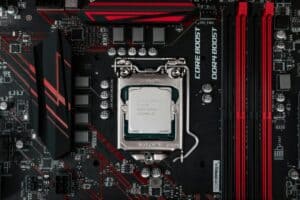
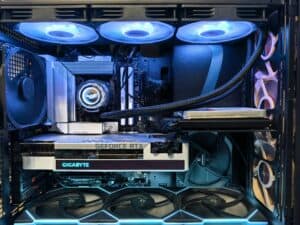
When it comes to AMD vs Intel for gaming, the answer depends on what you need. If you want the best pure gaming CPU for the money, an AMD Ryzen chip with 3D V-Cache is the direct choice. Its large cache provides an efficient path to high framerates. If you need a processor that balances high-end gaming with demanding tasks like streaming or video editing, Intel’s lineup presents a versatile alternative, though often at a higher total build cost.
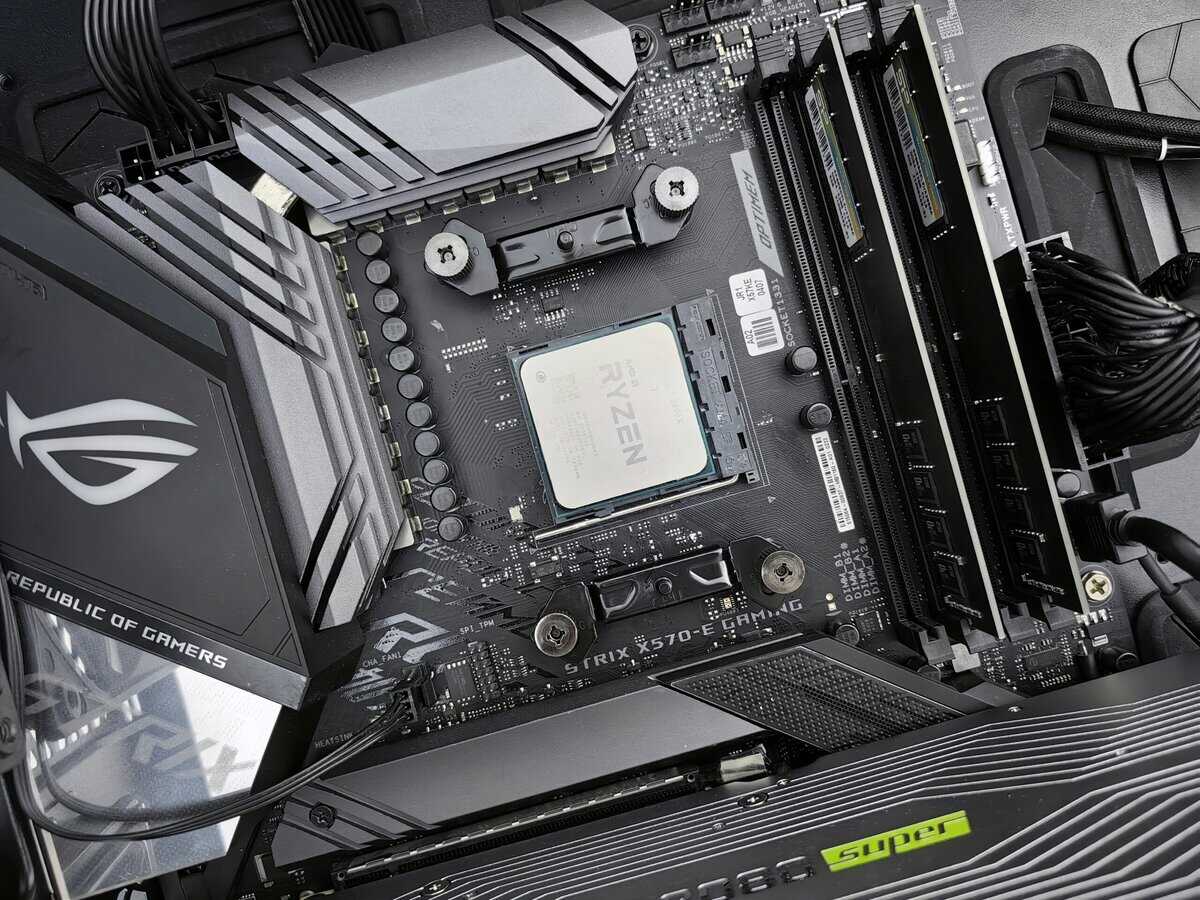
- For pure gaming FPS, AMD’s Ryzen 7 9800X3D with 3D V-Cache is the clear winner over any Intel chip in 2026
- Intel’s Core Ultra 7 265K offers strong value at ~$280 with better power efficiency and a future-proof LGA 1851 platform
- Don’t just compare CPU prices — factor in motherboard, RAM, and cooler costs for the true platform expense
- AMD’s AM5 socket supports upgrades through 2026 and beyond, making it the smarter long-term investment
- If you stream while gaming, prioritize a high-core-count CPU like the Ryzen 9 9900X3D for smooth multitasking
Table of Contents
The Verdict Upfront: Which CPU Wins for Gaming in 2026?
The debate between AMD and Intel for a gaming PC is not about which brand is universally “better.” It’s about which is better for your specific needs. For budget-conscious gamers who want value—not just the cheapest part—the decision depends on the games you play, your total budget, and how you use your PC. This guide provides direct, practical recommendations.
The CPU market is always shifting, but the core principles for a smart build stay the same. We’re focusing on what directly impacts your experience:
Raw Gaming Performance: How many frames per second (FPS) does the CPU deliver in the games you play?
Total Platform Cost: The final price is the CPU plus a compatible motherboard and RAM, which can significantly alter the value proposition.
Build Quality & Durability: Both brands produce reliable processors. The relevant factors for durability are motherboard quality and socket longevity, which affect your PC’s long-term value.
Future Upgrade Path: AMD’s track record of supporting sockets for multiple generations can save you the cost of a new motherboard when you upgrade your CPU.
Key Factors for Value-Conscious Gamers
By 2026, the competitive landscape is clear. AMD’s Ryzen X3D series, with its 3D V-Cache technology, has a distinct advantage in many CPU-heavy games. This demonstrates that value-oriented buyers can achieve high-end gaming performance without paying for Intel’s highest-clocked chips, which don’t always translate that specification into more frames.
The core takeaway is this: AMD’s specialized gaming chips deliver high FPS in specific scenarios, making them a targeted choice for gamers. Intel’s strength is in its multitasking versatility, but achieving that often requires a higher platform cost for a machine that does everything well.
To get started, this table gives you a quick snapshot of where things stand. For a much deeper dive, our guide to the best CPU for gaming breaks it all down.
Quick Look 2026 CPU Recommendations by Gamer Type
| Gamer Profile | Top AMD Pick | Top Intel Pick | Primary Benefit |
|---|---|---|---|
| Competitive FPS Player | Ryzen 7 9800X3D | Core Ultra 7 265K | AMD for its massive cache boosting FPS; Intel for high clock speed. |
| MMO/Strategy Fan | Ryzen 9 9950X3D | Core Ultra 9 285K | AMD’s large cache is a significant advantage for complex game states. |
| Gamer & Streamer | Ryzen 9 9900X3D | Core Ultra 7 265K | Both offer high core counts suitable for heavy multitasking. |
Gaming Performance Benchmarked: A Look at Real-World FPS
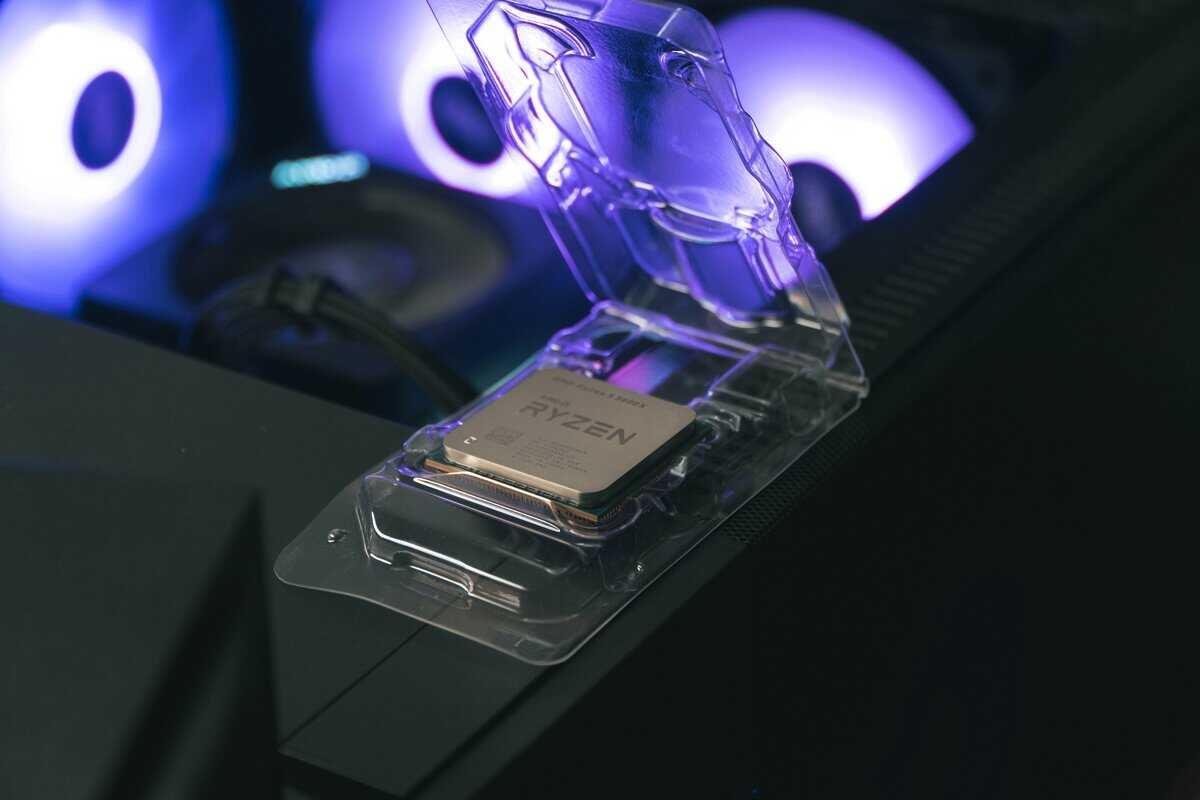
Clock speeds and core counts are just numbers on a spec sheet. They are meaningless without real-world game benchmarks. To evaluate AMD vs. Intel, we must look at actual frames per second (FPS).
We will look at two important metrics: average FPS, which indicates overall smoothness, and 1% lows. The 1% lows are arguably more important—they measure the worst frame drops and indicate how stable your experience is. High averages are good, but consistent lows are what prevent stuttering.
Competitive Shooters: High FPS Is King
In fast-paced shooters like Valorant or Counter-Strike 2, every frame matters. These games are often CPU-bound at 1080p, meaning your processor, not your GPU, is the bottleneck limiting your framerate.
AMD’s 3D V-Cache Advantage: This is where a chip like the AMD Ryzen 7 9800X3D performs exceptionally well. Its large L3 cache allows the CPU to keep critical game data on-chip instead of fetching it from slower system RAM. The result is a direct, measurable increase in both average FPS and 1% lows. Both the silicon and the motherboards supporting it have proven durable for long gaming sessions.
Intel’s High-Clock Response: A comparable chip like the Intel Core Ultra 7 265K is a strong performer, but it often falls behind the 9800X3D in these specific titles. Its high clock speeds help, but they cannot always overcome the latency advantage of AMD’s large cache. Like AMD, Intel’s CPUs are manufactured to high standards, ensuring reliable build quality.
For a competitive player seeking the maximum possible framerate for a 240Hz or 360Hz monitor, the Ryzen 7 9800X3D is the logical choice.
AAA Titles: The GPU Bottleneck
The dynamic changes in graphically demanding AAA games like Cyberpunk 2077 or Alan Wake 2, especially at 1440p or 4K resolution. With high graphical settings, your GPU becomes the bottleneck.
In these scenarios, the processor’s main job is to supply the graphics card with data. Both a Ryzen 7 and a Core i7 are more than capable of doing this faster than the GPU can render the frames. The performance difference between them becomes negligible. Your money is almost always better spent on a more powerful graphics card than on a top-tier CPU.
A key takeaway for value-conscious gamers: if you primarily play visually demanding single-player games at 1440p or higher, a mid-range CPU from either brand (like a Ryzen 5 or Core i5) paired with a high-end GPU will provide a better return on investment than an expensive CPU paired with a mid-range GPU.
CPU-Intensive Strategy and MMOs
Some games place a unique and demanding load on the processor. Complex simulation titles like Cities: Skylines II, strategy games such as StarCraft II, or large-scale MMO raids in World of Warcraft must track thousands of units, calculations, and player states simultaneously.
This is another area where AMD’s 3D V-Cache processors have an advantage. The large L3 cache drastically reduces processing delays by holding more game logic. This results in smoother gameplay, particularly in chaotic, unit-heavy moments where other CPUs might struggle. While Intel’s high core counts are beneficial for multitasking, the architectural advantage of V-Cache often makes AMD the preferred choice for dedicated fans of these genres.
The True Cost of a Gaming CPU: Platform, Power, and Upgrades
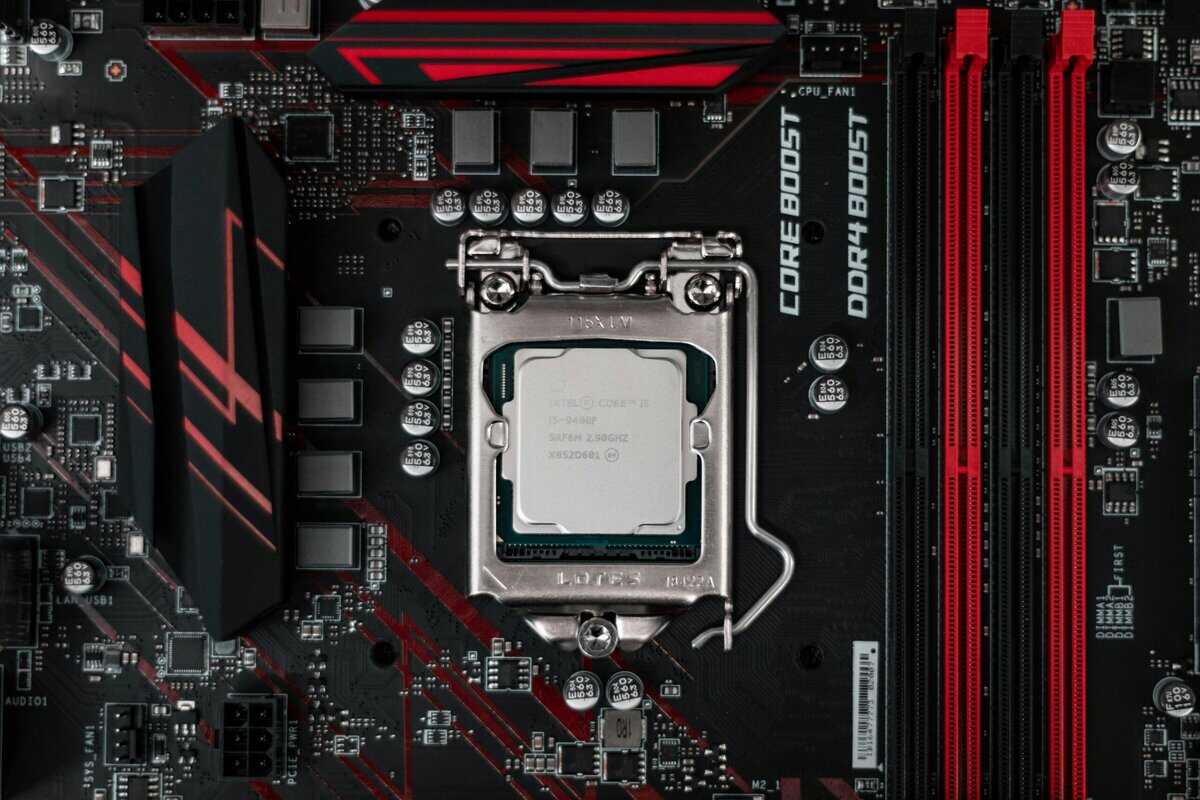
Comparing AMD vs. Intel for gaming based only on the CPU’s sticker price is a common mistake. The actual cost is the platform—the processor, motherboard, and RAM. The combined price of these three components can determine which brand offers better value.
This intense competition means platform costs are closer than before, but critical differences remain.
Motherboard and Memory Costs
When building a PC on a specific budget, the motherboard chipset is a significant cost factor. The mid-range “B-series” chipsets from both companies offer a good balance of features and price for most gamers.
AMD B650 Motherboards: These are the standard choice for AMD’s current AM5 platform. They offer a solid feature set, including PCIe 5.0 support, but they have a key limitation: they only work with DDR5 RAM, which is more expensive.
Intel B760 Motherboards: These boards provide a significant advantage for builders on a tighter budget. They support both newer DDR5 and older, less expensive DDR4 memory, offering a way to reduce the initial build cost.
An Intel B760 board with DDR4 can lower your upfront cost, but it locks you into an older memory standard. A B650 board forces the purchase of DDR5 but provides a path to better future performance and compatibility.
A critical point for any value-focused builder: The total platform cost (CPU + Motherboard + RAM) must be weighed against performance. Saving $50 on the motherboard and RAM is a poor decision if it bottlenecks your CPU and reduces FPS.
The Long-Term Upgrade Path
Here, AMD has a clear and significant advantage due to its reputation for long-term socket support. This is a major benefit for gamers who upgrade their systems incrementally.
AMD has committed to supporting its AM5 socket through 2026 and beyond. This means a motherboard purchased today is likely to be compatible with a new, faster CPU released in the next couple of years, eliminating the need to replace the entire platform. This commitment also speaks to the intended durability and longevity of the platform.
Intel, by contrast, changes its motherboard socket and chipset more frequently, typically every two CPU generations. This practice requires a new motherboard for most significant CPU upgrades, increasing the long-term cost of an Intel-based system.
Power Consumption and Cooling
The final element of cost is power and cooling. A CPU with higher power consumption increases electricity costs over time and requires a more substantial—and expensive—cooling solution to maintain safe operating temperatures.
Intel’s high-end K-series chips are known for high performance but also draw significant power under load. This often necessitates budgeting for a large aftermarket air cooler or an All-in-One (AIO) liquid cooler to prevent thermal throttling. For a deeper dive, you can check out our guide on what a normal CPU temp should be.
In contrast, many of AMD’s popular gaming CPUs, particularly the efficient Ryzen 7 9800X3D, use considerably less power. They can be effectively cooled by a simple, budget-friendly air cooler. This difference can save $50-$100 on the total build cost.
Performance Beyond Gaming: Streaming and Content Creation
A modern gaming rig often serves multiple purposes, including as a streaming station or video editing workstation. When comparing AMD vs. Intel, it’s necessary to look beyond gaming FPS and evaluate how these CPUs handle multitasking.
When running OBS, Discord, and a game simultaneously, the focus shifts from pure clock speed to core and thread count. For content creators, the choice of CPU directly affects productivity with tools like the best software for editing videos for YouTube, as a slow processor can hinder the entire workflow.
Intel’s Hybrid Architecture in Practice
Intel’s recent CPUs use a hybrid architecture that combines powerful Performance-cores (P-cores) with smaller, power-efficient Efficient-cores (E-cores). This design is a direct response to the demands of multitasking.
During a streaming session, the game is prioritized on the fast P-cores, while background tasks like OBS encoding and browser tabs are handled by the E-cores. When this process works correctly, it prevents background applications from consuming resources and causing in-game frame drops. However, this system relies heavily on the operating system—specifically Windows 11—to assign tasks effectively. It is an elegant but complex solution dependent on software.
AMD’s High Core Count Approach
AMD’s strategy is more direct: provide a large number of full-performance cores. Processors in the Ryzen 9 series are equipped with many powerful cores, all running at high clock speeds.
This approach is effective for heavy content creation tasks like video editing and 3D rendering, which can utilize all available cores. For someone who both streams and games, having more full-power cores is a simple and effective solution. The workload is distributed across multiple capable cores, a method less prone to the scheduling issues that can occasionally affect hybrid designs.
For creators who spend significant time in editing software, a Ryzen 9 often delivers more multithreaded performance for the price. This translates directly to faster video exports and a more responsive editing experience.
Encoding Performance: H.264 vs. AV1
Video encoding is a critical function for a streaming PC. Both Intel and AMD include dedicated hardware encoders to offload this task from the main processor cores.
Intel Quick Sync: Intel’s encoder has a long-standing reputation for good quality and minimal performance impact, particularly with the H.264 codec used by platforms like Twitch. It’s a reliable solution for streamers wanting a smooth broadcast with minimal setup.
AMD VCN (Video Core Next): AMD’s encoder has improved significantly. Its main advantage is its strong performance with the newer AV1 codec. AV1 offers better video quality at lower bitrates but is more demanding to encode.
For a value-conscious streamer starting on Twitch, Intel’s Quick Sync often provides a better out-of-the-box experience for H.264. As platforms like YouTube increase their adoption of AV1, AMD’s hardware advantage in that area becomes more relevant. Juggling these tasks also requires sufficient memory; understanding how much RAM is needed for gaming and multitasking is another crucial part of building a balanced system.
Choosing Your CPU for Specific Gaming Scenarios
Benchmark charts are a useful starting point, but they don’t provide a complete picture. The optimal processor for a Valorant player aiming for 360Hz is different from the ideal chip for an MMO raider or a streamer. To make the right decision in the AMD vs Intel for gaming debate, you must match the CPU’s strengths to your primary use case.
Here, we will break down three common gaming profiles and provide direct recommendations for each.
The Competitive FPS Player
For those playing competitive shooters like Valorant, Counter-Strike 2, or Apex Legends, the objective is to achieve the highest, most stable framerates possible. In these games, particularly at 1080p, the CPU is often the limiting component.
Top AMD Pick: The AMD Ryzen 7 9800X3D is the leading choice here. Its large 3D V-Cache acts as a performance multiplier for gaming, increasing not just average FPS but, more importantly, the 1% lows. This results in a very smooth experience with minimal stuttering.
Viable Intel Pick: An Intel Core Ultra 7 265K is a strong contender due to its high clock speeds. However, in head-to-head comparisons in these cache-sensitive FPS titles, it usually does not match the 9800X3D. It also frequently requires a more expensive motherboard and a more powerful cooler, making it a less practical choice if gaming is the sole priority.
For the player focused entirely on competitive performance, the Ryzen 7 9800X3D is the clear winner based on both performance and overall platform cost.
The MMO and Strategy Gamer
Games like World of Warcraft, Final Fantasy XIV, or large-scale simulations such as Cities: Skylines II place a different kind of stress on a CPU. These titles simulate large, dynamic worlds with thousands of interacting elements. This workload benefits less from raw clock speed and more from the CPU’s ability to access large amounts of data quickly.
Key Insight: In cache-heavy games, a CPU’s ability to hold the game state on-chip is more impactful than raw clock speed. This is why AMD’s X3D processors excel in MMOs and simulations, maintaining smooth performance during chaotic 40-man raids or in a dense city center where other CPUs might struggle.
Top AMD Pick: The AMD Ryzen 9 9950X3D is the top-tier processor for this category. Its combination of high core counts and an enormous L3 cache makes it uniquely suited to manage the complex simulations these games require.
Viable Intel Pick: The Intel Core Ultra 9 285K is also a very capable CPU, with plenty of cores and excellent single-threaded speed. However, it often cannot match the fluidity that 3D V-Cache provides in the most CPU-bound MMO scenarios.
The Gamer Who Also Streams
If you need your PC to handle playing a demanding game and streaming high-quality video simultaneously, your CPU must be a versatile performer. Both brands offer solid options for this use case. Both produce processors with high build quality, ensuring durability for long, intensive workloads.
Top AMD Pick: A high-core-count chip like the AMD Ryzen 9 9900X3D is an effective solution. With many full-performance cores, it can handle both gaming and OBS encoding without either task struggling for resources.
Viable Intel Pick: The Intel Core Ultra 7 265K is an excellent choice for streamers, particularly those managing a budget. Its P-core and E-core design is well-suited for this type of multitasking, intelligently assigning the game to the fast P-cores and background tasks like encoding to the E-cores.
The following table summarizes which CPU to choose for specific gaming needs and why it is the recommended option.
CPU Showdown for Specific Gaming Needs
| Gaming Use Case | Recommended AMD CPU | Why It Is Recommended | Recommended Intel CPU | Why It Is A Contender |
|---|---|---|---|---|
| Competitive FPS | Ryzen 7 9800X3D | Its massive 3D V-Cache delivers the highest and most stable framerates, especially boosting 1% lows for a stutter-free experience. | Core Ultra 7 265K | High clock speeds provide excellent raw performance, but it can’t match the cache advantage of the 9800X3D in many top esports titles. |
| MMO & Strategy | Ryzen 9 9950X3D | The huge L3 cache allows it to manage complex game worlds and AI calculations without faltering, ensuring smooth performance in raids. | Core Ultra 9 285K | A high core count and fast single-thread speed make it a powerful CPU, but it lacks the specialized cache that smooths out performance dips. |
| Gaming & Streaming | Ryzen 9 9900X3D | Offers a “brute force” approach with many high-performance cores, easily handling both gaming and encoding workloads without compromise. | Core Ultra 7 265K | The P-core/E-core architecture is excellent for multitasking, intelligently delegating tasks to keep both the game and stream running smoothly. |
Ultimately, choosing the right CPU requires an honest assessment of your primary activities. Do not pay for features you will not use. Focus on the processor that offers the best performance for your main use case to get the most value from your build.
Final Checklist for Your Decision
Choosing between AMD and Intel is about building a balanced system that fits your budget and the games you play. This final checklist will help you make a decision based on practical considerations.
What’s Your Real Platform Budget?
Look beyond the CPU’s sticker price. Your actual entry cost includes the processor, a compatible motherboard, and RAM. This is the “platform cost,” and it’s where the two brands can differ significantly.
Intel: Often provides a lower entry cost, especially when pairing a Core i5 with a B-series motherboard and affordable DDR4 RAM. It’s a practical way to start gaming without a high initial investment.
AMD: The current AM5 platform requires DDR5 RAM, which increases the initial platform cost. The tradeoff is that you start with a more modern memory standard.
Add up the cost of all three parts. An Intel build might save you over $100 today, but an AM5 build from AMD provides a stronger foundation for future upgrades.
What Games Are Actually on Your Hard Drive?
Your favorite genres should guide your CPU choice. A processor that excels in one game might be underutilized in another.
The most common mistake is overspending on a CPU feature that your favorite games can’t use. A top-tier CPU is wasted if you’re always GPU-bound playing graphically intense AAA games at 4K.
Focus your budget where it will make a tangible difference:
Competitive Shooters (Valorant, CS2): This is the ideal scenario for AMD’s X3D chips. The large L3 cache on a processor like the Ryzen 7 9800X3D is specifically designed to maximize framerates in these games.
MMOs & Strategy (WoW, Cities: Skylines II): These games are CPU-intensive and benefit greatly from the large cache on AMD’s X3D processors.
Graphically Intense AAA Titles (Cyberpunk 2077): At 1440p or 4K, the GPU is the bottleneck. A solid mid-range CPU like a Ryzen 5 or Core i5 from either brand is usually sufficient.
Will You Be Streaming or Creating Content?
If your PC is a multi-purpose machine, multitasking performance becomes as important as gaming FPS.
Intel’s Hybrid Approach: CPUs like the Core Ultra 7 265K are designed for this. Their mix of P-cores for the game and E-cores for background tasks is an effective solution for streamers.
AMD’s Brute Force Method: High-core-count chips like the Ryzen 9 series provide a large number of full-performance cores, which is advantageous for heavy video editing and other demanding creative work.
Both brands offer excellent, durable options with high build quality. The choice depends on whether you prefer Intel’s specialized core management or the raw multicore performance of AMD.
Still Have Questions? Let’s Clear Things Up
Even after reviewing benchmarks, some common questions arise when choosing a gaming CPU. Here are direct answers to help you finalize your choice.
Are Stock CPU Coolers Good Enough for Gaming?
For budget to mid-range chips, the included stock cooler is often sufficient. However, “sufficient” does not mean optimal. Stock coolers prevent the CPU from overheating under normal use but can be loud and may not provide enough thermal headroom for the CPU to reach its maximum boost clock during intense gaming.
A worthwhile upgrade for a value-focused gamer is a budget air cooler from a brand like Thermalright or DeepCool. It operates more quietly, allows the CPU to perform better, and can contribute to the hardware’s longevity. For high-end K-series Intel chips or a top-tier Ryzen 9, an aftermarket cooler is mandatory, not optional.
Is CPU Overclocking Worth It in 2026?
For the average gamer, manual overclocking is no longer a practical way to gain performance. It has become a hobby for enthusiasts. Modern CPUs from both AMD and Intel feature intelligent boost algorithms (like Precision Boost Overdrive for AMD and Turbo Boost for Intel) that automatically push the chip to its thermal and power limits.
The small performance gain from a manual overclock is generally not worth the time required for stability testing and the additional heat generated. Ensuring your PC has good cooling so the CPU’s built-in technologies can function properly will provide better results.
The most effective “overclocking” for a value-conscious gamer is enabling features like AMD’s PBO or ensuring your RAM is running at its advertised speed with an XMP or EXPO profile. These are low-effort tweaks that provide a real performance increase without the complexity of manual tuning.
How Much Does a CPU Choice Limit a GPU?
A CPU and GPU work in tandem. A weak CPU can “bottleneck” a powerful GPU by failing to supply it with data fast enough, leaving the graphics card underutilized. However, a top-of-the-line processor is not necessary to support a high-end GPU, especially at 1440p or 4K resolutions.
A solid mid-range CPU like a Ryzen 5 or Core i5 has enough performance to support a high-end GPU like an RTX 4080 in most modern games. The main exception is when chasing very high frame rates (240Hz+) in CPU-heavy games at 1080p. In that scenario, a more powerful processor, such as a Ryzen 7 X3D, becomes essential.
Should I Care About Integrated Graphics?
If you are buying a dedicated graphics card for gaming, the performance of the CPU’s integrated graphics is irrelevant. It is a bonus feature, not a primary one.
However, an integrated GPU (iGPU) can be useful for troubleshooting. If your main GPU fails, the iGPU provides a way to get a display signal and diagnose the problem. Since both AMD and Intel now include them in most of their mainstream CPUs, it serves as a helpful safety net.
At Budget Loadout, we help you find the best value in every part of your gaming setup. For more guides and reviews to build your perfect rig without breaking the bank, visit us at https://budgetloadout.com.
Related Articles