Most advice on the best mouse for League of Legends starts in the wrong place. It starts with pro gear, flagship sensors, and the lightest shell on the market. That’s useful if you’re chasing every hardware edge. It’s less useful if you mostly want a mouse that stays comfortable through long sessions, clicks reliably, and doesn’t feel worn out after a few months.
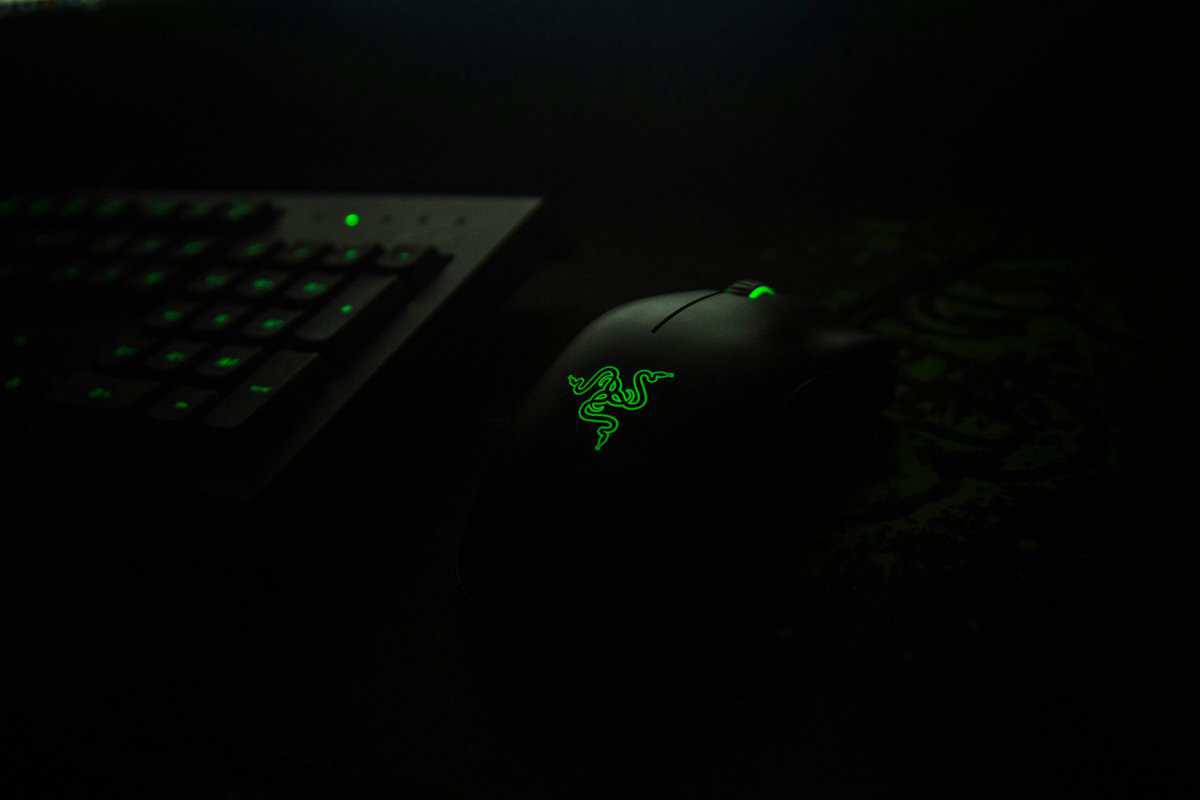
League is a click-heavy MOBA. For most players, the key difference-maker isn’t an extreme spec sheet. It’s a shape you can control without tension, buttons you won’t misclick, and build quality that still feels solid after weeks of ranked games, ARAM, work, and whatever else your mouse gets used for.
- For most LoL players, a comfortable shape and reliable build matter more than chasing the lightest or highest-DPI specs.
- The Logitech G PRO X SUPERLIGHT 2 is the safest premium pick: around 60g, wireless, and built on the proven HERO sensor.
- The Razer Viper V3 Pro is the ultralight option at ~54g with 8KHz polling, great for claw or fingertip players who also dabble in shooters.
- The Logitech G305 LIGHTSPEED stays the budget wireless champ thanks to long battery life and dependable HERO performance.
- The Razer Naga V2 HyperSpeed is the 12-button choice for players who want every active, ping, and macro bound to the mouse.
Table of Contents
- Trusted shape that fits most grip styles
- Long wireless battery life
- Reliable build over long-term use
- Premium price tier
- No customizable side panel
- Plain aesthetic
- Extremely light at ~54 grams
- 8KHz polling for snappy response
- Gen-3 optical switches
- Symmetric shape isn't for everyone
- Ultralight bodies feel hollow to some players
- Premium pricing
- Long AA battery life
- Reliable HERO tracking
- Affordable wireless option
- Heavier than the ultralight picks
- Compact shape suits smaller hands better
- No rechargeable battery
- 12 programmable side buttons for actives and macros
- Wireless without USB cable clutter
- Solid build for daily MOBA and MMO use
- Heavier than minimalist picks
- Dense button layout has a learning curve
- Less suited to FPS double duty
Why the Best LoL Mouse Is Not the Most Expensive One
A lot of “best mouse for League of Legends” lists assume everyone needs an esports-grade ultralight wireless mouse. That’s the wrong default for average players. As this LoL mouse guide notes, League is primarily a low-sensitivity, click-heavy MOBA where comfort, side-button access, and grip stability often matter more than raw sensor specs for players who aren’t aiming at pro-level aim training.
That lines up with real use. In League, you’re not constantly making huge flicks like you would in an FPS. You’re repeating the same actions over and over: last-hitting, short camera movements, attack-moving, target switching, ward placement, and item use. If your mouse shape fights your hand, you’ll feel it long before you benefit from some headline sensor number.
A more expensive mouse can still be worth it. But only when the extra money buys something you’ll experience a difference with in-game.
A mouse that feels natural in hour three is usually a better League pick than one that only looks better on a spec sheet.
Three things matter more than prestige:
- Comfort over time: Long sessions expose bad shapes fast. Palm support, side contour, and button height matter.
- Consistency: Clicks should feel the same every match. The shell shouldn’t creak, wobble, or shift under pressure.
- Practical fit: League players who also work, stream, or play other genres often need a mouse that works across more than one use case.
If hand strain is part of the problem, it’s worth looking at a guide focused on ergonomic gaming mouse options instead of chasing the lightest body available.
What Mouse Features Actually Matter for League of Legends
League doesn’t ask a mouse to do the same job as an FPS or MMO mouse. You need clean tracking, low-latency clicks, a shape that stays comfortable, and a button layout that helps instead of getting in the way. As Tech4Gamers’ LoL buying guidance explains, sensor quality and low click latency matter more than extreme DPI numbers.
Sensor quality beats huge DPI
Most modern gaming mice are good enough on paper. The difference is whether the sensor feels predictable when you make small corrections around minions, skill shots, or fast map movement.
For League, a stable optical sensor is the safer choice. If you want a broader breakdown of tracking behavior, this explainer on optical vs laser mouse differences is useful. In practice, you want tracking that doesn’t feel floaty, jumpy, or inconsistent.
What usually works:
- Predictable micro-movement: Small cursor adjustments should feel direct.
- No weird smoothing feel: If the cursor feels delayed or overcorrected, that gets annoying in lane.
- Reliable behavior on your mousepad: A good sensor should stay stable during long sessions, not just short test runs.
Weight matters, but less than people think
Lighter mice are easier to reposition quickly. That helps with fast camera movement and repeated click-heavy play. But lower weight isn’t automatically better for everyone.
A very light mouse can feel too loose if you prefer more planted movement. Some players aim better in League with a little extra mass because it gives them more stopping control. That’s especially true if they use a relaxed palm grip and don’t lift the mouse much.
Practical rule: Don’t buy by grams alone. A slightly heavier mouse with a better shape usually outperforms a lighter mouse that makes you tense up.
Shape decides whether you enjoy using it
Shape is the feature most buyers underrate. In League, shape affects comfort every minute you play. It also affects accuracy because your hand position stays more consistent when the shell supports your grip properly.
Look at these pressure points:
- Palm grip: Usually benefits from fuller rear support and a safer right-handed curve.
- Claw grip: Often works better on shorter, lower-profile shapes with crisp button separation.
- Fingertip grip: Usually prefers lighter, more compact bodies that are easy to reposition.
Buttons should match your habits
Two side buttons are enough for a lot of players. They handle push-to-talk, trinket, item active, scoreboard, or attack move without turning the mouse into an MMO brick. More buttons can help, but only if you use them cleanly.
That’s where many “feature-rich” mice fall apart. They offer more inputs, but the extra side buttons can crowd your thumb rest, increase accidental presses, and make the shell heavier than it needs to be.
The Best Mice for League of Legends in 2026
Most players don’t need a trophy-piece mouse. They need a mouse that fits how they play. That means balancing shape, weight, wireless convenience, button count, and long-term durability.
Here’s the quick comparison first.
Top Mouse Picks for League of Legends 2026
| Mouse Model | Best For | Weight | Connectivity | Key Feature |
|---|---|---|---|---|
| Logitech G PRO X SUPERLIGHT 2 | Best overall for competitive LoL | 60g | Wireless | Roughly 95-hour battery life |
| Razer Viper V3 Pro | Best ultralight option | 54g | Wireless | 8KHz polling |
| Logitech G305 LIGHTSPEED | Best budget wireless pick | Not specified in verified data | Wireless | Reliable HERO sensor performance |
| Razer Naga V2 HyperSpeed | Best for extra side buttons | ~110g | Wireless | 12-button layout with 12 programmable inputs |
Logitech G PRO X SUPERLIGHT 2
If you want the safest premium recommendation, the Logitech G PRO X SUPERLIGHT 2 is the easy pick. In a 2025 roundup, the G PRO X SUPERLIGHT 2 was highlighted for LoL with a weight of about 60 grams, Logitech’s HERO 2 sensor with tracking over 888+ IPS and up to 44,000 DPI, plus roughly 95 hours of battery life, according to Eneba’s League mouse roundup.
Why it works so well in League is simple. The shape is broadly usable, the body stays light without feeling flimsy, and the wireless setup removes cable drag. For repeated lane clicks and constant repositioning, that combination is hard to argue with.
The trade-off is value. This kind of mouse makes sense if you want one high-end mouse for League, FPS games, and daily use. It makes less sense if you only play casually and don’t care about shaving weight.
Razer Viper V3 Pro
The Razer Viper V3 Pro is the pick for players who want the lightest, quickest-feeling option from the current top tier. The same roundup lists it at 54 grams, with a 35K DPI optical sensor, 8KHz polling, and Gen-3 optical switches.
In League, that translates into a fast, clean feel. The mouse moves easily, stops quickly, and suits players who use claw or fingertip grip well. If you also play shooters, it pulls double duty better than most purely comfort-first mice.
The downside is that not everyone likes ultralight symmetrical shapes for long sessions. Some players find them less supportive than ergonomic shells, especially when they settle into slower, more relaxed League play instead of high-intensity FPS movement.
If you split time between League and FPS games, this kind of shape makes more sense than a heavier multi-button design.
Logitech G305 LIGHTSPEED
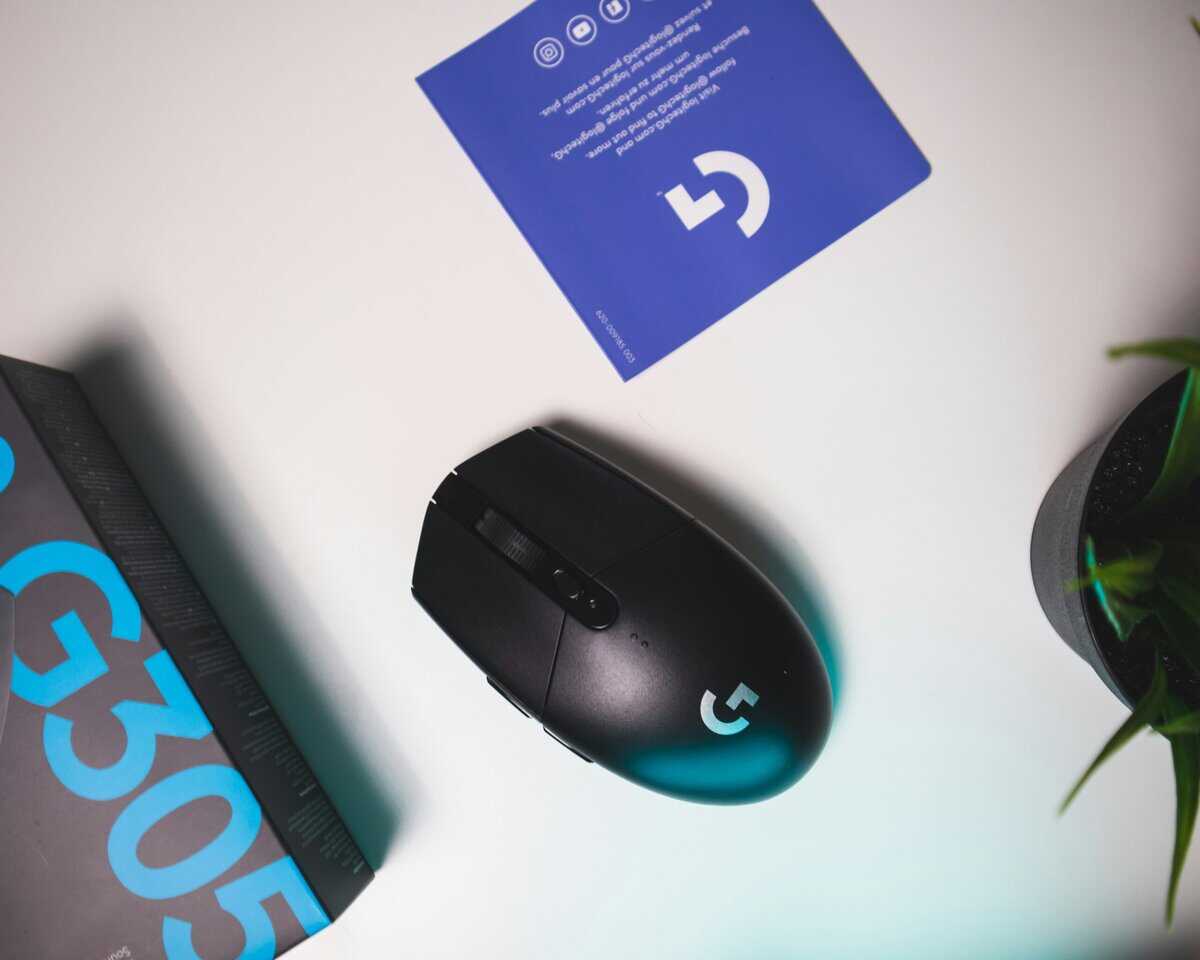
For value-focused buyers, the Logitech G305 LIGHTSPEED is still one of the most practical options to consider. It keeps showing up as a budget pick because it offers long battery life and dependable HERO sensor performance. It doesn’t chase luxury materials or the lightest body possible. That’s fine.
What you get is a straightforward wireless mouse that handles League well without asking you to pay for top-end extras you may never use. For students, mixed-use setups, or players building a full rig on a budget, this is often the smarter buy than stepping into premium pricing too early.
The trade-off is obvious. It won’t feel as refined, as light, or as effortless as the expensive flagship models. But for many players, it’s close enough where the money is better spent elsewhere in the setup. If you want more options in that category, Budget Loadout’s guide to the best gaming mouse under $50 covers the value end of the market well.
Razer Naga V2 HyperSpeed
The Razer Naga V2 HyperSpeed is the recommendation for players who want maximum side-button access. Razer builds the Naga V2 HyperSpeed as a 12-button mouse with a full 12-key side panel, which makes it the standout choice if you bind item actives, summoner spells, pings, push-to-talk, or utility actions directly to the mouse.
That kind of input depth is overkill for a typical click-to-move League player, but it’s a real advantage if your setup pulls double duty for MOBA play, MMOs, streaming hotkeys, or productivity macros. The wireless HyperSpeed connection also keeps the desk clean without locking you into a cable.
The compromise is weight and complexity. At around 110 grams it’s noticeably heavier than the ultralight picks above, and the dense 12-button side panel takes practice before muscle memory kicks in. For players who want every active on the mouse, that’s a fair trade. For minimalists, it’s exactly why simpler two-button layouts remain the default.
Which one should you actually buy?
The short version:
- Choose the G PRO X SUPERLIGHT 2 if you want a premium all-rounder with top-tier competitive feel.
- Choose the Viper V3 Pro if low weight matters more than hand-filling comfort.
- Choose the G305 LIGHTSPEED if value is your priority and you still want reliable wireless performance.
- Choose the Razer Naga V2 HyperSpeed if extra side buttons matter more to you than keeping the mouse minimal.
Build quality matters in every case. A mouse can have strong specs and still disappoint if the clicks feel hollow, the shell flexes, or the side buttons feel cheap. For League, durability isn’t a side concern. You’re clicking constantly. That punishes weak switches and sloppy button construction faster than people expect.
Wired vs Wireless: A Practical Look for LoL Players
Wireless isn’t the risky choice it used to be. For League, modern wireless mice are completely viable if the implementation is solid. The bigger question is whether the convenience is worth the higher cost and battery management.
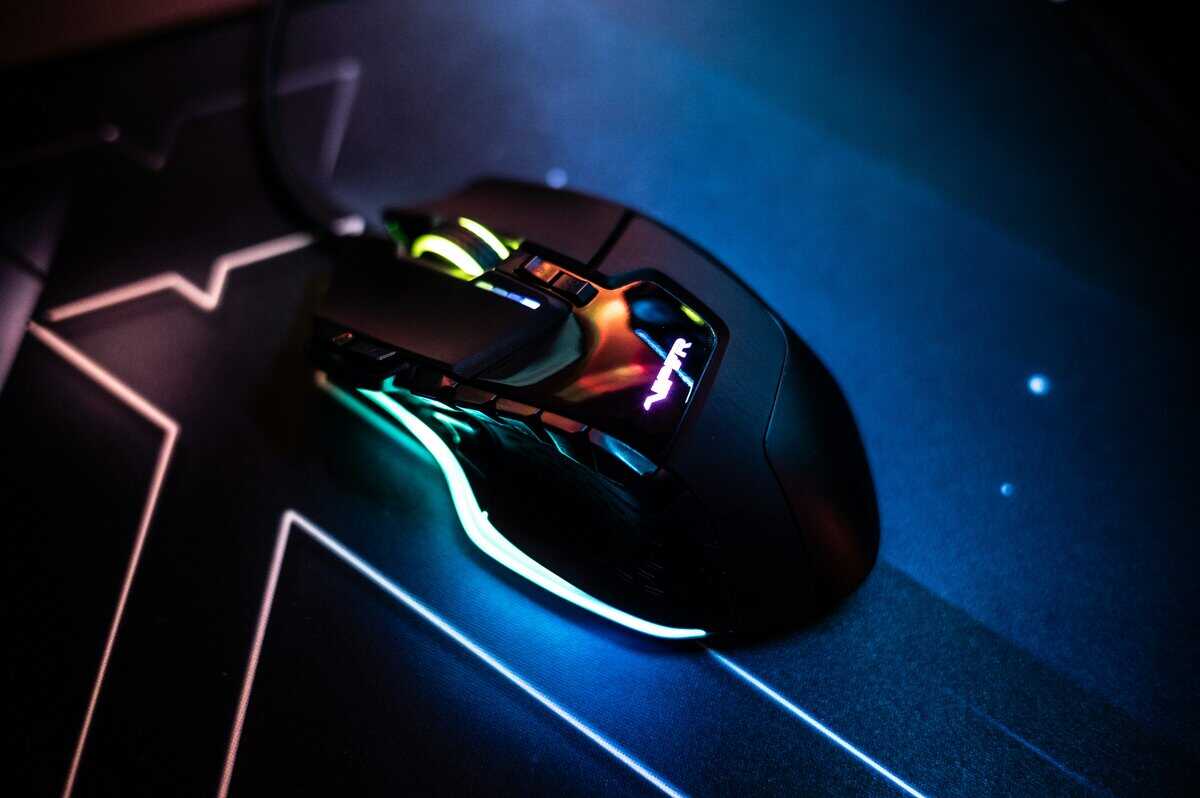
The more interesting trade-off for LoL players is often wireless minimalism versus button density. Razer specifically markets the Naga V2 HyperSpeed as a 12-button mouse tailored for MOBA and MMO play, while the popular ultralight options keep button layouts minimal to prioritize weight and speed.
When wireless makes sense
Wireless is the better fit if you want a cleaner desk, less drag, and a mouse you can also use for FPS games or daily work. It’s especially nice for low-friction cloth pads where cable resistance becomes more noticeable over time.
The catch is upkeep. You either charge the mouse or replace batteries. That’s not difficult, but it is one more thing to manage.
When wired is still the smarter buy
Wired still makes sense if:
- You care most about value: A wired model often gives you better build quality for the money.
- You want extra buttons: Many practical multi-button options are still wired.
- You never want to think about charging: Plug in and forget it is still a valid advantage.
If you’re deciding between the two, this guide on wired vs wireless gaming mouse trade-offs breaks the choice down in a way that fits real-world gaming habits.
Wireless is cleaner. Wired is simpler. For League, both work. The wrong button layout will hurt you more than the wrong cable choice.
How to Dial In Your Mouse Settings for League
A good mouse still needs sane settings. Most players make League harder than it needs to be by maxing DPI, leaving acceleration on, or changing too many things at once.
Polling rate is the easiest place to start. A 2026 guide states that most esports professionals use 1000Hz polling, with 500Hz and 1000Hz common in MOBA play specifically, while much higher polling rates are mostly reserved for premium models and top-end hardware, according to Rawmshop’s polling-rate guide.
Start simple
Use this setup as a baseline:
- Set polling rate to 1000Hz if your mouse and system handle it cleanly.
- Drop to 500Hz if you want to compare feel or troubleshoot inconsistent behavior.
- Turn off mouse acceleration in Windows. Raw input feel is easier to build consistency around.
- Keep your DPI moderate. You don’t need extreme sensitivity for League. Stable control matters more than speed.
Test with actual League actions
Don’t test settings by waving the cursor around the desktop. Test them in the actions that matter:
- Last-hitting under tower
- Kiting around a target dummy or jungle camp
- Fast camera movement to side lanes
- Using item actives without overshooting
If your cursor feels choppy, delayed, or uneven, the mouse might not be the only problem. Background processes, USB issues, and system slowdown can all affect responsiveness. If your whole setup feels off, it helps to understand why your computer is slow before blaming the mouse alone. For mouse-specific troubleshooting, this guide on how to fix input lag is a good next step.
Frequently Asked Questions About LoL Mice
Is a good mousepad important for League?
Yes. A mousepad affects glide, stopping control, and sensor consistency. Even a strong mouse can feel off on a bad surface. For League, a pad that gives you stable control is usually better than one that feels excessively slick.
Is a heavier mouse always bad for LoL?
No. Heavier mice can feel more stable, especially for relaxed palm-grip players who prefer planted movement. The problem starts when the extra weight causes fatigue or slows down repeated repositioning.
What grip style is best for League?
There isn’t one best grip style. Palm usually prioritizes comfort, claw often balances speed and control, and fingertip favors quick repositioning. The best mouse for League of Legends is the one that supports your natural grip without making your hand work harder than it should.
If you’re trying to build a better setup without overspending, Budget Loadout publishes practical gear guides that focus on value, durability, and trade-offs instead of marketing fluff.
Related Articles