Finding the best budget mousepad for Valorant doesn’t mean settling for junk. Some of the most reliable surfaces for tactical shooters are surprisingly affordable. This guide is not about finding the cheapest pad; it’s about identifying the best performance for the money.
We will find the sweet spot: a mousepad that gives you the control and stopping power for precise headshots without the premium price. For most players, that means a control-oriented surface, but we will cover options for different playstyles and budgets, from true entry-level to mid-tier value picks.
- Consistent micro-weave texture builds reliable muscle memory
- Non-slip rubber base stays locked during intense gameplay
- Available in multiple sizes including XL for low-sens players
- Lacks stitched edges, which can lead to fraying over time
- Standard cloth surface won’t satisfy speed-focused players
- No RGB or premium design elements
- Dense weave provides excellent stopping power for crosshair placement
- Proven track record in competitive FPS, used by pros for years
- Affordable and widely available with consistent quality
- High friction surface can feel slow for aggressive flick-heavy styles
- Absorbs moisture over time, which changes the glide feel
- Lacks stitched edges on the standard version
- Hybrid surface offers faster glide than pure cloth pads
- Water-resistant coating makes cleaning easy and extends lifespan
- Stitched edges prevent fraying for long-term durability
- Firmer surface feel may not suit players who prefer soft cloth
- Less stopping power than dedicated control pads like the QcK
- The SteelSeries QcK provides maximum stopping power with its dense cloth weave, ideal for the precise, controlled aim Valorant rewards.
- A large or XL pad gives low-sensitivity players room for full-arm flicks without lifting and repositioning mid-round.
- The Razer Gigantus V2 is the balanced all-rounder, with a textured cloth surface that suits most grip and sensitivity styles.
- The Razer Strider is the hybrid pick, blending cloth-like control with a faster glide for players who want speed and stopping power.
- A cloth pad with a stitched edge and grippy rubber base stays flat and lasts, which matters more than a flashy RGB border.
Table of Contents
Why Your Mousepad Matters for Competitive Valorant
In a tactical shooter like Valorant, performance is about precise crosshair placement and micro-adjustments. A mousepad with the right amount of friction lets you stop your mouse instantly, which is more important than the raw speed needed for tracking-heavy games like Apex Legends.
Let’s be direct about the tradeoffs. Budget pads often skip stitched edges, which significantly affects long-term durability as the edges will fray. Others may use a rubber base that isn’t as grippy as top-tier counterparts, causing the pad to slide during intense moments. However, where it matters most, the surface performance for aiming, these pads can still deliver.
Top Budget Valorant Mousepads: At a Glance
This table summarizes our recommendations for budget-conscious players who want real value.
| Category | Recommended Mousepad | Best For | Price Tier |
|---|---|---|---|
| Overall Value | Razer Gigantus V2 | Balanced control and glide for all-around play. | Budget |
| Maximum Control | SteelSeries QcK | New players needing high friction for precision. | Budget |
| Premium Feel | Razer Strider | Enthusiasts wanting a top-tier control surface. | Mid-Tier |
| Speed & Versatility | Aqua Control Plus | Hybrid speed for aggressive entry fragging. | Mid-Tier |
A good mousepad is just one component. To complete your setup, consider our guide on the best budget mouse for Valorant.
Understanding Mousepad Specs for Tactical Shooters
Before choosing a model, understand what makes a mousepad effective for Valorant. The primary distinction is between control and speed surfaces. Choosing the wrong type will make you feel like you’re fighting your own mouse.
Valorant demands precision: tiny, deliberate crosshair adjustments and the ability to stop your mouse instantly for a headshot. This is where a control pad is most effective. These pads use a denser, more textured cloth weave to create higher static friction. This resistance helps you make micro-adjustments and avoid overshooting your target during a flick.
Speed pads, with their smoother surfaces, are designed for effortless gliding. They are suitable for tracking-heavy games but can feel slippery and imprecise for a tactical shooter. For Valorant, a control surface is the more practical choice for most players.
Key Features for Valorant Performance
Ignore flashy graphics and focus on these four specifications.
- Size (Large or XL): Low DPI aiming is standard in Valorant, requiring large arm movements for 180-degree turns. A small pad is not a viable option. You need a Large (around 450x400mm) or XL desk mat to avoid running out of room in a critical situation.
- Non-Slip Base: Intense firefights involve fast, aggressive mouse movements. A cheap, slippery rubber base will cause the pad to slide across your desk, disrupting your aim. A grippy base that locks the pad in place is mandatory.
- Thickness (3-5mm): A thicker pad (at least 3mm) provides a more cushioned feel and absorbs minor imperfections on your desk surface, ensuring a consistent glide.
- Stitched Edges: This is a key indicator of build quality and durability. Unstitched edges will fray and peel over time from the friction of your arm. This is not just an aesthetic issue; it can become uncomfortable and interfere with mouse movement, eventually rendering the pad unusable.
Knowing what to prioritize allows you to see past marketing and find a pad that performs. You can find more recommendations in our complete guide to the best budget gaming mouse pad for all game types.
Comparing the Top Budget Valorant Mousepads
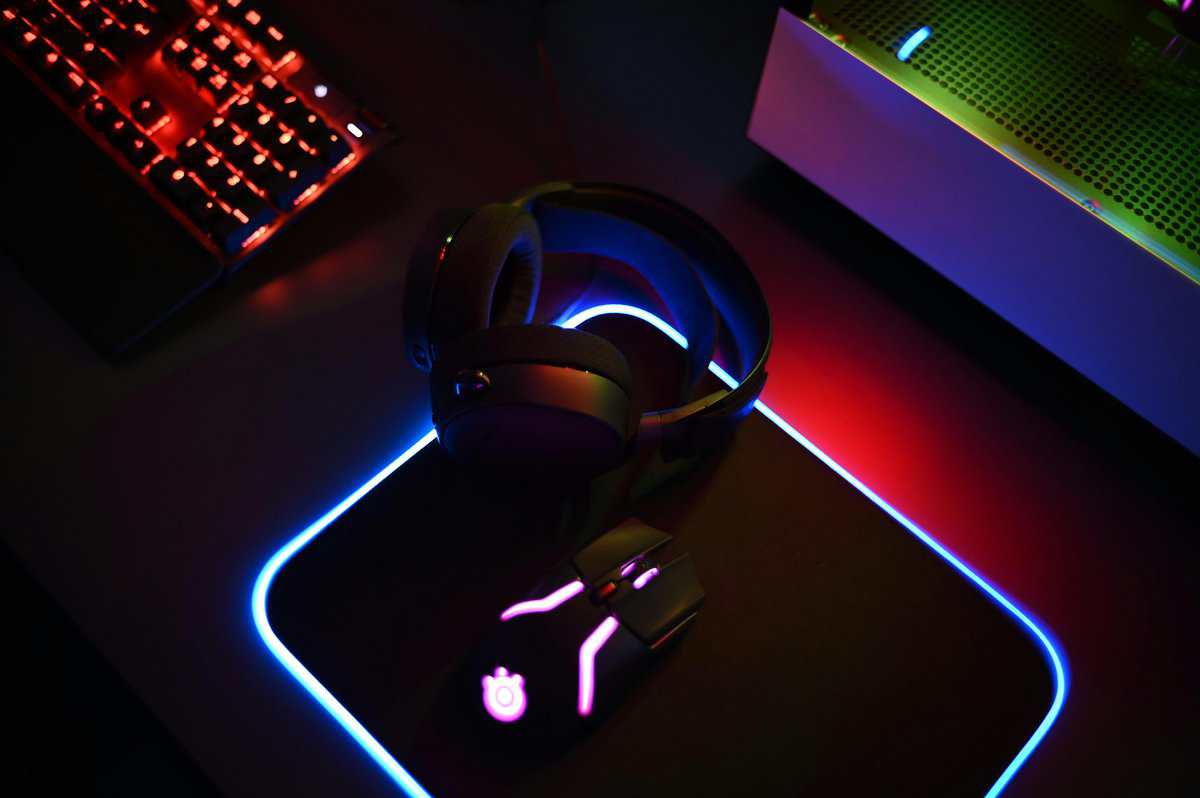
Here is a direct comparison of four standout options that balance cost and performance for competitive Valorant. We will examine their in-game feel, build quality, and the compromises made to meet their price point.
The Workhorse: Razer Gigantus V2
The Razer Gigantus V2 is a strong contender for the best budget mousepad for Valorant. Its woven cloth surface provides a medium glide with substantial stopping power. It is a reliable all-rounder, sitting between a slow “mud pad” for pure control and a slippery speed pad.
The biggest tradeoff is the lack of stitched edges. While the 3mm foam is comfortable, the edges will show wear much faster than the competition, a significant issue for aggressive low-sensitivity players. The rubber base is adequate but may require readjustment during intense gameplay.
The Control Standard: SteelSeries QcK
The SteelSeries QcK has long been considered one of the best budget mousepad for Valorant players who prioritize control. It offers noticeable static friction, which is ideal for the tiny, precise adjustments needed for holding angles in Valorant. It is an effective surface for building muscle memory.
However, the standard QcK is thin at only 2mm, meaning it won’t mask bumps on your desk. Like the Gigantus V2, it also lacks stitched edges, making fraying a long-term issue. It is known to wear out faster than other pads, developing “slow spots” in the center from use.
For new players or anyone struggling with overshooting targets, the QcK’s high friction is a solid training tool. It forces more deliberate aim, but be prepared to replace it more frequently than other pads on this list.
The Speed Specialist: Razer Strider
The Razer Strider is a hybrid approach to the best budget mousepad for Valorant conversation. For a control pad, its surface is exceptionally smooth, offering low initial friction for easy micro-corrections but excellent stopping power. The build quality is in a different class.
It features high-quality stitched edges that are low-profile and won’t irritate your arm, plus a very tacky rubber base that does not move. While it’s at the higher end of the “budget” category, its durability and top-tier performance make it a strong value for a serious Valorant player seeking a long-term pad.
The Hybrid Option: Aqua Control Plus
For players who find traditional control pads too slow, the Aqua Control Plus offers a compelling hybrid surface. It uses an Amundsen fabric with a rougher texture, providing a fast glide with solid stopping power, a combination favored by many aggressive entry fraggers.
The build is solid, with stitched edges and resistance to humidity, meaning your glide remains consistent. The main tradeoff is its unique texture, which some find abrasive on their skin. It requires an adjustment period, but for those who want speed without sacrificing control, it’s a strong choice.
In-Game Performance: Use Cases and Scenarios
Specifications only tell half the story. A mousepad’s real test is how it feels during gameplay, when a Valorant round comes down to a single shot. The difference between a control pad and a speed pad is a different aiming philosophy.
Imagine holding a tight angle on Ascent’s A site with an Operator. A control-focused pad like the SteelSeries QcK or the more premium Razer Strider provides the static friction needed to keep your crosshair perfectly still. When an enemy peeks, that friction helps you make a tiny, precise adjustment without overshooting. This is crucial for landing pixel-perfect headshots.
Performance Across Different Games
Now, picture an aggressive Jett player dashing onto a site. This requires clearing multiple angles in a split second. A faster, hybrid surface like the Aqua Control Plus excels here, allowing for rapid, wide flicks with less effort. The tradeoff is that the lower friction demands more mouse control to stop precisely. For a similar experience in other fast-paced titles, you can check our guide on the best budget mousepad for Apex Legends.
When switching from Valorant to an MMO like Final Fantasy XIV, the game demands large, sweeping camera movements rather than surgical precision. A balanced pad like the Razer Gigantus V2 works well, offering enough glide for big arm movements without feeling uncontrolled.
For streamers, desk mat versions of these pads are an asset. A single, large surface for both keyboard and mouse creates a clean, professional look on camera while ensuring you never run out of mouse space.
Build Quality and Durability
The increasing popularity of quality cloth pads has forced brands to deliver more durable products at better prices. This is a significant advantage for budget-conscious gamers who need a reliable surface that will last.
Consider a MOBA player in a chaotic team fight in League of Legends, dealing with constant, rapid clicks and small, sharp mouse movements. Here, a pad’s stability is critical. The dense, grippy rubber base on a pad like the LGG Razer Strider ensures it remains locked down, providing a solid platform for every action.
Verdict: The Best Value Mousepad for Valorant
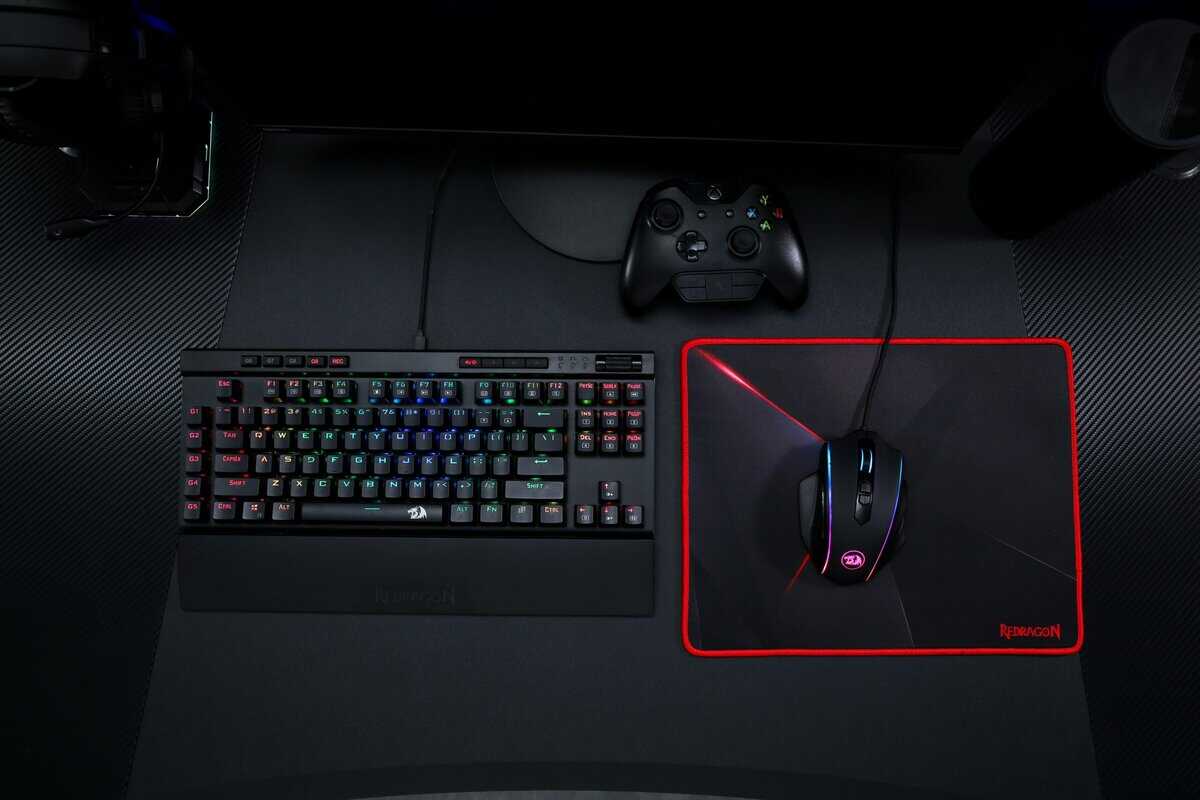
True value is not just the lowest price. It’s about finding gear that won’t hinder your performance and won’t need replacement in six months. For this reason, our top pick for the best budget mousepad for Valorant is the Razer Strider. While it sits at the high end of what we consider “budget,” its performance and durability offer long-term value that cheaper alternatives cannot match.
The Razer Strider provides a near-perfect balance for tactical shooters. It is a control pad, but its glide is exceptionally smooth, allowing for tiny micro-adjustments without feeling like you’re dragging your mouse through mud. Its primary advantage is build quality. The low-profile stitched edges and extremely grippy base are features typically found on more expensive pads.
For a serious Valorant player, this is an investment in consistency. The Razer Strider is built to outlast pads like the QcK and Gigantus V2, ultimately saving money in the long run.
Runner-Up Recommendations for Specific Needs
One size does not fit all, especially when dialing in your aim or working with a tighter budget. If the LGG Razer Strider is not the right fit, these two pads are excellent alternatives for specific playstyles.
If you need maximum stopping power to prevent over-flicks, the SteelSeries QcK is a solid choice. Its high static friction is an effective training tool for players who struggle with overshooting targets, forcing more deliberate and controlled aim. The tradeoff is its basic construction, it’s thin and lacks stitched edges, which directly impacts its lifespan.
Conversely, if you are a high-sensitivity player who prefers speed, the Aqua Control Plus delivers the necessary glide. Its unique hybrid surface is well-suited for aggressive entry-fragging, enabling fast target switches. The main compromise here is a much rougher texture that requires an adjustment period. Our free eDPI calculator shows whether your setting counts as low or high sensitivity and the pad size it needs.
Both are capable pads, but the Razer Strider provides the best all-around balance of control, quality, and durability for the majority of Valorant players. With the pad settled, the other half of the desk is audio, and our best headset for Valorant guide covers the wired picks built for footsteps and callouts.
Frequently Asked Questions About Your Valorant Mousepad
Getting the gear is just the start. Knowing how to maintain it and why certain features matter is what keeps your aim consistent. Here are answers to common questions after you upgrade.
How Do I Clean My Cloth Mousepad?
A dirty pad will negatively impact your aim. Over time, the surface collects dust, sweat, and oils, creating slow spots that introduce inconsistent friction.
Regular cleaning is essential. For a quick wipe-down, use a damp microfiber cloth. For a deep clean:
Fill a sink or tub with cool water and a small amount of gentle hand soap.
Submerge the pad and gently scrub the surface with your hands. Avoid harsh chemicals or stiff brushes that can damage the weave.
Rinse thoroughly under cool water until all soap is gone. Squeeze gently, but do not wring it out.
Pat the pad with a towel to remove excess water, then lay it flat to air dry away from direct sunlight. Never put it in a dryer; the heat will destroy the rubber base.
A deep clean is recommended every 2-3 months, or more frequently with daily use.
Is an XL or Desk-Sized Mousepad Really Necessary?
For Valorant, almost always, yes. If you play on a low sensitivity, a large surface is mandatory. Low DPI settings provide precision for micro-adjustments but require large arm swipes for a 180-degree turn. A standard-sized pad will cause you to run out of room.
A large pad is not a luxury; it is a core component for any low-sensitivity player. It removes the risk of running out of space mid-flick, which can be the difference between winning and losing a round.
To find your personal minimum, enter a custom game and measure the distance your mouse travels to do a full 360-degree turn. Your pad needs to be wider than that, with a buffer on each side. An XL or desk mat is the safest and most effective choice.
How Often Should I Replace a Budget Mousepad?
A mousepad’s lifespan depends on its build quality and usage. A budget pad with unstitched edges, like a standard SteelSeries QcK or Razer Gigantus V2, can start fraying and developing wear spots within a year. In contrast, a higher-quality budget option with stitched edges and a durable weave, like the LGG Razer Strider, can last 2 years or more with proper care.
Look for these signs that it’s time for a replacement:
Visible Wear: The center of your pad looks faded or has a different texture than the edges.
Inconsistent Glide: You notice a “slow spot” where friction has clearly increased. This indicates the surface is breaking down.
Fraying Edges: The edges are peeling apart, becoming uncomfortable and distracting.
Once performance degrades, cleaning will not restore it. Replacing your pad is a small but necessary investment to maintain your competitive edge.
For more budget gaming gear guides, tips, and recommendations, check out Budget Loadout, your go-to resource for gaming on a budget.
Related Articles