Finding the best 1000W power supply means looking past the wattage number and focusing on what’s inside. A 1000W unit provides the headroom that today’s high-end components demand. If you’re running a demanding GPU like an RTX 5080 or RTX 5090, or planning to upgrade within the next few years, a quality 1000W unit is a practical investment in system stability and longevity. This guide breaks down our top picks for budget-conscious gamers who prioritize value, not just the lowest price.
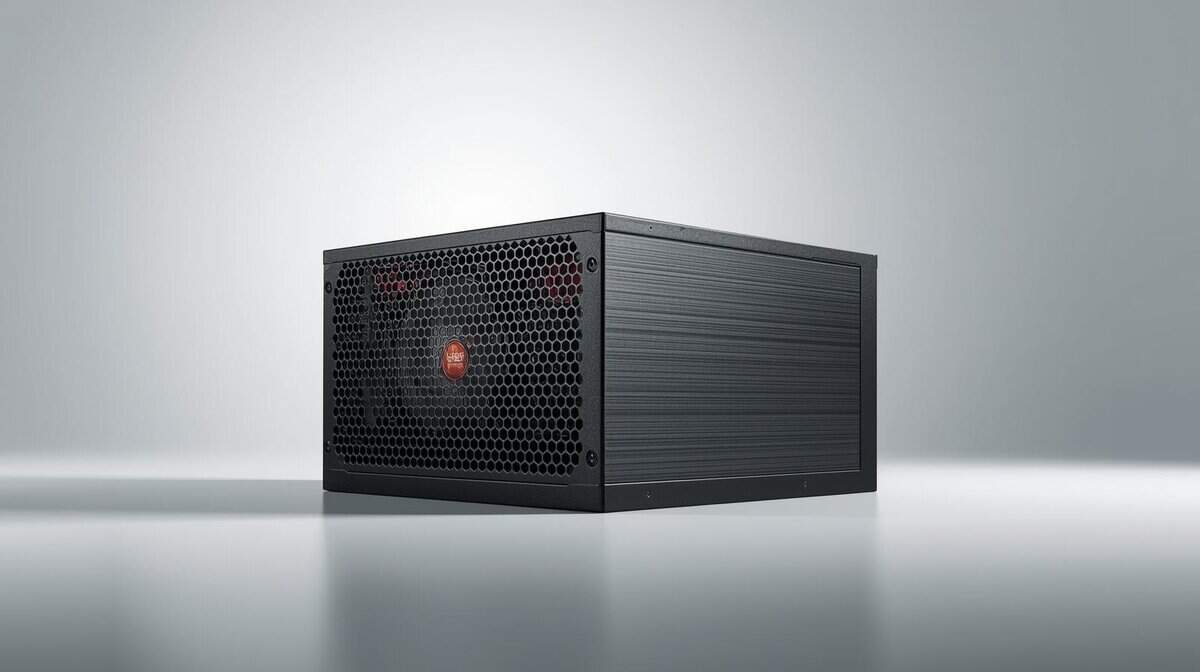
- Lowest price in the 1000W lineup
- ATX 3.1 & PCIe 5.1 with native 12V-2×6
- 10-year warranty
- Mid-range internal components
- Mixed capacitor brands, not all-Japanese
- Efficiency trails Platinum competitors
- Zero RPM fan mode for silent operation
- Trusted Corsair brand and build quality
- Ideal for streaming setups with open mics
- 7-year warranty vs competitors’ 10-year
- Taiwanese primary cap, not Japanese
- Cybenetics Platinum on top of 80+ Gold
- Native 12V-2×6 plus four PCIe 6+2-pin
- Zero-RPM fan mode at low load
- 80+ rating is Gold, not Platinum
- Overkill for mid-range GPU builds
Picks and availability last verified: October 12, 2026
- A quality 1000W PSU gives you headroom for today’s power-hungry GPUs and future upgrades without overspending
- The MSI MAG A1000GL is the best overall value with ATX 3.1 compliance and a native 12V-2×6 connector at the lowest price
- The Corsair RM1000e is ideal for streamers who need near-silent operation thanks to its Zero RPM fan mode
- The be quiet! Pure Power 13 M 1000W is the best performance per dollar, pairing 80 Plus Gold with Cybenetics Platinum and semi-passive zero-RPM cooling
- All three picks are 80 Plus Gold, modular, and include 12V-2×6 connectors for next-gen GPUs, and never reuse old PSU cables with a new unit: they are not interchangeable
Table of Contents
Why a 1000W Power Supply is a Sensible Choice
Before spending the money, you need to determine if a 1000W PSU is practical or overkill for your build. For most gamers, especially those seeking good value, selecting a power supply is about balancing current needs with future-proofing.
There’s a reason 1000W power supplies have become the standard recommendation for high-end builds. Modern GPUs list 750W or even 850W PSUs as the minimum requirement, and that number only climbs if you plan to overclock or run additional hardware. Choosing a unit with real headroom avoids the instability that comes from running too close to a PSU’s maximum output.
Underpowering your system is a common and expensive mistake. A PSU that can’t handle your components’ peak draw doesn’t just slow things down; it causes system instability, random shutdowns under load, and in some cases, can trigger protective shutoffs that interrupt your session mid-game. Choosing the right wattage from the start avoids all of this.
When to Consider a 1000W PSU
A 1000W unit is not necessary for every build, but for certain users, it is the correct choice. You should consider one if you fit into these categories:
- High-End Gaming: You own or plan to buy a top-tier GPU like an NVIDIA RTX 5070 Ti, RTX 5080, or RTX 5090. These cards draw significant power and produce sudden transient spikes that can cause a weaker PSU to shut down or trigger protective features.
- Streaming and Content Creation: If you run demanding software like OBS to stream while gaming, you place a heavy, sustained load on your entire system. A more powerful PSU handles that load without strain. This is a common requirement for MMO streamers who run multiple applications simultaneously.
- Future-Proofing: You plan to upgrade components within the next few years. A 1000W PSU provides the flexibility to install a next-gen GPU or add more storage without needing to replace your power supply. If you’re starting a new build, our guide on how to build a gaming pc can help you plan the entire system.
Understanding PSU Specs That Actually Matter
When shopping for a 1000W power supply, it is easy to get lost in technical jargon. Let’s focus on the specifications that directly impact your PC’s performance, stability, and electricity consumption.
First is the 80 Plus efficiency rating. This certification indicates how well the PSU converts AC power from your wall outlet to DC power for your components. A higher rating means less energy is wasted as heat.
For a value-conscious gamer, an 80 Plus Gold certified unit represents a functional balance. It guarantees at least 87% efficiency at a light 20% load and 90% efficiency at a typical 50% load. Over the PSU’s lifespan, this results in lower operating temperatures and tangible savings on your power bill compared to a Bronze-rated model.
Modularity and Cable Management
Next, you must decide on modularity, which concerns how cables attach to the PSU. This choice affects the ease of your build and the airflow within your case.
- Fully Modular: All cables are detachable. This allows for the cleanest appearance and optimal airflow since you only connect the cables you need. The main drawback is a higher cost.
- Semi-Modular: Essential cables, such as the motherboard and CPU connectors, are permanently attached. All other cables for the GPU, drives, and fans are detachable. This offers a good compromise between cost and convenience for most builders.
For gamers focused on value, a semi-modular design often presents a practical compromise. It simplifies the build by having core cables ready while allowing you to omit unnecessary peripheral connections, reducing clutter. That said, all three of our recommendations below are modular, which is increasingly standard at the 1000W tier.
Rails and Protective Features
You will also encounter the terms “single-rail” and “multi-rail.” A single +12V rail design delivers all its power through one circuit. This is suitable for high-end GPUs that can experience sudden, large power spikes, as it prevents the PSU from shutting down during an intense gaming session. For a powerful gaming PC, a single-rail design is typically the more straightforward and reliable option.
Finally, do not compromise on protective features. At a minimum, look for OVP (Over Voltage Protection) and SCP (Short Circuit Protection). These are non-negotiable safety features that protect your expensive components from catastrophic failure during a power surge or electrical fault. Any quality 1000W power supply will include a full suite of these protections.
Top Value 1000W Power Supplies
When searching for a 1000W power supply on a realistic budget, you are making calculated trade-offs. You will not find Titanium-rated efficiency or premium features in this category. The objective is to find a dependable unit that delivers clean, stable power without a high cost.
This is not about finding the cheapest unit with “1000W” on the box. It is about identifying the best value: a PSU built with durable components capable of powering a high-end gaming or streaming rig for years. We are focusing on efficiency, build quality, noise levels, and warranty.
Overall Top Value: MSI MAG A1000GL PCIE5
The MSI MAG A1000GL PCIE5 has become a popular option for many builders. It meets all critical criteria: an 80 Plus Gold efficiency rating, full ATX 3.1 & PCIe 5.1 support, and a native 12V-2×6 cable for power-hungry NVIDIA GPUs. This PSU is designed to handle the transient spikes from cards like the RTX 5080.
For its price, the build quality is respectable. It uses a Fluid Dynamic Bearing (FDB) fan that remains quiet under typical gaming loads. While its internal components are not on par with premium brands like Seasonic, MSI offers a completely dependable unit backed by a 10-year warranty.
The MSI MAG A1000GL is for the gamer who wants a dependable, future-ready 1000W PSU without paying extra for features they won’t use. With ATX 3.1 compliance, a native 12V-2×6 connector for current NVIDIA GPUs, and a 10-year warranty, it covers the essentials at the lowest price in our lineup.
Best for Quiet Operation: Corsair RM1000e (2025)
If a silent PC is your top priority, the Corsair RM1000e (2025) earns its spot on this list for one reason: Zero RPM fan mode. During light tasks (web browsing, Discord, queueing for a match) the fan stops completely. The MSI does not offer this feature, and for streamers who need a dead-silent background for their microphone, that distinction matters.
The trade-offs are real, though. The RM1000e costs more than the MSI and carries a shorter 7-year warranty instead of the MSI’s 10-year coverage. Internally, it uses a Taiwanese primary capacitor and a 120mm rifle-bearing fan, cost-saving choices that keep it competitive on price. It still covers what a modern high-end GPU needs: it is Intel ATX 3.1 certified, PCIe 5.1 ready and fully modular, its capacitors are rated to 105°C, and a low-noise fan curve keeps it quiet once the fan does spin up. If Zero RPM silence is what you need, the RM1000e delivers stable power with a silent idle.
Best Performance Per Dollar: be quiet! Pure Power 13 M 1000W
The be quiet! Pure Power 13 M 1000W checks every box a modern high-end build asks for. On top of its 80 Plus Gold rating it carries Cybenetics Platinum, it delivers its full 1000W continuously on a single 12V rail, and it meets ATX 3.1 with a native 12V-2×6 connector for PCIe 5.1 cards. Four PCIe 6+2-pin connectors cover older GPUs too, and be quiet! rates it to handle power excursions up to double its rating, the kind of transient headroom an RTX 5080 or RTX 5090 build leans on.
Like the Corsair, it uses semi-passive zero-RPM cooling, so the fan stays off and the unit stays quiet at low load, and the modular cabling (the “M” in the name) lets you leave unused leads out of the case. The trade-off is that its 80 Plus rating is Gold rather than Platinum, so the Cybenetics badge is its headline efficiency claim, and like any 1000W unit it is more than a mid-range GPU build needs. If you want modern connectors, strong efficiency credentials and quiet light-load behavior in one unit, it is the most well-rounded pick here.
1000W PSU Value Comparison
Choosing between our top value picks depends on your priorities. This table highlights the core trade-offs.
| Model | Efficiency | Key Components | Warranty | Best Use Case |
|---|---|---|---|---|
| MSI MAG A1000GL | 80+ Gold | 135mm FDB fan, CWT platform | 10-Year | Best Overall Value. Proven platform at the lowest price in our lineup. |
| Corsair RM1000e (2025) | 80+ Gold / Cybenetics Gold | 120mm rifle-bearing fan, Zero RPM mode, 105°C-rated caps | 7-Year | Best for Quiet Operation. Near-silent idle for streamers. |
| be quiet! Pure Power 13 M 1000W | 80+ Gold / Cybenetics Platinum | Single 12V rail, native 12V-2×6, four PCIe 6+2-pin, zero-RPM mode | Not listed | Best Performance Per Dollar. Modern connectors and quiet light-load operation in one unit. |
All three power supplies serve different priorities within a realistic budget. The MSI is the pragmatic pick if price is your primary concern, and it carries the longer warranty. The Corsair makes sense if you need the quietest possible idle operation for streaming or recording. The be quiet! fits if you want Cybenetics Platinum efficiency, a native 12V-2×6 plus four PCIe 6+2-pin leads, and zero-RPM cooling in one unit. The sections above break down each one in detail.
How a 1000W PSU Performs in Real-World Gaming
Specifications are one thing, but performance during actual use is what matters. A 1000W power supply is the foundation for stable, predictable performance when it is most needed.
For a competitive FPS player in Valorant or Apex Legends, system stability is critical. A 1000W PSU delivers consistent, clean power to a high-end GPU, preventing micro-stutters and frame drops that can occur during intense firefights when power demand spikes. This reliable power delivery helps maintain smooth aim and responsiveness.
The Demands of Streaming and Upgrades
Consider an MMO streamer. They are running World of Warcraft or Final Fantasy XIV on one screen while managing OBS, Discord, and a browser on another. This setup places a heavy, sustained load on the system, especially with a capture card and extra peripherals.
A 1000W unit handles this constant demand without strain, preventing system crashes or performance degradation that could disrupt a broadcast. For long streaming sessions, this level of build quality and durability is essential.
The real value of a 1000W PSU is often realized years after purchase. It gives a builder the freedom to upgrade their GPU two or three years down the line without needing to buy and rewire a new power supply, saving both time and money.
Finally, there is the future-proof builder. This person understands that buying a more powerful PSU today provides necessary headroom for tomorrow. When the next generation of power-hungry GPUs is released, they can simply swap in the new graphics card without worrying if their PSU can handle it. If you are in that planning stage, our guide on the best budget graphics card can help match a GPU to your power needs. This approach represents smart, long-term value.
Evaluating Build Quality and Long-Term Reliability
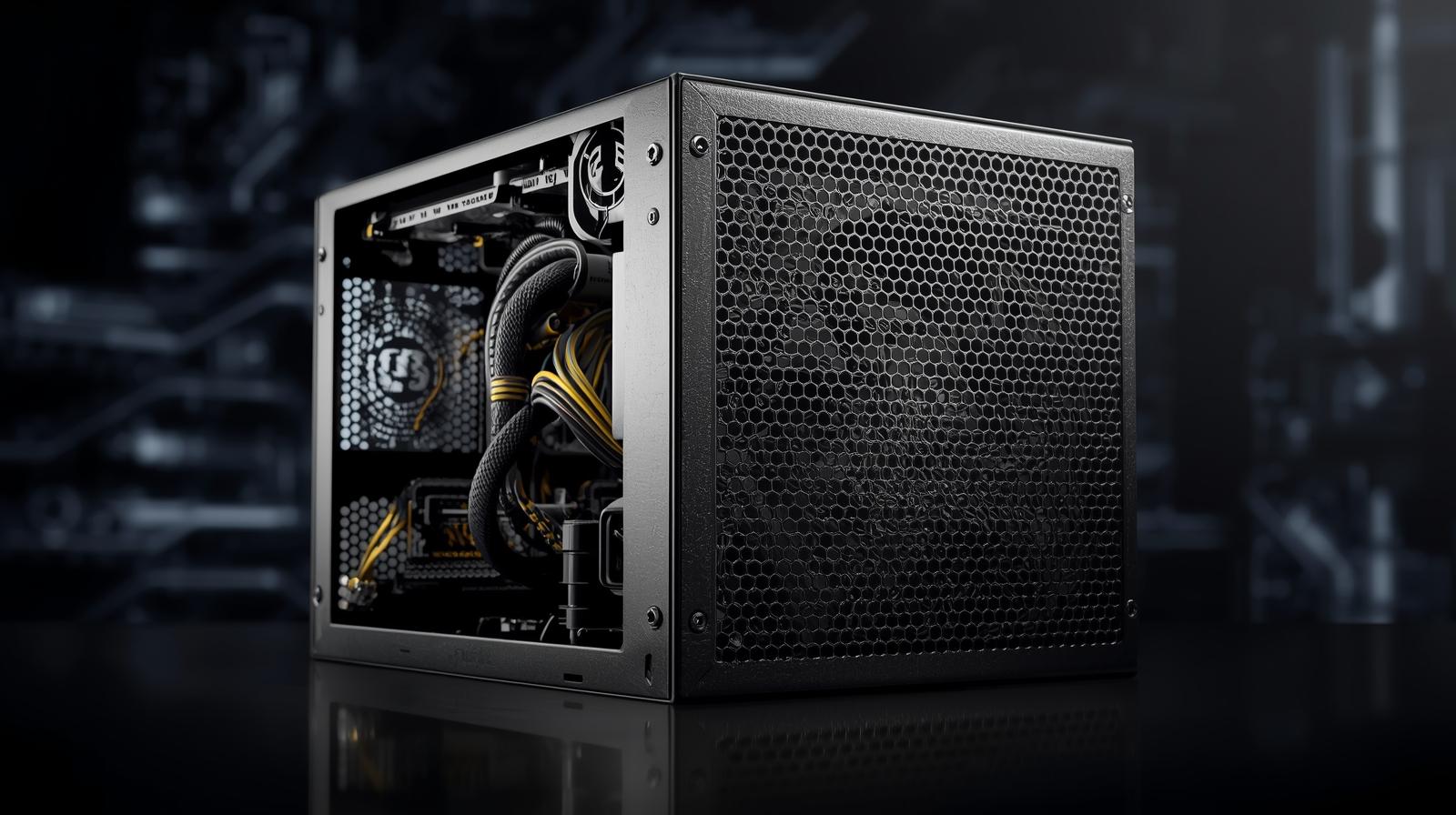
A cheap power supply is a liability. Investing more in a well-built unit from a reputable brand is a smart way to protect your entire system. The internal components of a PSU directly determine its lifespan and stability under load.
When evaluating a 1000W PSU, look for specific indicators of quality. A commitment to 100% Japanese capacitors is a positive sign. These components are rated for higher temperatures and have a longer operational life than cheaper alternatives used by some brands to reduce costs. Fan quality is equally important.
Durability Markers to Look For
Look for units with Fluid Dynamic Bearing (FDB) fans. They offer quieter operation and significantly better longevity than the standard sleeve-bearing fans found in budget models. These details contribute to a more reliable product that can endure years of heavy gaming.
A long warranty is not just a marketing tool. A 10-year warranty is a direct reflection of the manufacturer’s confidence in their component choices and build quality.
Higher-quality components are not just marketing; they translate to measurable longevity. A PSU with Japanese capacitors rated to 105°C will typically outlast one using cheaper alternatives, particularly in a warm case under sustained gaming loads. A long warranty period reflects the manufacturer’s confidence in those choices: a 10-year warranty signals better internals than a 5-year one. These factors are also important when selecting your gaming PC case to ensure proper airflow for critical components.
Common Questions About 1000W Power Supplies
Even after reviewing technical specifications, some practical questions often remain. Let’s address some common points of confusion.
Is an 80 Plus Gold 1000W PSU worth the extra cost over a Bronze model?
For most builders who care about value, the answer is yes. It is not just about small savings on your power bill, though that is a benefit over time.
The main advantage is efficiency. An 80 Plus Gold PSU wastes less energy as heat. This results in a cooler, quieter system because the PSU fan does not have to work as hard. More importantly, the higher-quality internal components required to achieve a Gold rating generally lead to better long-term reliability and cleaner, more stable power for your system.
Can I reuse old PSU cables with my new 1000W power supply?
No. You should never do this. PSU cables are not standardized and are not interchangeable, even between different models from the same brand. The pinouts on the power supply side can be completely different.
Using the wrong cables is one of the fastest ways to destroy expensive hardware. It can cause a short circuit that permanently damages your motherboard, GPU, or other components. Always use the cables that came in the box with your new PSU.
When you upgrade, you may also consider responsible power supply recycling and disposal for your old unit.
Will a 1000W PSU use more power than a 750W PSU when my PC is idling?
This is a common misconception. The answer is no. A power supply only draws the amount of power your components need at any given moment. The 1000W rating is its maximum output capacity, not its constant draw.
If your system only needs 300W to run, a 1000W PSU will only pull 300W from the wall (plus a small amount lost to inefficiency). In fact, the 1000W unit might be more efficient in this scenario, since most PSUs operate at their peak efficiency around 40-60% of their maximum load.
Looking for more budget gaming gear? Check out Budget Loadout for the latest reviews and recommendations.
Related Articles