The best gaming keyboard and mouse combo depends on whether you want one box or the best possible pairing. A true bundle like the Redragon S101 gives you a matched keyboard and mouse in one box, ready to go. Buying separately costs more but lets you pick better components for your specific games.
This guide covers both. We start with four true combos, then break down three custom pairings for FPS, MMO, and streaming setups where buying separately makes sense. Every recommendation is focused on value. You will not find overpriced flagship peripherals here.
- True mechanical switches in a combo, rare at this price
- 65% compact layout frees up desk space for mouse movement
- Full RGB backlighting on both keyboard and mouse
- Blue (clicky) switches may be too loud for some users
- 65% layout means no dedicated F-keys or numpad
- Less established brand compared to Corsair or Redragon
- Unbeatable price for a full combo
- Decent RGB lighting
- Programmable mouse buttons
- Membrane keys lack mechanical crispness
- Wired-only limits desk flexibility
- Keycap lettering may fade over time
- Backed by MSI’s brand and warranty
- 26-key anti-ghosting plus a volume roller
- Mouse switches rated for 20M clicks
- Membrane keys lack mechanical crispness
- Included mouse is basic for high-level play
- RGB uses preset effects only, no software
- Buying a keyboard and mouse separately costs more but lets you match each component to your specific game genre
- For FPS games, prioritize a lightweight mouse with a good sensor; the keyboard matters less than precise aim
- Buying a combo saves money upfront, but upgrading one piece later means replacing the whole set; plan for that tradeoff
- The ZIYOU LANG RK-T8PR0 is the best overall combo, with the Redragon S101 as the proven budget entry
- The MSI Forge GK110 takes the build-quality slot for buyers who want a name brand
Table of Contents
Quick Picks: Best Gaming Keyboard and Mouse Combos
| Combo | Type | Best For |
|---|---|---|
| Redragon S101 | True Bundle (Wired) | Budget Entry Point |
| MSI Forge GK110 Combo | True Bundle (Wired) | Best Build in the Budget Tier |
| Redragon S101M-KS | True Bundle (Wireless) | Best Wireless Combo |
| ZIYOU LANG RK-T8PR0 | True Bundle (Wired) | Best Overall Combo |
| Corsair K55 CORE + Katar Pro XT | Custom Pairing | FPS / Competitive |
| Logitech G213 + G502 HERO | Custom Pairing | MMO / Strategy |
| SteelSeries Apex 3 TKL + Rival 3 Gen 2 | Custom Pairing | Streaming / Content |
The first four are sold as single products. The last three are separate purchases paired for specific use cases.
Best True Keyboard and Mouse Combos
These four combos ship as a single product. One order, one box, matched peripherals. They’re all membrane keyboards paired with optical mice, which is standard at this price range. The differences come down to build quality, DPI ceiling, and whether you need wireless. If you came looking for a budget gaming mouse and keyboard in one box, start here.
Redragon S101: Best Budget Gaming Keyboard and Mouse
Use Case: First gaming setup, casual gaming, tight budget
The Redragon S101 is the default recommendation for anyone starting out on a keyboard and mouse combo. It’s been a consistent bestseller on Amazon for years, and for good reason. The full-size membrane keyboard includes an integrated wrist rest, 25-key rollover, and 7 RGB lighting modes. The included M601 Centrophorus mouse offers 3,200 DPI with adjustable weight tuning, which is unusual at this price.
Build quality is plastic throughout, and the keyboard has some flex if you press hard on the center. That is expected at this price. The keycaps feel adequate for gaming but won’t impress anyone coming from a mechanical board. What matters is that everything works out of the box with no software required, and both the keyboard and mouse have held up well in long-term user reviews.
Keyboard: Full-size membrane, RGB backlit, 25-key rollover, integrated wrist rest, spill-resistant
Mouse: M601 Centrophorus, 3,200 DPI optical sensor, 6 buttons (5 programmable), weight tuning set
Who should buy this: First-time PC gamers, parents buying for kids, anyone who needs a functional combo without overthinking it. If rock-bottom price is the goal, stop here.
MSI Forge GK110 Combo: Best Build Quality
Use Case: Gaming and daily use with brand-backed reliability
The MSI Forge GK110 Combo punches above its price tag. MSI is an established PC hardware brand, and it shows in the details. The membrane keyboard stays quiet under fast typing, adds 26-key anti-ghosting, and puts a dedicated volume roller right on the board so you can adjust audio without alt-tabbing out of your game. It steps up from the Redragon S101 with that roller and on-device RGB control, no software needed.
The included mouse pushes up to 12,800 DPI with on-the-fly DPI steps, and its switches are rated for over 20 million clicks, generous longevity for the price. Vibrant RGB runs across both the keyboard and mouse using preset effects you cycle on the device itself, making this a no-fuss combo that’s hard to beat for the money.
Keyboard: Full-size membrane, RGB, 26-key anti-ghosting, dedicated volume roller, USB wired
Mouse: Optical up to 12,800 DPI, switches rated 20M clicks
Redragon S101M-KS: Best Wireless Combo
Use Case: Clean desk setup, couch gaming, wireless preference
If you want wireless without paying separate-peripheral money, the Redragon S101M-KS is your only real option in the combo space. It offers tri-mode connectivity: 2.4GHz wireless dongle, Bluetooth, and wired USB. The keyboard is a full-size membrane board with 10 independent multimedia keys and the same RGB lighting Redragon does well. The included wireless mouse hits 4,800 DPI, a solid upgrade over the wired S101’s 3,200 DPI.
The tradeoff with wireless at this price is battery life management. Both devices use rechargeable batteries, and you’ll want to keep the USB cable handy for charging sessions. Wireless latency on the 2.4GHz connection is low enough for casual and mid-level competitive gaming, though serious tournament players will still want wired. For the vast majority of gamers, the freedom from cables is worth the compromise.
Keyboard: Full-size membrane, tri-mode wireless (2.4GHz/Bluetooth/USB), RGB backlit, 10 multimedia keys
Mouse: 4,800 DPI optical sensor, tri-mode wireless, rechargeable battery, lightweight design
Who should buy this: Anyone who hates cable clutter, couch gamers connecting to a TV, or people who move their setup between rooms. The modest premium over the wired S101 is fair for wireless convenience.
ZIYOU LANG RK-T8PR0: Best Overall Combo
Use Case: Best true combo for the money, mechanical feel, compact desks
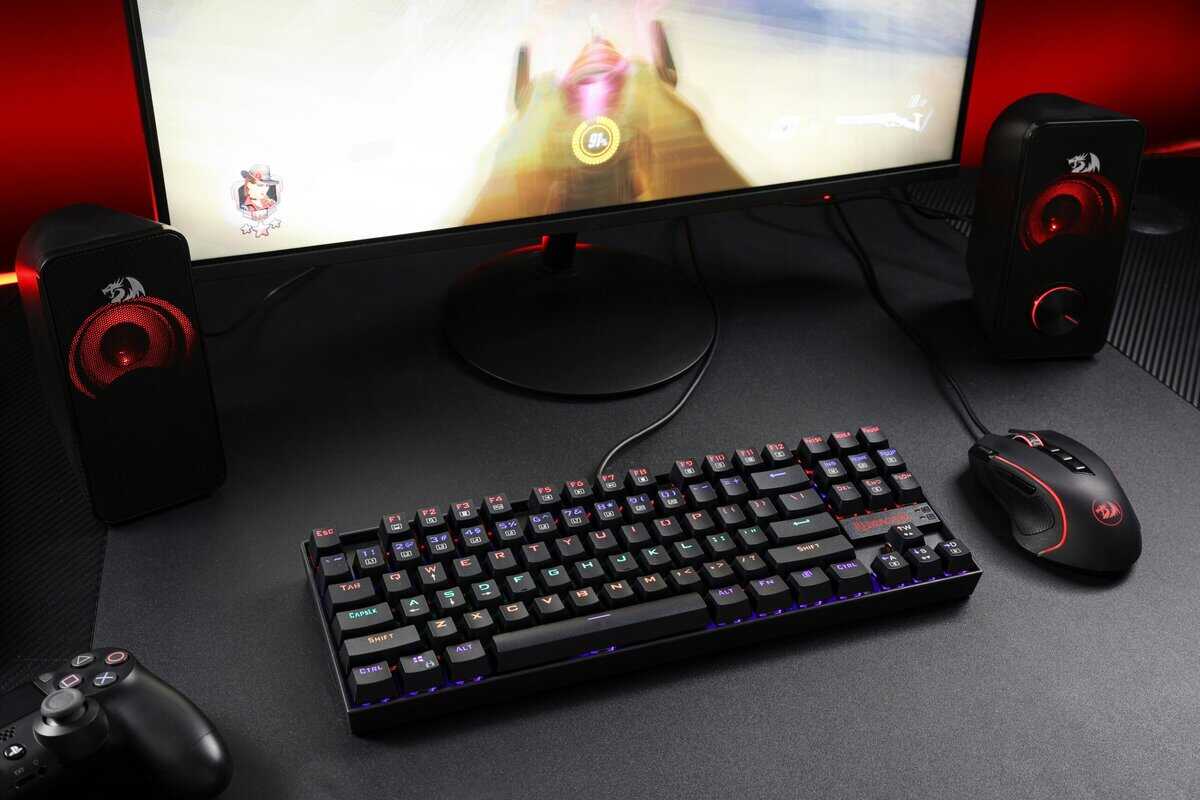
This is the ceiling for true keyboard and mouse combos, and it earns the spot by being the only genuinely mechanical option in the field. The ZIYOU LANG RK-T8PR0 pairs a 68-key 65% mechanical keyboard with a matching RGB mouse, and the compact layout frees up the desk space full-size bundles eat.
The soldered blue switches are the personality of this combo: crisp, clicky, and genuinely satisfying to game on. They are also loud, which matters on an open mic. RGB runs across both devices, the detachable Type-C spiral cable looks better than it has any right to at this tier, and optional software handles remapping and lighting profiles.
Keyboard: 65% mechanical, 68 keys, clicky blue switches, RGB backlighting, detachable Type-C spiral cable
Mouse: Matching RGB optical mouse with adjustable DPI
Who should buy this: Gamers who want real mechanical switches without buying separately, and anyone tight on desk space. Not the pick for shared rooms or open-mic streamers, because blue switches carry.
Build Your Own Combo: Custom Pairings by Game Type
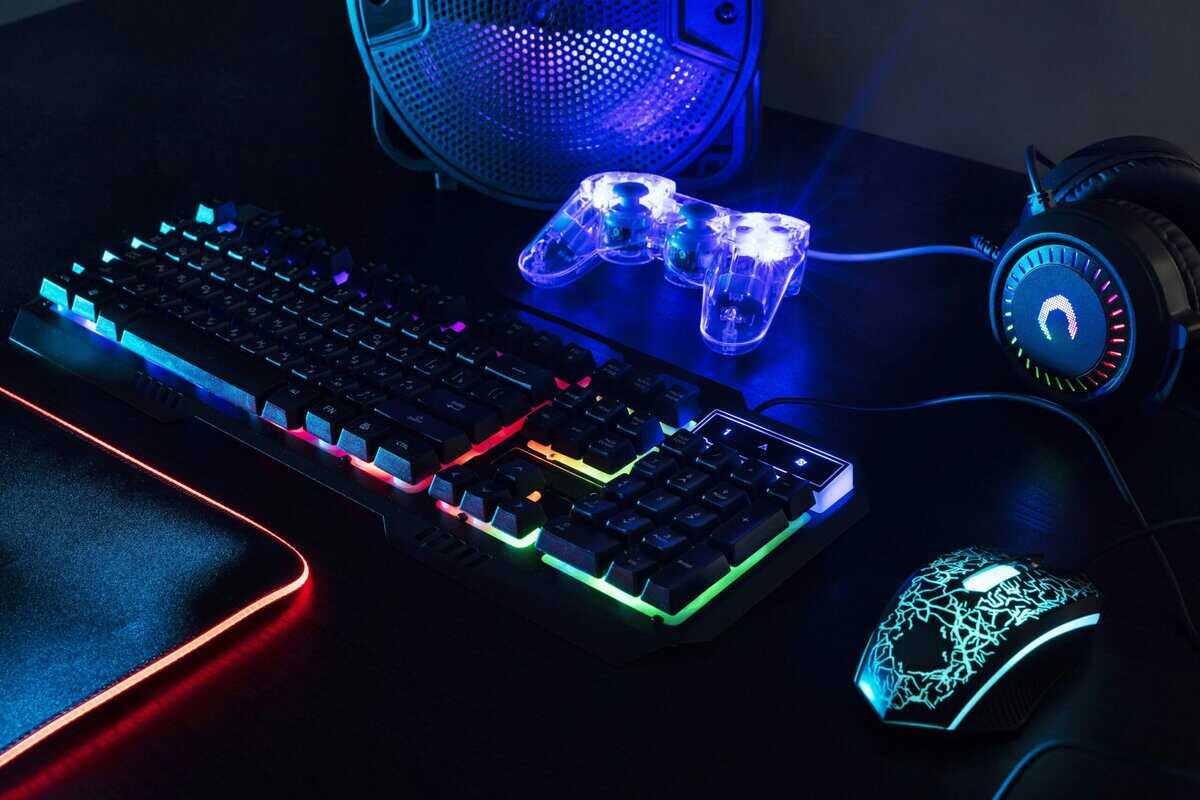
True combos are convenient, but they come with compromises. Every bundle keyboard is membrane, every mouse is entry-level, and you’re locked into whatever the manufacturer decided to pair together. Buying separately costs more but lets you pick the right keyboard switch type for your playstyle and a mouse sensor that matches your genre.
These three pairings target specific gaming scenarios where the right hardware actually affects performance. Each pairing keeps the total in true-combo territory while upgrading the parts that matter.
FPS / Competitive: Corsair K55 CORE + Katar Pro XT
Fast-paced shooters reward quick keystrokes and precise mouse tracking. This pairing delivers both without straining the budget.
Keyboard: Corsair K55 CORE. The K55 CORE keeps the essentials that matter for fast-paced play: quiet, responsive membrane keys, ten-zone RGB you can set on the device, four dedicated media buttons, and spill resistance for the inevitable energy-drink incident. It runs through Corsair iCUE, so lighting and macros for the whole pairing live in one app.
Mouse – Corsair Katar Pro XT: At 73g with an 18,000 DPI PMW3391 sensor, the Katar Pro XT is a legitimately competitive FPS mouse at a budget price. The symmetric shape works for any grip style, the paracord-style cable prevents drag during fast flicks, and PTFE feet keep glide smooth. Six programmable buttons handle everything you need without cluttering the shell.
Why this pairing works: Both devices run through iCUE, so you get unified macro programming and RGB sync. The Katar Pro XT’s sensor outperforms every mouse included in the true combos above, and the K55 CORE keeps your budget focused on the mouse, which is the half of the pairing that actually wins duels.
MMO / Strategy: Logitech G213 Prodigy + G502 HERO
MMOs and strategy games demand lots of keybinds and a mouse with extra buttons for ability rotations. This Logitech pairing covers both.
Keyboard – Logitech G213 Prodigy: The G213’s Mech-Dome keys were specifically designed to mimic mechanical feel with 4mm travel and a 50g actuation force. They’re heavier and more tactile than typical membrane switches, which helps in games where you’re holding multiple keys simultaneously. Five-zone RGB, dedicated media controls with a volume roller, spill resistance, and a built-in wrist rest round out a keyboard that reviewers consistently praise as the best budget membrane board for gaming and typing.
Mouse – Logitech G502 HERO: The G502 HERO is one of the most popular gaming mice ever made, and it’s especially suited for MMO and strategy players. Eleven programmable buttons give you quick access to abilities, items, and macros without reaching for the keyboard. The HERO 25K sensor tracks up to 25,600 DPI with zero smoothing or acceleration, and the adjustable weight system (five 3.6g weights) lets you dial in exactly how the mouse feels in your hand. The dual-mode scroll wheel toggles between ratcheted clicks for precise menu navigation and free-spinning for long inventory scrolls.
Why this pairing works: Both devices sync through Logitech G HUB software. The G502’s button count is the star here. Mapping abilities to thumb buttons and scroll tilt means fewer keyboard reaches during combat. The G213’s heavier key feel prevents accidental activations when your fingers are resting on WASD during long raid sessions.
Streaming / Content: SteelSeries Apex 3 TKL + Rival 3 Gen 2
This is the value play of the custom pairings. You are getting name-brand peripherals for the price of a mid-tier combo bundle.
Keyboard – SteelSeries Apex 3 TKL: The TKL (tenkeyless) layout drops the number pad, freeing up desk space for a larger mouse pad or stream deck. SteelSeries’ Whisper-Quiet switches live up to their name. They’re noticeably quieter than any other keyboard in this guide, which matters when you’re streaming with an open mic. IP32 water resistance, 10-zone RGB, and a magnetic wrist rest complete a package that punches well above its price.
Mouse – SteelSeries Rival 3 Gen 2: The Rival 3 Gen 2 packs a TrueMove Core optical sensor with 8,500 CPI tracking into a lightweight 77g shell. Six buttons, split trigger design for faster clicks, and onboard memory for storing profiles. It’s not flashy, but it’s reliable and comfortable for long sessions. The rubber cable is the only notable downgrade compared to the Corsair Katar Pro XT’s paracord.
Why this pairing works: Streamers need quiet peripherals and desk space. The Apex 3 TKL delivers both. Both devices run through SteelSeries GG software for unified settings. This pairing is competitively priced against the true combo bundles above while giving you individually stronger components and a quieter setup for on-stream use.
How to Choose a Keyboard and Mouse Combo for Gaming
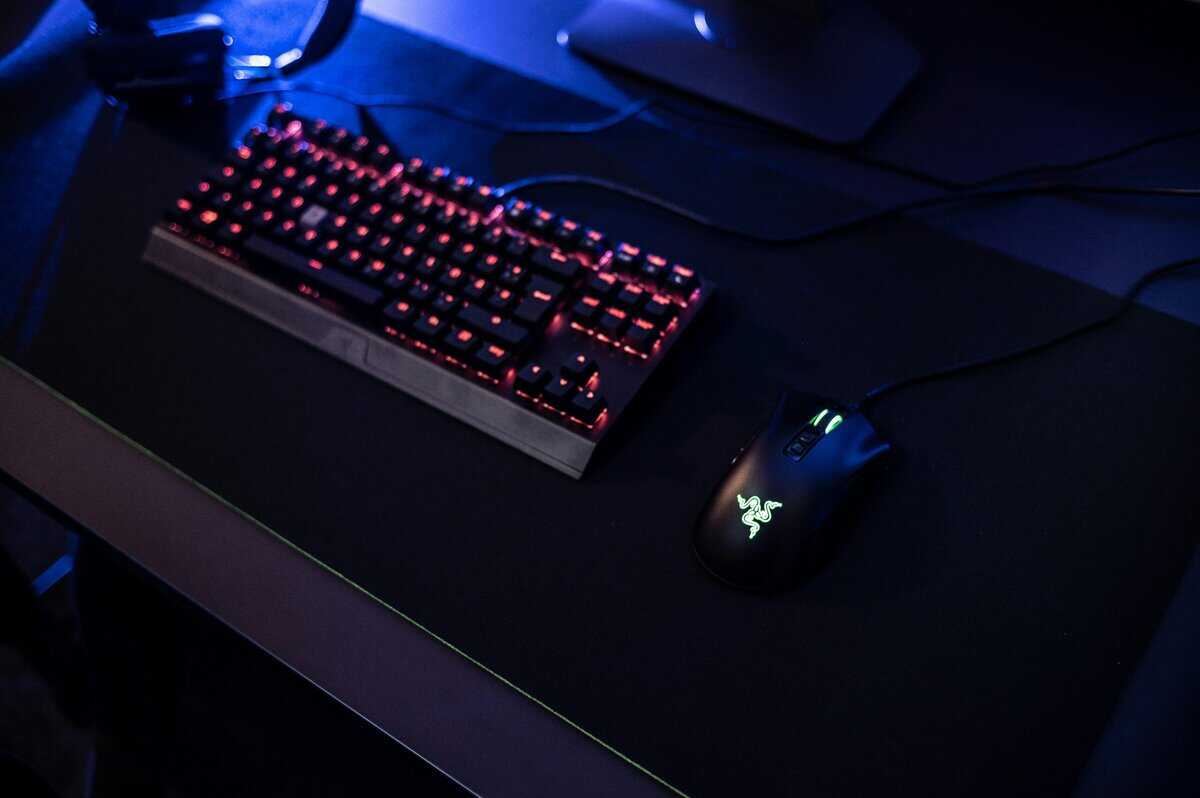
Keyboard Switches: Membrane vs. Mechanical
Every combo and pairing in this guide uses membrane keyboards. That’s not a compromise at this price range; it’s the norm. Membrane switches use a rubber dome under each key that collapses when pressed. They’re quieter, cheaper to manufacture, and perfectly functional for gaming.
Mechanical keyboards use individual switches under each key, offering more precise actuation points and longer lifespans. They start around the price of a standalone budget keyboard, which is why you rarely find them in true combo bundles. If you eventually want mechanical, the custom pairings section gives you the flexibility to upgrade just the keyboard later.
Mouse Sensor and DPI
DPI (dots per inch) measures how far your cursor moves relative to physical mouse movement. Higher DPI means the cursor covers more screen distance per inch of mouse movement. Most gamers play between 400 and 1,600 DPI regardless of what their mouse supports.
The mice in this guide range from 3,200 DPI (Redragon S101) to 25,600 DPI (Logitech G502 HERO). Don’t pick a mouse based on maximum DPI alone. What matters more is sensor consistency, meaning the cursor goes exactly where you move the mouse with no jitter, acceleration, or smoothing. The Corsair Katar Pro XT and Logitech G502 HERO both excel here with their higher-end sensors.
Wired vs. Wireless
Wired combos are simpler: plug in and play, no batteries, no latency questions. Wireless combos offer cleaner desk aesthetics and more flexibility for couch gaming setups. Modern 2.4GHz wireless connections have eliminated the latency gap for all but the most competitive scenarios. If you’re not competing in tournaments, wireless is fine. The Redragon S101M-KS is the only wireless true combo in this guide, while the custom pairings give you more wireless options at higher budgets.
Bundle vs. Separate: When to Spend More
Buy a true combo if you want simplicity and value. One purchase, one box, matched peripherals that work together out of the box. They’re ideal for first-time PC gamers, kids’ setups, or secondary workstations where you don’t need top-tier components.
Buy separately if you play a specific genre competitively, want a quieter keyboard for streaming, or plan to upgrade individual pieces over time. The custom pairings in this guide carry a reasonable premium for meaningfully better components.
Optimizing Your New Gear for Peak Performance
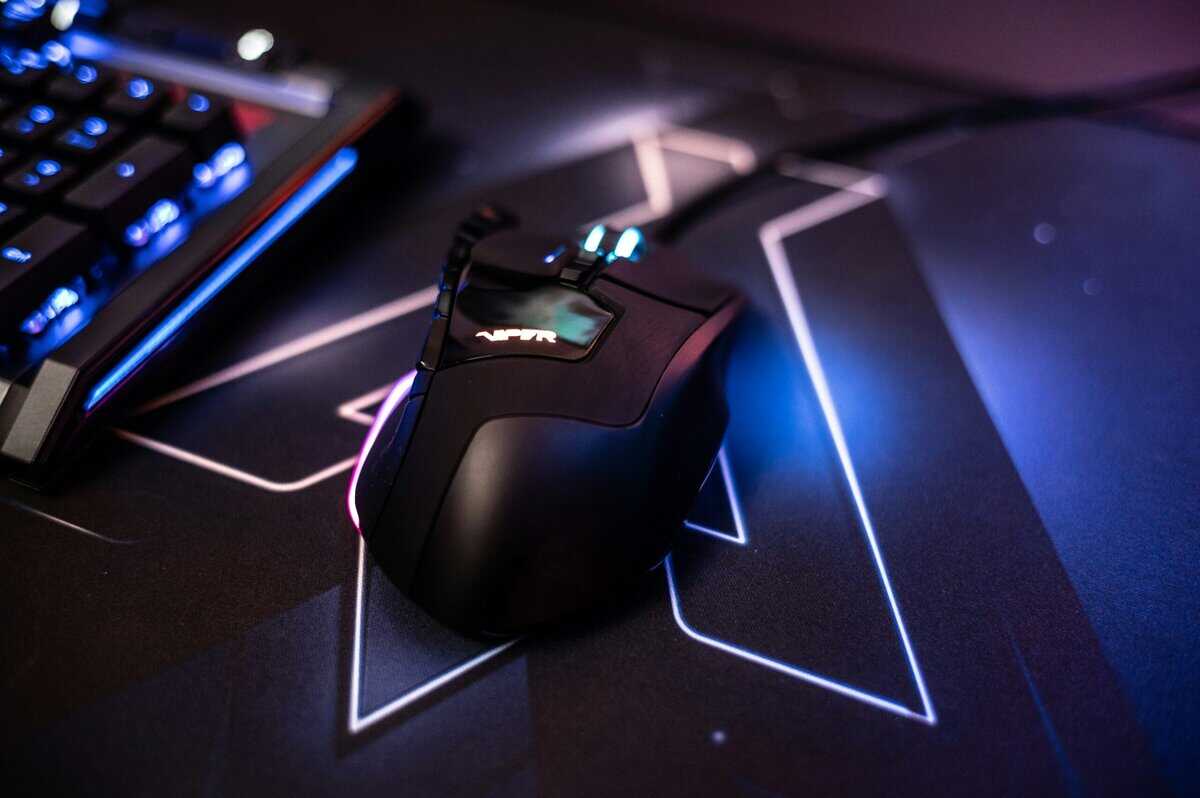
Unboxing a new keyboard and mouse combo is the first step. To achieve the performance you paid for, you must tune the hardware to your setup and playstyle. The most critical step is to install the manufacturer’s software.
This software is the command center for your gear, providing firmware updates and essential settings. For your mouse, this is where you adjust your DPI (dots per inch). Setting it too high will make your aim feel twitchy; too low, and your reaction time will suffer.
Dialing In Your Settings
A good starting point for mouse DPI is between 800 and 1600. Test it in-game to find a sensitivity that allows you to make a full 180-degree turn with a comfortable sweep of your mouse. While in the software, set your mouse’s polling rate to its maximum, typically 1000Hz, for the fastest response time.
For your keyboard, the software unlocks custom profiles and macros.
- Game-Specific Profiles: Create unique keybinds for each game. For an MMO, this could mean binding a spell rotation to a single key.
- Macros for Productivity: Bind common commands like copy and paste to extra keys to streamline work or school tasks.
- Functional RGB Lighting: Use lighting to highlight critical in-game keys, like an ultimate ability or healing items, turning an aesthetic feature into a practical tool.
Your physical setup is as important as your software settings. Proper ergonomics and a clean desk reduce strain and eliminate distractions, allowing you to focus on the game.
Finally, manage your cables. A mouse bungee prevents the cord from snagging, while simple cable ties can organize the wires behind your desk. A quality surface is also important; learn how to choose the best gaming mouse pad to provide an ideal tracking surface for your new mouse.
Frequently Asked Questions About Gaming Combos
When trying to maximize performance per dollar, several common questions arise. Below are direct answers to help you navigate the tradeoffs when selecting a keyboard and mouse combo on a budget.
Is a Wired or Wireless Combo Better for Gaming on a Budget?
For budget-conscious gamers, a wired combo is the superior choice. It eliminates concerns about input lag, signal interference, and battery life, common issues with lower-cost wireless peripherals.
While high-end wireless technology is reliable, budget wireless products often make compromises in sensor quality or battery capacity. A wired connection guarantees a stable, low-latency signal, which is critical for fast-paced gaming. It provides the most reliable performance for the price.
Is a Mechanical Keyboard Necessary for Gaming?
While not strictly necessary, a mechanical keyboard offers significant advantages in durability, feel, and responsiveness that most serious gamers find worthwhile. Mechanical switches are rated for tens of millions more keystrokes than membrane boards, ensuring a longer lifespan.
They also provide consistent tactile feedback, which can improve in-game precision.
With many good budget mechanical options now available, the upgrade is more accessible than ever. For a first-time buyer, a quality entry-level mechanical keyboard is a better long-term investment than a high-end membrane model due to the substantial gains in performance and durability.
How long do budget keyboard and mouse combos last?
Most combos in this guide are rated for 10–50 million keystrokes and clicks, which translates to 2–5 years of daily gaming use. The Redragon S101 and MSI Forge GK110 are both backed by established brands with switch ratings that confirm multi-year durability. The mouse switches tend to wear out before the keyboard, so if one piece fails, you can replace just that component.
What Should I Upgrade First From a Combo?
The mouse, almost always. Your aim benefits more from a better sensor and a lighter shell than your typing does from a better keyboard.
Upgrade to something like the Corsair Katar Pro XT or SteelSeries Rival 3 Gen 2, keep the combo keyboard, and the setup competes far above its cost.
At Budget Loadout, we specialize in finding gear that hits this value sweet spot. Explore our guides and reviews to build a complete, high-performance setup that respects your budget. Find your next upgrade at Budget Loadout.
Related Articles