The best prebuilt gaming PC is not the cheapest tower with a graphics card in it. It is the one whose parts you would have picked yourself, sold for close to what those parts cost loose. That rules out most of the bottom shelf, where builders cut the power supply and the case airflow to hit a number, and it points at three towers from Skytech and Thermaltake that get the balance right.
- Capable 1080p gaming GPU with RTX 3050
- 16GB RAM and 1TB NVMe SSD included out of the box
- Clean design with RGB fans and tempered glass panel
- RTX 3050 struggles at 1440p in demanding titles
- PSU may limit future GPU upgrade options
- Ryzen 5 5500 is last-gen, though still capable for gaming
- Strong CPU-GPU balance
- Handles 1080p ultra and solid 1440p
- Good upgrade potential
- Limited storage for large libraries
- Stock cooling is adequate
- Not suited for 4K gaming
- RTX 5060 handles 1080p ultra and 1440p medium with ease
- DLSS 3 and ray tracing support for modern titles
- Solid 1TB NVMe SSD and 16GB RAM configuration
- Ryzen 5 5500 limits headroom for future GPU upgrades
- 16GB DDR4 is adequate but not generous for 2026
- May need a PSU upgrade for future GPU swaps
- The best prebuilt gaming PCs focus on performance per dollar rather than the absolute lowest price tag
- Brands like CyberPowerPC, Skytech Gaming, and Acer offer reliable budget prebuilts; always check the PSU and cooling before buying
- Always check what power supply comes included: cheap prebuilts often skimp on PSU wattage, limiting future GPU upgrades
- The Skytech Shadow is the budget pick, the Thermaltake View i1460 the mid-range step, and the Skytech Archangel 5 the upgrade-friendly build
- Standard ATX parts are the real budget feature: they turn a prebuilt into a future upgrade platform
Table of Contents
Defining Your Gaming PC Budget and Goals
Identifying a prebuilt gaming PC that offers real value without significant corner-cutting is the primary challenge. This guide provides a direct analysis of the market. We define ‘budget’ not by a fixed price, but by the gaming performance delivered for the cost, matched to specific use cases.
We’ve organized our recommendations into clear, tiered price points to simplify the decision process. The focus is on critical factors: durable build quality, a balanced component selection, and a viable path for future upgrades. This ensures the PC you purchase today remains a capable system in the future.
Our Three Tiers and Focus
To provide actionable advice, we’ve structured our recommendations into three distinct price brackets. Each tier targets a different type of gamer with specific performance expectations.
- Entry tier: Suitable for 1080p esports titles like Valorant and Fortnite. These builds prioritize functional performance over premium features.
- Mid-range: This is the performance-per-dollar sweet spot. These PCs are designed for high-refresh-rate 1080p gaming and serve as a capable entry point for 1440p resolution.
- Upper tier: For gamers seeking a more future-proof system. These machines can handle demanding 1440p games and are built with higher-quality components for better longevity.
We identify common pitfalls, such as proprietary parts that prevent upgrades or cases with poor airflow that lead to thermal throttling. Our goal is to equip you with the information to make a sound decision, not just provide a list of popular models. This direct approach ensures you find a PC that meets your specific requirements.
What Defines a Quality Budget Gaming PC?
Determining the “best” budget prebuilt gaming PC requires looking beyond the spec sheet. We evaluate systems for balanced performance and long-term value, ensuring the machine performs well at purchase and isn’t a dead-end for future upgrades. This means cutting through marketing language and focusing on the core components and build quality that deliver a smooth gaming experience.
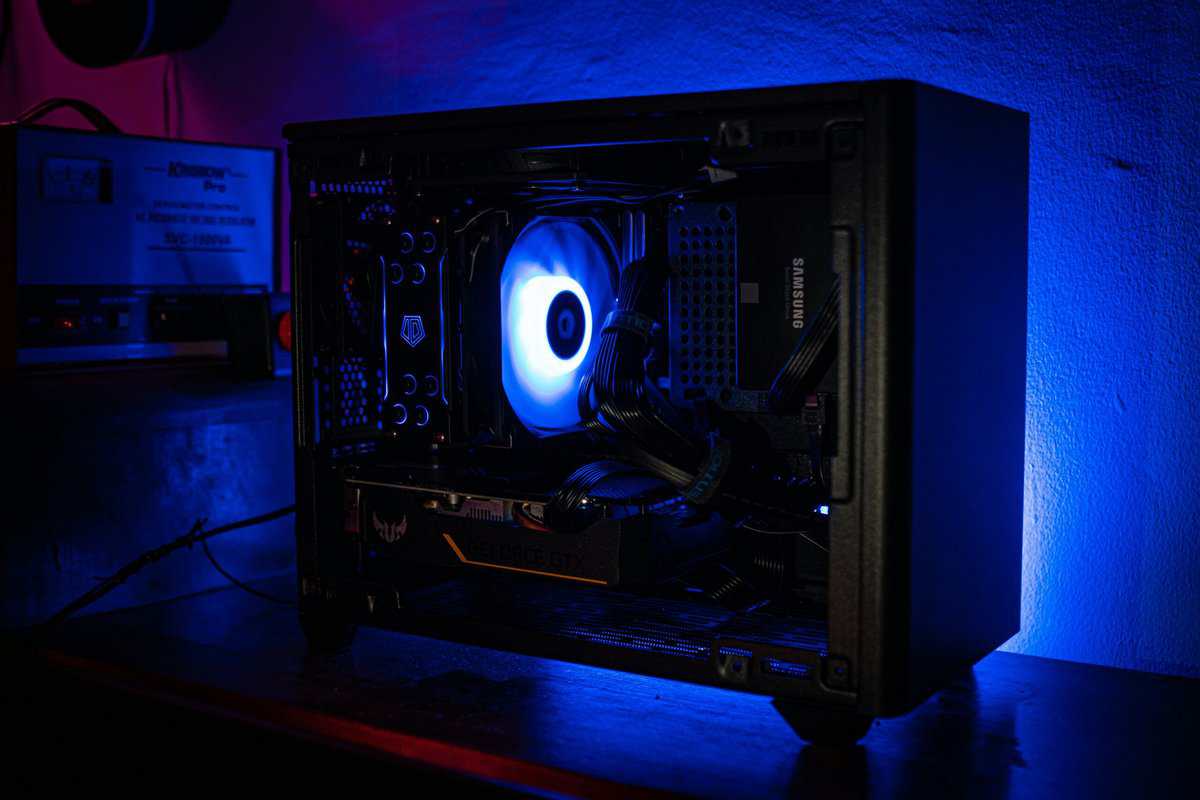
Our evaluation process is based on several criteria. We compare the CPU and GPU, storage speed, RAM efficiency, and overall build durability. Each component plays a critical role.
Core Component Balance
A common mistake is focusing exclusively on the graphics card while neglecting the processor. Pairing a powerful GPU with a weak CPU creates a performance bottleneck. The graphics card is left waiting for data from a processor that cannot keep up, resulting in stuttering and low frame rates, especially in CPU-intensive games like MMOs or large-scale strategy titles. The Steam Hardware Survey is the honest reference for what most players actually run, and the graphics cards in these three towers sit squarely in that mainstream.
We look for a balanced pairing: a modern Intel Core i5 or AMD Ryzen 5 processor matched with a capable mid-range GPU like an NVIDIA RTX 3050 or RTX 5060. This balance ensures both components operate at their full potential without one limiting the other.
A good budget PC has a CPU that can support its GPU. This synergy is fundamental to a smooth, consistent gaming experience, preventing performance dips during intense gameplay.
Beyond the CPU and GPU, other components are just as critical.
- Fast Storage is Mandatory: A Solid State Drive (SSD) is essential. Any system using a traditional Hard Disk Drive (HDD) as its primary boot drive will feel slow, with long game load times and poor system responsiveness. We only consider PCs that use an NVMe SSD for the operating system and key applications.
- Dual-Channel RAM is Required: Modern games require at least 16GB of RAM for smooth operation. More importantly, the RAM must be configured in dual-channel mode (two 8GB sticks versus a single 16GB stick). This configuration can increase in-game performance by up to 20% in certain titles by doubling the memory bandwidth to the CPU.
Build Quality and Upgrade Potential
A prebuilt PC is more than its individual parts; the case and assembly quality are crucial. A poorly constructed system can lead to overheating, component failure, and a negative ownership experience.
We scrutinize builds for these key indicators of quality:
- Case Airflow: A case with a mesh front panel and multiple fans is critical for keeping components cool. Overheating causes thermal throttling, which reduces performance and frame rates.
- Cable Management: Tidy cables are not just for aesthetics. Proper cable management improves airflow, simplifies cleaning, and makes future upgrades easier. A disorganized interior is a red flag indicating a rushed, low-quality assembly.
- Standard vs. Proprietary Parts: Some large manufacturers use custom-shaped motherboards or power supplies that cannot be replaced with standard off-the-shelf components. This locks you into their ecosystem and makes future upgrades difficult or impossible. We favor builders who use standard parts, giving you the freedom to upgrade your machine over time.
Best Prebuilt Gaming PC for the Entry Tier
At the entry tier, the machine’s purpose is specific: to provide a solid 1080p gaming experience, primarily in less demanding titles. You will not run Cyberpunk 2077 at maximum settings, but you will achieve stable, high frame rates in esports games like Valorant, CS2, and Fortnite.
To meet this price point, manufacturers make specific tradeoffs. Expect to find previous-generation components, such as an older Ryzen 5 or a reliable Intel Core i3, paired with a functional GPU like a Radeon RX 6600-class leftover or, increasingly, an entry current-generation card such as the GeForce RTX 5060. The most common compromise is storage; most systems ship with a 512GB SSD, which fills up quickly.
However, a well-made PC in this range is an effective entry point into PC gaming. It is functional out of the box and provides a clear, manageable upgrade path.
Our Entry Pick: The Skytech Shadow Gaming PC
The Skytech Shadow Gaming PC is a frequent recommendation in this budget category because it achieves a good balance of components, allocating budget toward a capable GPU and CPU pairing that avoids significant bottlenecks.
This machine is designed for the competitive gamer on a strict budget. It is an ideal first PC for someone who primarily plays high-FPS titles and requires a platform that performs consistently under load.
Component Breakdown
- CPU: AMD Ryzen 5 5500 (6-core, 4.2GHz boost)
- GPU: NVIDIA GeForce RTX 3050 6GB
- RAM: 16GB DDR4-3200 (Dual-Channel)
- Storage: 1TB NVMe SSD
- PSU: 650W 80+ Gold
The build quality is straightforward. ZOTAC uses standard, off-the-shelf parts, which is a significant advantage for future upgrades. The case features a mesh front panel for adequate airflow, and while the stock cooling is basic, it is sufficient for the low-power components inside.
Real-World Performance From the Entry Pick
The Skytech Shadow is designed to run esports games at medium-to-high settings in 1080p. It delivers a smooth experience where high frame rates are prioritized over maximum visual fidelity. For FPS gaming, it provides a stable and responsive platform. NVIDIA’s DLSS technology page explains why an RTX card in this class plays above its raw numbers at 1080p.
This PC is not intended for high-end AAA gaming or streaming. Attempting to stream a demanding game will likely result in poor performance for both the player and the viewers due to the limited CPU cores and entry-level GPU.
Here is what you can expect in terms of performance:
| Game | Resolution | Settings | Expected Average FPS |
|---|---|---|---|
| Valorant | 1080p | Medium-High | 150-200+ FPS |
| Fortnite | 1080p | Medium (Performance Mode) | 100-140 FPS |
| CS2 | 1080p | Medium | 120-160 FPS |
| Apex Legends | 1080p | Low-Medium | 70-90 FPS |
This performance profile is suitable for anyone entering competitive multiplayer or playing popular titles without a large initial investment.
Necessary Trade-Offs and Upgrade Path
At this price, compromises are unavoidable. The most immediate issue with the Skytech Shadow is its 1TB SSD. With modern games often exceeding 100GB, storage management will be necessary.
Fortunately, the use of standard parts makes this PC easy to upgrade. Your first upgrade should be storage.
- Add a Larger SSD: The motherboard has extra SATA ports, making it simple to add a 1TB or 2TB SATA SSD for your game library. This is an inexpensive solution to the primary limitation.
- Upgrade the RAM: While 16GB is sufficient for gaming today, increasing it to 32GB in the future will improve multitasking and prepare the system for more demanding games.
- Future GPU and PSU Swap: In a year or two, you could install a more powerful GPU like an RTX 5060. The included 650W Gold power supply already provides the headroom for this upgrade.
Following this path allows the Skytech Shadow to evolve with your needs, solidifying its position as one of the best prebuilt gaming PC options for new users.
The Mid-Range Performance Sweet Spot
This is where the market becomes highly competitive. In the mid-range bracket, major compromises are less common. The decision shifts from what the PC can’t do to what you want to prioritize. For most gamers seeking a prebuilt system that offers strong performance for the cost, this tier represents the optimal balance of value.
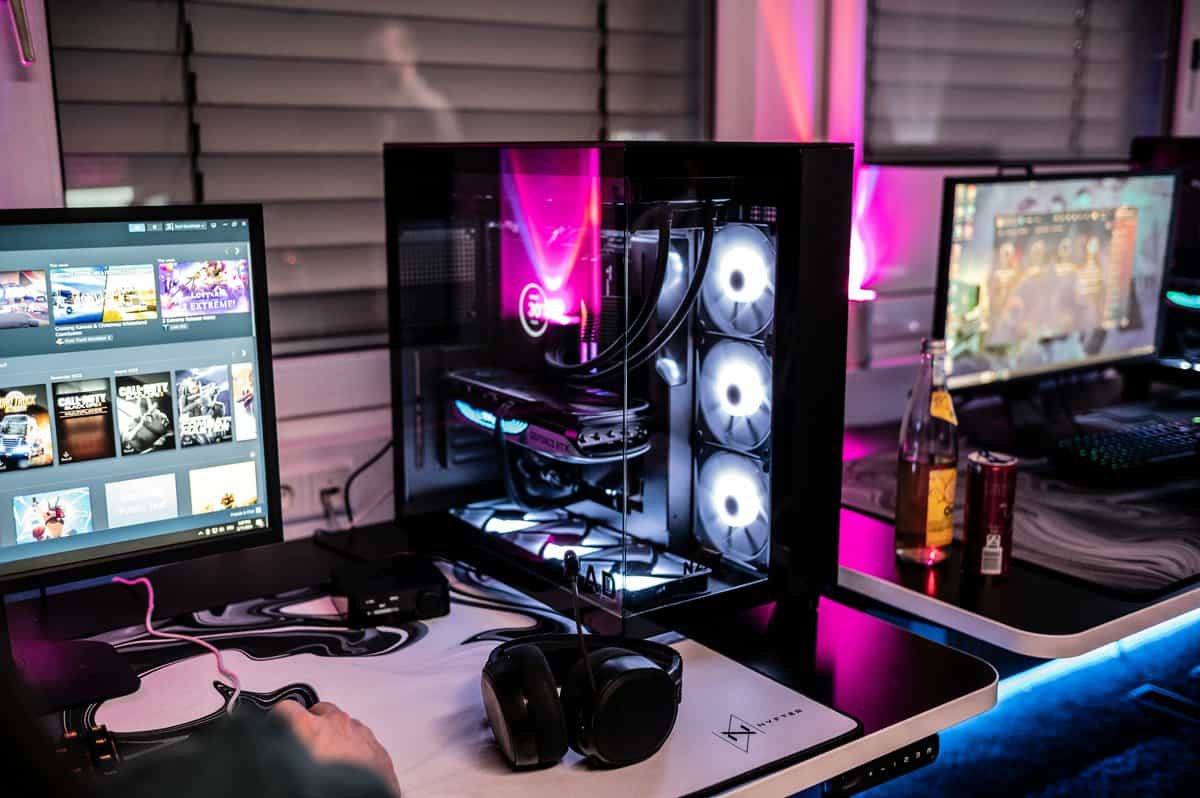
Here, you are looking at systems designed for high-refresh-rate 1080p gaming in nearly any title. This is also where 1440p gaming becomes a viable option. Machines in this range are typically built around current-generation CPUs like an Intel Core i5, paired with a capable GPU like the NVIDIA GeForce RTX 3050 or RTX 5060.
This segment’s growth has forced system builders to become more competitive, resulting in better value. A well-constructed mid-range prebuilt can often run over 90% of the top 100 Steam games at high settings, providing a solid 4–5 years of usability.
Balancing CPU and GPU for Your Games
In this price range, prebuilts often reflect different design philosophies. One system might allocate more budget to a stronger CPU, while another prioritizes the graphics card. Neither approach is inherently wrong, but one will be better suited to your specific gaming habits.
A build with a stronger multi-core CPU, like a Ryzen 5, is ideal for gamers who play CPU-intensive titles. This includes MMOs like Final Fantasy XIV or strategy games like Civilization VI, where the processor handles thousands of simultaneous calculations. It is also a better choice for aspiring streamers who need extra cores to handle video encoding without impacting game performance.
Conversely, a system that prioritizes the GPU is better for the gamer focused on visual fidelity in demanding single-player titles. If your goal is to maximize settings in games like Cyberpunk 2077 or Alan Wake 2, a more powerful GPU will provide a better experience than a marginally faster CPU. For a deeper analysis of graphics cards, see our guide on the best budget graphics card.
Our Mid-Range Pick: Thermaltake View i1460
The Thermaltake LCGS View i1460 frequently stands out in this price bracket by offering a well-balanced component list from a major manufacturer. It pairs a current-gen CPU with an RTX 5060, the strongest GPU you will find in this bracket, making it a versatile machine for gaming and productivity.
This PC is ideal for someone who wants a premium 1080p experience now with a clear path to long-term performance. It is constructed with standard, off-the-shelf parts and backed by Thermaltake’s warranty support.
Component Breakdown
- CPU: Intel Core i5-14400F (10-core, 4.7GHz boost)
- GPU: NVIDIA GeForce RTX 5060 8GB
- RAM: 16GB DDR5-6000 RGB
- Storage: 1TB PCIe Gen 4 SSD
- Cooling: ARGB tower air cooler with tempered-glass side panel
The transition to DDR5 RAM and a Gen4 SSD provides a noticeable improvement in system responsiveness and reduces game load times compared to the DDR4 systems in lower price tiers. The 1TB storage means you won’t need to add a second drive immediately. Build quality is consistently solid, with clean cable management and a multi-fan configuration that maintains low temperatures under load.
Performance in This Tier
The Thermaltake View i1460 is built for modern gaming workloads at 1080p. The combination of a current-gen 10-core Intel CPU and DDR5 memory provides excellent responsiveness in both gaming and general productivity tasks. The RTX 5060 handles esports titles at high frame rates and AAA games at high settings, with DLSS 4 available when ray tracing is on.
This price point is also where features like ray tracing become accessible, though you’ll want to use DLSS to maintain playable frame rates with RT enabled. The component pairing is strong enough to handle these demanding visual effects without significant frame rate loss in less intensive titles.
Necessary Trade-Offs and Upgrade Path
The Thermaltake View i1460’s main limitation is the RTX 5060’s 8GB of video memory, which can fill up in the heaviest new games at high texture settings. Compared with the entry-tier Skytech Shadow, you get a much stronger CPU, DDR5 memory, and a current-generation GPU.
Your upgrade path is clear:
- GPU Upgrade: The i5-14400F will not bottleneck a more powerful GPU. An RTX 5070-class card would be a logical upgrade in 1-2 years, transforming this into a true 1440p machine.
- RAM Expansion: The DDR5 platform allows for easy expansion to 32GB when needed.
The Upper Tier Prebuilt Gaming PCs
Increasing your budget to the upper tier moves you from a capable machine to a powerful, more future-proof system. This is the upper tier of what can be considered a “budget” prebuilt, offering a significant performance increase that enables comfortable, high-setting 1440p gaming in almost any modern title.
At this price, you should expect more than just a faster GPU. Look for systems with better motherboards that offer more expansion options, higher-wattage power supplies that can accommodate future upgrades, and cases with superior airflow. These foundational elements distinguish a good PC from a great one that will last for years.
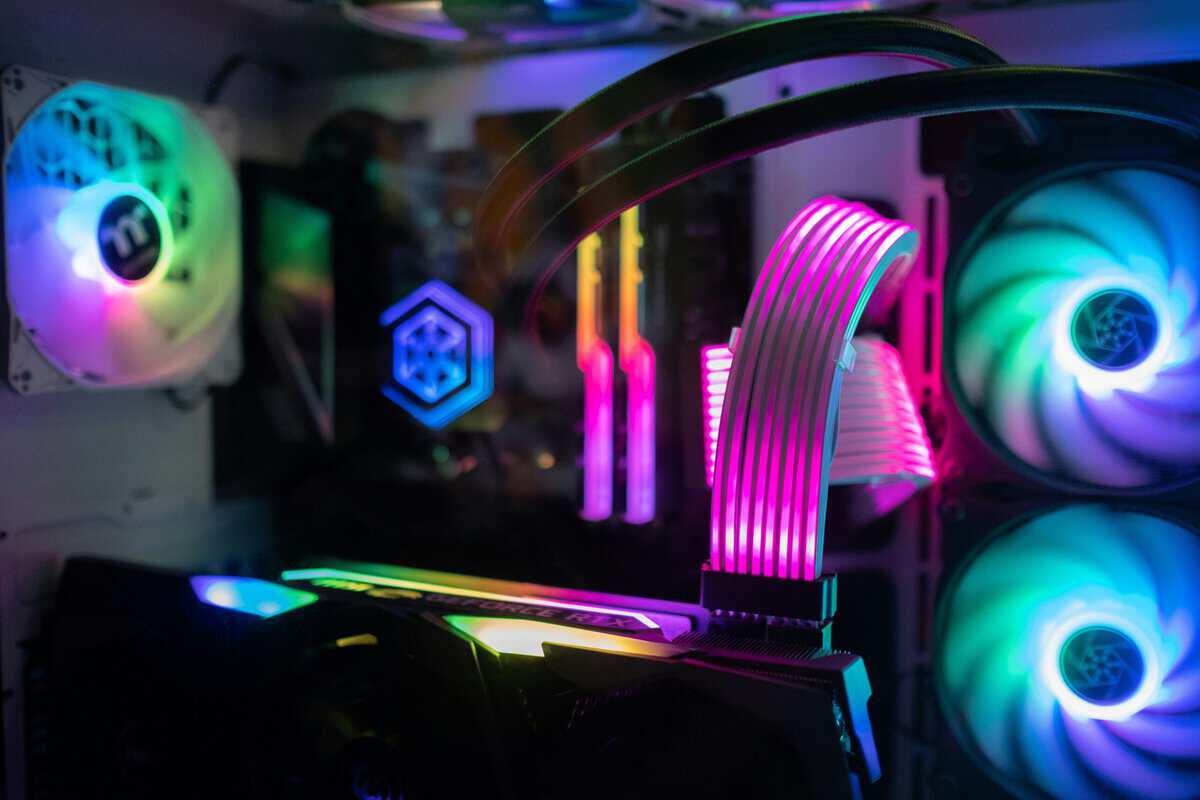
This price point is also where features like ray tracing become practical rather than a performance-draining novelty. The component pairings are strong enough to handle these demanding visual effects without significant frame rate loss.
Our Upper-Tier Pick: Skytech Archangel 5 5
The Skytech Archangel 5 frequently stands out in this competitive bracket by offering a well-balanced component list inside a high-airflow case. It avoids the common mistake of pairing a high-end GPU with a weaker CPU, opting instead for a combination that excels at both gaming and more demanding productivity tasks. This makes it a versatile machine for the serious gamer who may also engage in content creation.
This PC is ideal for someone who wants a premium 1440p experience now with a clear path to long-term performance. It is constructed with standard, off-the-shelf parts, demonstrating a commitment to owner-led upgrades and durability.
Component Breakdown
- CPU: Intel Core i5-14400F (10-core, 4.7GHz boost)
- GPU: NVIDIA GeForce RTX 5060 8GB GDDR7
- RAM: 16GB DDR5-6000
- Storage: 1TB NVMe SSD
- PSU: 750W 80+ Gold
The pairing of DDR5-6000 memory and an RTX 5060 provides a significant performance increase that enables comfortable, high-setting 1440p gaming in almost any modern title. The 750W Gold PSU is the standout feature here, leaving genuine headroom for a future GPU upgrade without touching the power supply.
Performance in Demanding Scenarios
The Skytech Archangel 5 is built for modern gaming workloads. The RTX 5060 is a highly capable 1440p graphics card, and with NVIDIA’s DLSS 4 technology, it can achieve high frame rates even with ray tracing enabled in many titles. This machine is suitable for MMOs, streaming, and competitive FPS gaming.
This is where the additional investment pays dividends. You are not just buying a system for today’s games; you are acquiring headroom for future titles.
The true value of an upper-tier PC is not just its ability to hit 60 FPS in current AAA games. It’s having the power to handle more intensive tasks, such as streaming gameplay at high quality or editing video clips, without compromising system performance. The balanced CPU and GPU in a build like this make that possible.
Desktop gaming PCs, including performant budget prebuilts, remain the backbone of PC gaming, and for budget-conscious buyers that competition drives value. Prebuilts around the four-figure mark now regularly ship with current-gen RTX 5060 GPUs, which puts ray tracing and DLSS 4 within reach for smooth 1080p and 1440p gameplay.
Is The Extra Cost Justified?
For many gamers, the price increase from a mid-range machine to an upper-tier one is a significant financial decision. Whether it is “worth it” depends entirely on your use case.
- For the 1440p Gamer: Yes. The performance improvement from an RTX 3050 to an RTX 5060 is substantial at this resolution, allowing you to play at high settings with smooth frame rates.
- For the Aspiring Streamer: Yes. The stronger CPU options and 32GB of DDR5 RAM in this tier provide the necessary overhead for encoding a stream while maintaining a smooth in-game experience.
- For the Dedicated Esports Player: Probably not. If you primarily play titles like Valorant or League of Legends on a 1080p monitor, the additional power is unnecessary. The mid-range offers a better return on investment.
Ultimately, this tier represents the peak of value in the budget prebuilt gaming PC market. It delivers a robust, high-performance experience that rivals custom-built machines in a similar price range, with the convenience of a ready-to-use system backed by a warranty.
Making the Final Decision on Your Prebuilt PC
It is time to make a decision. Choosing the best prebuilt gaming PC comes down to an honest assessment of your needs and budget. We’ve examined options across several price tiers; now it’s time to apply that information.
Your primary considerations should be build quality and a clear path for future upgrades. Do not just pursue the highest specifications on paper, as this can lead to a system that performs well initially but becomes problematic later.
To simplify the choice, consider these scenarios. If you only play esports titles like Valorant or CS2 and need a solid entry point, a system from the entry tier is the most logical choice. However, if you are looking for the best performance-per-dollar for high-refresh 1080p and capable 1440p gaming, a mid-range PC is the undisputed sweet spot and will serve you well for years.
Your Final Pre-Purchase Checklist
Before completing your purchase, review this checklist. It will help you look beyond the primary components and focus on factors that influence the daily user experience and the machine’s longevity. A well-informed purchase now can prevent significant frustration later.
- Warranty and Support: Does the builder offer a clear warranty and accessible customer support? A one-year minimum for parts and labor is the industry standard.
- Use of Standard Parts: Verify that the PC uses a standard motherboard, power supply, and case. Proprietary components from manufacturers like Dell or HP can make future upgrades difficult or impossible.
- Build Quality: Look for reviews that show the interior of the case. Check for clean cable management and a case with a mesh front for good airflow. Tidy wiring and effective cooling are indicators of a quality build process.
A quality budget prebuilt is not just a collection of powerful parts; it’s a cohesive system where every component is selected for reliability and future compatibility. This philosophy distinguishes a smart investment from a short-term gaming appliance.
The goal is to find a machine that fits your current gaming habits while allowing for future growth. While building your own rig offers complete control, as detailed in our guide on how to build a gaming PC, a well-chosen prebuilt provides convenience and performance without the complexity. By following these principles, you can be confident that you are making a sound, durable investment. If you want something far smaller than a tower, our mini PC gaming guide shows what integrated graphics can and cannot run.
Many prebuilts offer the same model with two processors, and our Intel i5 vs i7 comparison explains which is worth paying for.
Frequently Asked Questions
Entering the world of prebuilt gaming PCs can be confusing. It’s normal to have questions before making a purchase. Here are answers to some of the most common inquiries.
Is a Prebuilt PC a Good Value Compared to Building One Myself?
For many gamers, yes. While building your own PC provides complete customization, a prebuilt allows you to start gaming immediately. It includes the convenience of a single warranty for all components and access to technical support. You avoid the complexities of sourcing compatible parts and the potential stress of a first-time build.
The main trade-off is that you cannot select the specific brand of every component, such as the power supply or SSD. However, reputable builders use quality, standard parts, which mitigates this risk. For budget-conscious gamers who want a functional machine out of the box, a good prebuilt offers excellent value.
How Long Will a Budget Gaming PC Last?
A well-built budget prebuilt, particularly one in the $750–$1200 price range, should provide a quality gaming experience for at least 3–5 years. After this period, you may need to lower in-game settings on the latest AAA titles, but the machine will remain perfectly capable for most games.
The key to its longevity is its upgrade path. A PC built with a standard motherboard and a decent power supply is not a dead end. You can easily install a new graphics card or add more RAM in the future, extending its useful life well beyond the initial window.
Key Takeaway: Evaluate the PC’s foundational components, not just its current benchmarks. A system with a clear, easy upgrade path offers far more long-term value than a locked-down, proprietary system that cannot be modified.
What is the First Component I Should Plan to Upgrade?
On most prebuilts under $1000, the first limitation you will likely encounter is storage capacity. These systems often ship with a 512GB or 1TB SSD, which can be filled quickly as modern games can exceed 100GB each.
The easiest and most cost-effective initial upgrade is to add a second 1TB or 2TB SATA SSD. This provides the necessary space for a larger game library without a significant financial investment.
Of course, even the most powerful PC can be hampered by a poor internet connection. To ensure your online experience is as smooth as your frame rate, it is worthwhile to learn how to reduce gaming lag for smooth play. This ensures your hardware’s potential is not limited by network issues.
Related Articles