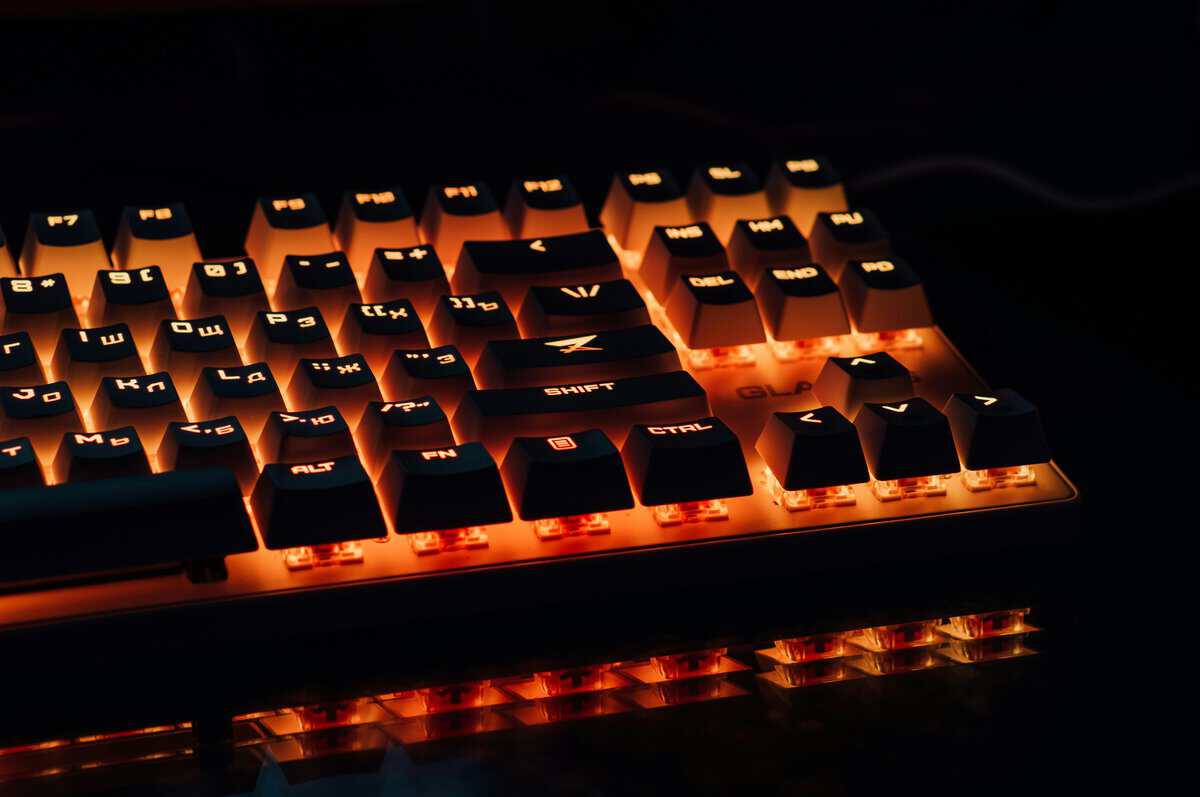
When you’re hunting for the best budget mechanical keyboards, it’s easy to get lost. The good news is, brands like Keychron, Royal Kludge, and Akko prove you don’t have to spend a fortune to get a capable keyboard. You can find a durable, responsive board for gaming or streaming without crossing the $100 mark.
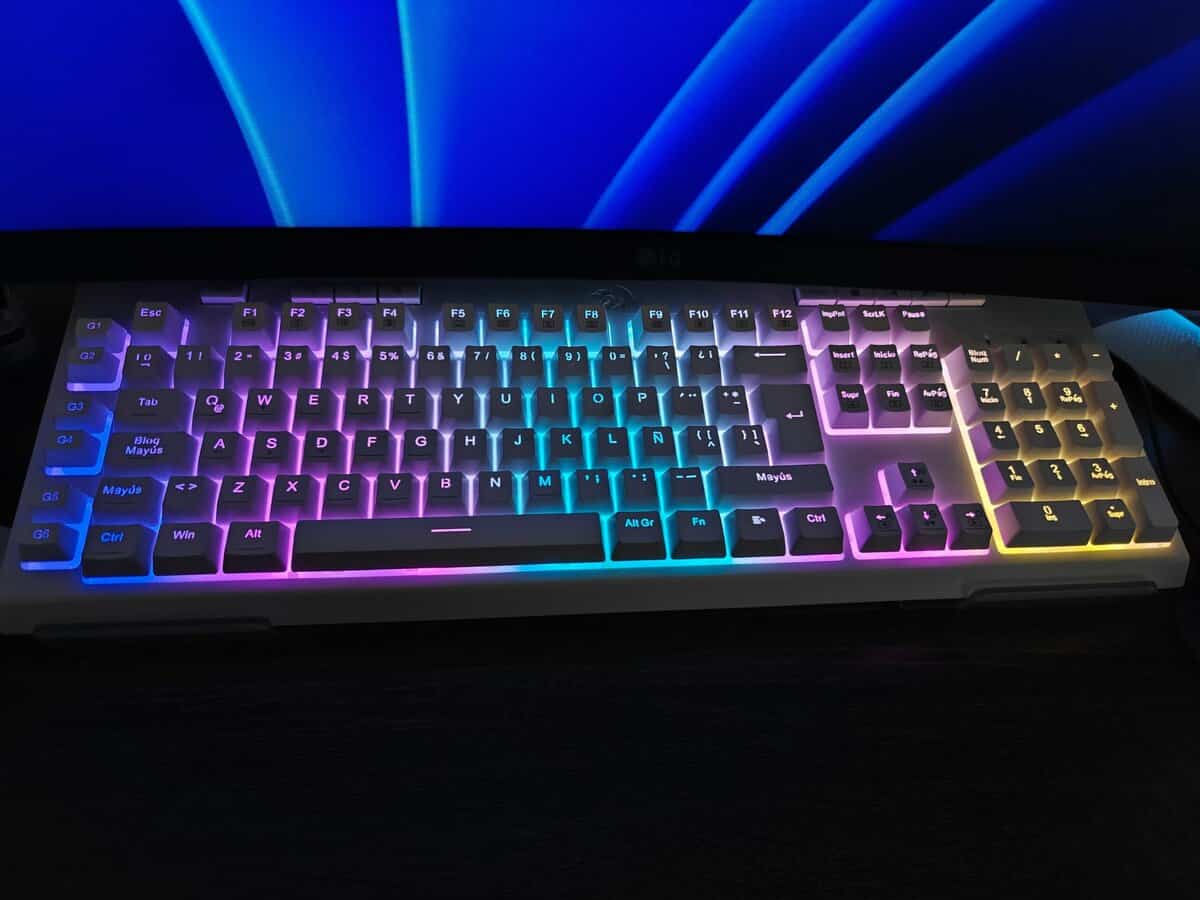
- Hot-swappable sockets for easy switch customization
- Aluminum top case gives it a premium, sturdy feel
- Tri-mode connectivity: Bluetooth, 2.4GHz, and USB-C
- Stock keycaps could be thicker
- Wireless latency in competitive FPS
- Software can be unintuitive
- QMK/VIA support for deep key remapping and macros
- Solid build quality with good out-of-box typing feel
- Hot-swappable PCB lets you swap switches without soldering
- Wired only; no wireless
- Full-size takes more desk space
- Stock keycaps are basic
- Aluminum gasket-mount at budget price
- 4000mAh battery for extended use
- Hot-swappable with 5-layer dampening
- No function row or numpad
- Compact layout has a learning curve
- Heavier than plastic alternatives
- Full-size layout keeps the numpad and arrow cluster
- Hot-swap sockets let you change switches without soldering
- Tri-mode wireless with a high user rating
- 98% size takes more desk space than a TKL
- Companion software is less mature than QMK and VIA
- Newer brand with a smaller support community
- Hot-swappable sockets at this price point let you experiment with different switches without soldering or buying a new board
- TKL and 65% layouts save money and desk space compared to full-size boards, while still keeping the keys most gamers need
- Hot-swappable switches let you customize your typing feel without soldering, making budget mechanical keyboards more versatile than ever
- The RK84 is the best overall, with the Keychron C2 Pro and Akko JIN01 Santorini close behind
- The Gamakay TK101 covers full-size buyers who refuse to give up the numpad
Table of Contents
Defining Value in Budget Keyboards
Finding a “value” mechanical keyboard isn’t about grabbing the cheapest option. It’s about making smart trade-offs. The effective range for performance and build quality sits in the $40 to $90 price range. In this bracket, you can expect solid construction and responsive switches that feel close to their premium counterparts.
So, what are you giving up? Mostly materials and software. Premium boards might have full aluminum cases and sophisticated software suites. Budget models, on the other hand, typically use robust plastic casings and offer more basic customization tools. These compromises rarely get in the way of core gaming or typing performance.
The goal isn’t to find a board with a long list of features you won’t use. It’s to find one that executes the fundamentals: switch feel, build integrity, and reliable connectivity. Durability and a consistent typing experience are the true markers of a good budget keyboard.
Top Budget Mechanical Keyboard Recommendations
For those who just want the bottom line, this table breaks down our top picks for specific needs. It’s a quick-start guide to finding the right keyboard for your setup without getting bogged down in the details.
| Model | Best For | Key Feature |
|---|---|---|
| Royal Kludge RK84 | Streamers & Dual-Use | Tri-Mode Wireless Connectivity |
| Keychron C2 Pro | Typing & Productivity | Solid Build & QMK/VIA Support |
| Akko JIN01 Santorini | Compact Gaming Setups | Gasket Mount Aluminum Build |
| Redragon K552 | Entry-Level Gaming | Unbeatable Value & Durability |
| Gamakay TK101 | Full-size wireless value | 98% layout with numpad and hot-swap |
Each of these keyboards represents a smart compromise, delivering functional performance where it counts most for its intended user. Whether you prioritize wireless freedom, customization, or pure durability, there’s a practical budget option available.
Features That Define a Great Budget Keyboard
Figuring out what makes a budget mechanical keyboard good means looking past the marketing and focusing on the components that dictate how it feels and performs. This isn’t just about finding a cheap keyboard; it’s about finding one with the right hardware for what you do, whether that’s FPS gaming or running a stream.
The single most important decision you’ll make is the mechanical switch type. This choice controls how every single keypress feels and sounds, which directly impacts your experience. Budget keyboards often use switches from brands like Gateron or Outemu, which deliver reliable performance comparable to more expensive names.
Linear Switches (Reds): These are smooth. You get a consistent, straight-down press with no bump or click. Their fast, uninterrupted travel makes them suitable for FPS gamers who need to press keys quickly without resistance.
Tactile Switches (Browns): These give you a noticeable “bump” midway through the keypress, confirming the key has been activated without making a loud click. This makes them a versatile all-rounder, useful for gamers who also do a lot of typing or for MMO players who need to feel their ability activations.
Clicky Switches (Blues): Known for their distinct “click” sound and tactile bump, these switches provide undeniable audio and physical feedback. While satisfying for typing, the noise can be a problem if you’re streaming or gaming in a shared space.
If you want to go deeper, check out our full guide on how to choose the right mechanical keyboard switches for your setup.
Form Factor and Layout
Your keyboard’s physical size, or form factor, is another critical piece of the puzzle. It impacts your desk space and ergonomics. Don’t default to a full-size board; a smaller layout might be a practical choice for your setup.
A Full-Size (100%) layout gives you the number pad, which is useful for productivity but takes up significant desk space. For FPS players who use low mouse sensitivity, this is a major drawback, as it can limit your range of motion.
In contrast, a Tenkeyless (TKL) board removes the number pad but keeps the dedicated arrow keys and navigation cluster. This is a solid compromise, freeing up valuable mouse space without sacrificing essential keys. A 65% layout goes even further, integrating the arrow keys into the main block of keys. It’s common for minimalist gaming setups where desk space is limited.
The trade-off is simple: more desk space for your mouse versus quick access to a number pad and dedicated function keys. For most gamers, a TKL or 65% layout provides a clear advantage.
Build Quality and Connectivity
Finally, build quality and connectivity are two areas where budget keyboards often make their biggest compromises. Most models at this price point come with ABS (Acrylonitrile Butadiene Styrene) keycaps. They are functional, but they tend to develop a greasy shine over time. Finding a budget board with PBT (Polybutylene Terephthalate) keycaps is a significant upgrade, as they are far more resistant to wear and have a textured feel.
Comparing the Top Budget Keyboard Contenders
Diving into the world of budget mechanical keyboards means looking past big brand names and being realistic about the trade-offs. Brands like Royal Kludge, Keychron, and Akko have grown in popularity by including enthusiast-level features in boards that are more affordable. But to hit those prices, each one makes a different set of compromises.
This breakdown cuts through the marketing to focus on what actually matters for gaming and streaming: how the board feels out of the box, the quality of its construction, and the reliability of its connection. We’re not just listing specs; we’re explaining how they translate to real-world use.
Royal Kludge RK Series (RK61, RK84)
For many gamers, Royal Kludge (RK) is the first stop for wireless freedom without a high price. Their boards, like the popular RK84, are known for offering tri-mode connectivity (USB-C, Bluetooth, and 2.4GHz wireless) in a compact, affordable package. This makes them a common choice for streamers trying to build a clean, cable-free desk.
The build quality is sturdy for a plastic board, with little flex. But this is where you encounter the first major trade-off. Stock RK boards almost always ship with thin ABS keycaps. They feel adequate at first, but after a few months of heavy use, they will develop a greasy shine.
The out-of-the-box typing and gaming feel is decent, but the stabilizers on larger keys like the spacebar and shift keys can be rattly. This is one of the most common corners cut on budget boards. While you can fix it with simple mods, it’s an immediate reminder that you’re not getting a premium, pre-tuned experience.
The Primary Compromise with Royal Kludge: You get good wireless flexibility and hot-swappable sockets, but you sacrifice keycap quality and will likely need to tune the stabilizers for better sound.
Keychron C and K Series (C2 Pro, K8 Pro)
Keychron has built a reputation for delivering a better typing experience and a more robust build for a reasonable price. Models like the Keychron C2 Pro feel more substantial than their competitors, often featuring denser plastic cases and better internal sound dampening from the factory.
Their main advantage is software support. Many of their budget-friendly boards are compatible with QMK/VIA firmware. This gives you deep, open-source key remapping and macro programming without dealing with clunky proprietary software, a significant benefit for coders, productivity users, and MMO gamers.
The trade-off with Keychron often comes down to stock aesthetics. While the keycaps are durable, they can have a plain, office-like appearance that might not appeal to gamers looking for a stylized setup. Also, their entry-level models can have higher input latency over Bluetooth compared to a dedicated 2.4GHz connection, making them better for typing than for competitive FPS gaming. For a closer look at hyper-affordable gaming options, check out our guide on the best gaming keyboards under $50.
Akko JIN01 Santorini and 5075 Series
Akko often performs well for its price, especially regarding out-of-the-box feel and build quality. Their latest budget offering, the Akko JIN01 Santorini, steps things up with an aluminum case and gasket-mount design that you rarely see at this price point. It also includes thick PBT dye-sub keycaps in a clean colorway, and the plastic-to-metal upgrade gives it a noticeably more premium feel.
The JIN01 Santorini ships with Akko’s Rosewood linear switches, which are factory-lubed for a smooth keypress right out of the box. It’s also hot-swappable, so you can easily try other switches later. A 5-layer sound dampening system keeps the typing experience refined, and the 4000mAh battery provides extended wireless use across Bluetooth 5.0, 2.4GHz, and USB-C connections.
So, where’s the catch? The aluminum build makes it heavier than plastic alternatives, which could be a factor if you travel with your keyboard. Also, the default sound profile with gasket mount is tuned to be deep and “thocky,” which might not be for everyone, particularly those who prefer a quieter keyboard. The software can also be less intuitive than some competitors.
Redragon K552 KUMARA
For budget-conscious gamers who prioritize durability and no-frills performance, Redragon has carved out a dominant position at the entry level. The K552 KUMARA is one of the most popular budget mechanical keyboards on Amazon, consistently praised for delivering reliable performance at an unbeatable price point.
The K552’s standout feature is its construction. It has a solid metal top plate that gives it a rigidity rarely found at this price. Where many budget boards feel hollow or flex under pressure, the K552 feels substantial and sturdy. This durability extends to its Outemu switches, which are rated for 50 million keystrokes.
The trade-off is clear: this is a wired-only TKL board with no hot-swap capability on the base model. You get what you pay for, a focused, reliable tool without the bells and whistles. The ABS keycaps will develop shine over time, and the RGB lighting, while functional, isn’t as customizable as higher-end options. There’s also no software support for deep customization.
Gamakay TK101 (Full-Size Wireless Value)
If you want a number pad without a full-width footprint, the Gamakay TK101 is a smart budget option. It runs a 98% layout that keeps the numpad and arrow cluster while trimming the wasted space around them, and it adds hot-swap sockets plus tri-mode wireless. That makes it a good fit for players who bounce between gaming and number-entry work, and it holds one of the higher user ratings in Gamakay’s lineup. The companion app is less mature than QMK or VIA, but for the price the build and feature set punch above their weight.
Head-to-Head Keyboard Feature Comparison
To make the choice clearer, let’s put these boards side-by-side and look at the specs that matter. This table breaks down the key differences to help you see exactly what you’re getting with each brand.
| Model | Form Factor | Switch Options | Keycaps | Connectivity | Hot-Swappable? |
|---|---|---|---|---|---|
| Royal Kludge | 60%, 75%, 80% | RK, Gateron, TTC | ABS (Thin) | USB-C, Bluetooth, 2.4GHz | Yes |
| Keychron | 65% to Full | Gateron, Keychron | PBT/ABS | USB-C, Bluetooth | Yes (Pro) |
| Akko | 65%, 75% | Akko CS, TTC | PBT (Thick) | USB-C, Bluetooth, 2.4GHz | Yes |
| Redragon | TKL (87%) | Outemu Red, Blue, Brown | ABS | USB-C Wired Only | No |
| Gamakay TK101 | 98% Full-Size | Pre-lubed Tactile or Linear | PBT | Tri-Mode Wireless | Yes |
Ultimately, picking the right keyboard comes down to knowing your priorities. Each of these brands offers good value, but they focus on different things.
If you need unmatched wireless freedom for multiple devices, Royal Kludge is a strong option. If you value a solid build and deep software customization for productivity or MMOs, go with Keychron. And if you want the best possible sound and feel right out of the box with zero modding, Akko is the clear choice. If you’re on a tight budget and just need a durable, no-frills board for FPS gaming, Redragon delivers the best value. Figure out your non-negotiable feature, and the choice becomes easier.
Matching a Keyboard to Your Specific Needs
The best budget mechanical keyboard isn’t a one-size-fits-all answer. It’s the one that fits how you use your desk. A streamer has different priorities than a competitive FPS player, and picking the right tool for the job is critical. Let’s move past general specs and zero in on specific models for common use cases.

For FPS and Competitive Gaming
When your main goal is playing games like Valorant or Apex Legends, every millisecond and every inch of desk space counts. You need low latency, fast actuation, and a compact layout to give yourself maximum room for mouse movement.
Top Pick: Redragon K552
Why it Works: This TKL (Tenkeyless) board is a workhorse. Its wired connection guarantees zero input lag, and the Outemu Red linear switches offer a smooth, rapid keypress that’s ideal for quick, repeated actions like strafing. Its durability is a standout feature, thanks to a metal backplate that adds a rigidity not often found at this price.
The tradeoff here is a lack of modern features like hot-swappability or wireless connectivity. But for pure competitive performance on a tight budget, its focused design is an advantage, not a flaw.
For MMO, RTS, and Macro-Heavy Games
Players of World of Warcraft or StarCraft rely on their keybinds and macros. For that, you need a keyboard with robust, intuitive software that lets you remap keys and program complex command sequences without difficulty.
Top Pick: Keychron C2 Pro
Why it Works: The C2 Pro’s main feature is its QMK/VIA compatibility. This open-source firmware gives you total control over every single key without dealing with clunky proprietary software. You can create layers, program intricate macros, and save them directly to the board’s memory. Its build quality is also a noticeable step above most of its competition.
For Streamers and Hybrid Use
A streamer’s keyboard has to be a jack-of-all-trades. It needs to perform well for gaming, be comfortable for typing chat replies, and ideally offer wireless connectivity for a clean, camera-ready desk setup.
Top Pick: Royal Kludge RK84
Why it Works: The RK84’s tri-mode connectivity (2.4GHz, Bluetooth, USB-C) delivers the versatility streamers need. You can use the low-latency 2.4GHz dongle for gaming, then switch to Bluetooth to control a second PC or tablet. Its 75% layout keeps your desk uncluttered while retaining essential function and arrow keys.
While full-size keyboards still account for around 40% of shipments, the growing popularity of compact layouts is undeniable, especially for gamers who value desk space. If you need an even more compact option, our guide on choosing a 60% keyboard can help you decide if it’s the right fit for your setup.
Squeezing More Performance Out of Your Budget Keyboard
Getting a good budget mechanical keyboard is the first step. With a few simple tweaks, you can improve the sound, feel, and durability of your board. This is how you turn a good value buy into a better long-term piece of gear.
Before you do anything else, start with maintenance. Regular cleaning with compressed air and a keycap puller stops debris from interfering with your switches. This simple habit keeps your board feeling consistent and extends its life.
Low-Cost Mods That Make a Difference
Once your board is clean, you can try some easy, cheap mods that the keyboard community uses. They are popular because they deliver results without needing technical skills or expensive parts.
The Tape Mod: This is one of the easiest and most effective mods. Apply a few layers of painter’s tape to the back of the PCB (the circuit board). This trick absorbs high-frequency, tinny sounds, reducing hollow echo and giving you a deeper sound profile.
Case Foam: Many budget boards sound hollow because the case is empty plastic. Adding a layer of cheap foam, like PE or EVA foam, inside the case absorbs vibrations. This one change makes keystrokes sound more solid and gets rid of a cheap, rattly echo.
Stabilizer Lubing: A rattly spacebar or shift key is a common sign of a budget board. A small amount of dielectric grease applied to the stabilizer wires will silence that rattle, making your larger keys feel smoother.
Fine-tuning your keyboard is a good way to optimize your setup, but it’s not the only one. For anyone serious about efficiency, it’s worth rethinking how you interact with your machine entirely. Exploring alternatives like using voice input as a productivity tool can open up a new level of performance.
If your keyboard is hot-swappable, that is a major advantage. This is the ultimate upgrade path. You can pull out the stock switches and pop in new ones that are a better fit for your playstyle. Want smoother linear switches for FPS games or something more tactile for MMOs? You can do it in minutes, no soldering required.
So, How Do You Actually Choose Your Keyboard?
Let’s summarize. Picking the right budget mechanical keyboard boils down to three checks. First, lock in the switch type that feels right for what you do most, smooth linears for FPS games, or tactiles for typing and MMOs.
Next, decide on a form factor. A TKL or 65% board gives your mouse hand extra room to maneuver, which is a tactical advantage for most gamers. Finally, be honest about whether the freedom of a wireless setup is a must-have for your desk.
The biggest takeaway here should be that “budget” doesn’t mean “cheap and disposable” anymore. Brands like Royal Kludge and Keychron are putting out durable, high-performance keyboards that deliver real, lasting value. These aren’t just placeholders; they are legitimate tools for gaming and streaming.
At the end of the day, the best budget mechanical keyboard is the one that nails the fundamentals. A board with a solid frame, consistent switches, and the right layout for your desk will serve you far better than one loaded with flashy features you’ll never touch.
Frequently Asked Questions
Even after diving into the details, you probably still have a few questions. Let’s tackle the common ones that pop up when you’re trying to find a solid budget mechanical keyboard. Getting these last few details right can be the difference between a good buy and a frustrating one.
Are Cheap Keyboards From Amazon Worth It
Yes, but you have to know what you’re looking for. Brands like Royal Kludge and Redragon deliver serious value, but the marketplace is also flooded with no-name boards that cut corners on build quality and switch consistency.
Your best bet is to focus on models with a high volume of recent, detailed user reviews. Look for comments that specifically mention durability and how the board feels for its intended use case. A good budget board should feel solid and have some weight, not like a hollow piece of plastic that flexes under pressure.
How Long Do Budget Mechanical Keyboards Last
A quality budget mechanical keyboard can last three to five years of regular, heavy use. The switches themselves are often rated for 50 million keystrokes, which far exceeds the lifespan of any standard membrane keyboard.
The most common points of failure aren’t the switches but smaller components like the USB port or a dead LED. The core construction, however, is generally built to withstand intense gaming sessions and has good durability.
The key is choosing a board with a sturdy case and decent keycaps. While the switches are durable, cheap ABS keycaps will show wear and shine within a year, impacting the feel.
Is A Hot-Swappable Board Necessary For A Beginner
It’s not necessary, but it is a valuable feature. Hot-swappability means you can pull out the switches and pop in new ones without any soldering. This is useful for a beginner who wants to experiment with different switch types down the road.
Think of it as future-proofing. It adds significant long-term value, letting you completely change your board’s feel for the price of new switches instead of having to buy a whole new keyboard.
For more hype-free guides on building a high-performance setup without overspending, check out Budget Loadout at Budget Loadout.
Related Articles