Xbox Series X storage expansion is something every owner eventually needs to think about. Sooner or later, you’ll see it: the “Storage Full” warning.
With games routinely exceeding 100 GB, the internal drive fills up fast. You find yourself deleting old games to make room for new ones, only to redownload them again later. It’s a frustrating cycle.
You have options for expanding your storage. The decision comes down to a clear trade-off, and this guide will help you choose the right solution for your gaming habits and budget. We will cover specific product recommendations for different types of players and budgets.
Think of it like this: you can either give your console a direct performance upgrade or attach an affordable, high-capacity cargo trailer. One integrates perfectly for maximum speed; the other provides bulk storage with functional limitations.
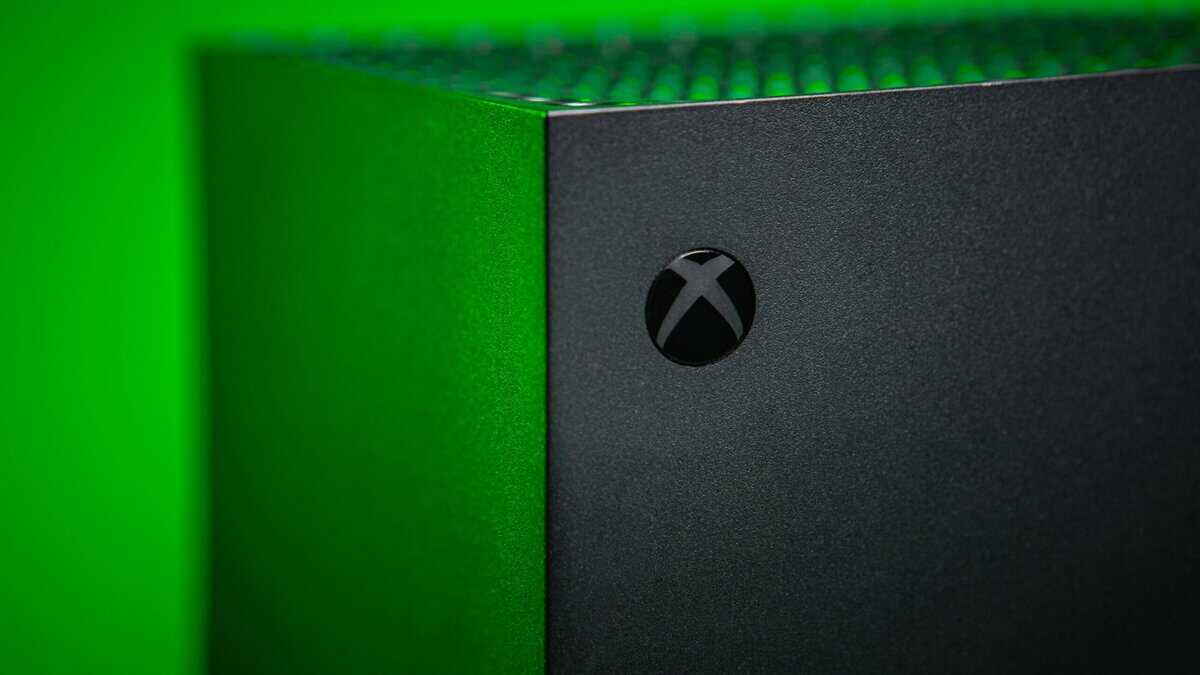
- The Xbox Series X only has 802 GB of usable internal storage, which fills up fast with modern games averaging 50-100 GB
- The official Seagate Storage Expansion Card is the only option that plays Series X optimized games directly, but costs nearly $150
- External USB 3.0 hard drives work well for storing Xbox One and backward-compatible games at a fraction of the price
- You can save money by moving games between internal and external storage instead of re-downloading them
- Format your expansion drive as the Xbox requires — internal NVMe drives must be Seagate expansion cards, while external USB 3.0 drives work for backward-compatible titles only
Table of Contents
- Fast read and write speeds up to 1,050 MB/s
- Reliable brand with a solid warranty
- Compact and IP65-rated for dust and water resistance
- Higher price per GB than HDD
- Can't run X|S optimized games
- No carrying case included
- Excellent capacity-to-price ratio at 5 TB
- Durable design built for travel
- Works across Xbox, PlayStation, and PC
- Slower load times than SSDs
- USB cable could be longer
- Only for backward-compatible titles
- Runs Series X|S optimized games at full internal-drive speed
- True plug-and-play with zero setup
- Matches internal drive performance via Xbox Velocity Architecture
- Highest cost per GB
- Only works with Series X|S
- Limited to 1TB or 2TB sizes
That ‘Storage Full’ Warning: What’s Your Next Move?
Your choice boils down to two different solutions, each designed for a specific job. Here’s the core difference:
Official Storage Expansion Card: This is the premium, no-compromise option. It’s a custom SSD that plugs into a special port on the back of your Xbox and perfectly mirrors the speed and architecture of the internal drive. You can play any game—new or old—directly from it without any performance loss.
External USB Drive (HDD or SSD): This is the budget-friendly workhorse. You connect it via a standard USB port, and it’s ideal for storing and playing hundreds of backward-compatible Xbox One, Xbox 360, and original Xbox games. You can also use it as “cold storage” for your Series X|S titles, moving them over to free up space instead of deleting and redownloading them.
The choice is simple: flawless next-gen performance at a premium price, or massive, affordable capacity with rules on what you can play directly from it.
Xbox Storage At a Glance
This table breaks down the key differences to help you decide which path is right for you.
| Feature | Official Expansion Card | External USB HDD/SSD |
|---|---|---|
| Play Series X/S Games? | Yes | Yes |
| Play Older Games? | Yes | Yes |
| Speed | Identical to internal SSD | Slower than internal SSD |
| Connection | Custom rear port | Standard USB 3.0+ port |
| Setup | Plug and play | Plug in and format |
| Cost Per GB | High | Low |
| Best For | Seamlessly playing everything | Bulk storage and backward compatibility |
Ultimately, the Expansion Card offers a seamless extension of your console’s built-in storage. The external USB drive, on the other hand, is a cost-effective way to manage a large library of older titles and archive newer games.
There’s no single “best” answer for Xbox Series X storage expansion, just the right one for how you play.
Why Expansion Cards Are Your Next-Gen Performance Ticket
If you’re focused on performance for your Xbox Series X, the official Storage Expansion Card isn’t just an accessory—it’s a direct upgrade. Think of it less like a bigger gas tank and more like a second, factory-spec fuel injector. The result is uncompromised speed.
This isn’t just about adding space. It’s about matching the performance of the console’s internal drive, which is made possible by the Xbox Velocity Architecture.
Identical Speed and Seamless Play
The key is its proprietary connection. Unlike a standard USB drive, these expansion cards use a direct PCIe 4.0 interface, plugging straight into the console’s processor. This direct line to the CPU allows the card to run at the exact same speed as the internal SSD.
That direct connection is required for running games “Optimized for Series X|S” without issue. You can play any modern, optimized title directly from the card with zero trade-offs in performance. Load times remain fast, and features like Quick Resume work perfectly. The experience is so integrated that you’ll forget it’s not part of the console itself.
Build Quality and Plug-and-Play Simplicity
The build quality on these cards is solid. Both Seagate and Western Digital models feature a durable metal enclosure that dissipates heat effectively and a protective plastic cap for transport. Their construction is designed for long-term reliability.
Installation is simple. You just plug it into the dedicated slot on the back of the Xbox, and the console recognizes it instantly. There’s no formatting or complex setup.
Let’s be direct: the upfront cost is higher than a standard USB drive. But for gamers who require the best experience—especially for competitive FPS titles or sprawling MMOs where loading times matter—it’s a necessary investment. This is the only external solution that guarantees you get the full next-gen experience from every game you own. If you’ve already invested in a top-tier console, it makes sense to pair it with accessories that can keep up. To round out your setup, check out our guide on the best monitor for Xbox Series X.
The Case for External USB Drives: Your Game Library Workhorse
While official expansion cards offer seamless next-gen speed, an external USB drive is the budget-conscious gamer’s most practical tool. It’s best to think of it as a large, affordable garage for your game library. Its main job is to act as “cold storage” for your Xbox Series X|S games, saving you from redownloading enormous files.
Instead of deleting a 150 GB game to make space, you can move it to your external drive. That transfer is much faster than a fresh download. When you want to play it again, you just move it back to the internal SSD. This rotation strategy is a good way to manage a large digital collection without paying a premium.
The Ultimate Backward Compatibility Machine
An external drive is particularly useful for playing older games directly. You can store and run hundreds of backward-compatible titles from the Xbox One, Xbox 360, and original Xbox eras right from the drive, preserving your internal storage.
This makes it an ideal solution for specific use cases:
MMO Players: Keep your primary MMO on the internal SSD for peak performance, and park your entire backlog of older RPGs on the external drive, ready to launch.
Streamers: Maintain a vast, instantly accessible library of classic and indie titles to stream without constantly juggling what’s installed on your console.
Game Pass Subscribers: Download dozens of backward-compatible games from the catalog to your external drive and explore them at your leisure. It’s a cost-effective way to build a massive library.
Honest Trade-Offs and Build Quality
Let’s be direct about the trade-off: you cannot play “Optimized for Series X|S” games directly from a USB drive. The connection is too slow to keep up with the demands of next-gen titles. That’s a hard limit. But the value it delivers as a library management tool is undeniable.
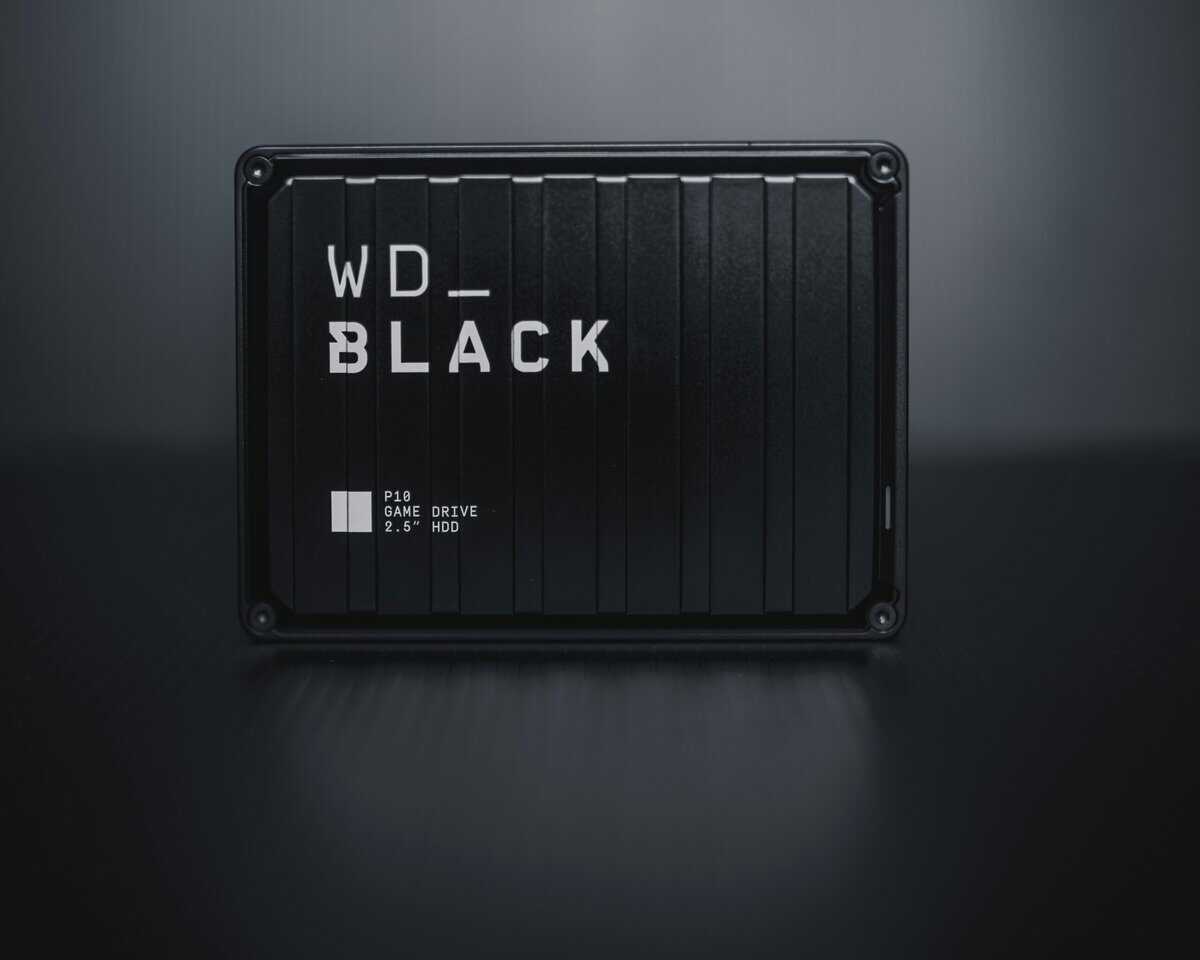
When picking an external drive, don’t just grab the cheapest option—build quality matters. Look for a durable external SSD like the Samsung T7 Shield or a reliable HDD like the WD_BLACK P10.
How to Find the Best Value: Breaking Down the Cost Per Gigabyte
Don’t let the sticker price on an Xbox storage drive fool you. The smartest way to judge its real-world value is to look at the cost per gigabyte. This calculation cuts through marketing hype and reveals the long-term value of your investment, whether you’re considering an official expansion card or an external drive.
When you crunch the numbers, a clear pattern emerges. External USB hard drives (HDDs) offer the lowest cost per gigabyte, making them a logical choice for archiving a large game library. External USB solid-state drives (SSDs) sit in the middle, hitting a balance of speed and affordability for playing backward-compatible titles.
The official expansion cards command the highest premium, but that’s the trade-off you make for unmatched, next-gen performance.
How Competition and Sales Change the Game
For a long time, Seagate was the only producer of official expansion cards, which kept prices high. That changed when Western Digital entered the market as a second licensed producer in June 2023. Competition has helped nudge the value proposition in the right direction.
The best time to buy any Xbox storage is during a major sales event. It’s common to see discounts of 20-30% during Black Friday or Amazon Prime Day, which can turn a premium-priced expansion card into a more reasonable purchase.
Storage Cost Breakdown Per Gigabyte
To put this into perspective, here is a rough cost breakdown across different storage types. Prices fluctuate, but this table gives a clear picture of the value hierarchy.
| Storage Option | Capacity | Average Price (USD) | Cost Per Gigabyte (Approx.) |
|---|---|---|---|
| Seagate Expansion Card | 1 TB | $150 | ~$0.15 / GB |
| WD_BLACK C50 Card | 1 TB | $150 | ~$0.15 / GB |
| Samsung T7 Shield (External USB SSD) | 2 TB | $150 | ~$0.08 / GB |
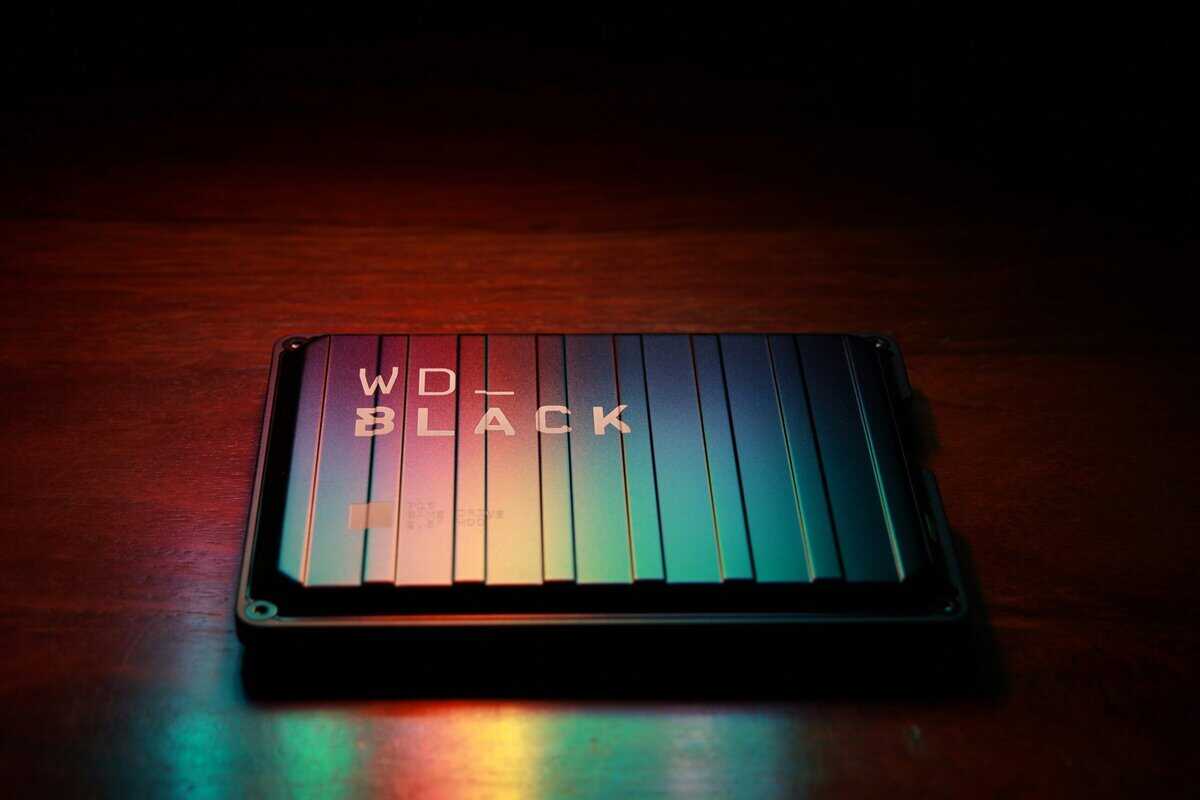
| WD_BLACK P10 (External USB HDD) | 4 TB | $110 | ~$0.03 / GB |
The numbers are clear. If your only goal is adding playable, next-gen capacity, the official cards offer one kind of value. But if what you need is a massive digital garage to park your backlog of older games, an external drive delivers far more space for your dollar.
Finding Your Perfect Match: Storage for Every Gamer Type
We’ve covered the theory and the costs. Now, let’s turn that into practical advice. The best storage for your Xbox isn’t a one-size-fits-all solution; it depends on how you play. The needs of a Call of Duty player are different from those of an RPG collector.
Below are recommendations for three common types of gamers, focusing on performance, build quality, and value.
Tier 1: The Competitive FPS Player
If you play games like Apex Legends or Warzone where every millisecond matters, you cannot compromise on speed. Your goal is to keep a handful of large, high-performance games installed and ready to launch instantly.
- Recommendation: 1TB WD_BLACK C50 Expansion Card. This card mirrors the internal SSD’s performance, guaranteeing no disadvantage in load times. The 1TB capacity is a good value, providing enough room for your main competitive titles plus a few others without the steep price of the 2TB model. Its build quality is solid, designed for reliable, long-term performance.
Tier 2: The Game Pass Explorer and RPG Hoarder
For the gamer constantly downloading from Game Pass, collecting sprawling RPGs, and cycling through a large library, capacity is key. You need the flexibility to have many next-gen titles ready to play without constantly managing storage space.
- Recommendation: 2TB Seagate Expansion Card. It’s a larger investment upfront, but the 2TB model provides a better cost-per-gigabyte than smaller capacities and nearly triples your console’s usable storage for optimized games. This allows you to keep dozens of titles installed at once. Seagate’s card has been a standard since launch, and its durable construction is proven.
Key Takeaway: If you want a seamless, no-compromise next-gen experience, an official expansion card is the only way to go. But for managing a huge backlog of older games, an external drive provides unmatched value. You can round out your high-performance setup with one of the best Xbox controllers to stay competitive.
Tier 3: The Backlog Crusader and Budget-Conscious Player
Is your library mostly made up of backward-compatible classics from the Xbox One and 360 eras? If so, a dedicated expansion card is probably overkill. Your priority should be a massive, durable, and cost-effective drive to hold everything without a high cost.
- Recommendation: 2TB Samsung T7 Shield External SSD. This drive hits a good balance of speed, durability, and price. It’s tough, with a rubberized shell that protects it from drops, making it useful if you move your setup. It loads older games quickly and serves as a perfect “cold storage” vault for your Series X titles.
Got Questions About Your Xbox Storage?
We’ve covered the what and why of Xbox storage. Here are answers to some common practical questions.
Can I Use Multiple External Drives at Once?
Yes, you can. The Xbox Series X lets you connect up to three external drives at the same time.
Your console will recognize all of them, which is useful for organizing your collection. You could keep one drive for backward-compatible games and use another as a “cold storage” archive for Series X titles. It’s a flexible system.
How Has Expansion Card Pricing Changed?
The price of official expansion cards has become more reasonable. When the first 1TB Seagate card launched in November 2020, it had a $219.99 USD price tag.
Since then, competition and different storage sizes have improved the value for gamers. You can read a bit more about how new capacity options changed the market on Pure Xbox.
A key takeaway: Always keep an eye out for seasonal sales. Big shopping events like Black Friday are famous for deep discounts on both expansion cards and external SSDs, making a premium upgrade a lot more affordable.
Is It Easy to Transfer Games?
It’s simple. Go to “My games & apps,” highlight the game you want to move, press the Menu button (the one with three lines), and select “Move or copy.” From there, you just pick where you want it to go.
Moving a large game from your internal storage to an external drive is much faster than redownloading it. This makes it easy to shuffle games, keeping what you’re actively playing on the fastest storage and archiving everything else.
Of course, great games need great audio to feel immersive. If you’re looking to complete your setup, you might want to check out our guide on the best Xbox headset.
At Budget Loadout, we provide clear, hype-free recommendations to help you build a high-quality gaming setup without overspending. Find more guides at https://budgetloadout.com.
Related Articles