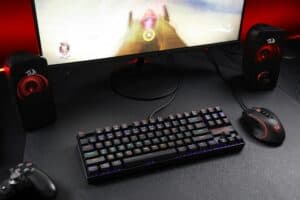
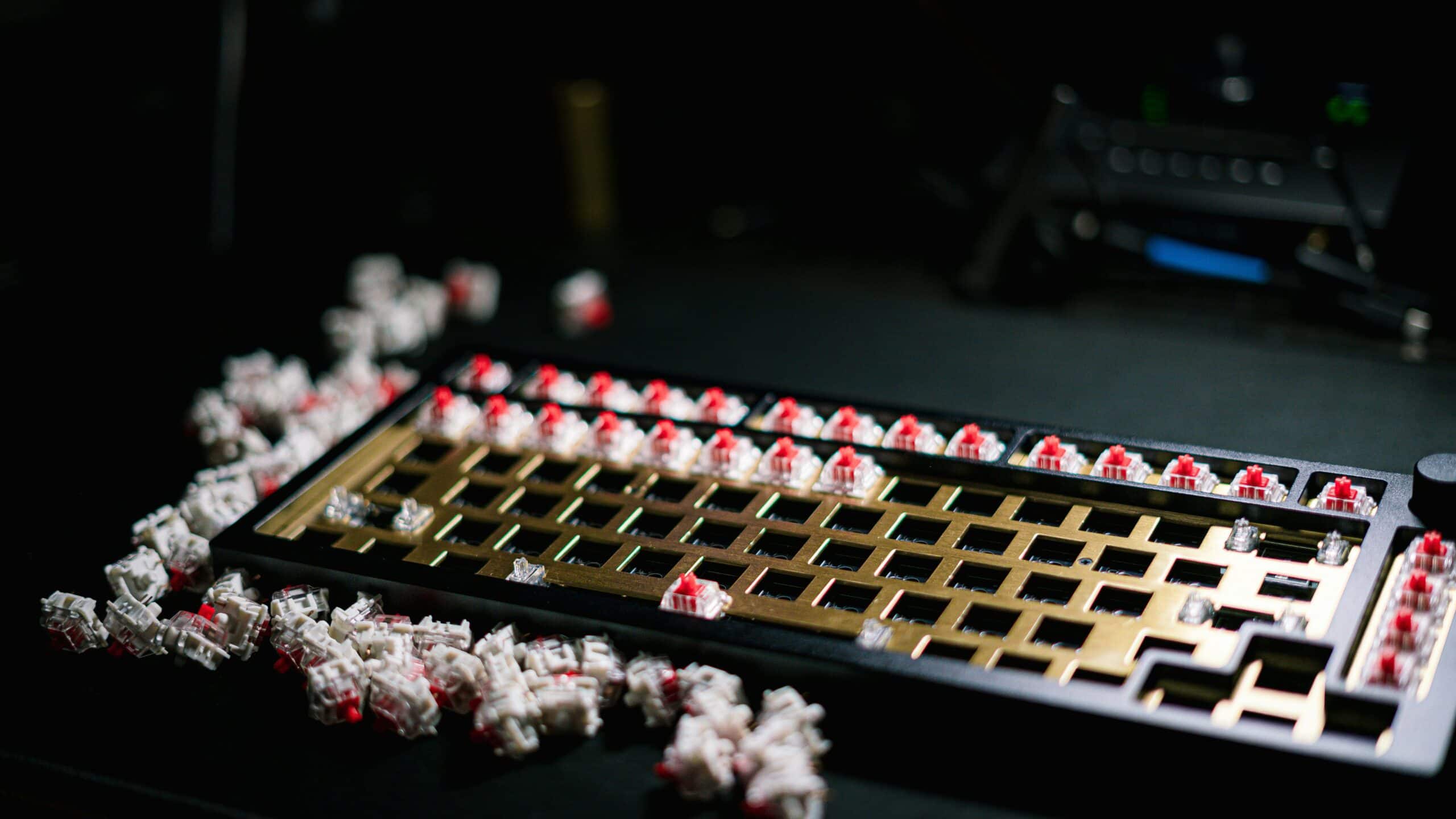
A mechanical keyboard switch is the spring-loaded mechanism under each keycap. It’s the engine for each key. This single component dictates how a key feels, the sound it makes, and how it performs. It’s what gives a good keyboard precision and durability that a standard membrane board can’t match.
- Linear switches (Cherry MX Red, Gateron Yellow) are best for FPS games where rapid keypresses and smooth actuation matter most
- Tactile switches (Cherry MX Brown, Gateron Brown) give a noticeable bump at the actuation point, helping typists and MMO players feel each keypress
- Clicky switches (Cherry MX Blue, Kailh Box White) provide both a tactile bump and audible click — satisfying but too loud for streaming or shared spaces
- Hot-swappable boards let you test different switch types without soldering, making them the smartest first purchase for anyone unsure of their preference
- Actuation force and travel distance matter more than brand name — a 45g linear switch feels identical whether it’s Cherry, Gateron, or Outemu
Table of Contents
Why Your Mechanical Keyboard Switches Actually Matter for Gaming
If you’re using a generic, mushy keyboard, you’re leaving performance on the table. The advantage of mechanical switches is consistency. Every keypress feels and responds the same, every time. That reliability translates directly into better in-game performance, whether you’re strafing in an FPS or firing off a complex rotation in an MMO.
There’s no single “best” switch. It’s a personal choice that depends on what you’re doing. The right switch is a tradeoff between speed, feedback, and sound. What you need for a fast-paced shooter is different from what works for a strategy game or a streaming session where you’re also typing to your chat.
Performance Over Hype
Forget the marketing buzzwords. The real benefits of picking the right switch are tangible things that impact your gameplay and comfort. This guide provides a clear, no-BS explanation of what matters, so you can make a choice that makes sense for you. We’ll focus on value, build quality, and how these switches perform in the real world.
Here’s why this matters, especially for a budget-conscious gamer:
Precision: The right switch ensures your actions register the instant you intend them to. Fewer misclicks, fewer failed combos.
Durability: Most mechanical switches are rated for 50 to 100 million keystrokes. A typical membrane board is rated for 5-10 million. This is a long-term investment.
Comfort: Matching a switch to your preference reduces finger fatigue during long gaming sessions. This is important for both casual and competitive players.
A Market Driven by Gamers
The demand for this level of performance is why the mechanical switch market is growing. The global mechanical keyboard market was valued at over $1.7 billion in 2023 and is projected to keep growing, largely because gamers demand better feedback and durability for competitive play.
The goal isn’t to find the most expensive switch. It’s to find the correct switch for your playstyle, which often means a high-value option, not the priciest one. A streamer, for example, needs a switch that performs well but won’t be picked up by their microphone. For more tips on that, check out our guide on building a budget-friendly streaming setup for beginners.
Understanding the Anatomy of a Keyboard Switch
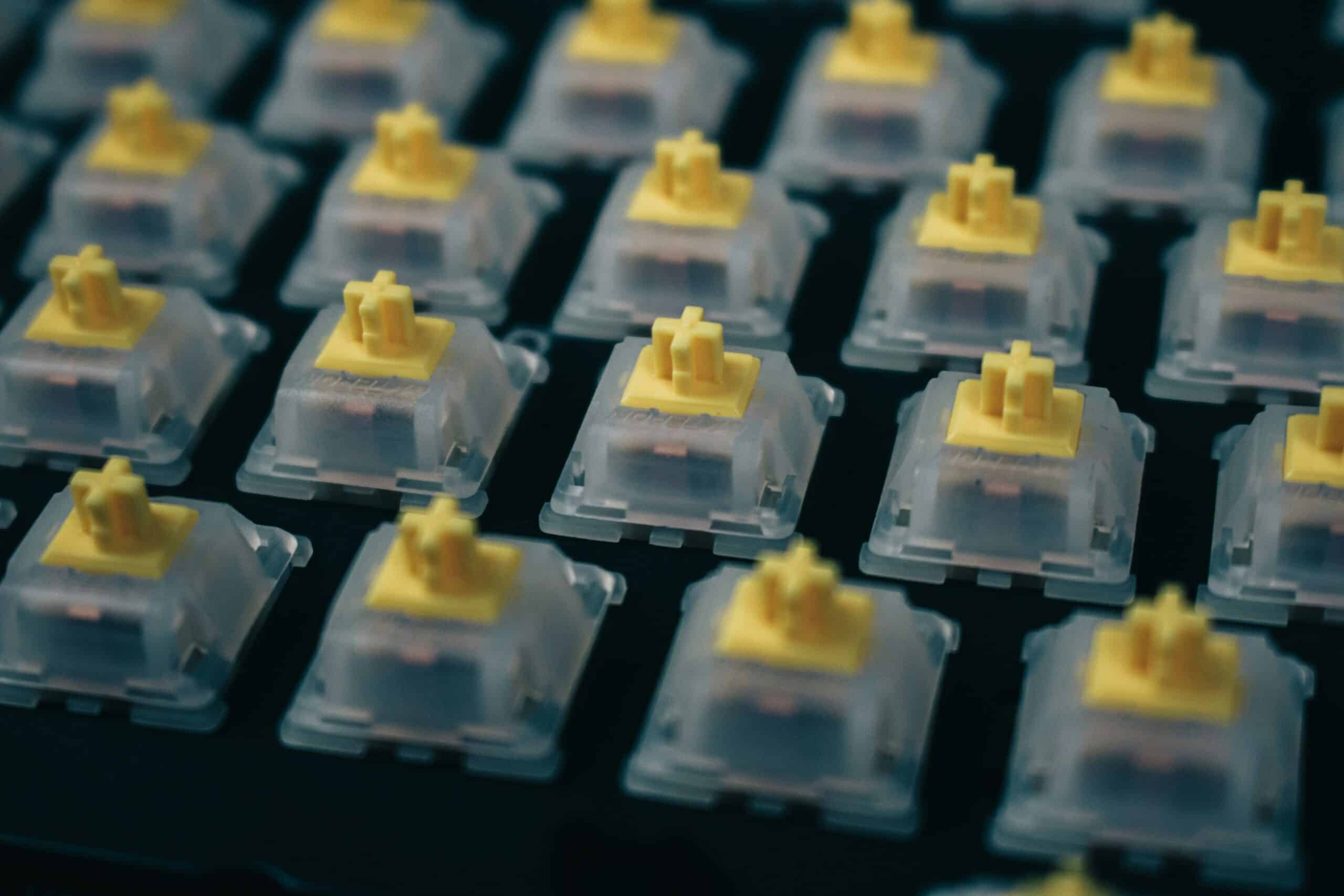
To pick the right switch, you have to know what you’re getting. A mechanical switch isn’t complex. At its core, it’s a simple, spring-loaded device, but the way its parts work together defines how it feels, sounds, and performs.
Understanding this basic anatomy is key to cutting through marketing jargon. It’s the difference between a switch that feels snappy and one that feels mushy and cheap. Let’s break down the four pieces that make it work.
The Core Components
Every switch is built from a few simple parts. The shape and material of each piece directly change the typing experience.
Here’s the breakdown:
Upper Housing: The top half of the plastic shell. It protects the internal components from dust and keeps the stem aligned as it moves.
Stem: The part you see when you remove a keycap. Its shape is the most important factor that determines whether a switch is linear, tactile, or clicky.
Spring: This coil sits under the stem, and its resistance determines the actuation force—how hard you have to press the key. A “heavier” spring requires more force, which can prevent accidental ability triggers in an MMO.
Lower Housing: The bottom of the case holds everything together. It houses the metal contact leaves that register the keystroke and the pins that connect the switch to the keyboard’s circuit board (PCB).
The quality of the plastic housing affects the switch’s stability, or “wobble,” and fine-tunes the sound. Tighter manufacturing tolerances and better materials result in a more solid-feeling keyboard.
How These Parts Create the Feel
When you press a key, the stem travels down, compressing the spring. A leg on the side of the stem pushes two metal leaves together, which completes an electrical circuit and registers the keypress.
The specific shape of the stem’s legs creates the distinct feel of each switch type. A smooth, straight leg results in a linear feel, while a leg with a small bump creates tactile feedback.
This simple mechanical process is why these switches are so durable. High-quality switches from brands like Cherry or Gateron are typically rated for 50 million keystrokes or more. Compared to the 5-10 million from a standard membrane keyboard, the value is clear.
Once you understand that the stem’s shape dictates the feel and the spring’s resistance controls the force, you’re halfway there. This foundation makes it easier to figure out why different switches are better for different jobs.
Choosing Your Feel: Linear, Tactile, or Clicky
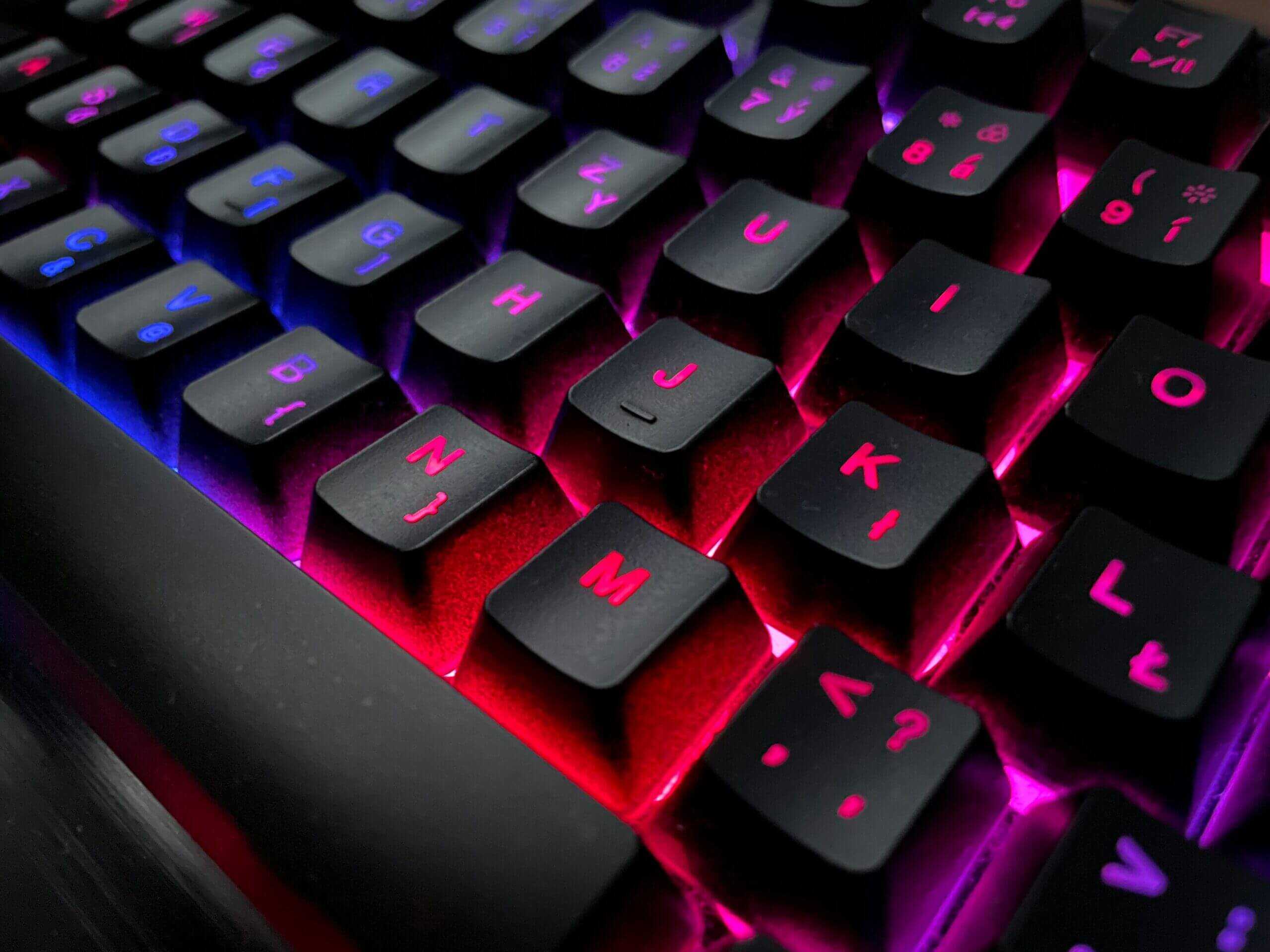
This is the big decision. Everything boils down to three core types of switches: Linear, Tactile, or Clicky.
Each one describes the journey a key takes from the top of the press to the bottom. The “best” switch is the one that feels right for you and doesn’t get in your way. Let’s break down the real-world performance of each type so you can match a switch to your games and typing needs.
Linear Switches: Smooth and Fast
Linear switches are the most straightforward. When you press a key, it travels straight down without any bump or click. The motion is smooth and consistent from top to bottom.
This uninterrupted travel is their strength. For fast-paced FPS games like VALORANT or Apex Legends, where rapid, repeated keystrokes for movement (A/D spam) are constant, linears are a solid choice. There’s no tactile bump to overcome, allowing for the fastest possible actuation and reset. That means quicker peeks and more fluid strafing.
Their design is simple, relying on a clean stem and a quality spring. Top brands like Gateron and Cherry MX produce linears rated for 50 million keystrokes or more, so their build quality ensures they can take years of use.
The tradeoff is the lack of feedback. With zero physical confirmation, it’s easy to bottom out (smash the key all the way down) with more force than needed, which can cause finger fatigue. It can also lead to more typos if you’re not used to them, as there’s no bump to confirm a key has been pressed.
Tactile Switches: The All-Rounder with Feedback
Tactile switches add a noticeable bump about halfway through the keypress. That bump is the actuation point—the exact moment your computer registers the keystroke. It provides direct, physical confirmation that your input went through.
This is a major advantage for MMOs or MOBAs like World of Warcraft or League of Legends. Firing off a complex sequence of abilities requires precision. A tactile bump helps you know for sure that each spell in your rotation has been activated, preventing you from “fat-fingering” a critical cooldown.
The build is slightly more complex, with a shaped stem leg designed to create that bump. A good tactile switch offers a crisp bump without feeling mushy. The downside? That bump introduces a tiny bit of friction, making them feel a hair slower than linears for pure speed. Most gamers won’t notice, but for elite FPS players, it can be a deal-breaker.
The Takeaway: Tactile switches offer a practical middle ground. They provide enough feedback for accurate typing and precise ability usage without being loud, making them a strong choice if your PC is for a mix of gaming and general use.
Clicky Switches: Loud and Deliberate
Clicky switches are essentially tactile switches with an added sound mechanism. They have the same physical bump, but they also use a two-piece “click jacket” that produces a loud “CLICK” at the actuation point. There is zero ambiguity; you both feel and hear the exact moment your press registers.
This audible feedback can be satisfying for typists. For gaming, it provides the ultimate level of confirmation. But this is a double-edged sword.
That crisp click is a streamer’s worst nightmare. No matter how good your mic’s noise gate is, a sensitive microphone will pick up every keystroke, creating a distracting racket for your viewers.
While build quality is generally solid, the more complex click mechanism can feel less consistent than simpler designs. The biggest tradeoff is social. If you game in a shared space or live with family, a clicky keyboard will almost certainly annoy them. Only consider these if you game alone with headphones on.
If noise is a concern, there are far better options. For a deep dive into switches that won’t get you evicted, check out our guide on the quietest mechanical keyboard switches.
Here’s a quick-glance table to help you compare.
Linear vs Tactile vs Clicky Switch Comparison
| Characteristic | Linear Switches (e.g., Red, Black) | Tactile Switches (e.g., Brown, Clear) | Clicky Switches (e.g., Blue, Green) |
|---|---|---|---|
| Feel | Smooth, consistent press from top to bottom. No bump. | Noticeable bump partway through the press to signal actuation. | Noticeable bump paired with a sharp “click” at actuation. |
| Sound Level | Quiet. The only sound is from bottoming out. | Quiet to moderate. A soft “thock” sound from the bump and bottom-out. | Loud. A high-pitched, audible click with every keypress. |
| Actuation Feedback | None. Relies purely on muscle memory. | Physical bump. You feel the actuation. | Physical bump and audible click. You feel and hear the actuation. |
| Primary Use Case | Fast-paced FPS/action gaming, competitive play. | Mixed-use gaming (MMO/MOBA), typing, streaming. | Typing-heavy tasks, gamers who want maximum feedback and play alone. |
| Best For… | Gamers prioritizing raw speed and fluidity. | Users who want a balance of gaming performance and typing accuracy. | Typists and gamers who love definitive, multi-sensory feedback. |
| Not Ideal For… | Heavy typists prone to errors, users who need feedback. | Elite FPS players who find the bump distracting. | Office environments, streamers, or anyone in a shared space. |
Ultimately, the right switch comes down to personal preference and your primary use case.
Linear switches are currently the most popular switch type, dominating market share globally. This is rooted in performance. A light linear switch like a Gateron Red provides faster response times than rubber dome keyboards thanks to their shorter actuation distance and consistent travel—a meaningful edge when competitive players are hitting 200-300 actions per minute.
Switch Specs That Actually Impact Your Gameplay

You know the difference between linear, tactile, and clicky. Now let’s look at the numbers. Only a few of these specs translate into a real difference you can feel in-game.
Understanding these core specs helps you separate performance from marketing fluff. It helps you predict how a switch will feel before you touch it.
Actuation Force: The Power Behind Your Press
Actuation force is the amount of pressure, measured in grams (g), needed to register a keystroke. Think of it as the “weight” of the switch. This directly impacts how the keyboard feels during long sessions and how easy it is to press keys by accident.
Switches typically range from a light 35g to a heavy 80g.
Light Switches (40g-50g): Common in gaming keyboards, especially linear “Red” switches. The light touch allows for rapid keypresses with minimal effort, which can reduce finger fatigue in games like Apex Legends or Call of Duty. The tradeoff? They’re easy to press by accident, which can be a problem in an MMO where a misclicked ability can wipe your group.
Heavy Switches (60g+): These require a more deliberate press. The added resistance is good for heavy-handed typists or gamers who want to eliminate accidental inputs. You have to mean it when you press a key, but it can also feel more tiring over long periods.
Pre-Travel and Total Travel: The Key’s Journey
Travel distance specs tell you how far a key moves, measured in millimeters (mm). These numbers are critical for understanding how “fast” a switch feels.
Pre-travel, or the actuation point, is the distance a key travels before the press registers. Most standard switches have a pre-travel of around 2.0mm, which is a good balance between speed and preventing accidental presses.
Total travel is the full distance the key can be pressed until it “bottoms out.” This is typically around 4.0mm. The distance between the pre-travel point and the total travel point is dead space.
A shorter pre-travel distance means the switch activates faster. This is the premise behind “speed” switches, but it’s not always an advantage.
The Tradeoff of Speed Switches
“Speed” switches are designed with a shorter pre-travel, often as low as 1.0mm to 1.2mm. The marketing pitch is that this gives you a competitive edge. In reality, the advantage is fractional and often unnoticeable for most players.
The real-world tradeoff is a much higher chance of typos and accidental inputs. Just resting your fingers on the WASD keys might be enough to trigger movement. For FPS players who value hair-trigger responses above all else, they can be a good fit. For anyone who also types or plays strategy games, they can be more frustrating than helpful.
Durability: What Do Keystroke Ratings Mean?
Every switch comes with a durability rating, measured in millions of keystrokes. You’ll commonly see ratings of 50 million, 80 million, or even 100 million presses. While a bigger number looks better, you shouldn’t worry too much about this spec.
A 50 million keystroke rating is massive. Even if you pressed a key 10,000 times a day, it would take over 13 years to wear it out.
The actual build quality of the switch—how stable the stem is, the quality of the plastic, and the consistency of the spring—is a far more important indicator of longevity and feel than an inflated keystroke number. Any reputable switch from a known brand is built to last for years.
Navigating the Most Popular Switch Brands
Once you’ve figured out what feel you want, it’s time to meet the companies that make the switches. The market is dominated by three main brands: Cherry, Gateron, and Kailh.
A higher price doesn’t automatically mean a switch is better for you. Understanding the reputation and feel of each brand is key to finding value. You want to avoid paying a premium for a name when a more affordable option might feel better.
These brands have mostly standardized their color-coding. Reds are usually linear, Browns are tactile, and Blues are clicky. The real decision comes down to subtle differences in smoothness, stability, and overall build quality.
Cherry MX: The Industry Benchmark
For decades, Cherry MX was the standard. Made in Germany, they built a reputation on build quality, consistency, and a durability rating of up to 100 million keystrokes. This is why they command a premium price and are the default in many high-end keyboards.
But “benchmark” doesn’t always mean “best.” Many find modern Cherry MX switches, especially linears, to feel a bit scratchy out of the box compared to the competition. They are workhorses built to last, but you’re paying for that reputation and quality control.
Gateron: The Smooth Value Champion
Gateron emerged as the go-to alternative for those who wanted a smoother experience without the “Cherry tax.” Their switches, particularly linear Gateron Reds, are known for being noticeably less scratchy than their Cherry counterparts.
That smoothness makes them a community favorite for gamers who need fluid, uninterrupted key travel. While their initial durability ratings were lower (typically 50 million keystrokes), their current build quality is solid enough for years of intense gaming. For many, Gateron is the sweet spot of performance, feel, and price.
For gamers building a setup on a budget, Gateron often provides a superior feeling experience for less money. The difference in smoothness can be immediately noticeable, making them a smart choice.
Kailh: The Widespread Innovator
Kailh started as a clone manufacturer but has become a major innovator. They’re known for their BOX switch design, which adds a box-like enclosure around the stem. This design improves stem stability for less keycap wobble and gives the switch an IP56 rating for dust and water resistance.
This makes Kailh BOX switches a durable option if you eat or drink at your desk. Beyond that, Kailh produces a massive variety of switches, including their “Speed” line with higher actuation points. Their quality is on par with Gateron, and they’re often found in mid-range keyboards, offering unique features at a competitive price.
To make a more informed choice, it helps to see how these brands stack up directly. For more detailed comparisons and recommendations, you can explore our full breakdown of the best gaming keyboards under $50.
How to Choose the Right Switch for Your Games
All the specs are great, but now it’s time to choose. Picking the right switch isn’t about finding a magic bullet that boosts your K/D ratio. It’s about finding a tool that fits your playstyle so you stop thinking about it and just play.
We’re going to translate specs into straightforward advice based on the games you’re actually playing. The goal is to find a switch that feels like an extension of your own hands.
For the FPS and Battle Royale Player
If your library is dominated by VALORANT, Apex Legends, or Call of Duty, your world revolves around speed and fluid movement. For that kind of gameplay, a light linear switch is the most practical choice.
Why it works: The smooth, uninterrupted travel of a linear switch (like Gateron Red or Cherry MX Red) means there’s no tactile bump getting in your way. This allows for the fastest repeat presses, which is critical for techniques like A/D spamming to make your movement unpredictable.
The tradeoff: The lack of feedback makes it easier to accidentally press a key. It can also make for a less satisfying typing experience. But when pure competitive performance is the goal, it’s a worthwhile compromise. Build quality is important here; a good linear switch feels solid, not mushy.
For the MMO and MOBA Strategist
Playing games like World of Warcraft, Final Fantasy XIV, or League of Legends is different. Success hinges on executing complex ability rotations with precision. Hitting the wrong key can mean a wiped raid or a lost team fight. This is where a tactile switch excels.
Why it works: A tactile switch (like a Gateron Brown or Kailh BOX Brown) gives you a distinct bump at the actuation point. That physical feedback sends a clear signal: “that spell just went off.” You don’t have to bottom out the key. It’s useful for building muscle memory and cutting down on misclicks.
The tradeoff: By design, the tactile bump makes the switch feel a hair slower than a linear. For most players, this difference is unnoticeable and a worthy trade for the boost in accuracy. Plus, the durability of these switches means they’re built to handle millions of spell activations.
For the Streamer and Hybrid User
What if you do a bit of everything? You play different games, type in Discord, and stream it all. You need a balanced switch that performs well in-game but also feels good to type on—without creating a racket for your viewers.
A tactile switch is often the perfect all-rounder. It provides the feedback needed for accurate typing and precise in-game actions, and it’s quiet enough not to be picked up by a sensitive microphone. A clicky switch, on the other hand, is a streamer’s worst enemy.
Here are your best options:
Tactile Switches: The default recommendation for a reason. They deliver a satisfying typing feel and reliable gaming performance, making them a true jack-of-all-trades.
Quiet Linear Switches: If you still lean heavily toward FPS games but need to keep the noise down for your stream, look for “silent” linear switches. They have built-in rubber dampeners to soften the bottom-out sound, giving you linear speed without all the clack.
Got Questions About Keyboard Switches? We’ve Got Answers.
Even after all the details, a few questions always come up. Let’s tackle the most common ones with straight, no-BS answers.
Are More Expensive Switches Actually Better for Gaming?
Not necessarily. While a premium brand like Cherry MX has a reputation for durability and quality control, you’re not giving up much by going with a value brand like Gateron or Kailh. In fact, many people find them smoother out of the box.
For most gamers, any performance difference on a spec sheet is unnoticeable in-game.
The “best” switch is about the feel that matches your playstyle—not the price. A Gateron switch that feels right to you will always be a better choice than an expensive Cherry you hate using. All major brands make solid products, so focus on the feel first.
What Are Optical Switches and How Are They Different?
Instead of using metal pins, optical switches use a beam of light.
When you press the key, the stem breaks the beam, which sends the signal. The main selling points are a slightly faster response and better durability, since there are no metal contacts to wear out.
The reality check: the speed advantage is so small it’s practically meaningless for most gamers.
The real downside is the lack of freedom. Optical switches are a closed system. You can’t swap them out for other switches, and they only work in keyboards specifically built for them. This kills any possibility of future mods or easy repairs, locking you into one ecosystem.
Can I Put Any Keycaps on Any Mechanical Switch?
For the most part, yes. The vast majority of mechanical switches from Cherry, Gateron, Kailh, and others use the same cross-shaped stem. This design, known as the “MX-style” stem, is the industry standard.
This means that almost any custom keycap set you find online will fit your keyboard.
It’s always a good idea to double-check the product page for “MX-compatible” before you buy. You might run into odd stems on some niche keyboards, but if you’re buying a modern gaming board, you can be confident your keycaps will fit.
At Budget Loadout, we believe you shouldn’t have to break the bank to get a high-performance gaming setup. For more honest reviews and value-focused guides, explore our recommendations at https://budgetloadout.com.
Related Articles