Finding a capable gaming laptop under $600 requires a specific strategy. The goal is not to find a machine with a low retail price, but to find a better laptop that is temporarily discounted. The best value comes from sales, certified refurbished units, or open-box deals on laptops that normally sell for more.
Setting realistic expectations is the first step toward a smart purchase.

- The HP Victus 15 with an RTX 3050 and i5-13420H is the most reliable sub-$600 gaming laptop you can buy right now at around $585
- Expect playable frame rates at 1080p medium settings in most titles, with competitive esports games running at 60+ FPS
- Budget for a $25-$30 RAM upgrade from 8GB to 16GB to significantly improve multitasking and game performance
- The Acer Nitro V 15 and Lenovo LOQ 15 frequently drop below $600 during Black Friday, Prime Day, and seasonal sales — set price alerts
- Prioritize GPU power, a 144Hz display, and upgradeable RAM when comparing sub-$600 gaming laptops
Table of Contents
- Available right now under $600 with a 13th Gen Intel processor
- Solid build quality with less chassis flex than many budget rivals
- Professional design that transitions well between gaming and school or office use
- 8GB RAM may require an affordable upgrade for smoother multitasking
- Lower-wattage RTX 3050 may trail slightly behind some competitors in peak benchmarks
- Screen response times on base models may not satisfy competitive esports players
- RTX 4050 GPU offers significantly more power than the RTX 3050 at this price tier
- Effective cooling system maintains consistent performance during extended sessions
- Functional keyboard with dedicated numpad works well for gaming and productivity
- Currently priced around $710 — requires patience for a sub-$600 sale
- Chassis uses more plastic than the HP Victus, which may feel less premium to some
- Display panel color accuracy may not satisfy content creators or photo editors
- Slim and lightweight design at just ~4.1 lbs — easy to carry
- Solid thermal management keeps noise and heat in check
- 144Hz display is smooth for competitive gaming
- RTX 2050 is entry-level — expect medium settings in newer titles
- 8GB RAM is tight for multitasking — upgrade to 16GB recommended
- Battery life is mediocre at around 4-5 hours for non-gaming use
What to Realistically Expect from a Sub-$600 Gaming Laptop
Finding a new gaming laptop under $600 at its regular price is difficult. Most devices in this price bracket use integrated graphics, which are insufficient for modern gaming. The correct approach is to find a laptop with a dedicated graphics card that has been discounted into your budget.
This requires patience and monitoring deals from trustworthy retailers. Avoid listings from unknown sellers with specifications that seem too good to be true, as they almost always are. Focus on sales events from established brands like HP, Lenovo, MSI, and Acer.
Baseline Performance and Components
At this price, you are targeting entry-level 1080p gaming. 4K resolutions and high-end ray tracing are not feasible. The objective is to achieve smooth, playable frame rates at medium settings in most current titles. You should focus on a specific set of core components to ensure a functional gaming experience.
Here is a practical configuration that often becomes available for under $600 during sales:
GPU: NVIDIA GeForce RTX 3050 or RTX 4050
CPU: Intel Core i5 (11th gen or newer) or AMD Ryzen 5 (5000 series or newer)
RAM: 8GB DDR4 is the minimum; 16GB provides a significant performance advantage.
Storage: 512GB NVMe SSD for fast game loading.
Display: 1080p (FHD) resolution with at least a 120Hz refresh rate.
A laptop with these specifications can achieve high frame rates in competitive FPS games like Valorant and Apex Legends, making a 120Hz display a useful feature. For more demanding AAA games, you will need to lower settings to medium to maintain a stable 60 FPS. For MMOs or strategy games, the CPU becomes a critical factor for performance in large-scale encounters.
Understanding the Necessary Trade-Offs
To reach this price point, manufacturers make compromises. Build quality is a common area for cost-cutting. Expect a primarily plastic chassis, which may exhibit flex in the keyboard deck or lid. This is not a critical flaw, but it means the laptop should be handled with care to ensure its durability.
Battery life is another significant tradeoff. When gaming, the laptop must be plugged in to achieve full performance from the CPU and GPU. On battery power, expect only a few hours of light use, such as web browsing. This is standard for most gaming laptops but is particularly true for budget models.
While this budget will not secure a full desktop replacement, it is possible to find good value if you understand which compromises are acceptable. For a different perspective, you can consult our guide on building a gaming PC under $500 to compare the value proposition.
What Specs Actually Matter on a Sub-$600 Gaming Laptop?
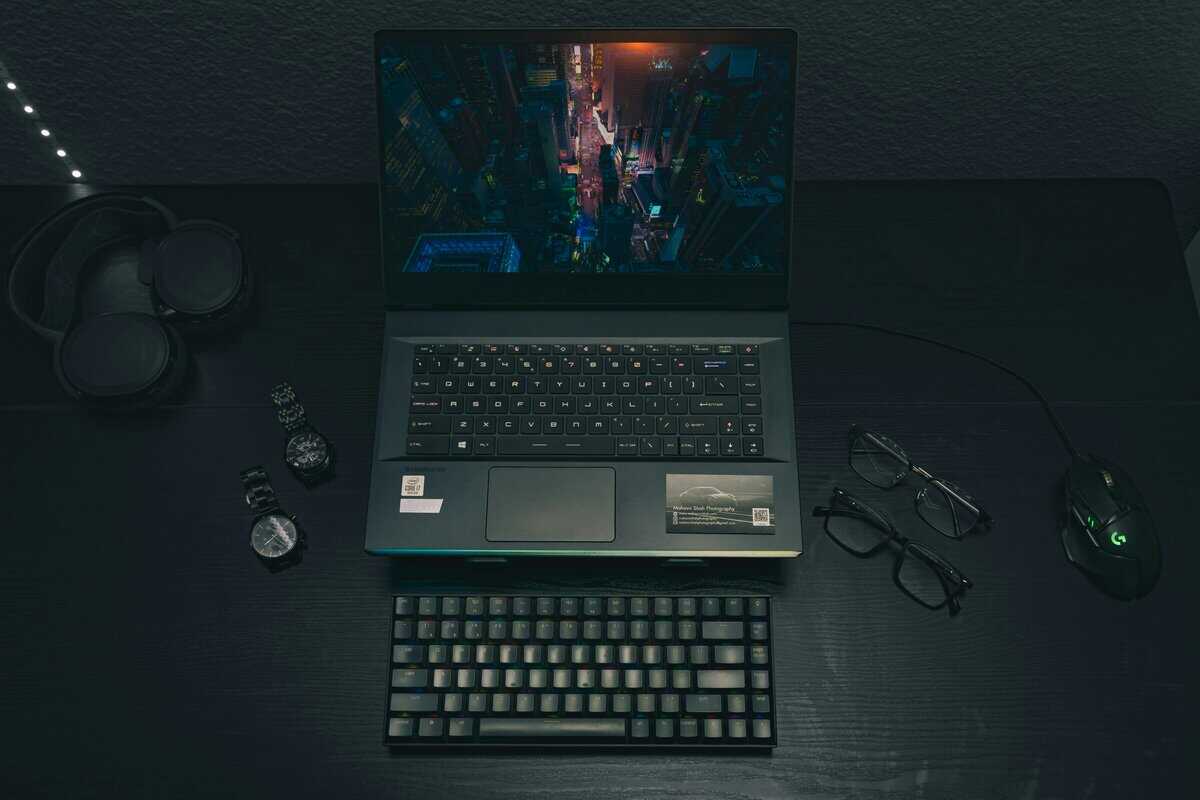
When searching for a gaming laptop under $600, the internal components are the most important factor. Incorrect component choices can result in a slow and frustrating user experience. Manufacturers must make difficult decisions to meet this price, so understanding which parts are non-negotiable is your primary advantage. Every dollar must contribute to performance, which means focusing on the hardware that directly impacts frame rates.
The single most critical component is the Graphics Processing Unit (GPU). This is the priority. Any laptop relying solely on integrated graphics (like Intel Iris Xe or basic AMD Radeon Graphics) is unsuitable for modern gaming and should be disregarded.
The GPU and CPU Power Duo
Your primary goal is to find a machine with a dedicated GPU. For this budget, you should focus on finding an NVIDIA GeForce RTX 3050. During a significant sale, an RTX 4050 is a better option. These graphics cards are the entry point for respectable 1080p gaming, capable of running esports titles at high frame rates and modern AAA games on medium settings.
The Central Processing Unit (CPU) works in conjunction with the GPU. A top-tier CPU is not necessary, but a weak processor will bottleneck the GPU’s performance. Aim for a modern Intel Core i5 (11th Gen or newer) or an AMD Ryzen 5 (5000 Series or newer). These processors are sufficient for gaming, background applications, and light streaming without hindering the graphics card. For a deeper analysis of CPU performance, see our guide on the best CPU for gaming.
A balanced system is crucial. A laptop with an RTX 4050 paired with an old i3 processor is poorly designed and will not perform well. The objective is a Core i5 or Ryzen 5 that can keep pace with the GPU, ensuring smooth and consistent gameplay.
RAM, Storage, and Display Essentials
After securing a capable GPU and CPU, the next three components contribute to the laptop’s responsiveness and immersive qualities.
RAM: 8GB is the absolute minimum for modern gaming. However, you should prioritize 16GB, which is increasingly common in this price bracket. With 16GB of RAM, you can run a game, Discord, and a few browser tabs without a significant drop in performance.
Storage: A solid-state drive (SSD) is mandatory. Specifically, an NVMe SSD with at least 512GB of storage is required. This ensures a fast operating system and significantly reduces game loading times compared to a mechanical hard drive.
Display: The screen is your interface to the game. Look for a 1080p resolution display with at least a 120Hz refresh rate. A high refresh rate produces smoother motion, which provides a tangible advantage in fast-paced games.
Evaluating Build Quality, Durability, and Upgrade Options
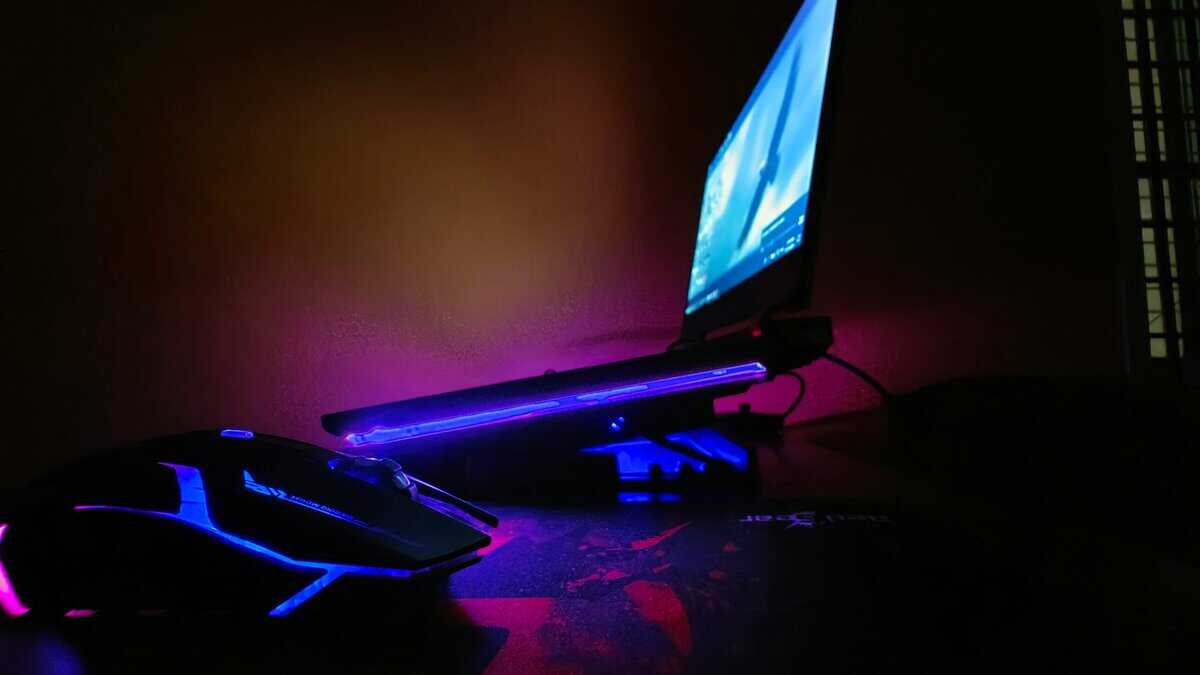
High performance is irrelevant if the laptop’s construction is poor. When shopping for a gaming laptop under $600, accept that manufacturers will cut costs. Build quality is often the first area of compromise. Your task is to distinguish between an acceptable tradeoff and a critical flaw.
Durability extends beyond surviving accidental drops; it involves withstanding the daily demands of gaming. Check for excessive keyboard flex by pressing down in the middle—significant bowing is a negative indicator. Inspect the screen hinges, as flimsy hinges are a common point of failure and can render the laptop unusable.
Nearly every laptop in this price range has an all-plastic chassis. This is acceptable. A well-designed plastic body can be sturdy enough for normal use, but a low-quality one will creak and feel hollow.
Assessing Thermal Performance
A powerful CPU and GPU are ineffective if they overheat. Poor cooling leads to thermal throttling, where the system reduces its own performance to prevent damage, which drastically lowers frame rates. Since you cannot conduct stress tests at a retail store, you must rely on independent reviews.
Look for reviews that include gaming benchmarks with temperature monitoring. An effective cooling system will prevent core components from consistently reaching their maximum temperature limits. It is helpful to understand what constitutes a normal CPU temperature while gaming to interpret review data accurately.
A laptop that throttles significantly during a 30-minute gaming session is a poor investment. Regardless of its on-paper specifications, its real-world performance will be inconsistent and frustrating, particularly during intense gameplay moments.
The Importance of Future-Proofing
Planning for future upgrades is a practical strategy for budget laptops. The ability to add more RAM or a second SSD can significantly extend the machine’s useful lifespan. Before purchasing, confirm that the laptop has accessible, user-upgradable components.
Here is what you must check for:
RAM: Ensure it has two SODIMM slots. If the laptop ships with a single 8GB RAM stick, you can easily add another 8GB stick later. This is a cost-effective and significant performance improvement for multitasking and demanding games.
Storage: Look for a second M.2 SSD slot. This allows you to add another drive for your game library without replacing the primary drive containing the operating system.
These simple upgrades are not expensive and can provide substantial benefits as new games become more demanding. A laptop with a clear upgrade path is a smarter long-term purchase.
Real-World Performance Benchmarks for Popular Games
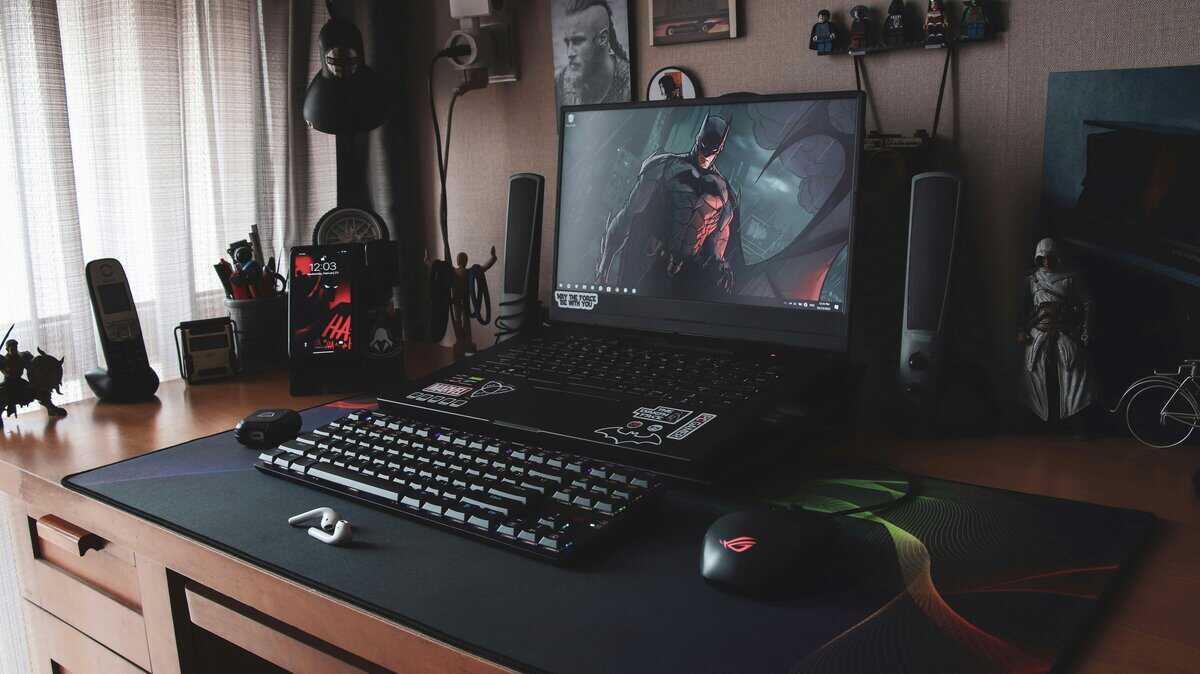
Product specifications are one thing, but how a gaming laptop under $600 performs in the games you actually play is what counts. Performance is not a single metric; it varies based on game optimization and whether a game is CPU- or GPU-intensive.
Here is a breakdown of what to expect. We will assume a typical budget laptop with a modern Core i5 or Ryzen 5 CPU, an NVIDIA RTX 3050 or 4050 GPU, and at least 8GB of RAM, all at a 1080p resolution.
Competitive FPS and Esports Titles
For games like Valorant, Counter-Strike 2, and Apex Legends, the objective is to achieve the highest possible frame rate. These titles are designed to run on a wide range of hardware, which is advantageous for budget-conscious users. Your goal is to meet or exceed your display’s refresh rate, typically 120Hz at this price.
Performance Goal: A stable 120+ FPS is the target for fluid, responsive gameplay on a high-refresh-rate screen.
Settings: You will use a mix of low and medium settings. This is not just a budget consideration; competitive players often use these settings to reduce visual clutter and maximize clarity.
Key Component: The CPU is important in this use case. High frame rates require a processor that can supply information to the GPU quickly enough to avoid a bottleneck.
Demanding AAA Single-Player Games
This category represents the performance ceiling for a sub-$600 laptop. Graphically intensive games like Cyberpunk 2077, Baldur’s Gate 3, or Alan Wake 2 will push the hardware to its limits. Playing these titles on high or ultra settings is not feasible. The objective is to find a stable, playable experience through compromise.
A stable 40-60 FPS at 1080p with medium-to-low settings is a realistic target for most modern AAA titles. Using upscaling technologies like NVIDIA’s DLSS or AMD’s FSR is necessary to achieve these frame rates without significant performance degradation.
MMOs and Strategy Games
Games like Final Fantasy XIV, World of Warcraft, and the Total War series present a different challenge. While they have graphically intense elements, they are often heavily CPU-bound, especially in crowded areas or large-scale battles with many units on screen. Your performance here depends on the processor’s single-core speed. An underpowered CPU will cause stuttering and frame drops during a raid or large battle, regardless of GPU capability. For these games, a recent-generation Ryzen 5 or Core i5 is essential.
Expected Gaming Performance at 1080p
This table provides a baseline for what to expect from a typical sub-$600 gaming laptop at medium settings.
| Game or Genre | Expected FPS | Most Important Component |
|---|---|---|
| Esports Titles (Valorant, CS2) | 120-180 FPS | CPU |
| Battle Royales (Apex, Fortnite) | 70-100 FPS | GPU & CPU Balance |
| Modern AAA Titles (Cyberpunk 2077) | 40-60 FPS (with DLSS/FSR) | GPU |
| Strategy & MMOs (WoW, FFXIV) | 60-90 FPS (variable) | CPU |
These figures indicate that performance is strong for competitive games. For AAA titles, aggressive settings management is required, but a playable experience is achievable. Streaming while gaming on a single budget laptop is not recommended. The CPU will struggle to both run the game and encode the video feed, resulting in a poor experience for both the player and the audience.
Top Gaming Laptop Models That Drop Below $600
Finding a specific gaming laptop under $600 that is consistently in stock is unrealistic. Prices fluctuate, and the best deals are temporary. The effective strategy is to know which specific configurations are available today, and which popular series to monitor for upcoming deals.
Below, we highlight one model you can buy right now under $600, plus two popular series that frequently drop below $600 during major sales. When any of these appear at the right price, you can purchase with confidence.
Acer Nitro V 15 — Deal Watch (Currently ~$710)
The Acer Nitro V 15 is a top-tier budget gaming laptop that currently retails around $710 on Amazon — above our $600 ceiling, but it regularly drops below that threshold during Black Friday, Prime Day, and other major sales events. Set a price alert and be ready to act when it does.
What you get: The Nitro 5 and the newer Nitro V 15 often include a more powerful GPU (like an RTX 4050) or a more effective cooling system than competitors at the same sale price. The keyboard is also functional for long gaming sessions.
What you give up: Build quality is the primary tradeoff. The chassis is all-plastic and exhibits noticeable flex. The screens on entry-level models may have lower brightness and limited color accuracy, which is sufficient for gaming but not for color-sensitive work.
Who it’s for: The user focused purely on gaming performance. If maximizing frame rates is your only priority and you are not concerned with a plastic build, the Nitro is a suitable choice.
This configuration retails around $770 but has dropped to $600 during Amazon sales. The 8GB of RAM is the one weak spot, but a second SODIMM slot means a $40 upgrade to 16GB is straightforward.
HP Victus 15 — Best Buy-Now Option Under $600
HP’s Victus line uses a more understated design than typical “gamer” aesthetics, making it a viable option for users who need a laptop for both gaming and school or work. The build often feels more solid than its direct competitors.
What you get: The build quality of a Victus often feels superior to its rivals, with less chassis flex and more robust hinges. The cooling system is generally effective, maintaining steady performance.
What you give up: To meet the price point, HP sometimes uses lower-wattage versions of a GPU, which can result in slightly lower peak performance compared to a competitor with the same chip. Some base models may also have slower screen response times, which can cause motion blur in fast-paced games.
Who it’s for: The student or professional who also games. It is a machine that can run modern titles without appearing out of place in a professional or academic setting.
As of March 2026, you can pick up a HP Victus 15 with a 13th Gen Intel Core i5-13420H, NVIDIA GeForce RTX 3050, 8GB RAM, 512GB SSD, and a 144Hz 1080p display for around $585 on Amazon. This is the most consistently available gaming laptop under $600 right now. The 8GB of RAM is adequate for most games at medium settings, but a $25–$30 aftermarket upgrade to 16GB is a smart investment for smoother multitasking.
Persistence is key to landing the Acer Nitro V 15 or Lenovo LOQ under $600. Prices for these models can decrease by $150-$250 during major sales events. Set up price alerts on Amazon and CamelCamelCamel, and be prepared to act when a deal becomes available. In the meantime, the HP Victus 15 is your best ready-to-buy option.
MSI Thin GF63 — Deal Watch (Currently ~$760)
The MSI Thin GF63 currently sits around $760 on Amazon, but Lenovo is known for aggressive seasonal discounts. During back-to-school sales, Prime Day, and holiday promotions, the LOQ series has been spotted below $600. Lenovo’s reputation for keyboard quality and solid engineering is present even in its budget gaming line, and the LOQ often incorporates cooling technology from the more expensive Legion line.
What you get: Lenovo keyboards are among the best available, offering a positive experience for both typing and gaming. The cooling on LOQ models is often class-leading, allowing the hardware to operate at full capacity for longer periods without throttling.
What you give up: Base configurations can be minimal, often shipping with only 8GB of RAM or a 256GB SSD. Be prepared to perform a simple RAM or storage upgrade to achieve the best experience. These laptops can also be bulkier than the competition.
Who it’s for: Users who value a superior typing experience and consistent, reliable performance. If you accept a slightly larger design in exchange for better thermals and a quality keyboard, this is a model to watch.
Lenovo lists the MSI Thin GF63IRH8 configuration for around $800, but it regularly dips into the $550 to $600 range during sales. The 1TB SSD is a standout at this price, though the 8GB of RAM means an upgrade should be your first purchase.
Got Questions About Budget Gaming Laptops? We’ve Got Answers.
Entering the budget gaming hardware market can be complex. Here are direct answers to common questions to help you make an informed decision.
Is Buying a Refurbished Laptop a Good Idea?
Yes, provided you purchase from a reputable source. Buying refurbished can be an effective way to acquire a powerful gaming laptop under $600. Certified refurbished models from manufacturers or trusted sellers like Best Buy often undergo more rigorous testing than new units. They are cleaned, repaired, and restored to factory specifications.
The critical factor is to buy from a source that provides a warranty; a 90-day warranty is the minimum acceptable. This protects you against defects. A refurbished laptop that originally sold for $800 will almost always offer better gaming performance and build quality than a new machine designed to sell for $600.
How Can I Squeeze More Performance Out of a Budget Laptop?
A few simple, no-cost adjustments can unlock additional performance from your laptop.
Update Your GPU Drivers: This is mandatory. The first step should be to install the latest drivers from NVIDIA or AMD. This ensures your games benefit from the latest optimizations and stability fixes.
Kill the Bloatware: Budget laptops often come pre-loaded with unnecessary software that consumes CPU and RAM resources. Review your installed programs and uninstall anything you do not need.
Change Your Power Settings: When gaming, always connect your laptop to a power outlet and set the power plan to “High Performance” in Windows settings. This allows the CPU and GPU to draw the necessary power for maximum performance.
A common error is attempting to game on battery power. Most gaming laptops are designed to significantly reduce performance when unplugged to conserve energy, which will severely impact your frame rates. Always keep the laptop plugged in during gaming sessions.
Is It Worth Waiting for Black Friday or Other Big Sales?
Absolutely. If you have a strict budget, patience is a valuable asset. Major sales events like Black Friday, Cyber Monday, and back-to-school promotions are the best times to find significant discounts. Laptops that typically retail in the $750-$850 range can see price reductions of $150-$250, bringing them into the sub-$600 bracket.
However, sales are not limited to major holidays. Retailers offer flash sales and model-specific discounts throughout the year. A useful strategy is to set up price alerts for the recommended models. This will notify you as soon as a deal becomes available. You must be prepared to act quickly, as the best deals sell out fast.
For more direct guides on building a high-performance setup on a budget, explore the resources at Budget Loadout. We provide clear, practical advice to help you find the best value in gaming and streaming gear. Check us out at https://budgetloadout.com.
Related Articles