You don’t need to spend a lot for a mouse that performs. The best gaming mouse under $50 is no longer about major compromises; it’s about getting competent performance that often competes with more expensive models. This means access to precise sensors, solid construction, and functional shapes that don’t require a large budget.
- The $30-50 range is the sweet spot for gaming mice, offering flagship-level sensors and build quality without the premium price
- Lightweight mice under 70g are ideal for FPS games, while heavier mice with more buttons suit MMO and MOBA players
- Wireless gaming mice at this price point now offer latency comparable to wired, with brands like Logitech leading the way
- Grip style matters as much as specs — choose a mouse shape that fits your hand size and whether you use palm, claw, or fingertip grip
- Sensor accuracy matters more than max DPI — most competitive FPS players use between 400-1600 DPI regardless of what the mouse supports
Table of Contents
- Ultralight 58g design enables fast flicks and effortless mouse control
- Gen-3 optical switches provide near-zero debounce for rapid click response
- Chroma RGB underglow adds style without adding weight
- Compact shape may feel small for gamers with larger hands using palm grip
- Wired-only — no wireless option at this price point from Razer
- 8500 DPI max is lower than some competitors, though sufficient for most gamers
- Lightspeed wireless delivers lag-free gaming
- HERO sensor provides reliable, consistent tracking
- Up to 250-hour battery life on a single AA battery
- 99g heavier than ultralight wired mice
- AA battery adds weight vs rechargeable
- Only two side buttons
- Upgraded paracord cable eliminates drag from the original rubber cord
- Comfortable right-handed ergonomic shape suits palm and claw grips
- 100% PTFE feet provide smooth, consistent glide on any mousepad
- Right-hand-only design may not suit left-handed gamers
- TrueMove Core sensor is solid but trails higher-end options like the HERO
- At 77g, slightly heavier than ultralight competitors in this range
Why a Good Gaming Mouse Under $50 Is a Reality
Let’s be direct: the need for a $100+ mouse to be competitive is a thing of the past. Due to intense market competition and advancements in sensor technology, the landscape has shifted in favor of the budget-conscious gamer. What was once a category defined by sacrifice is now filled with high-value options.
Brands are now focused on including as much performance as possible into their affordable mice to gain market share. This benefits the consumer. You get smart engineering that focuses on the fundamentals—a precise sensor, reliable clicks, and a solid shape—without paying a premium for features you might not use.
The Technology Driving Affordability
The single biggest factor has been the commoditization of optical sensors. A few years ago, the pixel-perfect sensors required for serious FPS gaming were exclusive to top-tier mice. Today, that same core technology is much cheaper to manufacture at scale.
This trend accelerated after 2018, as manufacturing became more efficient and component costs dropped. Now, optical sensors with 8,000–16,000 DPI-class performance are common in the sub-$50 bracket. This is a primary reason why this segment has become so competitive.
A mouse in this price range isn’t about finding the cheapest option; it’s about finding the smartest one. You’re looking for a tool that delivers reliable performance and durability, ensuring your investment pays off over thousands of clicks and countless matches.
What to Expect From a Sub-$50 Gaming Mouse
A functional gaming mouse is a core part of a player’s kit, alongside other gaming accessories. So, what can you realistically expect for your money?
Competitive Performance: High-quality sensors that deliver accurate 1:1 tracking without acceleration or jitter that can disrupt aim.
Sufficient Build Quality: Durable plastics and switches rated for millions of clicks, so it is unlikely to fail after a few months of use.
Essential Features: Programmable buttons, on-the-fly DPI adjustments, and often, basic software for customization.
Whether you’re an FPS player needing precision, an MMO gamer managing skill rotations, or a streamer building your first setup, a sub-$50 mouse is a viable option. Budget peripherals are often suitable for new setups, a topic covered in our guide to a streaming setup for beginners. This guide is focused on finding a dependable, high-performing mouse that proves good gear is accessible.
Understanding the Specs That Actually Impact Your Aim
Mouse spec sheets can be filled with large numbers and technical jargon. Brands often promote high DPI figures, but the specifications that actually improve aim are more nuanced. The goal is to separate marketing from what genuinely improves in-game control.
This is about enabling you to look at a product page and identify what is marketing versus what will provide better control. You don’t need the highest number; you need the right settings for how you play.
DPI Is Not a Measure of Quality
Let’s clarify this: DPI (Dots Per Inch) is a sensitivity setting. It is not an indicator of a mouse’s accuracy or sensor quality. A high DPI means the cursor moves a long distance on-screen with minimal physical mouse movement. Pursuing a mouse with 20,000+ DPI is unnecessary for nearly all users.
Think of DPI as an external sensitivity slider. Most competitive FPS players use a much lower DPI, typically between 400 and 1600. This requires larger arm movements for turning but allows for finer motor control for small, crucial aiming adjustments.
Low DPI (400-800): Often used for tactical shooters like Valorant or CS2. It requires more desk space for wide arm movements but offers high precision for micro-adjustments.
Medium DPI (800-1600): A versatile setting for gamers who combine wrist and arm aiming. It is flexible enough for various genres, from battle royales to MOBAs.
High DPI (1600+): Typically preferred by wrist-aimers with limited desk space or players in fast-paced games who need to make rapid 180-degree turns.
The takeaway is to find a mouse with a reliable sensor and a sufficient range of DPI options. Don’t be influenced by the highest number. Any solid gaming mouse under $50 will provide an adequate range to find a suitable setting.
To help you interpret the rest of the spec sheet, here is a summary of the numbers that are relevant.
Key Gaming Mouse Specifications Explained
| Specification | What It Means | Recommended Value Under $50 |
|---|---|---|
| DPI (Dots Per Inch) | The mouse’s sensitivity. Higher DPI means the cursor moves farther with less physical movement. | A range from 400 to at least 3200 is plenty. |
| Polling Rate (Hz) | How often the mouse reports its position to your PC. Higher means a smoother, more responsive cursor. | 1000Hz is the standard for a responsive feel. |
| Sensor Type | The technology used to track movement. Modern optical sensors are the standard for gaming. | A reputable brand’s Optical Sensor is all you need. |
| IPS (Inches Per Second) | The maximum speed the mouse can be moved while still tracking accurately. | 300+ IPS is more than enough for humanly possible speeds. |
| Acceleration (G) | The maximum G-force the mouse can handle before it stops tracking. | 30G+ is a solid baseline for intense gaming. |
In the under-$50 range, as long as a mouse from a known brand meets these baseline values, its performance will be sufficient for competitive play.
Polling Rate: Your Mouse’s Refresh Rate
If DPI is sensitivity, then Polling Rate is responsiveness. Measured in Hertz (Hz), it indicates how many times per second the mouse reports its position to the computer. A higher polling rate provides a smoother, more direct connection between your hand and the cursor.
Consider it the frame rate for your mouse. A mouse with a 125Hz polling rate updates 125 times per second, which can feel less smooth. One with 1000Hz updates 1,000 times per second, which feels nearly instantaneous.
For competitive gaming, 1000Hz is the standard. The difference between 500Hz and 1000Hz is noticeable, providing a more responsive feel. Anything above 1000Hz offers diminishing returns that most players won’t perceive, so there is no need to pay more for a 4000Hz or 8000Hz mouse on a budget.
Of course, a good polling rate only matters if your system can keep up. Inconsistent frame rates and micro-stutters can negate the benefits of quality hardware. If you want to get the most out of your setup, UltimateMove specializes in PC optimization for competitive players.
The Unsung Hero: Modern Optical Sensors
The most important component for aim is the sensor. This is an area where budget mice have improved significantly. Even in the sub-$50 bracket, most mice now feature high-quality optical sensors that deliver flawless, 1:1 tracking. This means your physical movement is translated to the screen accurately, without prediction or acceleration.
Unlike older laser sensors that could be inconsistent on different surfaces, modern optical sensors are reliable on standard cloth mousepads. It is not necessary to focus on specific sensor model numbers (like a PixArt 3360 vs. 3389) at this price point. Instead, focus on mice from reputable brands known for proper sensor implementation.
Matching Your Grip Style to the Right Mouse Shape
Even the most advanced sensor is ineffective if the mouse is uncomfortable to hold. Ergonomics is not a luxury; it is the foundation of comfort and control. Finding the right shape for your hand and grip style is the most important step in choosing a mouse that feels natural, especially when you’re hunting for the best gaming mouse under $50.
A mouse that fits you correctly can lead to faster reactions, more precise aim, and less fatigue during long gaming sessions. The goal is to find a design that supports your natural grip, not one that forces your hand into an awkward position.
Identifying Your Grip Style
Most gamers use one of three main grip styles, often without realizing it. No single style is “best”—it’s a matter of habit and comfort. Knowing your style helps narrow down the right mouse shape.
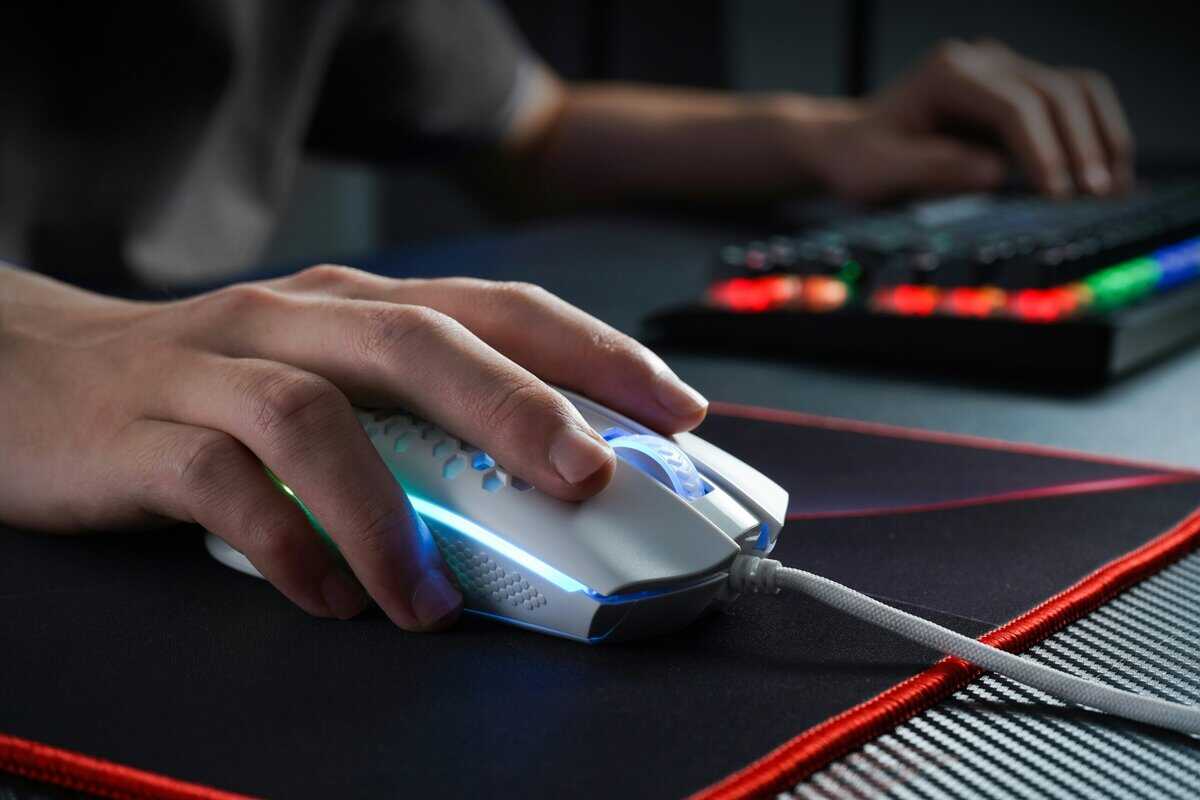
Palm Grip: Your entire palm rests on the mouse, with fingers lying flat on the buttons. This is the most common grip, providing stability for smooth, sweeping motions.
Claw Grip: Your palm touches the back of the mouse, but your fingers are arched, ready to click with the fingertips. This grip is a hybrid of palm and fingertip, blending stability with quick actuation.
Fingertip Grip: Only your fingertips touch the mouse, with the palm completely elevated. This style prioritizes speed and micro-adjustments, controlled entirely by the fingers. It is often used by high-sensitivity FPS players.
Hold your current mouse and play for a minute. Pay attention to how you hold it. That is your starting point.
Connecting Grips to Mouse Shapes
Once you know your grip style, the selection of available mice becomes more manageable. Different grips are suited to different mouse shapes.
A palm gripper typically needs a larger, contoured mouse that fills the hand. Look for ergonomic shapes with a high back arch for palm support. Using a small, flat, ambidextrous mouse with a palm grip will likely feel unsupported.
Conversely, a fingertip gripper often prefers the opposite. A small, short, and often symmetrical (ambidextrous) mouse is suitable. This provides maximum room for finger movements without the palm interfering with the back of the mouse.
Claw grippers fall in the middle. They can perform well with smaller ergonomic mice or ambidextrous shapes that have a pronounced hump toward the back for some palm support. The key is finding a shape that allows the fingers to remain comfortably arched.
A mouse’s shape directly impacts aim. An ill-fitting mouse can create tension in your hand, leading to inconsistent aim and potential strain over time. Finding the right ergonomic fit can be a performance advantage.
The Critical Role of Mouse Weight
Weight is another significant factor. In the competitive scene, particularly for FPS games, the trend has been toward lightweight mice.
A lightweight mouse (under 80 grams) is easier to start and stop moving. It has less inertia, which can make flicking to a target or tracking a fast-moving enemy feel more responsive and less fatiguing on the wrist. For games like Apex Legends or Overwatch, where constant, rapid camera movements are common, a lighter mouse can be an advantage.
However, “lighter” is not always “better” for everyone. Some players prefer the more stable feel of a heavier mouse (over 90 grams). The extra weight can help smooth out minor hand jitters, providing a more deliberate platform that some MMO or strategy gamers might appreciate.
While the focus is on competitive gaming, many of these principles overlap with ergonomic mouse designs for comfort and health, which is important for anyone spending hours at a desk. The goal is to find a balance between weight, shape, and your personal grip style. Don’t just select the lowest number on a spec sheet; find the weight that feels balanced and controllable.
Top Gaming Mice Under $50: A Head-to-Head Comparison
Now, let’s discuss specific mice. We’ve covered the technical aspects of a gaming mouse; it’s time to see which models deliver performance without a high price tag. This is a focused comparison of models that provide the most value for the cost.
Each of these mice was chosen for a specific strength, whether it’s low weight for FPS games, wireless capability for MMOs, or reliability as an all-around option. I will be direct about their strengths and the trade-offs made to meet this price point.
First, a quick reminder about mouse grips. This detail is important for finding a mouse that feels like a natural extension of your hand.
Whether you use a palm, claw, or fingertip grip will guide you toward the right shape and size. Keep your grip style in mind as you review these recommendations.
For The FPS Purist: Razer Cobra
The Razer Cobra is a popular choice in budget FPS circles. Its primary advantage is its low weight, at just 58 grams. This makes rapid flicks and tracking mobile targets in games like Valorant or Apex Legends feel less strenuous.
It is built for speed. The small, ambidextrous shape is well-suited for claw and fingertip grippers, offering good control for micro-adjustments. Razer’s optical sensor provides the flawless 1:1 tracking needed for precision, and their optical switches offer a fast click response.
However, it is not suitable for everyone. If you have larger hands or use a full palm grip, this mouse will likely feel too small. While the “Speedflex” cable is flexible, it is not a true paracord, and the lift-off distance (LOD) is slightly higher than some alternatives, which may be a minor issue for low-sensitivity players.
Use Case: Competitive FPS gaming for users with small to medium hands, primarily with claw or fingertip grips.
Strengths: Extremely lightweight, good sensor performance, and fast optical switches.
Tradeoffs: Too small for large hands or palm grip users; the build can feel basic.
For The MMO And MOBA Player: Logitech G305 Lightspeed
Finding reliable wireless technology in this price range often involves significant compromises, but the Logitech G305 Lightspeed is an exception. It features Logitech’s LIGHTSPEED wireless, which performs on par with a wired connection. This is a major benefit for anyone wanting a clean, cable-free desk.
The G305 uses a single AA battery and offers up to 250 hours of battery life. Its HERO sensor is both accurate and power-efficient. It also includes six programmable buttons, sufficient for mapping key abilities in MMOs or MOBAs.
The main trade-off is weight. With a battery, it is around 99 grams, which is noticeably heavier than modern FPS mice. The simple, symmetrical shape is safe for most grips but lacks the ergonomic contouring some users need for long sessions.
Use Case: Wireless gaming for MMO, MOBA, or general use where a cable-free setup is prioritized.
Strengths: Top-tier wireless technology and a flawless sensor at a budget price point.
Tradeoffs: Heavy compared to wired FPS mice; the shape is functional but not highly ergonomic.
For The All-Around Performer: SteelSeries Rival 3 Gen 2
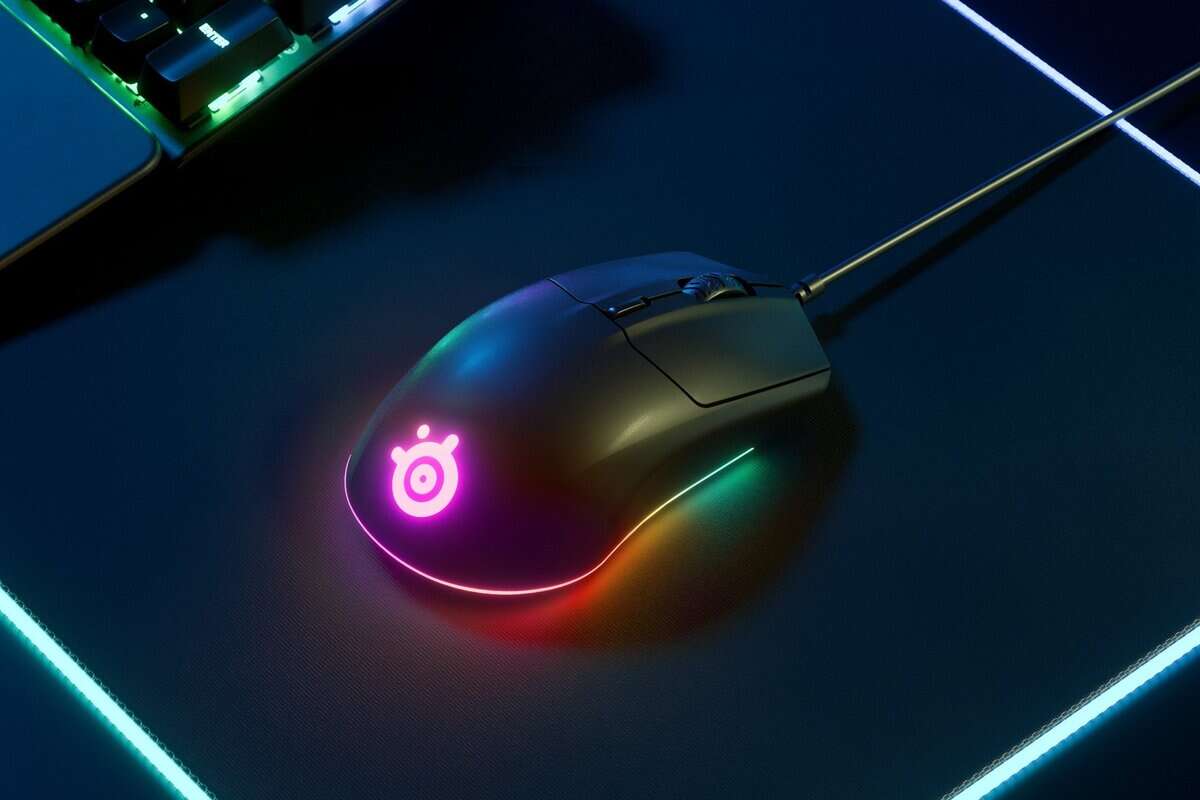
The SteelSeries Rival 3 Gen 2 focuses on getting the fundamentals right. Building on the original Rival 3, the Gen 2 upgrades to a paracord cable and 100% PTFE feet while keeping everything else that made the original great. This makes it a good option for those who play a variety of games and need a single, reliable mouse.
Its right-handed ergonomic design is comfortable for both palm and claw grips. At 77 grams, it strikes a balance between being light enough for quick movements and stable enough for steady tracking. The TrueMove Core sensor is a reliable performer with clean tracking, and the upgraded paracord cable eliminates the drag issues of the original model.
The Gen 2 addresses the original’s biggest weakness by swapping the stiff rubber cable for a lightweight paracord. The PTFE feet also glide more smoothly than the original’s skates. The main switches remain durable, though they lack the crisp feel of optical switches found in some other models.
Use Case: All-purpose gaming for users who play multiple genres and want a dependable, comfortable wired mouse.
Strengths: Solid build quality for the price, a comfortable ergonomic shape, and a reliable sensor.
Tradeoffs: The stiff rubber cable creates drag; switches feel functional but not premium.
Comparison of Recommended Gaming Mice Under $50
This table provides a quick breakdown of our top picks to highlight the key differences. It shows where each mouse excels and the trade-offs it makes, helping you match one to your playstyle.
| Mouse Model | Best For | Sensor | Weight | Key Pro | Key Con |
|---|---|---|---|---|---|
| Razer Cobra | FPS Purists | Razer 8,500 DPI Optical | 61g | Extremely lightweight | Too small for large hands |
| Logitech G305 | Wireless Freedom | Logitech HERO 12K | 99g | Flawless wireless tech | Heavy compared to rivals |
| SteelSeries Rival 3 Gen 2 | All-Around Value | TrueMove Core | 77g | Paracord cable + PTFE feet | Right-hand only |
Ultimately, any of these mice will serve you well. The “best” one depends on what you value most: raw speed, wireless convenience, or balanced comfort.
A great mouse is a significant upgrade and pairs well with a responsive keyboard. For more budget-friendly gear, check out our guide on the best gaming keyboards under $50.
Assessing Build Quality and Long-Term Durability
A low price is not a good value if the mouse develops issues like double-clicking or physical damage after six months. True value comes from durability. When searching for the best gaming mouse under $50, you are investing in a tool that needs to withstand thousands of hours of use.
This requires looking beyond marketing points like DPI and RGB lighting. We need to examine the components that determine a mouse’s longevity. A well-built mouse feels solid, performs consistently, and should not need a replacement soon after purchase.
The Heart of the Click: Switches Explained
Under the main left and right buttons are small mechanical or optical switches. These are the most frequently used parts of a gaming mouse, and their quality is an indicator of its lifespan. In the sub-$50 market, you will typically find two types from reputable brands.
Omron Switches: These have been an industry standard for years. They provide a tactile click and are known for their reliability, often rated for 20 million or 50 million clicks.
Kailh Switches: A major competitor to Omron, Kailh switches are known for their crisp feel and durability. They are common in budget mice and also carry multi-million click ratings.
A 20M click rating is a lab-tested benchmark for how many presses a switch can endure before it is likely to fail. For the average gamer, even a 20-million click rating translates to years of use. A higher number indicates quality engineering, but it is not a primary concern in this price range.
Look for brand-name switches like Omron or Kailh on the spec sheet. Their inclusion suggests the manufacturer did not cut costs on the most critical wear components.
Beyond the Switches: Details That Signal Durability
A mouse consists of more than just its clickers. Other physical characteristics distinguish a cheaply made mouse from a durable one. When evaluating a potential purchase, focus on these details.
First, consider the primary material. Most gaming mice are made from ABS (Acrylonitrile Butadiene Styrene) plastic. Quality ABS feels sturdy and does not creak when squeezed. A textured finish is a benefit, as it resists the shiny appearance that develops over time from hand oils.
Next, examine the mouse feet, also known as skates.
High-Quality Feet: Look for 100% PTFE (Polytetrafluoroethylene) feet. This material provides a smooth, low-friction glide on a mousepad, reducing wear on both the mouse and the surface.
Low-Quality Feet: Generic plastic or composite feet can feel scratchy and wear down quickly, creating drag and inconsistent aim.
The Cable and Scroll Wheel Test
Finally, inspect two parts that experience constant use: the cable and the scroll wheel. A stiff, heavy cable can create drag, snag on your desk, and interfere with precise movements. Look for mice that advertise a “braided” or “paracord-like” cable—these are lighter and more flexible, better mimicking the freedom of a wireless mouse.
The scroll wheel should feel solid, not flimsy. It should have distinct, tactile steps without feeling mushy or loose. A wobbly or overly smooth scroll wheel is problematic for actions like swapping weapons in an FPS. A well-made scroll wheel uses a quality encoder that registers each step accurately, ensuring it remains reliable.
Got Questions? We’ve Got Answers
Choosing a budget gaming mouse often brings up a few final questions. Here are answers to the most common ones.
Can a $50 Gaming Mouse Compete with a $150 One?
For the vast majority of players, the performance gap in core functionality is minimal. A premium $150 mouse may offer features like a magnesium alloy shell, wireless charging, or an 8000Hz polling rate. However, a well-chosen mouse under $50 provides the same essentials: a flawless sensor, durable switches, and a solid, comfortable shape.
The law of diminishing returns is significant in this category. The extra cost of a premium mouse buys incremental gains and luxury features, not a fundamental aiming advantage. A good budget mouse will not hold you back from competitive play.
How Long Should a Budget Gaming Mouse Last?
You should expect a quality budget gaming mouse to last at least 2-3 years of regular gaming. The primary components determining its lifespan are the switches, typically rated for 20 to 50 million clicks. Most users are more likely to upgrade for new features before they wear out the switches.
Build quality is the key factor. A mouse with a sturdy shell, a flexible cable that resists kinking, and a solid scroll wheel will outlast a flimsier model, making it a better long-term investment.
Are Wireless Mice Under $50 Any Good?
Yes, but selection is important. While many cheap wireless mice suffer from lag and connection issues, the top options in this price range are different. Models like the Logitech G305 use proprietary 2.4GHz wireless technology that is performatively indistinguishable from a wired connection.
The main trade-off for a high-quality wireless mouse at this price is usually weight. To accommodate a battery, these mice often weigh more (around 90-100g) than their wired, FPS-focused counterparts. If a cable-free setup is a higher priority than the absolute lightest weight, they are an excellent choice.
Is It Worth Upgrading My Whole Setup at Once?
Upgrading all your gear at once can create a cohesive setup, but it’s not necessary. A great mouse is a good start, but pairing it with other quality peripherals can enhance the experience. For example, clear audio is critical for competitive play, and there is good value in our guide on the best gaming headsets under $50.
The most effective approach is to identify your biggest performance bottleneck. Whether it’s an old mouse, a mushy keyboard, or a poor headset, upgrade that component first. Prioritizing purchases ensures you get the most impactful improvement for your money, and a quality mouse is one of the most important peripherals for improving in-game performance.
Looking for more budget gaming gear? Check out BudgetLoadout.com for the latest reviews and recommendations.
Related Articles