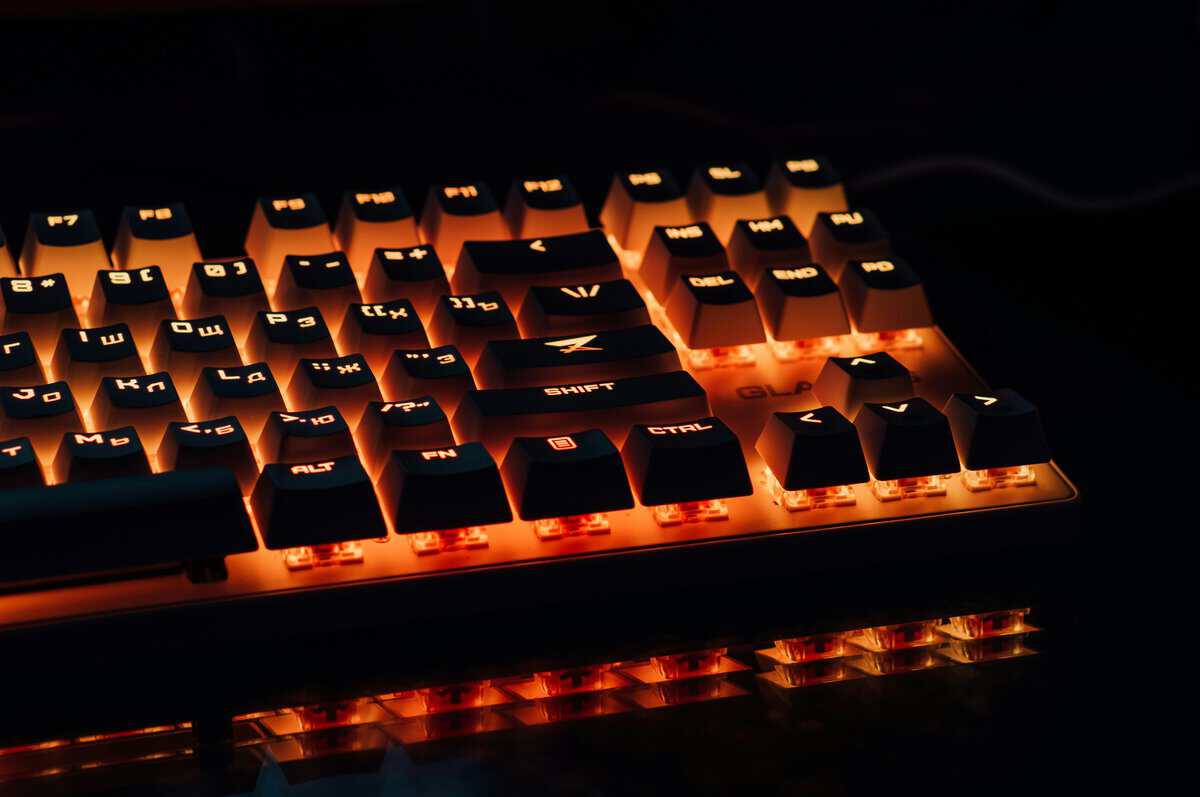
A 65% keyboard offers a specific set of tradeoffs. It is a compact board that retains dedicated arrow keys but removes the function row and numpad to increase desk space. This balance between a minimal footprint and core functionality makes it a popular option for certain types of gamers and desk setups. In this guide, we’ll analyze its layout, compare it to other form factors for specific use cases like FPS and MMO gaming, and recommend a few products that offer solid value for budget-conscious gamers.
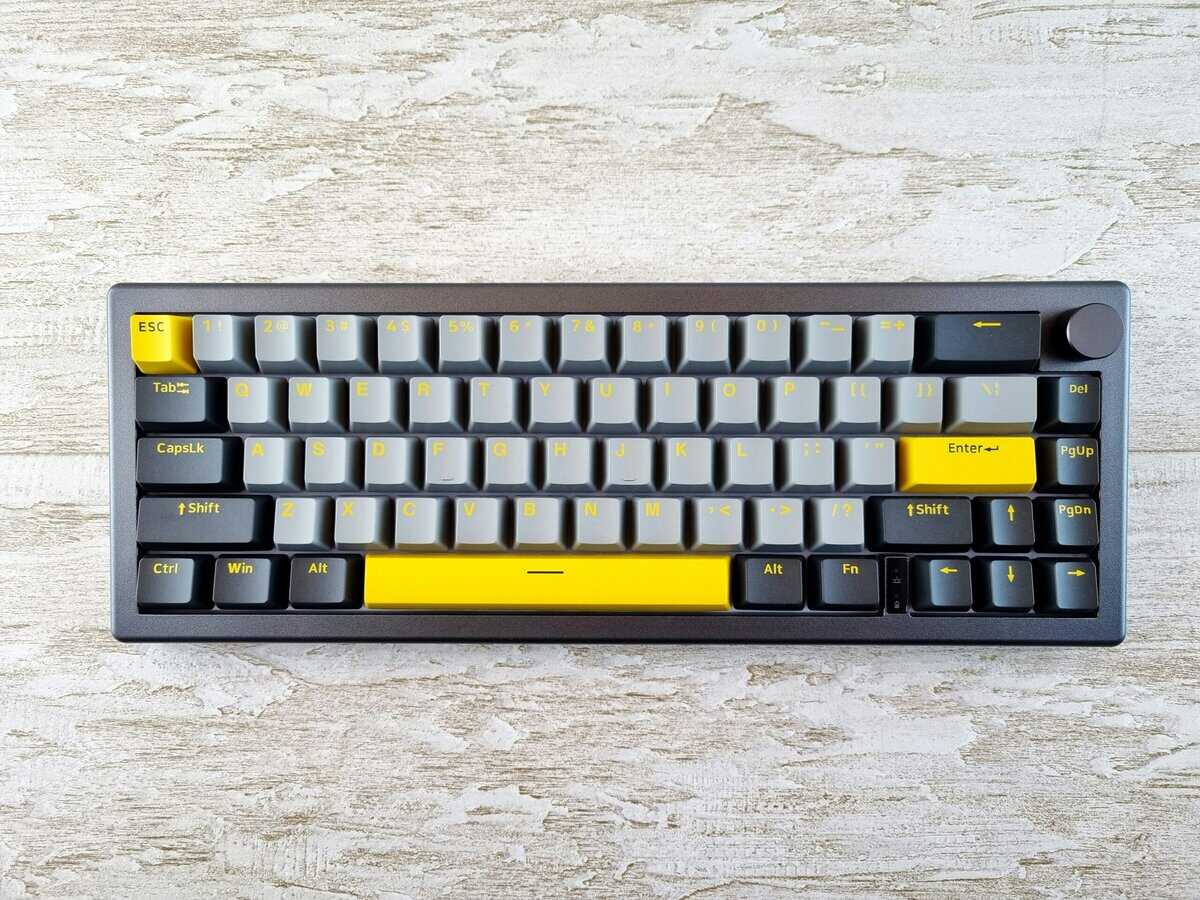
- Tri-mode connection covers USB-C wired, Bluetooth, and 2.4GHz
- Hot-swap sockets let you change switches without soldering
- Wireless and wired modes with solid battery life
- Stock switches may not satisfy enthusiasts; plan to swap
- Software customization can be clunky compared to QMK/VIA
- Build quality is good but not tank-like at this price
- Gasket mount with 5-layer dampening for premium sound
- Double-shot PBT keycaps included
- QMK/VIA support for full customization
- Plastic case has slight flex
- Fewer wireless options than K6
- Aluminum knob may feel slightly loose
- A 65% keyboard keeps arrow keys while removing the function row and numpad, freeing up significant desk space for mouse movement
- This layout works best for FPS gamers who rely on mouse aim, but MMO players needing many keybinds may miss the extra keys
- Compact keyboards force more efficient keybind habits, but expect a 1-2 week adjustment period if switching from full-size
- Most 65% keyboards support full key remapping via software: you can assign macros, function layers, and custom shortcuts to make up for missing keys
Table of Contents
Understanding the 65% Keyboard Layout
The 65% layout is a compromise. By removing the function row and the numpad, it achieves a significantly smaller footprint than a TKL or full-size board. Unlike 60% keyboards, it keeps dedicated arrow keys and a small cluster of navigation keys, typically including Delete, Page Up, and Page Down.
What this means for you:
- More mouse room. The compact size is a functional advantage for FPS players who use low-DPI settings and require space for large mouse movements.
- Core navigation is preserved. Dedicated arrow and navigation keys allow for efficient text editing and menu navigation without complex function layers.
- Build quality is often a focus. Many 65% boards are aimed at enthusiasts, featuring durable materials like aluminum frames and PBT keycaps.
- Customizable feel. The ability to choose mechanical switches allows users to tailor the keyboard’s tactile response to their preference.
Key Layout Differences
Here is a direct comparison of what you keep and what you lose with a 65% layout.
| Kept Keys | Removed Keys | Accessed via Fn Layer |
|---|---|---|
| Arrow keys | Function row | F1–F12 |
| Delete, Page Up/Down | Numpad | Numeric functions |
| Home, End | Print Screen, Insert | Navigation shortcuts |
A balanced 65% layout maximizes desk space without sacrificing essential keys.
The design prioritizes efficiency, providing the most commonly used keys in a compact and durable package.
Comparing Keyboard Layouts for Gaming Performance
Choosing a keyboard layout involves clear performance trade-offs. The “best” layout depends entirely on your primary use case, whether that’s competitive FPS gaming, managing MMO skill rotations, or streaming. A layout that provides an advantage for one activity can be a significant hindrance for another.
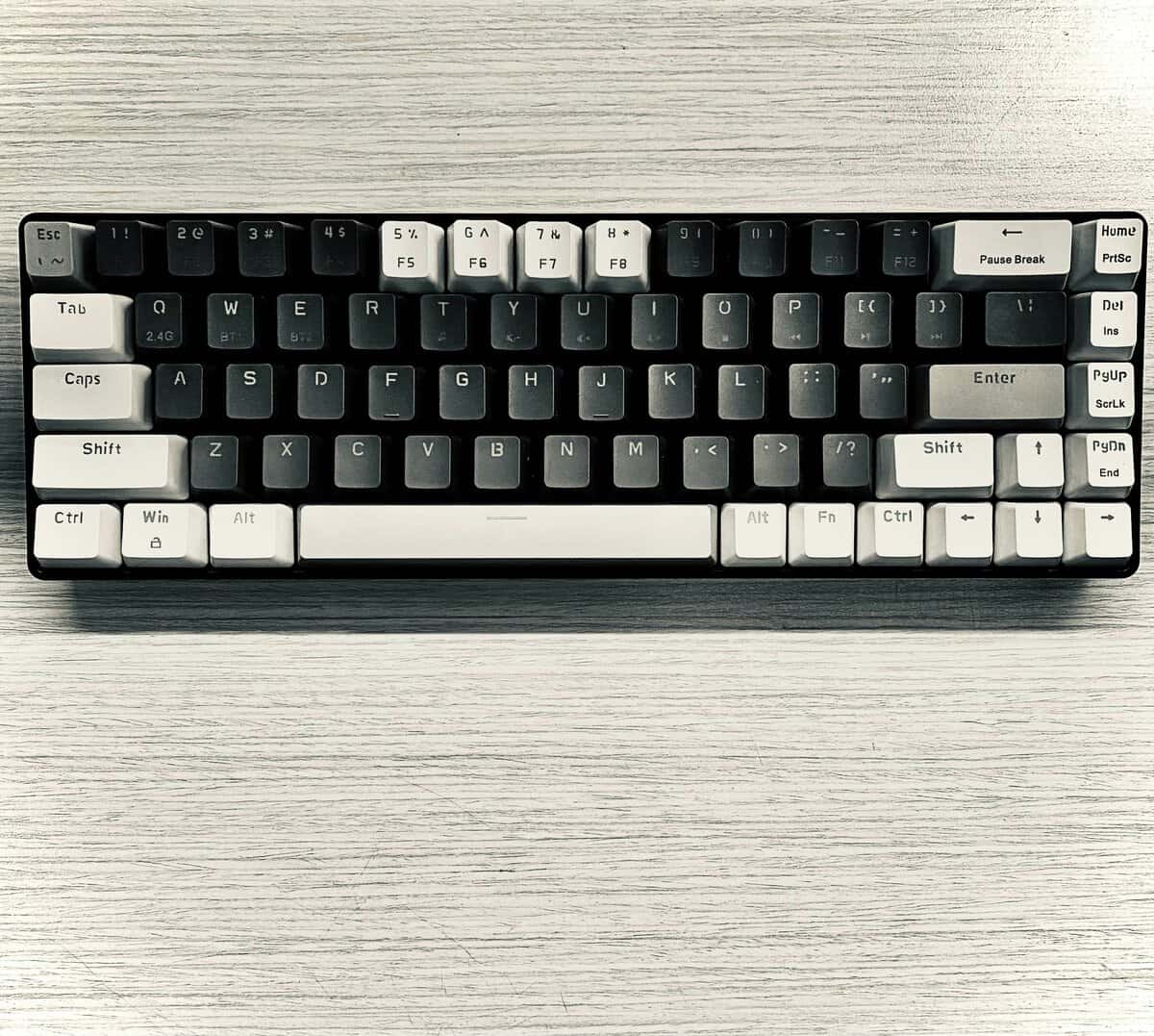
The primary advantage of a 65% keyboard is the significant desk space it frees up for a mouse. For FPS gamers who play on low DPI settings, this is a direct competitive benefit. The extra room allows for unrestricted, sweeping arm movements required for precise aiming, offering a level of ergonomic freedom that larger keyboards cannot match.
However, this compact footprint comes at a cost. The absence of a dedicated function row (F1-F12) is a distinct disadvantage for players of MMOs or MOBAs like World of Warcraft or League of Legends. In these games, the F-keys are commonly used for critical abilities, items, and macros. Requiring a Function (Fn) key combination to access them is slower and less efficient in high-pressure situations.
Layout Tradeoffs by Use Case
To make an informed decision, you must evaluate how each layout functions in specific scenarios. Build quality is a constant factor: a well-built 65% with a solid frame will outlast a flimsy full-size keyboard, but the layout itself dictates daily usability.
65% vs. 60% Layout
The 60% layout is the most minimalist option, but it sacrifices dedicated arrow keys. For many gamers and general users, this is a significant functional regression. A 65% allows for intuitive navigation in menus and text, whereas a 60% forces the use of a function layer for these basic actions. The marginal gain in desk space is often not worth the loss of dedicated arrows.
If you’re still weighing whether a 60% board might work for you, we break down the full layout in our guide to choosing a 60% keyboard for gaming.
65% vs. Tenkeyless (TKL) Layout
A TKL is a close competitor and often considered a more balanced option for general-purpose gaming. It provides both dedicated arrow keys and a full function row, making it more practical for MMO players and streamers who use F-key shortcuts for macros or scene switching. The tradeoff is its larger footprint. An FPS player will gain more from the extra mouse space of a 65% than from a function row they rarely use.
For FPS-focused gamers, the additional mouse space from a 65% keyboard is a more tangible benefit than the dedicated F-key row found on a TKL. The choice hinges on whether you prioritize aiming freedom or instant access to macros.
To clarify these differences, here is a direct comparison of how these layouts perform for gaming and streaming.
Keyboard Layout Performance Trade-Offs
This table breaks down the core strengths and weaknesses of each common layout.
| Layout | Desk Footprint | Dedicated Arrow Keys | Function Row Access | Best Use Case |
|---|---|---|---|---|
| 60% | Minimal | No (Fn Layer) | Fn Layer | Extreme Minimalism, Travel |
| 65% | Compact | Yes | Fn Layer | FPS Gaming, Hybrid Use |
| TKL | Medium | Yes | Yes (Dedicated) | MMOs, Streaming, All-Purpose Gaming |
| Full-Size | Large | Yes | Yes (Dedicated) | Data Entry, Productivity, MMOs |
Ultimately, the decision depends on your priorities. The 65% layout is ideal for users who want a compact keyboard for a clean, gaming-focused setup without giving up essential arrow keys.
Is a 65% Keyboard the Right Tool for You?
Product specifications only provide part of the story. The key question is whether a 65% keyboard will enhance your workflow or create unnecessary friction. The answer depends entirely on your daily activities.
For competitive FPS gamers playing titles like Valorant or Apex Legends, the benefit is direct and tangible. The compact frame provides an unrestricted area for large, low-DPI mouse movements. This is an ergonomic advantage that can lead to more consistent aim and greater comfort during long sessions.
Streamers also favor the 65% layout, but often for aesthetic reasons. A smaller keyboard creates a cleaner, less cluttered on-camera look and provides more space for microphones, stream decks, and other peripherals. The build quality of many 65% models, which often feature durable aluminum cases, contributes to a more professional presentation.
Who Should Avoid This Layout
This layout is not a universal solution. For some users, the tradeoffs are prohibitive.
- Programmers and Coders: If your muscle memory relies on a dedicated function row and direct access to keys like Home and End, using a Fn key for basic navigation will reduce your efficiency.
- Data Entry Specialists: Anyone working extensively with spreadsheets or numerical input will find the lack of a dedicated numpad to be a significant productivity bottleneck.
- MMO or RTS Players: Gamers who depend on numerous macros and keybinds mapped to F-keys will find the two-step process of using a function layer too slow and cumbersome during gameplay.
The core trade-off is simple: you gain a ton of mouse space and a clean aesthetic, but you sacrifice the dedicated keys that power specific productivity and gaming workflows. Be realistic about what you actually use every day.
If your work or primary game requires constant, one-press access to the function row or numpad, a 65% keyboard will likely feel restrictive. In that case, a TKL or full-size keyboard is a more practical choice.
How to Find a Budget 65% Keyboard That Is Built to Last
When searching for a budget 65% keyboard, “value” is about long-term durability, not just the lowest price. It’s the difference between a keyboard that feels solid and performs reliably for years, and one that feels cheap and fails after a few months. Investing slightly more in better materials and features is a more financially sound decision.
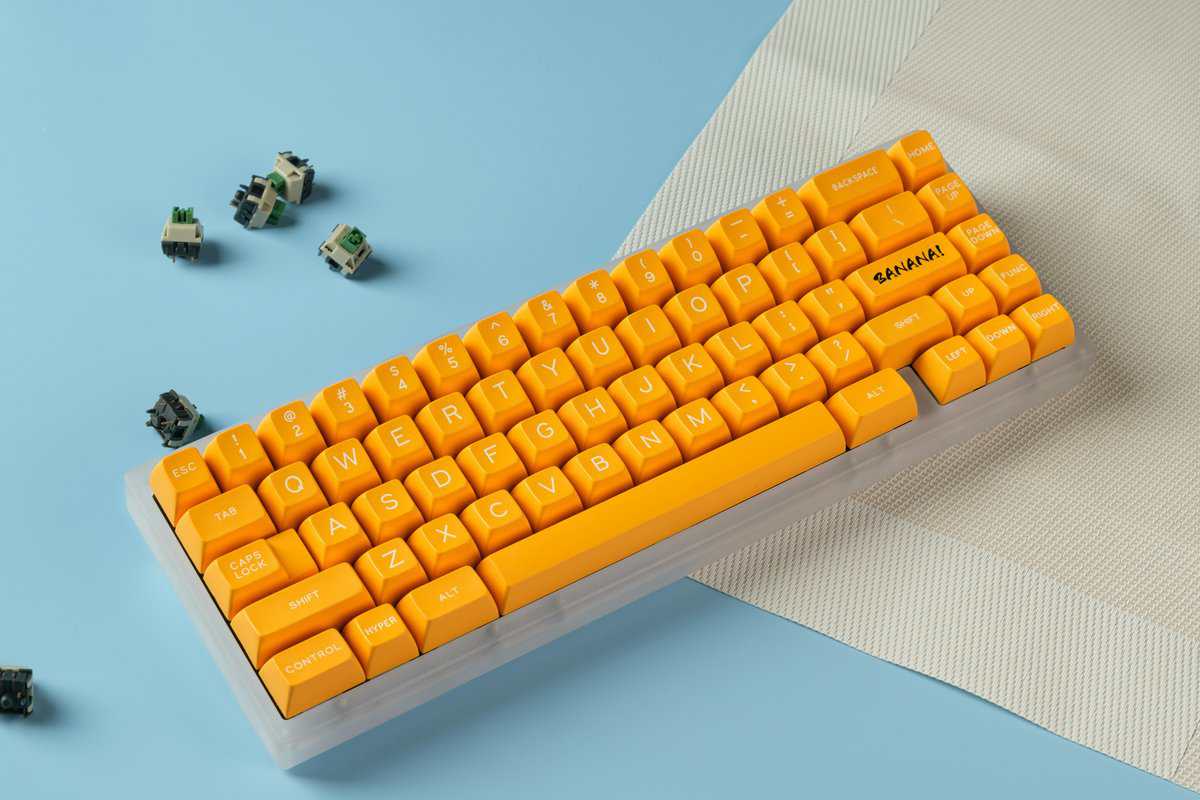
A quality 65% board often costs less than a full-size model from the same brand, since fewer switches and a smaller case mean lower production costs.
Prioritize the Case and Keycaps
A keyboard’s case is its foundation. While plastic cases are standard on budget models, their quality varies. Look for thick, dense plastic that resists flexing or creaking under pressure. If the budget allows, an aluminum frame provides a significant upgrade in rigidity and durability, giving the keyboard a substantial, premium feel.
Keycaps are the primary point of contact. Most inexpensive keyboards use ABS plastic keycaps, which are known to develop a greasy shine and show wear over time. It is better to prioritize a board that includes PBT keycaps. PBT is a more durable, oil-resistant material that maintains its textured finish, keeping the keyboard looking and feeling clean after extended use.
Hot-Swap Sockets Are a Key Feature for Longevity
Mechanical switches determine how a keyboard feels and performs. For fast-paced games like FPS titles, linear switches are generally preferred. Their smooth, consistent travel without a tactile bump allows for rapid and repeated key presses without resistance. To learn more about the different types, you can read our guide where we explain mechanical keyboard switches.
The single most important feature for long-term value is hot-swappable sockets. This lets you change out the switches without any soldering. A faulty switch can be replaced in seconds, and you can upgrade to a completely different switch type whenever you want. It’s the ultimate future-proofing feature.
A keyboard with hot-swap capability is not a disposable item; it is a customizable platform. This feature provides the freedom to experiment with different switches as your preferences evolve, ensuring your 65 percent keyboard remains a central part of your setup for years.
Recommended 65% Keyboards for Value
Finding a 65% keyboard that balances price and quality requires careful selection. The market is saturated, but focusing on build quality and functional features will help distinguish durable performers from disposable products. We have selected three models that provide practical value for gamers who prioritize durability and performance over unnecessary features.
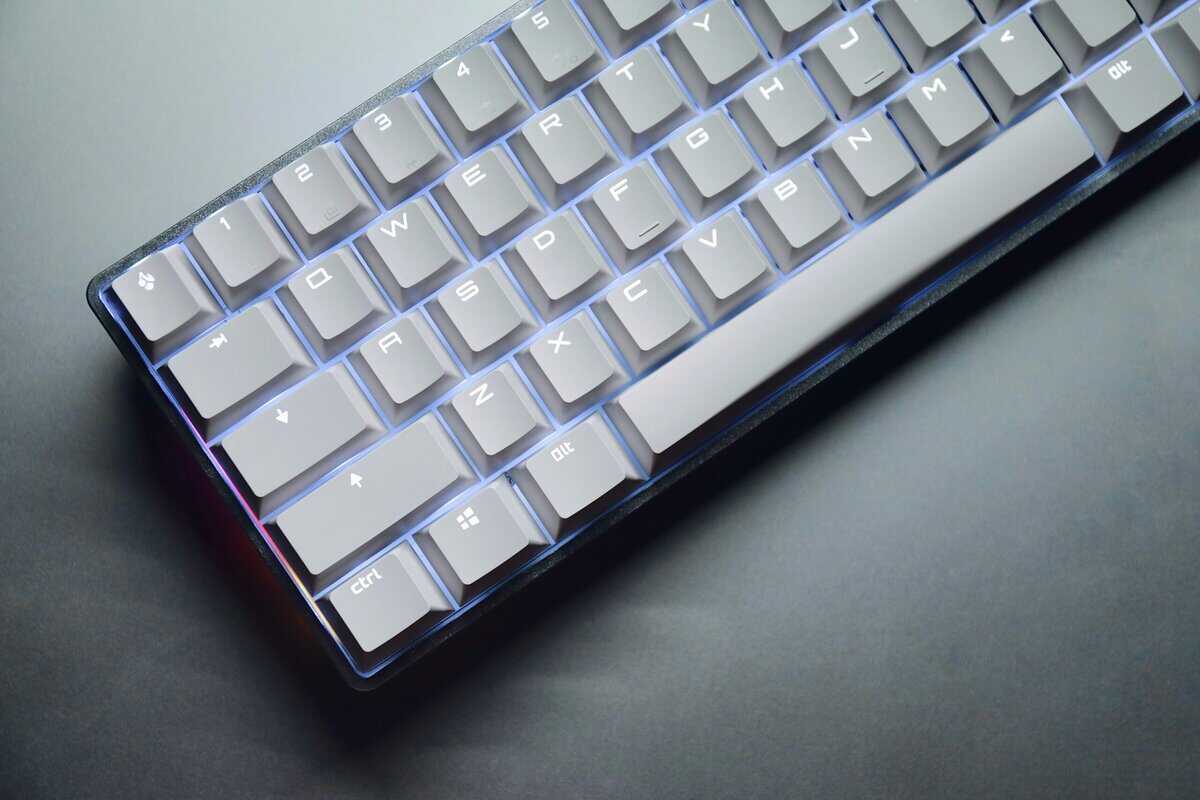
These recommendations are based on real-world use in gaming and daily tasks, not just a review of their spec sheets.
Best Overall Value: Redragon K631 PRO
The Redragon K631 PRO is a versatile and reliable option. Its primary strength is its robust connectivity, allowing users to switch between Bluetooth for up to three devices and a standard wired USB-C connection. The build quality is solid, particularly with the optional aluminum frame, and it includes hot-swappable sockets. This feature alone increases its long-term value by allowing for future switch upgrades without replacing the entire board.
This keyboard is a suitable choice for users who divide their time between gaming and productivity. The main tradeoff is that the base models are equipped with ABS keycaps, which are prone to developing a shine after heavy use.
The hot-swappable RGB version sits at the top of the budget range but justifies the cost with features you won’t find cheaper.
Best Mid-Range Gaming Pick: Royal Kludge R65
The Royal Kludge R65 splits the difference between the budget K631 PRO and pricier enthusiast boards. It’s a 66-key gasket-mounted board with five layers of sound dampening, pre-lubed cream linear switches, and double-shot PBT keycaps. That feature set normally costs considerably more.
The gasket mount is the standout. The PCB sits on flexible gaskets that absorb vibration, producing a noticeably quieter, softer keystroke than tray-mount boards like the K631 PRO. It also includes an aluminum volume knob and QMK/VIA programmability for full key remapping. The main tradeoff is the all-plastic case, which flexes slightly under pressure, but at this price you’re getting enthusiast-level features in a budget package.
A keyboard’s true value isn’t just its initial price, but its durability and potential for future upgrades. Hot-swappable sockets are a key feature that extends a keyboard’s lifespan and adaptability.
Want to go smaller still? Our 50% keyboard guide covers the next step down.
Common Questions About 65% Keyboards Answered
Transitioning to a 65% layout is a significant change, and it’s practical to have questions before committing. Here are answers to common inquiries about this compact form factor.
How long does it take to get used to a 65% keyboard?
For most users, the adjustment period is about one week. The main challenge is not the smaller size but retraining muscle memory for keys that are now on a function layer, specifically the F1-F12 keys.
Instead of pressing a dedicated F5 key, you will use a two-key combination like Fn + 5. This may feel awkward for the first couple of days but quickly becomes routine. Because the arrow keys and primary modifiers remain in their standard positions, the transition is smoother than with smaller layouts.
Is a 65% Keyboard Good for Gaming?
Yes, it is very effective for certain genres, particularly FPS titles like Valorant or CS2. The compact frame frees up a significant amount of desk space. This provides a direct competitive advantage by allowing more room for wide mouse movements, which is critical for players who use low DPI settings.
The tradeoff is apparent in MMOs or strategy games that rely heavily on the function row for macros. Needing to press a key combination to access F-keys is slower and can be a disadvantage during competitive play.
The real win for gamers is ergonomic freedom. You’re trading instant F-key access for a huge increase in mouse real estate. For most FPS and action game players, that’s a compromise worth making every time.
How Do You Use the Function Row Without F Keys?
Every 65% keyboard includes a dedicated Fn key that activates a secondary layer of commands. This functions similarly to holding the Shift key to type a capital letter. The Fn key is typically located near the right Shift or Control key.
Here is how it works:
F1-F12 Keys: Pressing Fn + 1 sends an F1 input, Fn + 2 sends F2, and so on up the number row.
Media Controls: Most boards also map volume, playback, and screen brightness controls to this same Fn layer.
This system allows the keyboard to maintain a minimal footprint without eliminating essential functions. With practice, its use becomes intuitive.
For more practical guides on building a high-performance setup on a budget, explore the resources at Budget Loadout. We help you find gear that delivers lasting value without the premium price tag. Visit us at Budget Loadout.
Related Articles