The best MMO mouse is usually a 12-button mouse, a specialized peripheral designed for one primary purpose: to move an entire row of keyboard commands directly under your thumb. While not suitable for every gamer, it offers a distinct advantage in specific games and productivity workflows by consolidating numerous actions into a single, accessible grid.
This guide will break down who benefits from this type of mouse, what to look for when buying one, and offer specific recommendations for budget-conscious gamers who prioritize value. We’ll compare solid performers at different price points to help you make an informed decision.
- 19 programmable buttons with excellent tactile feedback
- Tri-mode wireless with sub-1ms HyperSpeed latency
- Lightweight 95g design comfortable for long sessions
- Requires AA battery rather than built-in rechargeable
- Side buttons may feel small for larger hands
- Razer Synapse software can be resource-heavy
- Adjustable Key Slider repositions the side button grid
- Slipstream wireless delivers excellent latency
- Up to 150 hours of battery life with onboard profiles
- iCUE software can be resource-intensive
- Heavier at 122g than some competitors
- Full 16-button side grid with adjustable weights
- Solid build quality and comfortable ergonomic shape
- Software is basic compared to Razer Synapse or iCUE
- Build materials feel lighter than premium options
- Heavier at ~130g than the Razer Naga V2
- A 12-button thumb grid mouse is purpose-built for MMO and MOBA players who need instant access to ability rotations
- Thumb button layout and spacing matter more than DPI, so look for concave or textured buttons you can feel without looking
- These mice also excel for productivity tasks like video editing, CAD work, and spreadsheet navigation with custom macros
- Map your most-used abilities to the thumb buttons closest to your natural grip first, since reaching for side buttons shouldn’t require lifting your palm
Table of Contents
Who Actually Needs a 12-Button Mouse?
Before purchasing, it’s important to be honest about your use case. A 12-button mouse requires a commitment, both in cost and in the time it takes to build the necessary muscle memory. Buying one for the wrong reason often results in a bulky, underutilized paperweight.
This mouse was developed for users in scenarios where immediate access to a large number of commands is critical for performance.
Where It Helps and What You Give Up
This mouse excels in any situation that demands frequent and rapid key presses. However, its specialized design presents clear drawbacks for activities that rely on quick, broad mouse movements. Here is a breakdown of who benefits most and who should consider other options.
| User Type | Primary Benefit | Key Trade-Off | Recommendation |
|---|---|---|---|
| MMO/MOBA Player | Instant access to a full skill bar for rotations and cooldowns. | Heavier weight can hinder fast camera movement. | Excellent Fit |
| Productivity User | Binds complex multi-step macros to a single thumb click. | Steep learning curve for non-gamers. | Good Fit |
| Streamer | Controls scenes, mutes audio, and triggers effects without alt-tabbing. | Overkill if you already own a Stream Deck. | Situational Fit |
| FPS Gamer | None; the design offers no competitive advantage in shooters. | Increased weight and bulky shape are detrimental to aim. | Poor Fit |
A common mistake is buying a 12-button mouse for general gaming. For FPS players in games like Valorant or Apex Legends, the heavier build and side grid actively work against the precise, fast aiming required to compete.
Ultimately, this is a specialist’s tool. If you spend most of your time in MMOs like World of Warcraft or Final Fantasy XIV, or if you work with macro-heavy software like Blender or Adobe Premiere Pro, the investment can pay off. For most other users, a lighter, simpler mouse is a better choice.
What to Look for in the Best MMO Mouse
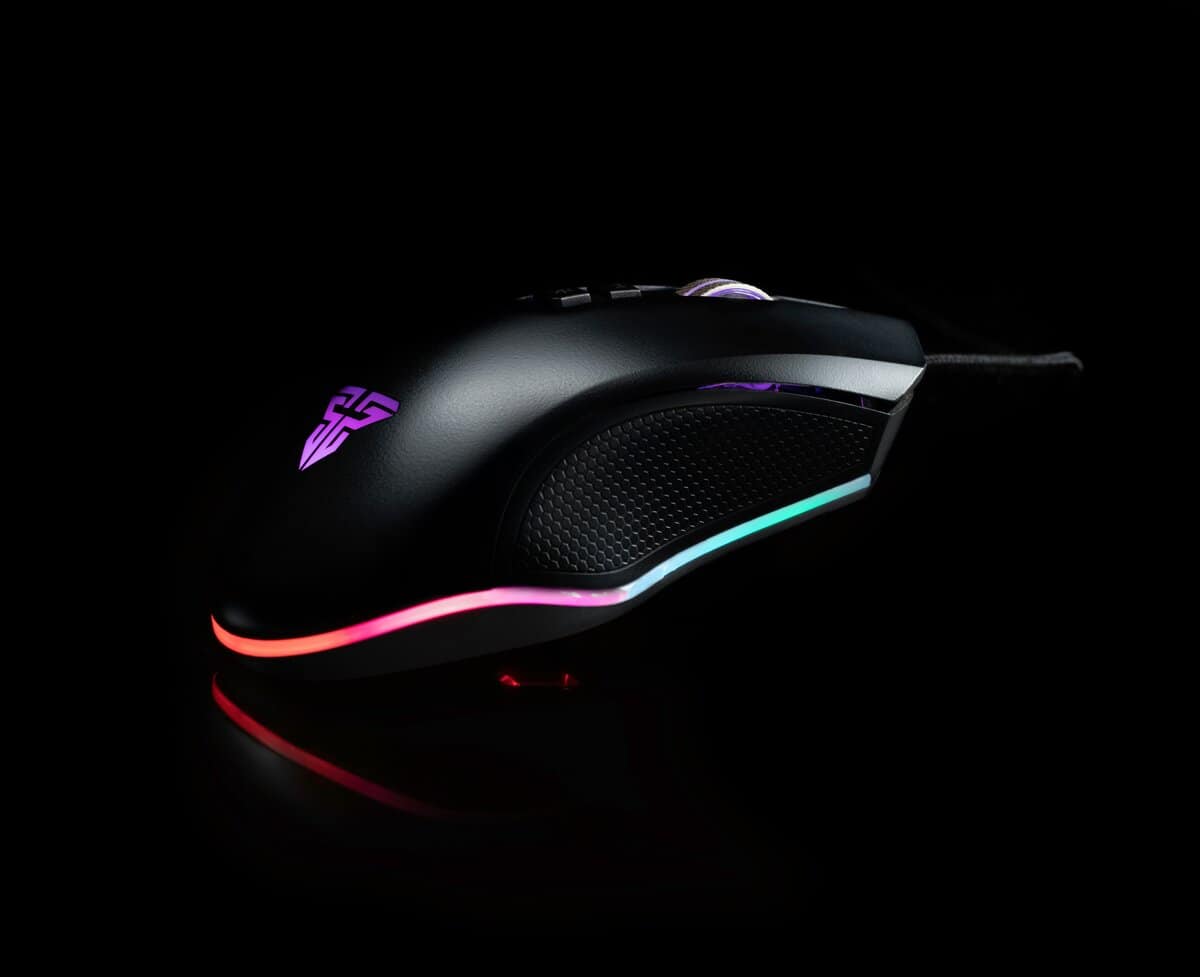
When searching for a value-oriented 12-button mouse, the thumb grid is only the beginning. The goal is to make smart trade-offs to find a reliable tool. Identifying a durable model that performs well without a premium price tag requires knowing where to compromise.
The first component to scrutinize is the sensor. Ignore inflated DPI numbers; what matters for reliable tracking is consistency. A budget mouse with a proven, mid-range optical sensor will always outperform one with a cheap sensor that boasts a high DPI but jitters or spins out during fast movements.
Build Quality and Ergonomics
A mouse’s physical construction determines its lifespan and its comfort over long sessions. Look for main button switches rated for a high click count (typically in the millions) as an indicator of durability. The overall build should feel solid; check for excessive creaking or flexing when squeezed.
Ergonomics are equally important. A feature-rich mouse is useless if it causes hand strain.
- Palm Grip: Requires a larger, contoured body that fills the hand for support.
- Claw Grip: Benefits from a shorter body with a more pronounced rear hump for the palm to anchor to.
- Fingertip Grip: This style works best with smaller, lighter mice, although few 12-button models fit this category well.
The most significant trade-off with budget models is almost always the software. Top-tier brands have polished, stable software suites. Budget options can be clunky. Before buying, verify that the mouse’s software is functional enough to set up your macros and profiles without frequent crashes.
Comparing the Top Value 12-Button Mouse Contenders
The market for a value-focused 12-button mouse involves comparing long-standing workhorses against capable budget models. The objective isn’t to find the cheapest option, but the one that balances performance, durability, and software stability for the price.
Each of these mice has a different design philosophy for its thumb grid. Variations in button shape, texture, and actuation force significantly impact how quickly you build muscle memory and whether the mouse remains comfortable during a long session.
Razer Naga V2 HyperSpeed: The Best Overall MMO Mouse
The Razer Naga V2 HyperSpeed is the gold standard for wireless MMO mice. It features 19 programmable buttons, including a 12-button thumb grid with Razer’s HyperScroll Pro wheel. Its Focus Pro 30K optical sensor delivers flawless tracking, while the tri-mode connectivity (HyperSpeed wireless, Bluetooth, USB-C) keeps things flexible. At ~$65, it punches well above its price class.
The Naga V2 HyperSpeed is built for marathon sessions, weighing just 95g and lasting up to 250 hours on a single AA battery. Razer Synapse lets you create game-specific profiles with ease, and the mechanical thumb buttons provide satisfying, responsive clicks. If you want the best balance of features, wireless freedom, and value, this is the one to get.
The Naga V2’s sculpted, contoured thumb buttons are a key feature. Each two-button row has a distinct angle, making it easier to locate a specific key by feel alone, which can reduce the learning curve.
Corsair Scimitar Elite Wireless: The Versatile Wireless Pick
The Corsair Scimitar Elite Wireless is the premium option for MMO gamers who want top-tier build quality and Corsair’s iCUE software ecosystem. It features 16 programmable buttons with Corsair’s signature adjustable Key Slider for repositioning the side button grid to match your thumb length. The 26,000 DPI Marksman sensor is exceptional, and the Slipstream wireless technology delivers sub-1ms latency.
At ~$130, the Scimitar Elite Wireless is the most expensive pick here, but it justifies the price with up to 150 hours of battery life, a premium scroll wheel, and onboard profile storage. It works wirelessly via Slipstream or Bluetooth, plus wired USB-C. If you want a no-compromise MMO mouse and don’t mind the higher price tag, this is the one to go for.
The trade-off is the software. Corsair’s iCUE suite is powerful and polished, but it is a resource-heavy program that runs in the background. Some users find it bloated compared to lighter alternatives. The mouse also lacks a G-Shift equivalent, so you are limited to the standard 17 programmable buttons. For gamers who want a well-built MMO mouse with the flexibility to fine-tune the thumb grid position, the Scimitar Elite Wireless delivers strong value without the premium wireless price tag.
Redragon M913 Impact Elite: The Budget Wireless Pick
The Redragon M913 Impact Elite is a wireless MMO mouse that delivers surprising value at ~$40. It features a full 16-button side grid, tri-mode connectivity (2.4GHz wireless, Bluetooth, and USB-C wired), and a 16,000 DPI optical sensor. The side buttons are well-spaced and provide decent tactile feedback for the price.
Build quality is solid for the price, with a comfortable ergonomic shape and adjustable weights. The software is basic compared to Razer Synapse or iCUE, but it handles button remapping and DPI profiles well enough. At under $40 with wireless included, the M913 is an excellent way to test the MMO mouse waters without a big investment.
Value MMO Mouse Feature Showdown
This table breaks down the key specifications and the practical trade-offs for each model.
| Model | Sensor | Weight | Defining Feature | Primary Trade-Off |
|---|---|---|---|---|
| Razer Naga V2 HyperSpeed | Focus Pro 30K (30,000 DPI) | 95g | G-Shift Button (24 programmable inputs) | Requires AA battery (no built-in rechargeable). |
| Corsair Scimitar Elite Wireless | Marksman (26,000 DPI) | 122g | Key Slider (repositionable side buttons) | Premium price and heavier iCUE software. |
| Redragon M913 | Optical (16,000 DPI) | ~130g | Low Price with a full feature set | Basic software and lighter build quality. |
Ultimately, the choice depends on your priorities. The Naga V2 is for the macro power user who doesn’t mind the weight. The Scimitar Elite Wireless is for the player who wants a customizable fit and reliable mid-range performance. The M913 is for anyone who wants to try a 12-button mouse without a significant investment.
Games and Workflows That Suit a 12-Button Mouse
A 12-button mouse is a specialist’s tool. Its power becomes evident when you map the thumb grid to specific, repetitive tasks. This provides a tangible boost to reaction times in games and efficiency in creative applications.
The core concept is to convert complex keyboard commands into a simple press of the thumb.
For players of Massively Multiplayer Online (MMO) games like Elder Scrolls Online or World of Warcraft, the advantage is clear. Mapping your primary skill rotation to the thumb grid allows your keyboard hand to remain on the movement keys. For instance, buttons 1-5 can handle core damage abilities, 6-8 can be for defensive cooldowns, and 9-12 for potions and crowd control. With this setup, your fingers never have to leave WASD, shaving critical milliseconds off reaction times.
FPS Gaming, Productivity, and Streaming
- FPS Gaming: For a competitive FPS gamer, a 12-button mouse is a disadvantage. The added weight and bulky shape hinder the fast, precise aim required in games like CS2 or Valorant. A lighter, simpler mouse is a better tool for this job.
- Productivity: In productivity software, it functions as a custom macro pad. A video editor using Adobe Premiere Pro can assign complex actions to a single button (e.g., Ripple Delete, Add Default Transition, Unlink Audio/Video). This transforms tedious editing tasks into instant actions.
- Streaming: For a streamer, the mouse can act as a mini control panel. By linking buttons to OBS hotkeys, a streamer can switch scenes, mute their mic, or trigger sound alerts without alt-tabbing or needing a separate device like a Stream Deck.
A common setup for streamers is to dedicate the top row (buttons 1-3) for primary scene switching, the middle row (4-6) for audio controls like mute and deafen, and the bottom row (7-9) for triggering alerts or interactive overlays.
Mastering a 12 button mouse involves identifying your most frequent, multi-key actions and offloading them to your thumb. This is especially effective when paired with the right peripherals; if you’re building a setup from scratch, consider our guide on the best gaming keyboard and mouse combo to ensure your gear works well together.
Setting Up Your MMO Mouse for Maximum Efficiency
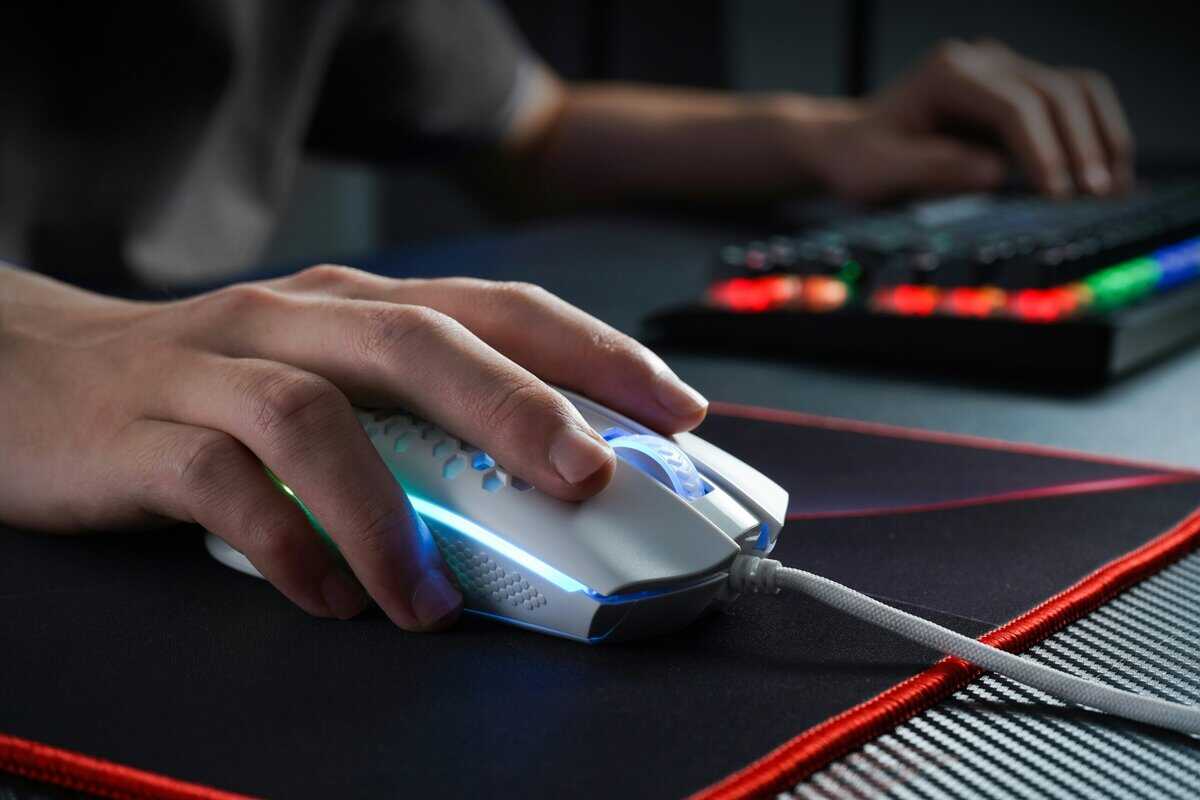
Unboxing your new 12 button mouse is the first step. The main challenge is making it an extension of your hand, which starts with a methodical setup. Resist the temptation to map every button immediately. The initial goal is to build foundational muscle memory.
First, install the mouse’s dedicated software, such as Razer Synapse or Logitech G Hub. This is non-negotiable, as it is your command center for remapping buttons, adjusting DPI settings, and creating game-specific profiles. Once installed, create a new profile for your primary game.
Your First Keybinds
Do not try to map all 12 buttons at once. This common mistake leads to frustration and can cause users to abandon the mouse. Instead, start small and focus on your most critical, high-frequency actions.
- Identify 4-6 Core Actions: Pinpoint the handful of abilities or commands you use constantly. This typically includes your primary attacks, a key defensive cooldown, a healing potion, and your main interrupt skill.
- Map to Comfortable Buttons: Assign these actions to the buttons your thumb naturally rests on without stretching. For most people, this will be the front two rows of the grid (buttons 1 through 6).
- Practice Consistently: Play with only these keybinds for several days. The objective is to press them without conscious thought, similar to using WASD keys.
By starting small, you get immediate value from the mouse. You will build confidence and a solid foundation of muscle memory before gradually adding more complex commands and macros to the remaining buttons on your 12 button mouse.
Beyond button mapping, other adjustments can improve usability. A high-quality surface is also important; consider our guide on choosing a good gaming mouse pad to ensure your sensor tracks accurately. If your setup leans MMO, the best MMO mousepad picks pair naturally with a 12-button mouse.
If you would rather move those binds to your left hand, our gaming keypad guide covers the one-handed option.
Got Questions About 12-Button Mice?
Even after weighing the pros and cons, you likely have specific questions about using a 12-button mouse. Let’s address some common concerns.
The biggest hesitation for most people is the learning curve. It’s a valid concern. Mastering the thumb grid takes time and a genuine commitment to building new muscle memory.
Is a 12-Button Mouse Too Heavy for FPS Games?
For competitive shooters like Valorant or Apex Legends, the answer is almost always yes. The extra hardware for the thumb grid adds significant weight and bulk, making the rapid, precise aiming required in FPS titles more difficult.
While you can technically play any game with one, a dedicated lightweight FPS mouse will provide a clear advantage. A 12-button mouse is a specialist’s tool for MMOs, not an all-purpose gaming mouse.
How Long Does It Take to Get Used to the Thumb Grid?
Realistically, expect an adjustment period of one to two weeks before using the grid becomes comfortable and reflexive. The key to learning it efficiently is to start small. Do not try to master all 12 buttons at once, as this is the main reason people feel overwhelmed.
The most effective method is to initially bind only your 3-4 most-used abilities to the buttons your thumb rests on naturally. As you build muscle memory over a few days, gradually add more keybinds. This step-by-step approach makes the process manageable.
Is It Worth Paying More for a Big-Brand Model?
This depends on your priorities and tolerance for minor issues. Established brands like Razer or Logitech typically offer more polished software, better long-term support, and reliable warranties. Budget-focused brands like Redragon deliver impressive hardware for the price, providing the core experience for less.
The main trade-off with budget models is often clunky software or less consistent long-term build quality. You are balancing upfront savings against the potential for future frustrations, which is a core decision for any budget-conscious gamer.
At Budget Loadout, we help you navigate these trade-offs to find gear that delivers maximum performance for your money. Budget Loadout
Related Articles